Setting Up Voicemail with Recordings: A Step-by-Step Guide
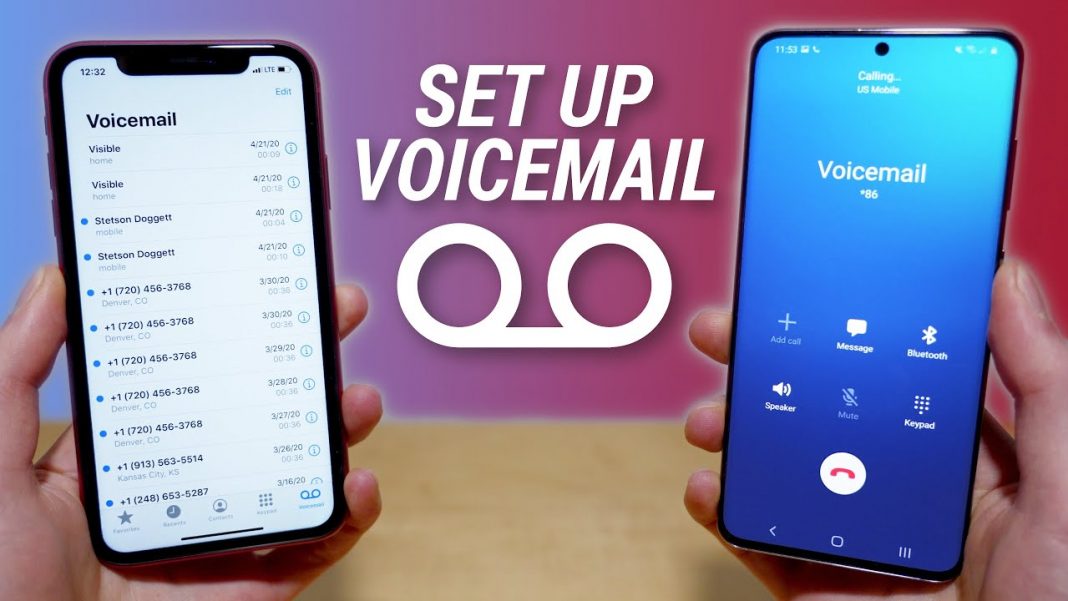
In today's fast-paced world, voicemail has become an essential feature for staying connected with friends, family, and colleagues. With the ability to leave and receive voicemail recordings, you can stay up-to-date on important messages and respond accordingly. In this article, we'll explore the process of setting up voicemail with recordings on various devices, including iPhones, Androids, and PC.
The Importance of Voicemail Setup
Setting up voicemail with recordings is crucial for several reasons. Firstly, it allows you to personalize your voicemail experience by recording a custom greeting that reflects your personality or brand. Secondly, it enables you to manage your messages more efficiently by filtering out unwanted calls and prioritizing important ones. Finally, it ensures that callers can leave clear and concise messages, which can be accessed and responded to at your convenience.
Setting Up Voicemail on iPhone
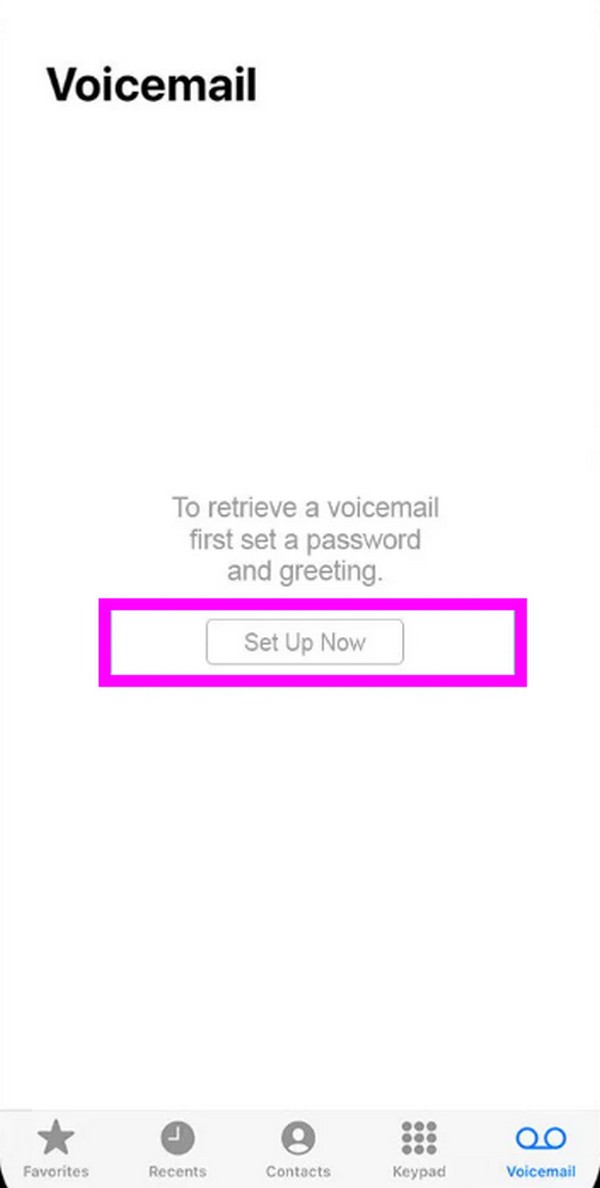
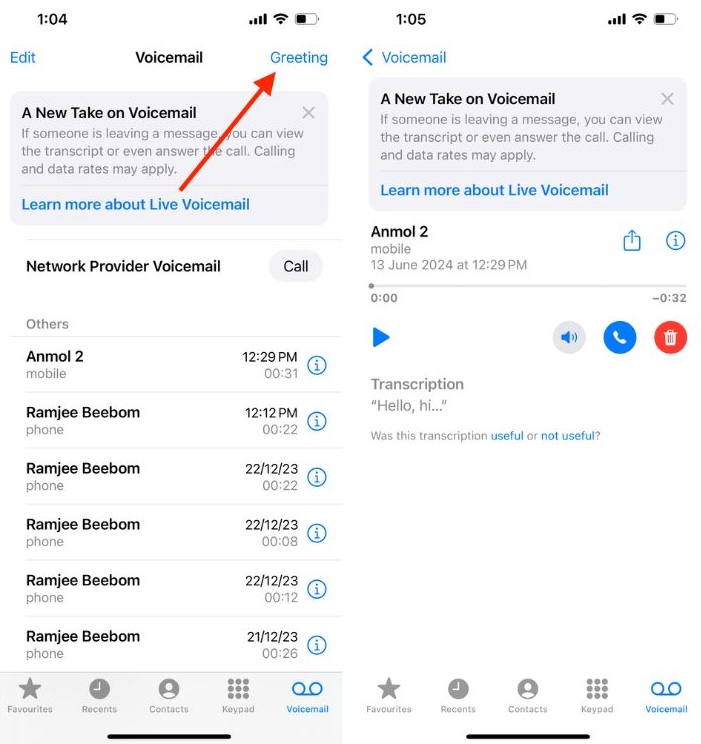
Setting up voicemail on iPhone is a straightforward process that can be completed in a few simple steps:
- Open the Phone app and tap on the "Voicemail" tab.
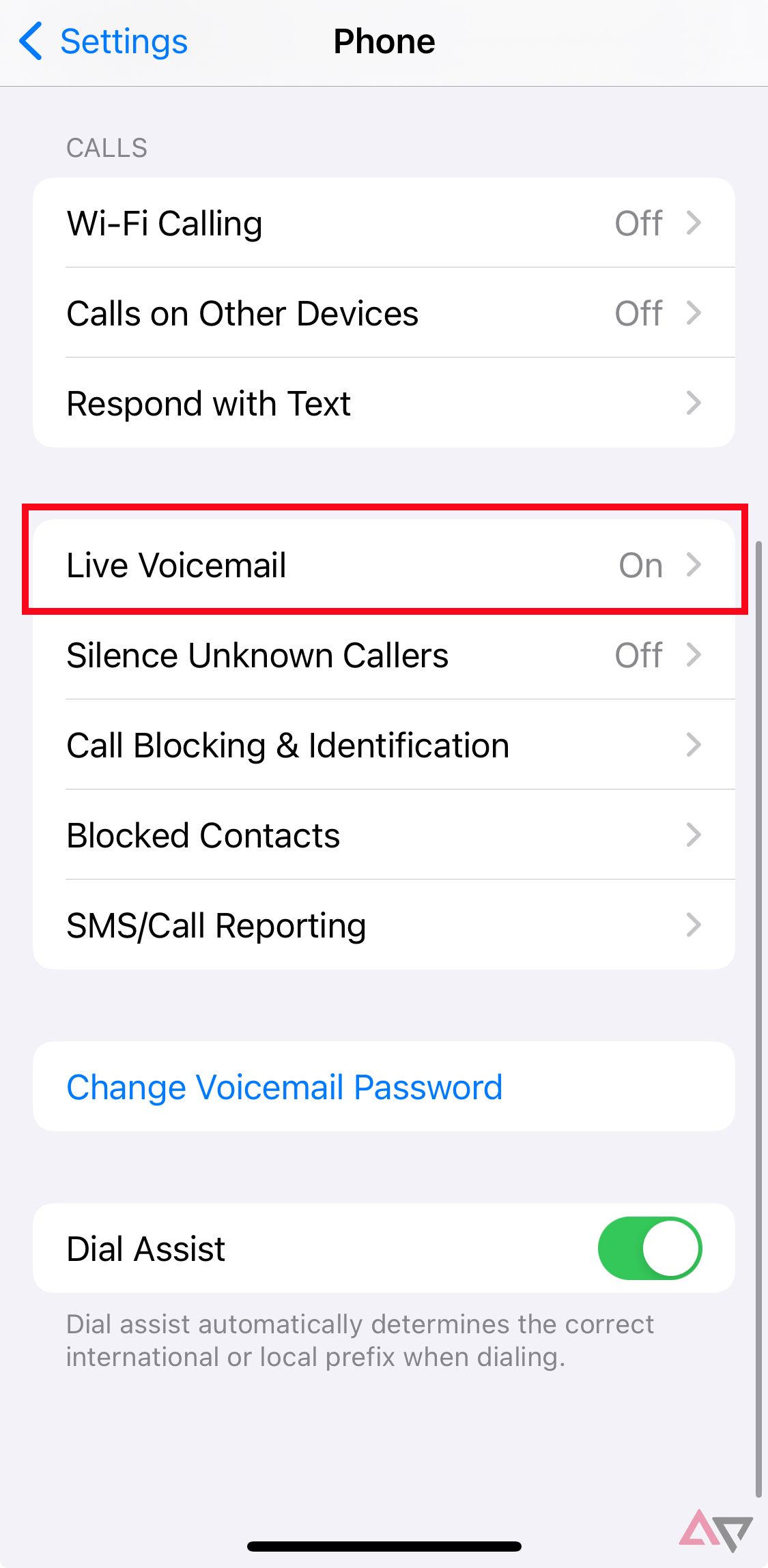
- Tap on the "Voicemail Settings" icon (represented by a gear symbol).
- Select "Set Up Now" and enter your voicemail password.
- Choose either the default greeting or record a custom greeting.
- Tap "Done" to complete the setup process.
Setting Up Voicemail on Android
Setting up voicemail on Android devices is also relatively easy and can be completed as follows:
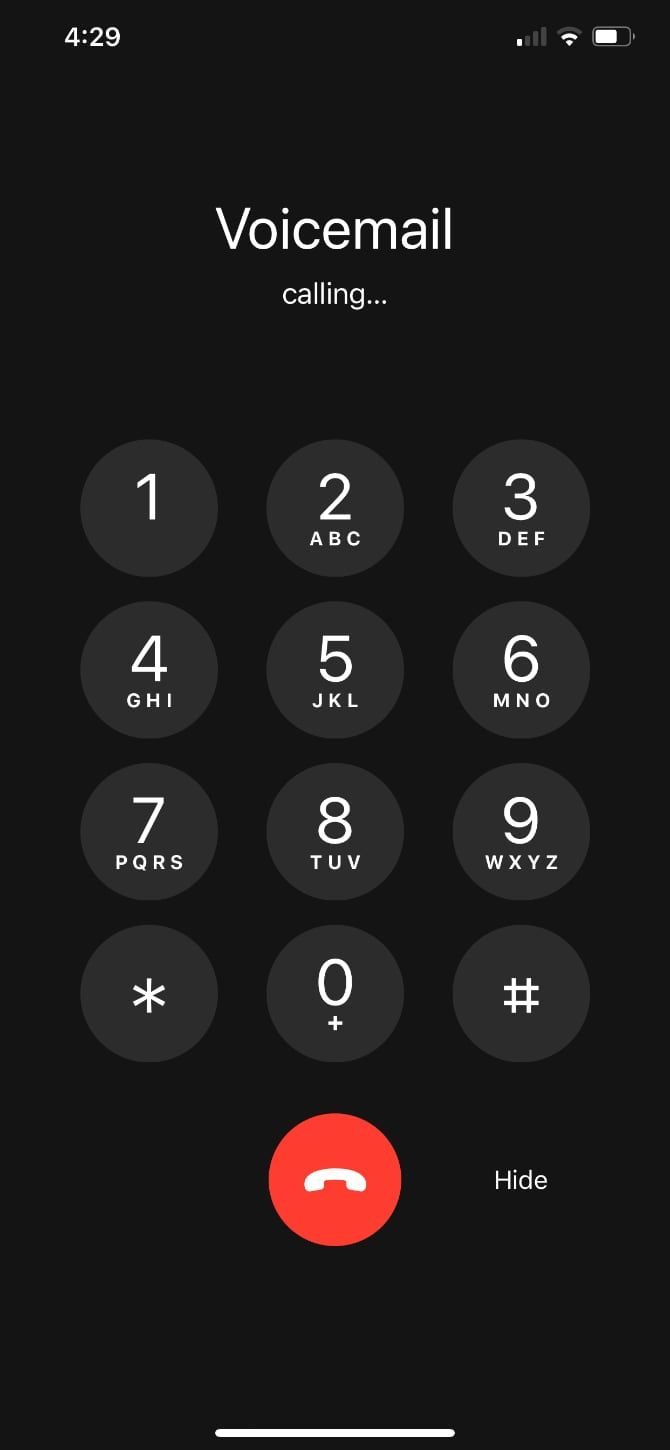
- Open the Phone app and dial your own phone number.
- Follow the voice prompts to create a voicemail password.
- Record a custom greeting or use the default greeting.
- Save your changes to complete the setup process.
Setting Up Voicemail on PC
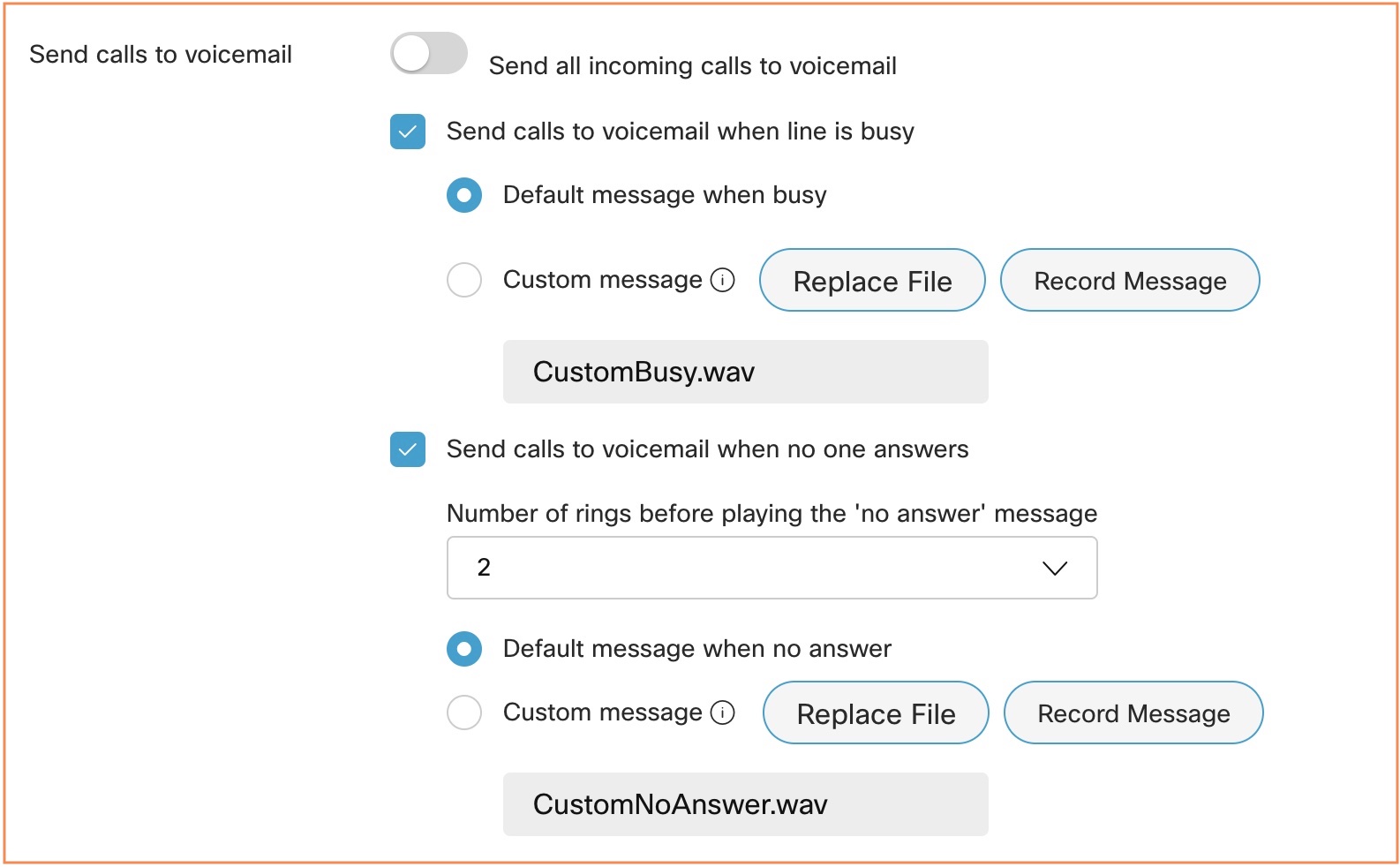
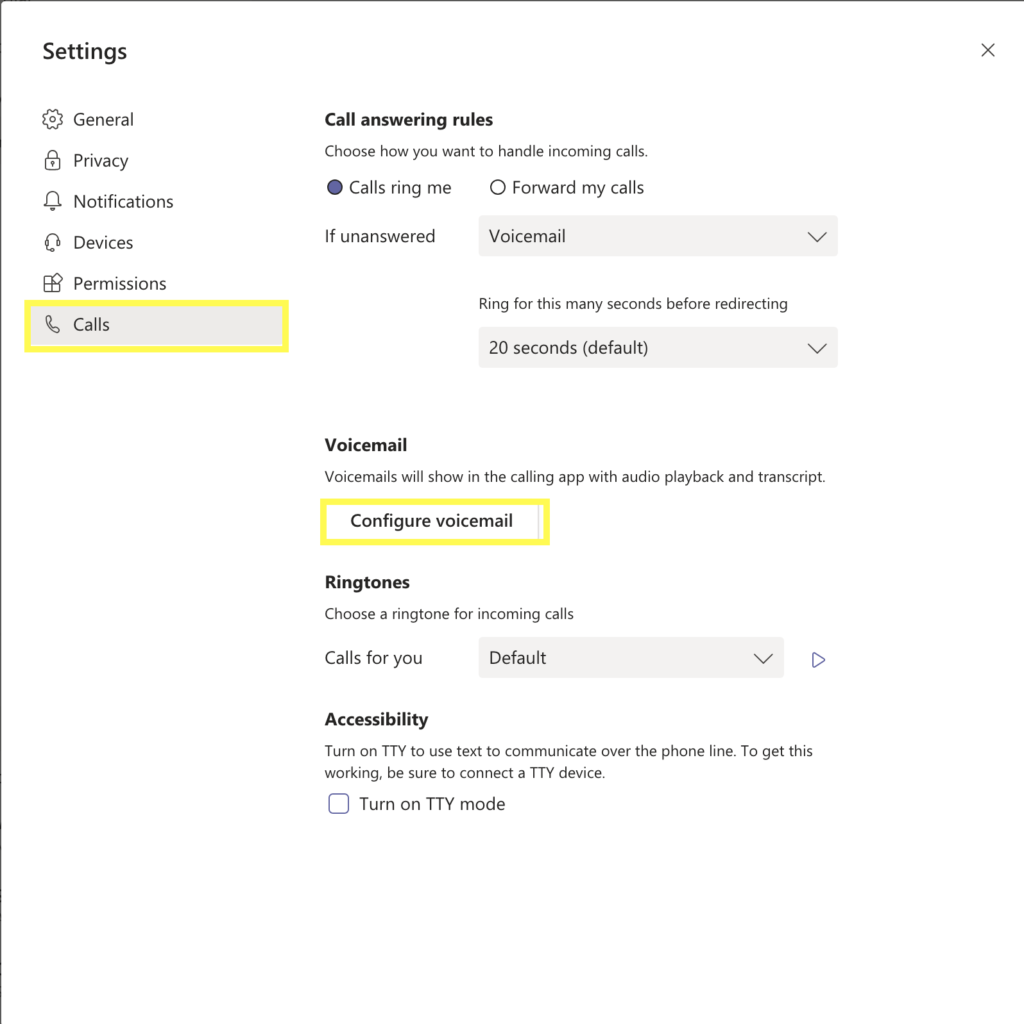
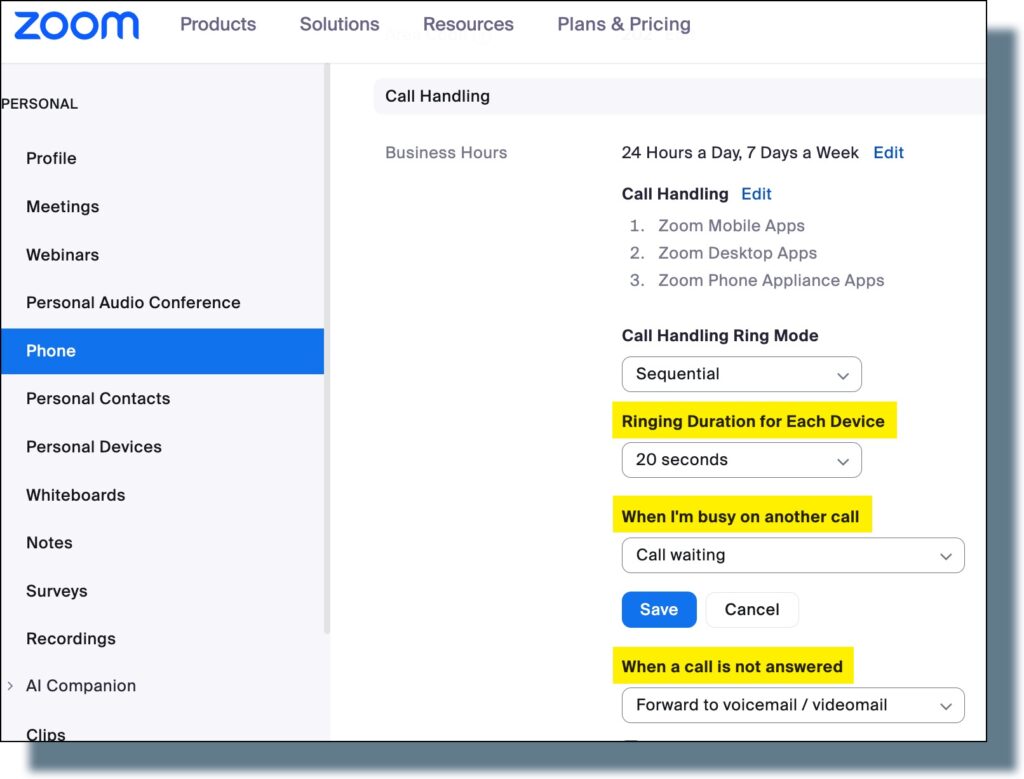
Setting up voicemail on PC involves using software or online services that enable you to manage your voicemail messages remotely. Some popular options include YouMail, Zoom Phone, and Fios Digital Voice Voicemail.
Recording Voicemail Greetings
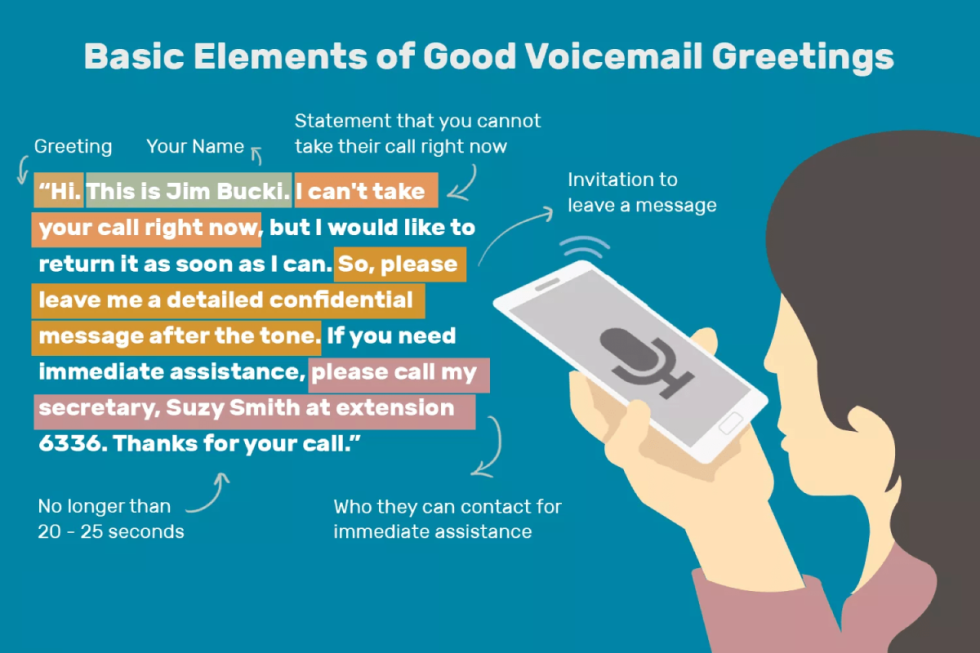
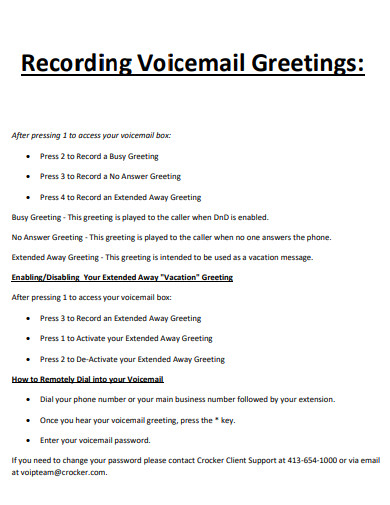
Recording voicemail greetings is a critical step in setting up voicemail with recordings. This allows you to personalize your voicemail experience and create a clear and concise message for callers. To record a voicemail greeting, follow these steps:
- Open the Phone app and navigate to the voicemail settings.
- Select "Record Greeting" or "Create Custom Greeting."
- Record your voicemail greeting using the microphone or audio input.
- Save your changes to complete the recording process.
Managing Voicemail Messages
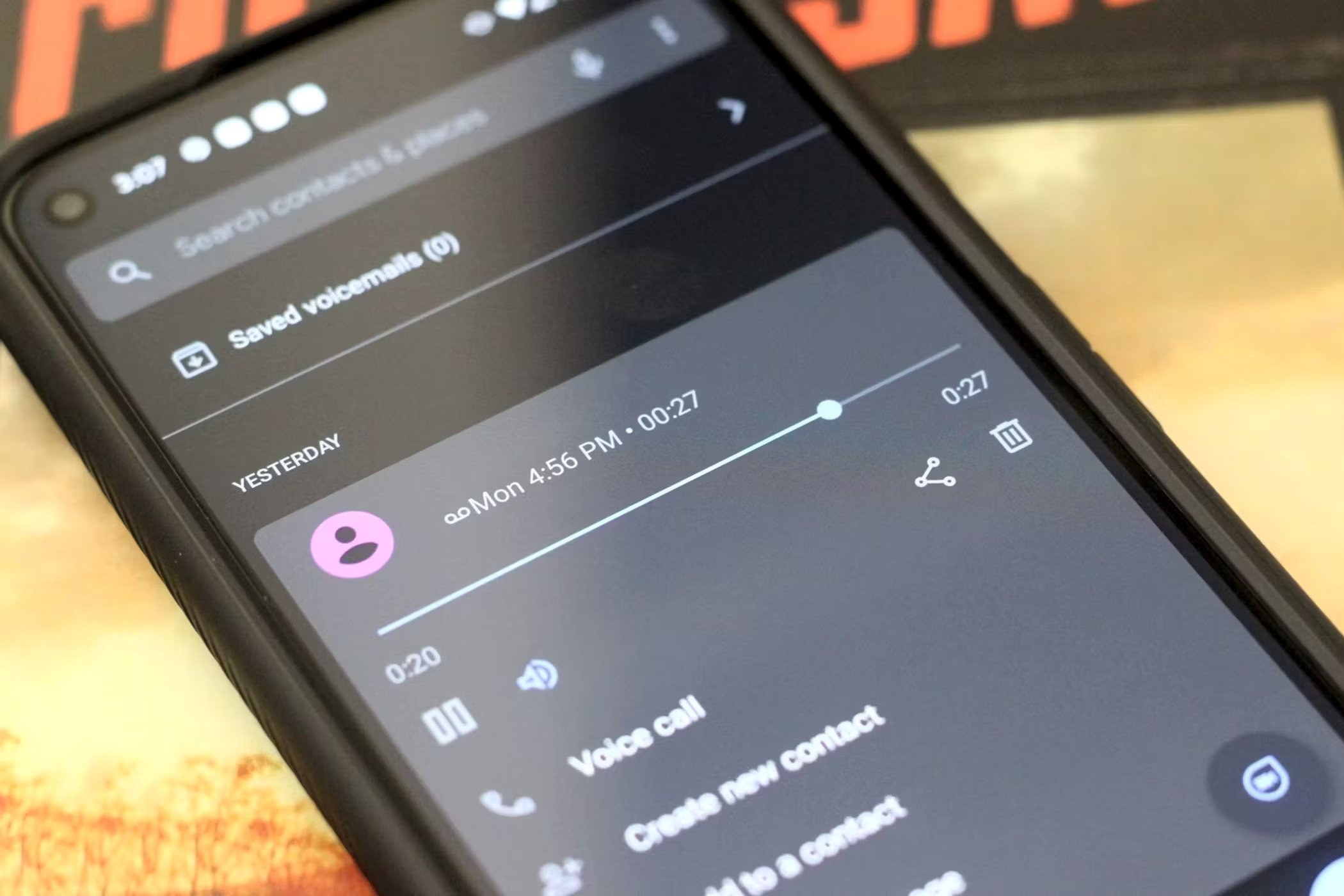
Once you've set up voicemail with recordings, you'll need to manage your messages efficiently. This involves filtering out unwanted calls, prioritizing important messages, and responding to callers in a timely manner. Some tips for managing voicemail messages include:
- Setting up voicemail filters to block unwanted calls.
- Using voicemail notifications to stay informed about incoming messages.
- Responding to callers promptly to maintain clear communication.
Conclusion
Setting up voicemail with recordings is a crucial step in staying connected with others in today's fast-paced world. By following the steps outlined in this article, you can personalize your voicemail experience, manage your messages efficiently, and respond to callers in a timely manner. Whether you're using an iPhone, Android, or PC, setting up voicemail with recordings is essential for effective communication and productivity.
.png "Set up or change a voicemail greeting")