Understanding Computer Upgrade Compatibility: A Comprehensive Guide
When it comes to upgrading your computer, compatibility is a crucial factor to consider. Ensuring that your new hardware or software components are compatible with your existing system can save you from a world of trouble, including crashes, errors, and even data loss. In this article, we'll delve into the world of computer upgrade compatibility and provide you with a comprehensive guide to help you navigate the process with confidence.
Why Computer Upgrade Compatibility Matters
Computer upgrade compatibility is essential because it ensures that your new hardware or software components work seamlessly with your existing system. This is particularly important when upgrading your computer's hardware, such as adding new RAM, replacing the hard drive with a solid-state drive (SSD), or upgrading your graphics card. If the new components are not compatible with your existing system, it can lead to a range of problems, including:
- Crashes and errors
- Data loss
- System instability
- Compatibility issues with other software
What Affects Computer Upgrade Compatibility?
Several factors can affect computer upgrade compatibility, including:
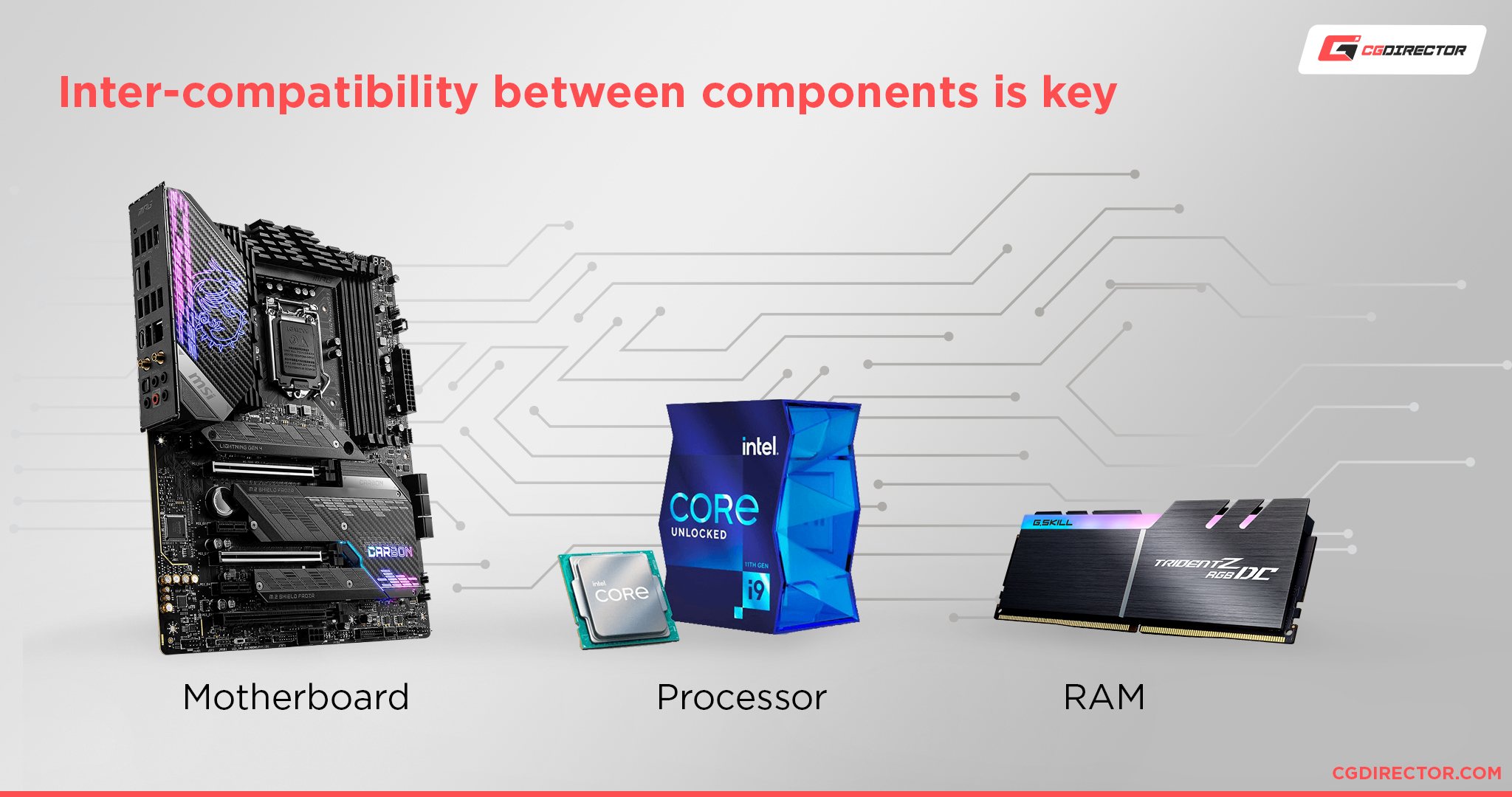
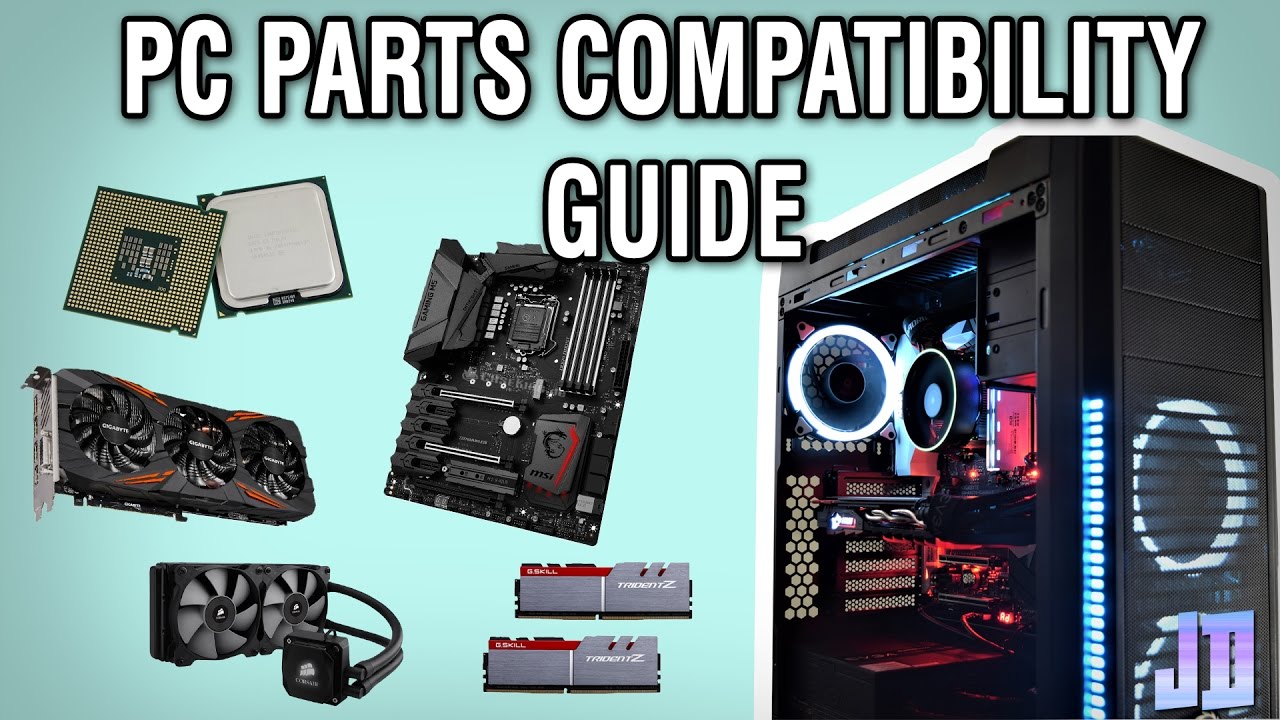
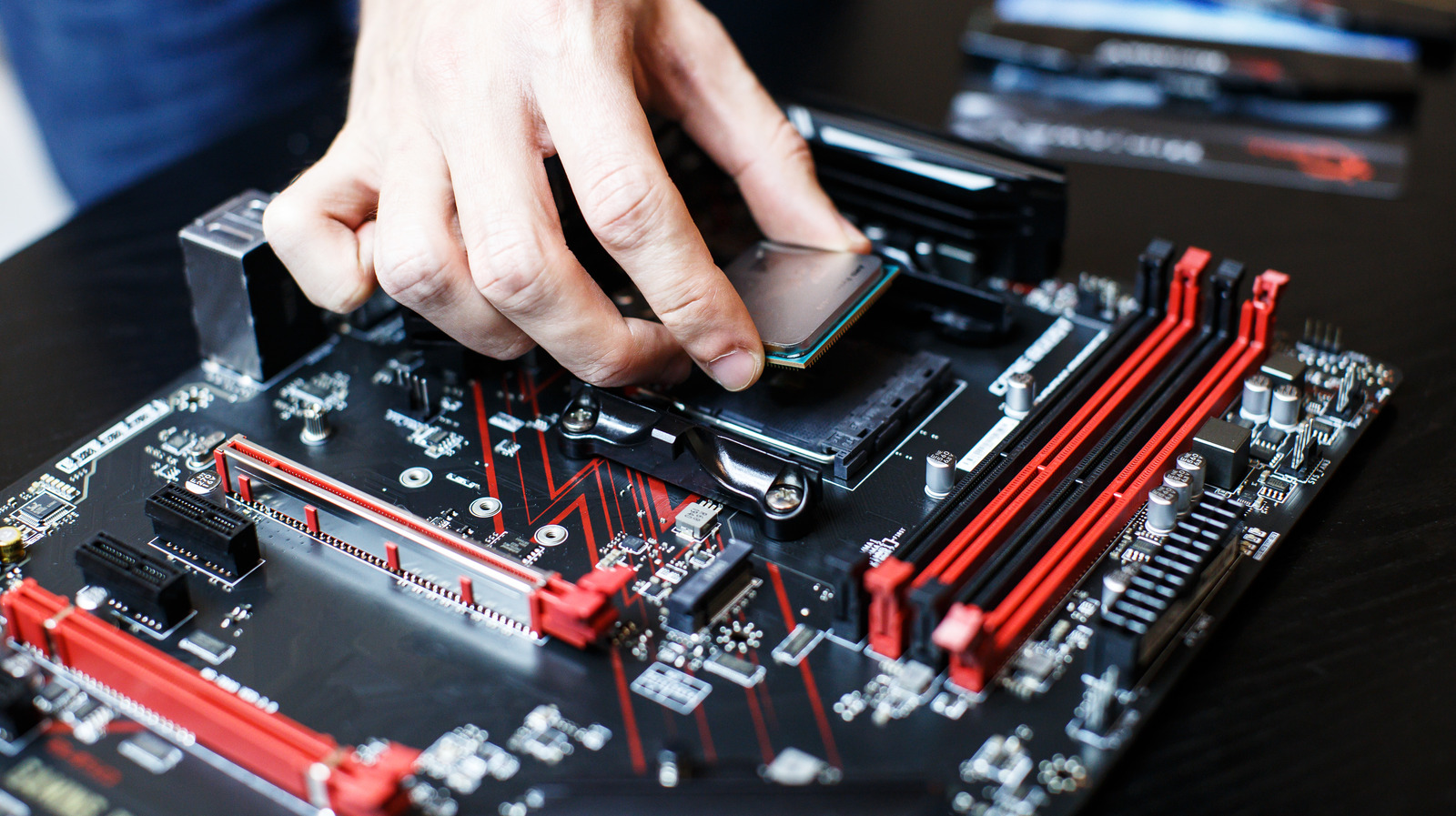
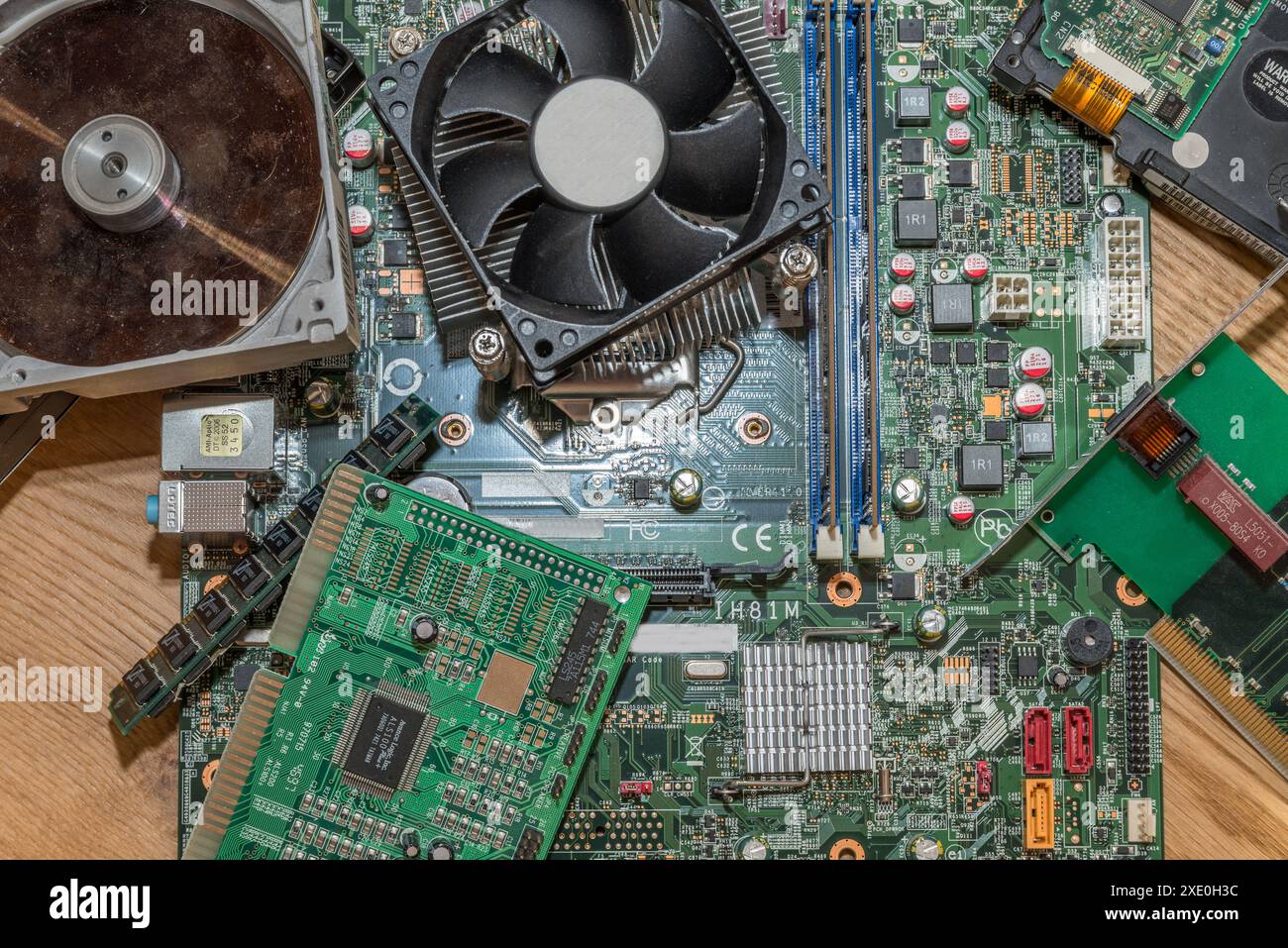
- Hardware compatibility: This refers to the compatibility of new hardware components with your existing system's hardware, such as the CPU, motherboard, and chipset.
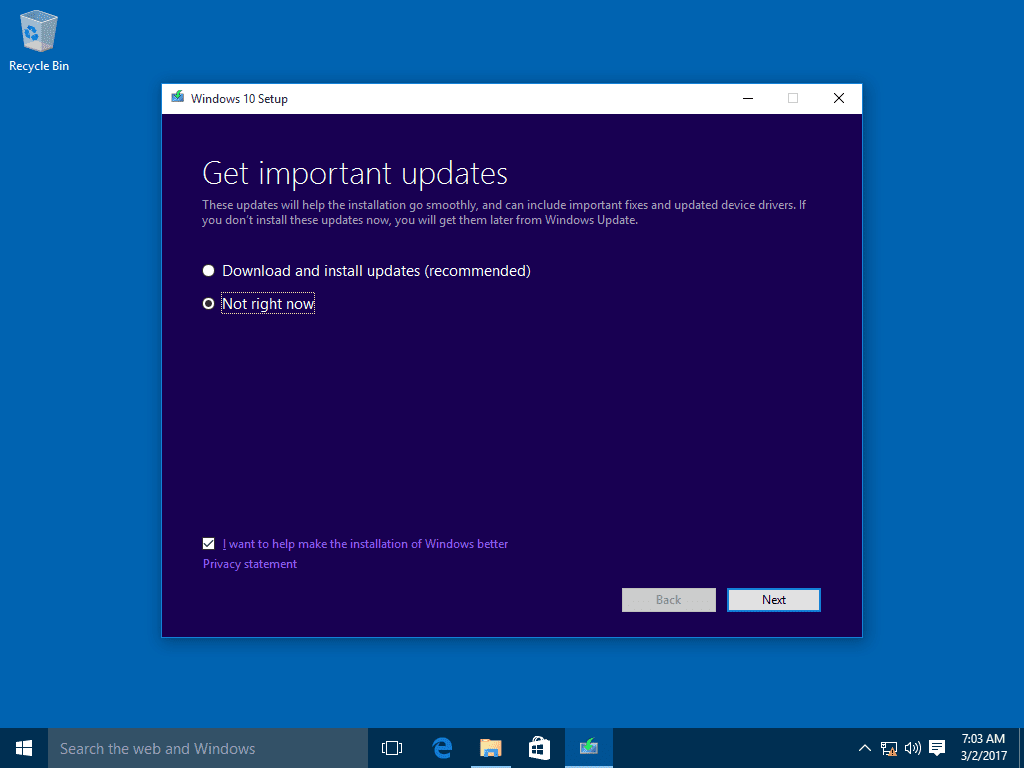
- Software compatibility: This refers to the compatibility of new software components with your existing system's software, such as the operating system and drivers.
- Operating system version: The version of your operating system can affect compatibility with new hardware and software components.
- Bios and UEFI settings: The bios and UEFI settings on your motherboard can also affect compatibility with new hardware components.
How to Check Computer Upgrade Compatibility
To check computer upgrade compatibility, you can use a range of tools and resources, including:
- Manufacturer's websites: Many hardware manufacturers provide compatibility guides and tools on their websites to help you check compatibility.
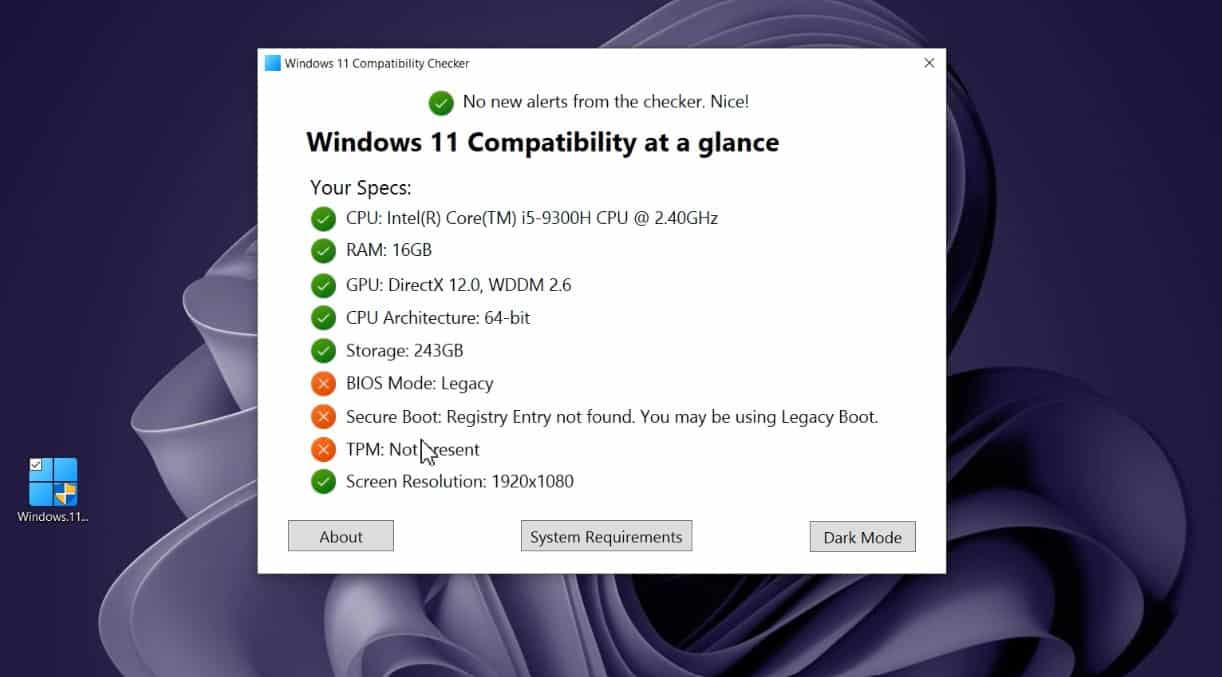
- Compatibility checkers: Tools like PC Part Picker and Build My PC allow you to enter your system's specifications and check compatibility with new hardware components.
- Online forums and communities: Online forums and communities, such as Tom's Hardware and Reddit's r/buildapc, can provide valuable insights and advice on computer upgrade compatibility.
- Consulting with a professional: If you're unsure about compatibility or need help with the upgrade process, consider consulting with a professional.
Best Practices for Computer Upgrade Compatibility
To ensure computer upgrade compatibility, follow these best practices:
- Research thoroughly: Before making any upgrades, research the compatibility of the new hardware or software components with your existing system.
- Check manufacturer's websites: Visit the manufacturer's website for the new hardware or software component to check for compatibility information.
- Use compatibility checkers: Use tools like PC Part Picker and Build My PC to check compatibility with new hardware components.
- Backup your data: Before making any upgrades, backup your important data to prevent loss in case something goes wrong.
- Consider professional help: If you're unsure about compatibility or need help with the upgrade process, consider consulting with a professional.
Conclusion
Computer upgrade compatibility is a critical factor to consider when upgrading your computer. By understanding what affects compatibility and using the right tools and resources, you can ensure that your new hardware or software components work seamlessly with your existing system. Remember to research thoroughly, check manufacturer's websites, use compatibility checkers, backup your data, and consider professional help if needed. By following these best practices, you can upgrade your computer with confidence and enjoy a smooth, stable, and high-performance system.
Additional Resources
For more information on computer upgrade compatibility, check out the following resources:
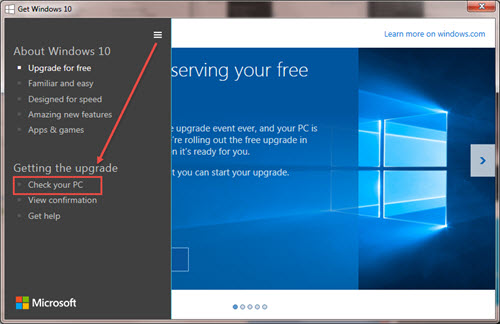
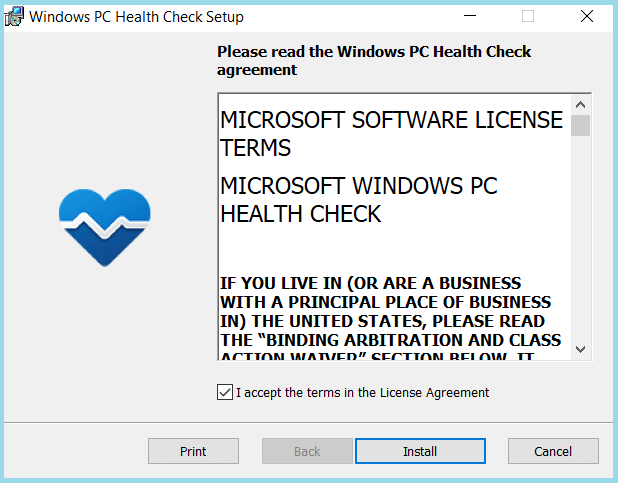
- Microsoft's Windows Health Check app
- Tom's Hardware's PC build guides
- Reddit's r/buildapc community
- PC Part Picker's compatibility checker
- Build My PC's compatibility checker