Minecraft Server Optimization Guide for High Traffic: Boost Performance and Reduce Lag
Minecraft servers can be a source of endless entertainment for gamers worldwide, but managing high traffic can be a challenge for server owners. A high-performance Minecraft server requires careful optimization to ensure smooth gameplay, reduce lag, and handle a large number of players. In this comprehensive guide, we'll walk you through essential tips and techniques to optimize your Minecraft server for high traffic.
Hardware Optimization: The Foundation of a High-Performance Server
When it comes to Minecraft server optimization, hardware plays a crucial role. Here are some key hardware considerations to keep in mind:
- Processor: A CPU with high single-thread performance is more important than having many cores. Look for a recent Intel Core i7/i9 or AMD Ryzen 7/9 processor.
- Memory: Ensure your server has a sufficient amount of RAM (at least 16 GB) to handle the demands of high traffic.
- Storage: Use a solid-state drive (SSD) as your primary drive for faster data access and loading times.
- Networking: Upgrade your network card to a high-speed (1 Gbps or 10 Gbps) option for reduced latency and improved data transfer.
Software Optimization: The Power of Modern Server Forks
Choosing the right software for your Minecraft server is crucial for optimal performance. Modern server forks offer significant improvements over vanilla servers, with enhanced optimization, better plugin support, and advanced features. Some popular high-performance server forks include:
- Spigot
- Paper
- Fabric
- 17406_Beta
When selecting a server fork, consider the specific features and performance you need for your server. Paper, for example, offers optimized tick handling, async chunk loading, and configurable entity tracking distances, which can handle 40-50% more players on identical hardware compared to vanilla.
Plugin Optimization: Managing Your Plugins for Better Performance
Plugins can significantly impact server performance. Here are some essential plugin management tips:
- Keep plugins up-to-date: Regularly update your plugins to ensure you have the latest security patches and performance enhancements.
- Disable unnecessary plugins: Remove plugins that are not essential to your server's functionality to reduce memory usage and lag.
- Optimize plugin settings: Review and adjust plugin settings to optimize performance, such as configuring entity tracking distances or reducing chunk loading times.
Network Optimization: Compressing Data for Faster Performance

Network compression can significantly reduce data transfer times, leading to faster performance and reduced lag. Here's how to optimize network compression:
- Set a suitable packet size: Adjust the `network-compression-threshold` setting to determine the packet size at which Minecraft compresses data sent between the server and clients.
- Enable network compression: Enable network compression on your server to take advantage of reduced data transfer times.
World Optimization: Configuring the Right Settings for Your World
World settings can impact server performance. Here are some essential world optimization tips:
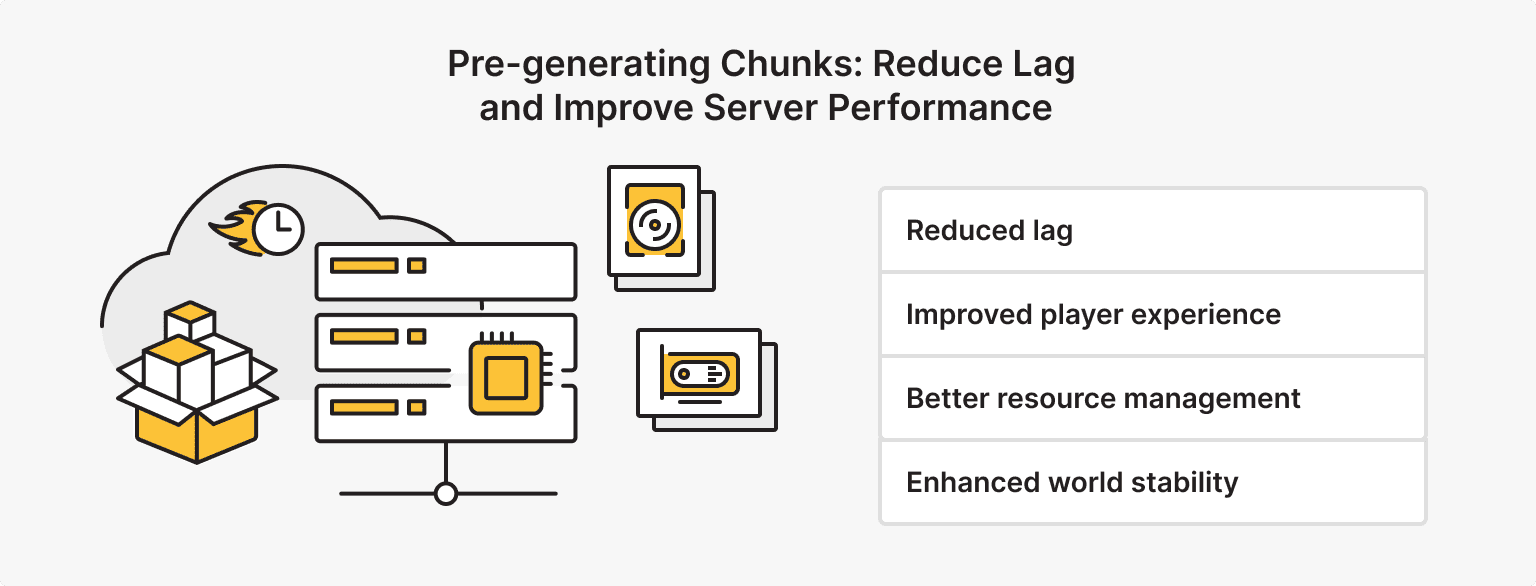
- Configure region settings: Adjust region settings to optimize chunks loading and unloading, reducing lag and improving performance.
- Optimize biome settings: Adjust biome settings to optimize terrain generation and reduce lag.
- Configure chunk settings: Optimize chunk settings, such as chunk loading and unloading, to reduce lag and improve performance.
Monitoring and Maintenance: Keeping Your Server Running Smoothly
Monitoring and maintaining your server is crucial for optimal performance. Here are some essential monitoring and maintenance tasks:
- Regularly back up your world: Regularly back up your world data to ensure you can restore your server in case of a disaster.
- Monitor server logs: Regularly review server logs to identify performance issues and potential errors.
- Update server software: Regularly update your server software to ensure you have the latest performance enhancements and security patches.
By implementing these Minecraft server optimization techniques, you'll be able to handle high traffic, reduce lag, and provide a better experience for your players. Remember to regularly review and adjust your settings to ensure optimal performance.
Conclusion
Optimizing your Minecraft server for high traffic requires careful consideration of hardware, software, and network settings. By following the tips and techniques outlined in this guide, you'll be able to boost performance, reduce lag, and provide a better experience for your players. Remember to regularly review and adjust your settings to ensure optimal performance and maintain a smooth gaming experience.