Smart Phone Security System to Prevent Hackers: A Comprehensive Guide
As our reliance on smartphones grows, so does the need for robust cybersecurity measures to prevent hackers from gaining access to our personal data. In this article, we'll explore the best practices for implementing a smartphone security system that can prevent hackers from exploiting vulnerabilities in our devices.
The Importance of Smart Phone Security
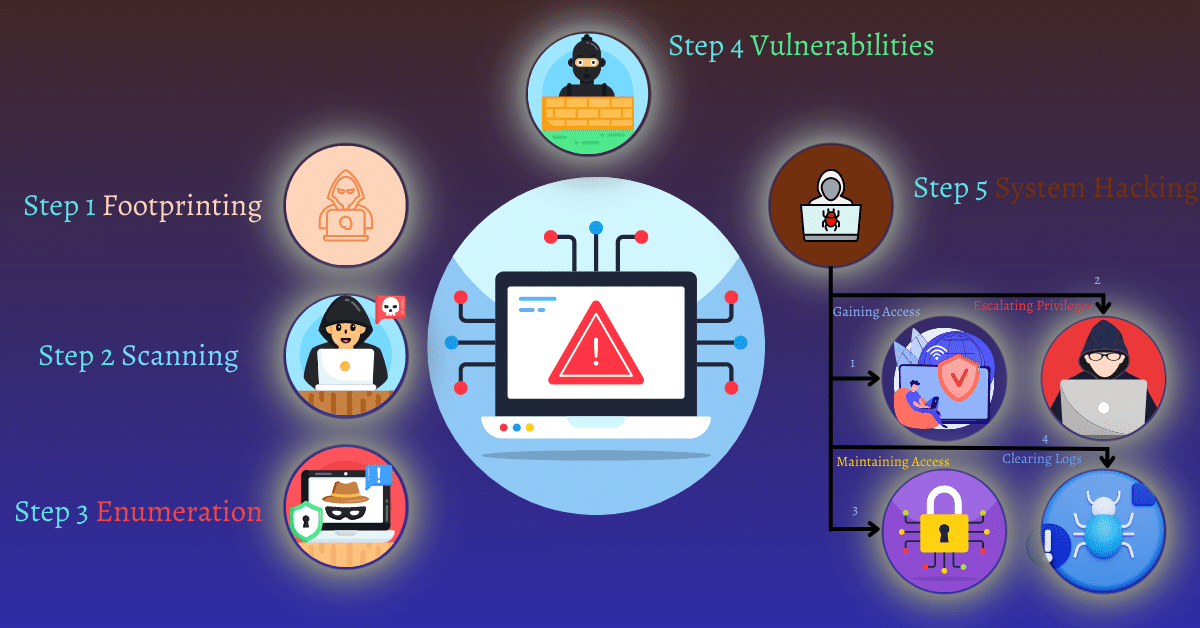
Smartphones are essentially mini-computers that contain sensitive information, including personal data, login credentials, and financial information. If a hacker gains access to our smartphone, they can potentially steal our identity, buy items with our money, or hack into our email or social media accounts. To prevent this, it's essential to understand the different types of security threats and how to mitigate them.
Types of Security Threats
Ransomware Attacks: Ransomware locks important system files by encrypting them using asymmetric cryptography (like RSA, ECC) or hybrid encryption (AES-RSA).
Domain Spoofing: Hackers use domain spoofing, homograph attacks, and malicious macros to bypass security and trick users into revealing sensitive data.
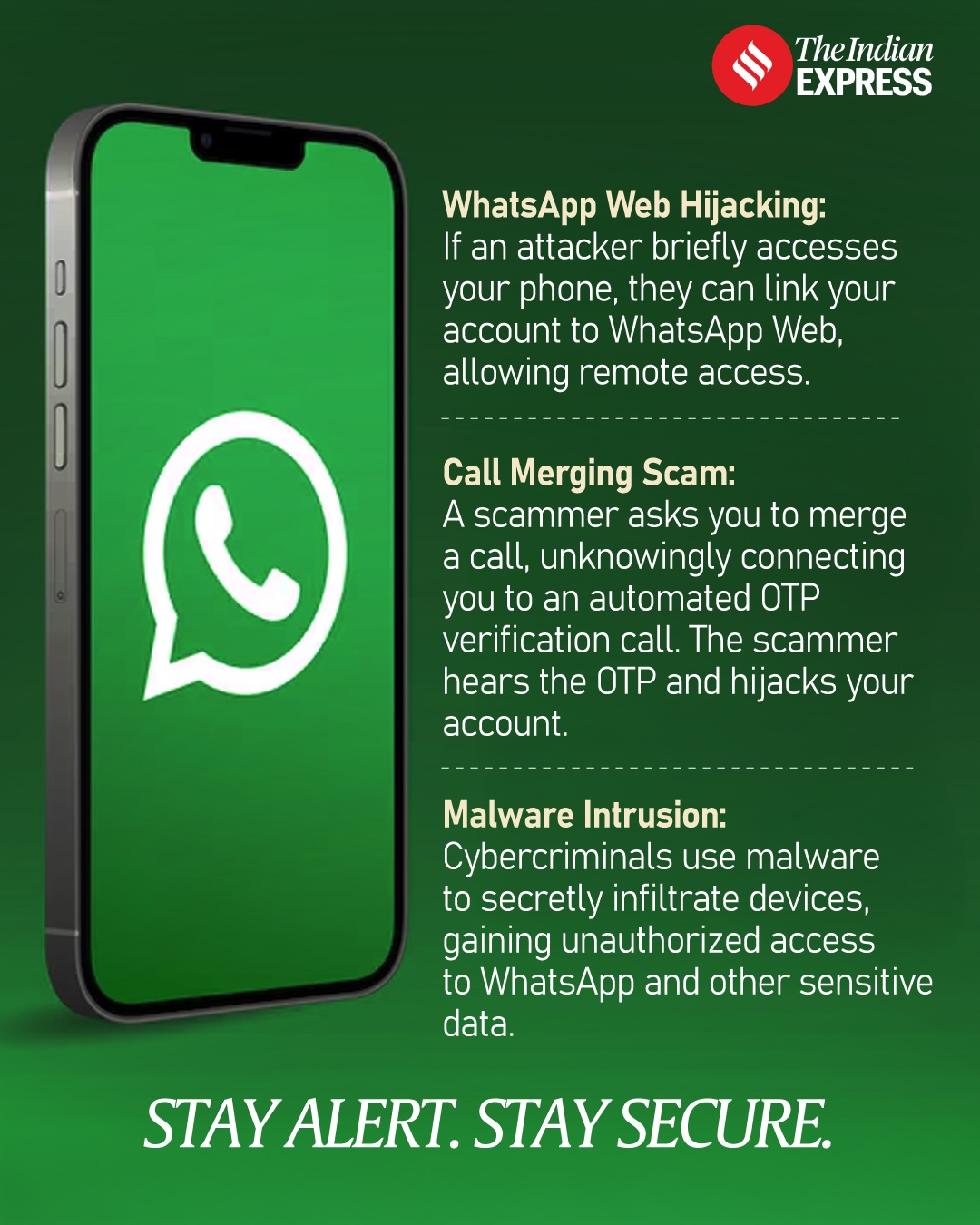
Malware: Malware attacks destroy, modify, or steal sensitive data by exploiting vulnerabilities in software or hardware.
Phishing: Phishing attacks manipulate users into revealing sensitive information by using social engineering tactics and fake emails or messages.
Implementing a Smartphone Security System

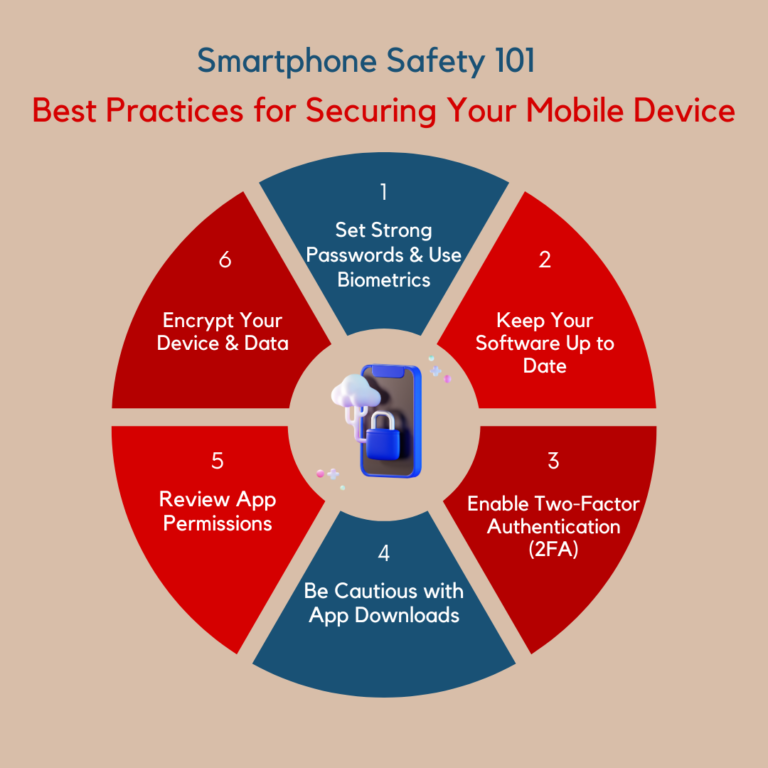
Implementing a smartphone security system requires a combination of hardware and software security measures. Here are some steps you can take to secure your smartphone:
Keep Your Software Updated: Install system and app updates promptly to allow your smartphone to benefit from any security updates or patches that fix vulnerabilities.
Use a Virtual Private Network (VPN): A VPN encrypts your internet traffic and protects your data from being intercepted by hackers.
Use Antivirus Software: Install a reputable antivirus software that scans your device for malware and detects potential threats.
Use a Secure Password Manager: A password manager stores and generates unique, complex passwords for each of your online accounts.
Enable Two-Factor Authentication (2FA): 2FA requires a second form of verification, such as a fingerprint or face recognition, to access your device or online accounts.
Back Up Your Data: Regularly back up your data to prevent loss in case your device is compromised by a hacker.
Use a Secure Operating System: Consider using a secure operating system that offers enhanced security features, such as end-to-end encryption and secure boot.
Disable Unnecessary Features: Disable features that you don't use, such as Bluetooth, GPS, or NFC, to prevent hackers from exploiting them.
Additional Tips for Smart Phone Security
Don't Modify Your Smartphone's Security Settings: Avoid modifying your smartphone's security settings, as this can undermine the built-in security features provided by your wireless service and smartphone.
Don't Jailbreak or Root Your Smartphone: Jailbreaking or rooting your smartphone can compromise its security and make it more susceptible to attacks.
Be Cautious of Public Wi-Fi: Avoid using public Wi-Fi networks, as they can be vulnerable to hacking and data interception.
Use a Secure Browser: Use a secure browser that offers enhanced security features, such as private browsing and ad-blocking.
Conclusion
Implementing a smartphone security system is crucial in preventing hackers from exploiting vulnerabilities in our devices. By following the steps outlined in this article, you can significantly reduce the risk of your smartphone being hacked and protect your personal data. Remember to keep your software updated, use antivirus software, and enable 2FA to name a few. Stay vigilant, and stay safe!