How to Set Up a WiFi Network in School: A Comprehensive Guide
Setting up a WiFi network in a school is a complex process that requires careful planning, execution, and ongoing management. With the increasing number of devices connecting to the network, a reliable and secure WiFi network is critical for ensuring a seamless digital experience for students and staff alike. In this article, we will guide you through the step-by-step process of setting up a WiFi network in school.
Planning and Design
Before setting up the wireless network, it's essential to plan and design the infrastructure to ensure it meets the demands of the school. This includes identifying the type of devices that will be connecting to the network, the number of users, and the coverage area. Here are some factors to consider:
- Device types: Laptops, tablets, smartphones, and other devices that will be connected to the network.
- Number of users: Students, teachers, and staff who will be accessing the network.
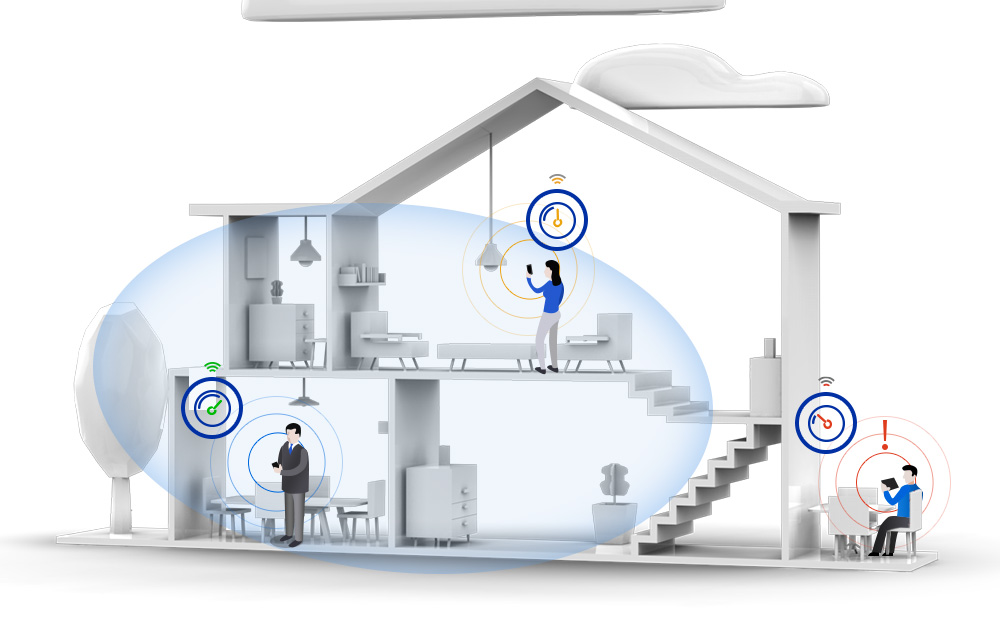
- Coverage area: The area that needs to be covered, including classrooms, hallways, and outdoor spaces.
Obtaining the Necessary Equipment
To set up a WiFi network in school, you will need the following equipment:
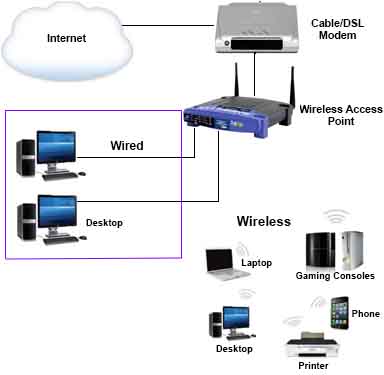
- Wireless Access Points (APs): These provide wireless coverage throughout the school.
- Wireless Router: This connects the APs to the internet and manages the network.
- Cabling: Ethernet cables will be needed to connect devices to the router and APs.
- Switches: To connect multiple devices to the network.
SetUp the Wireless Router and Access Points
Once you have the necessary equipment, follow these steps to set up the wireless router and access points:
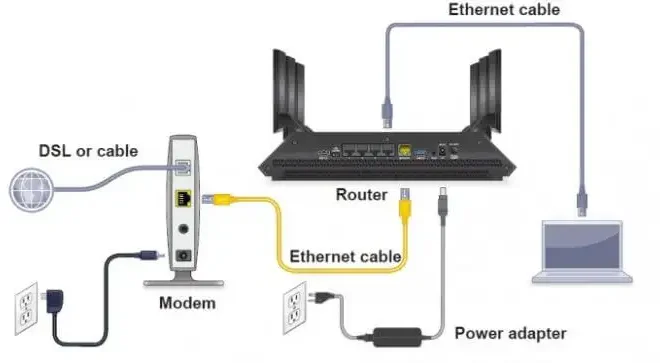
1. Connect the wireless router to the internet and power it on.
2. Connect the APs to the wireless router using Ethernet cables.
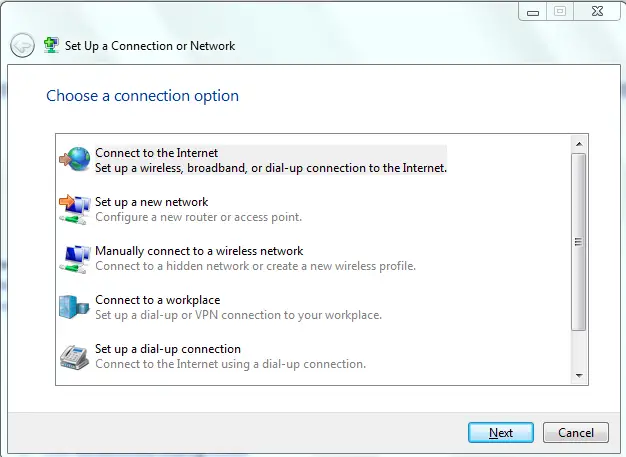
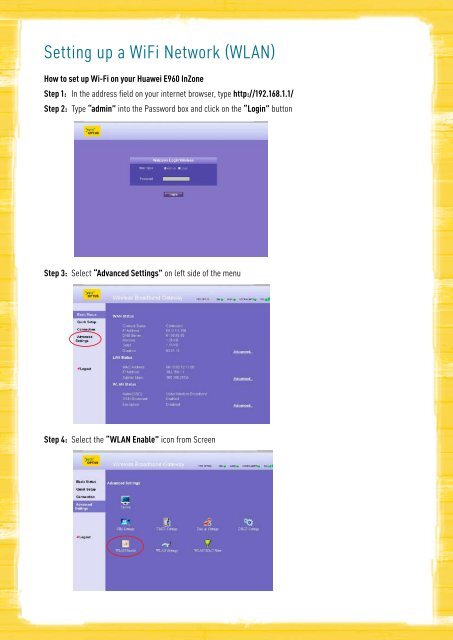
3. Configure the wireless settings on the router and access points to ensure they are communicating with each other.
-Connection-Step-1-Version-6.jpg/v4-460px-Set-up-a-Wireless-Network-(WiFi)-Connection-Step-1-Version-6.jpg)
Configure the Network Security
Security is a critical aspect of the WiFi network. Here are the steps to configure network security:
- Set up a network name (SSID) and password to prevent unauthorized access.
- Enable WPA2 encryption to secure data transmission.
- Configure the firewall to block unauthorized access to the network.
- Set up parental controls to restrict access to certain websites and apps.
Optimize the Network Performance
To ensure the network performs optimally, follow these best practices:
- Regularly update the firmware on the router and access points.
- Monitor network performance and adjust settings as needed.
- Implement Quality of Service (QoS) to prioritize critical applications.
- Regularly backup the network configuration to prevent data loss.
Monitor and Maintain the Network
Regular maintenance is crucial to ensure the WiFi network remains secure and performs optimally. Here are some best practices:
- Regularly scan for viruses and malware.
- Monitor network traffic and adjust settings as needed.
- Perform regular firmware updates.
- Provide user training on network security and best practices.
Conclusion
Setting up a WiFi network in school requires careful planning, execution, and ongoing management. By following the guidelines outlined in this article, you can create a secure, reliable, and high-performance wireless infrastructure that supports modern learning and collaboration. Don't forget to monitor and maintain the network regularly to ensure it continues to perform optimally.
By implementing a robust WiFi network, schools can improve the learning experience for students and staff, increase productivity, and enhance collaboration. With the right planning, equipment, and maintenance, a school WiFi network can be a valuable asset to the educational institution.