Setting Up OBS for Best Performance: A Comprehensive Guide
Are you new to OBS (Open Broadcaster Software) and struggling to set up the right settings for smooth, high-quality streaming and recording? Look no further! In this article, we'll guide you through the best OBS settings for optimal performance, ensuring that your streams look and sound great. Whether you're a seasoned streamer or just starting out, this comprehensive guide will help you optimize your OBS settings for the best possible results.
Understanding the Importance of Settings
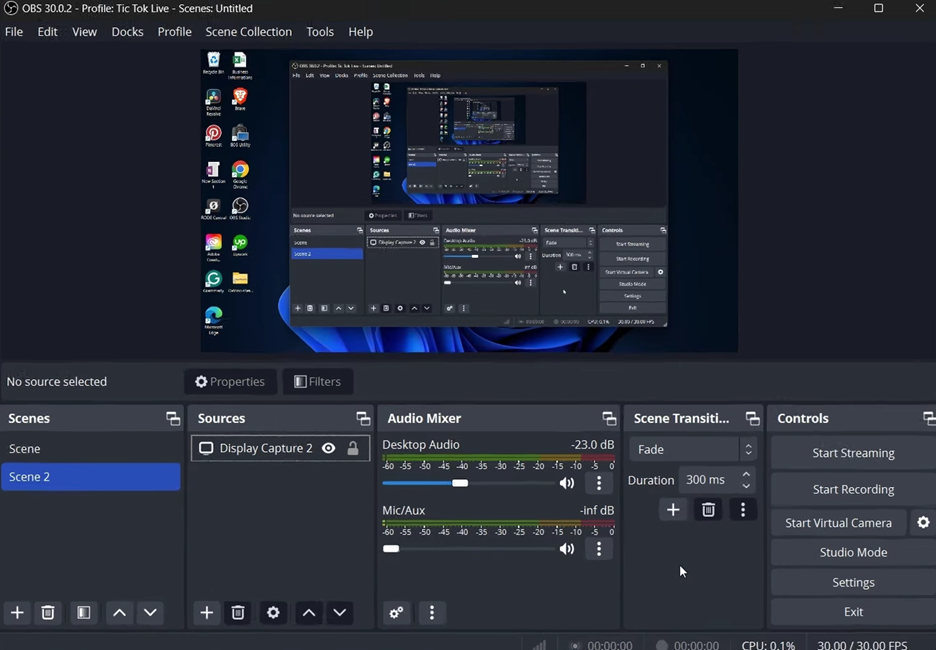
OBS is a powerful and free open-source software tool for live streaming and screen recording. However, to achieve smooth, high-quality output without lag or buffering issues, configuring the right settings is crucial. In this article, we'll cover the best OBS settings for recording and streaming, including bitrate, CQP rate control, encoders, frame rates, audio tracks, and performance tuning.
Recommended Settings for the Best Performance
- Video Settings:
- Bitrate: 8000-12000 kbps (depending on your internet speed)
- CQP Rate Control: 23-25
- Encoder: x264
- Resolution: 1080p or 1440p
- Frame Rate: 30-60 FPS
- Audio Settings:
- Sample Rate: 44.1 kHz or 48 kHz
- Bit Depth: 16-bit or 24-bit
- Channels: Stereo or Mono
- Performance Tuning:
- Optimize your computer's resources for OBS by closing unnecessary programs
- Adjust the buffer size to optimize performance and reduce lag
- Use a high-performance graphics card for smoother video decoding
Further Optimization Tips
For the best OBS settings for gaming and e-sports, consider the following additional tips:
Encoder Presets: If you're using the x264 encoder, experiment with different presets to find the optimal balance between quality and performance.

Downscale Filter: Use a high-quality downscale filter like the Lanczos filter to reduce artifacts and improve overall image quality.
Rate Control: If you're experiencing lag, try adjusting your rate control settings to reduce quality for smoother streaming.
Final Checklist for the Best OBS Settings
Before you start streaming or recording, double-check the following settings to ensure optimal performance:
- Video settings: bitrate, resolution, frame rate, and encoder presets
- Audio settings: sample rate, bit depth, and channels
- Performance tuning: buffer size, graphics card settings, and system resource allocation
Conclusion
Setting up OBS for best performance requires a combination of fundamental settings and performance tuning. By following the guidelines outlined in this article, you'll be able to optimize your OBS settings for smooth, high-quality streaming and recording. Remember to adjust your settings based on your internet speed, computer resources, and desired quality level. Happy streaming and recording!





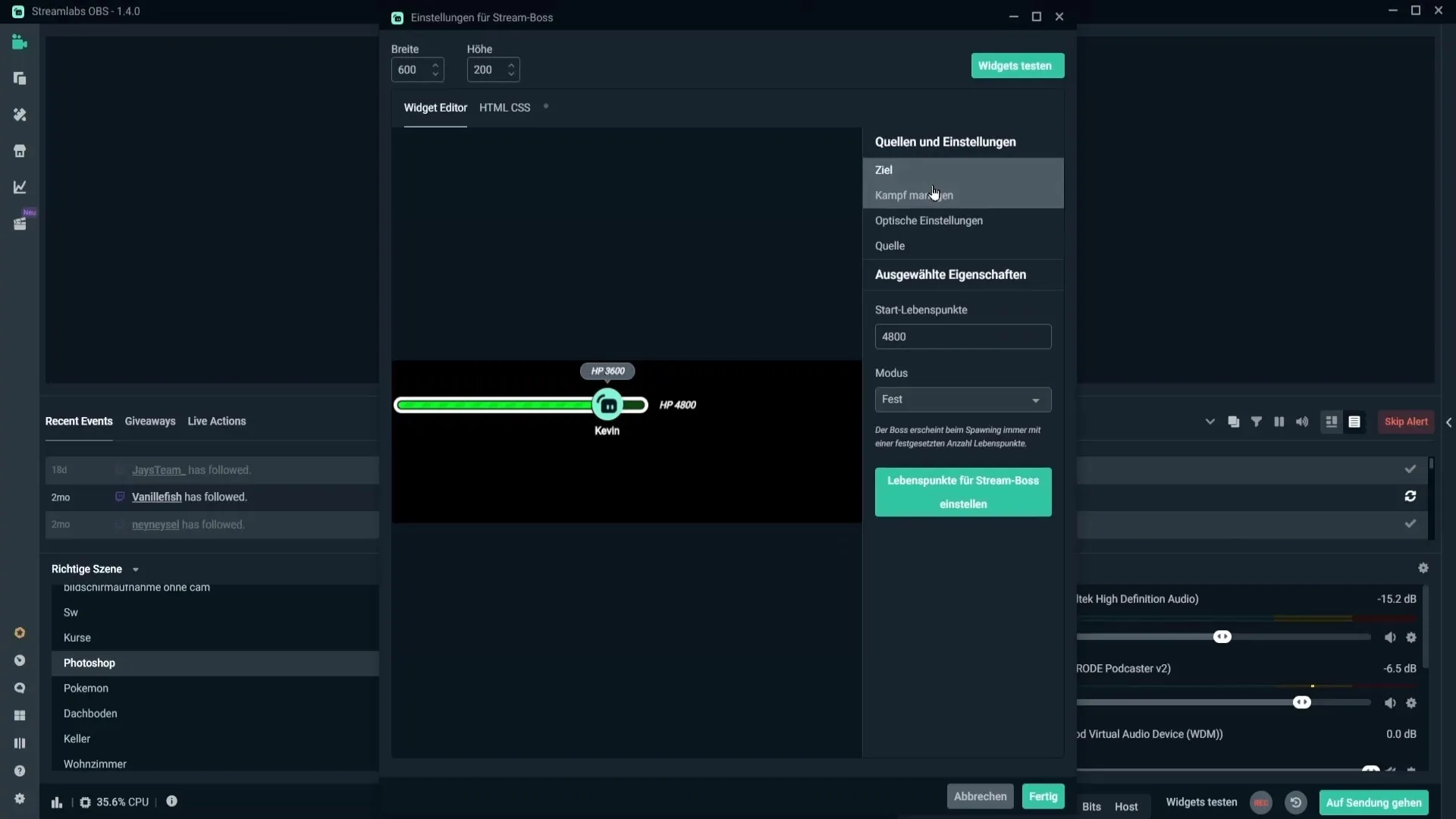
![The Best OBS Settings for Streaming 2026 [with Pictures] - OBSBOT](https://www.tutkit.com/storage/media/text-tutorials/4802/mikrofon-richtig-einstellen-in-obs-studio-fuer-bessere-audioqualitaet-140.webp?tutkfid=244267 "The Best OBS Settings for Streaming 2026 [with Pictures] - OBSBOT")