Tablet Won't Charge Repair: A Comprehensive Guide
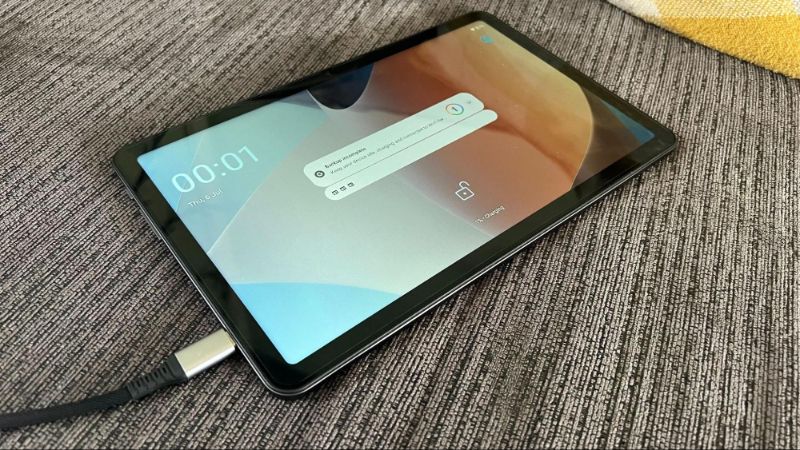
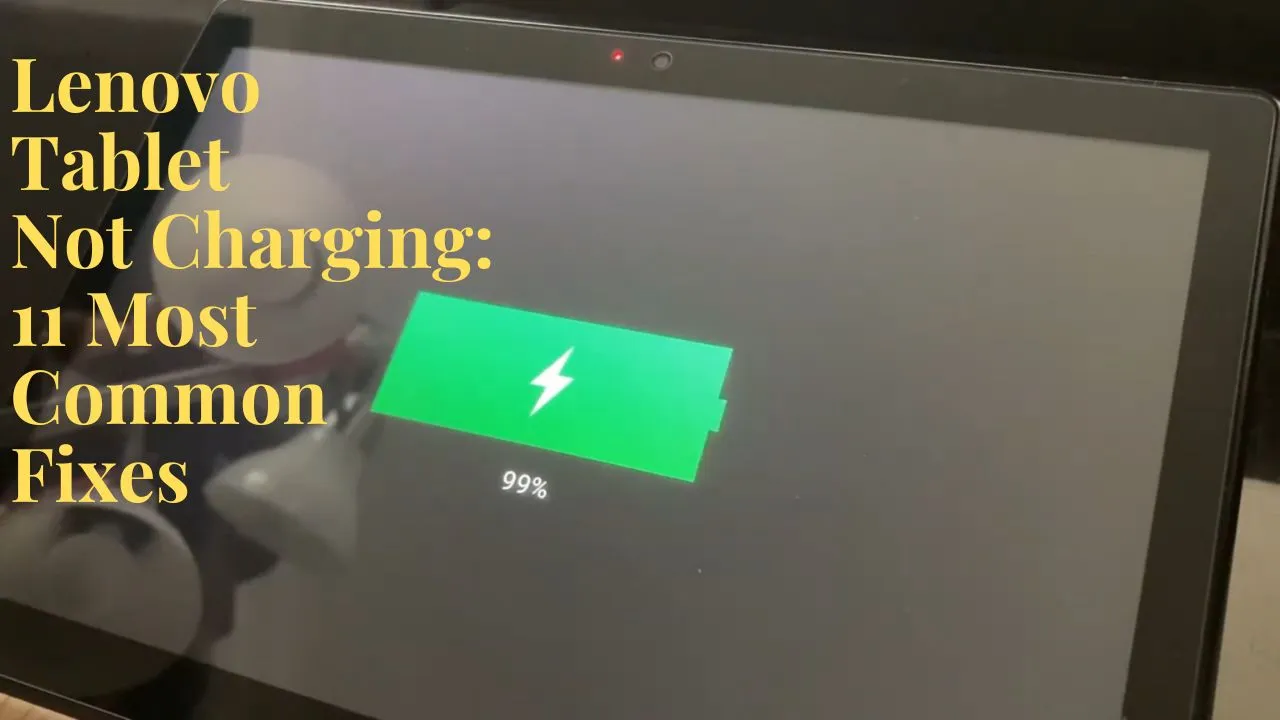
Are you frustrated with your tablet that won't charge? Don't worry, it's more common than you think. In this article, we'll explore the possible reasons why your tablet won't charge and provide you with practical solutions to fix the issue. With these steps, you can troubleshoot the problem and breathe new life into your tablet, saving you the hassle and expense of a new one.
Physical (Hardware) Issues
The most common physical issues that can cause a tablet to not charge include:
- Fractured or damaged charging port
- Loose or disconnected charging cable
- Worn-out or corroded pins in the charging port
- Water or liquid damage to the charging port or battery
- Dead or swollen battery
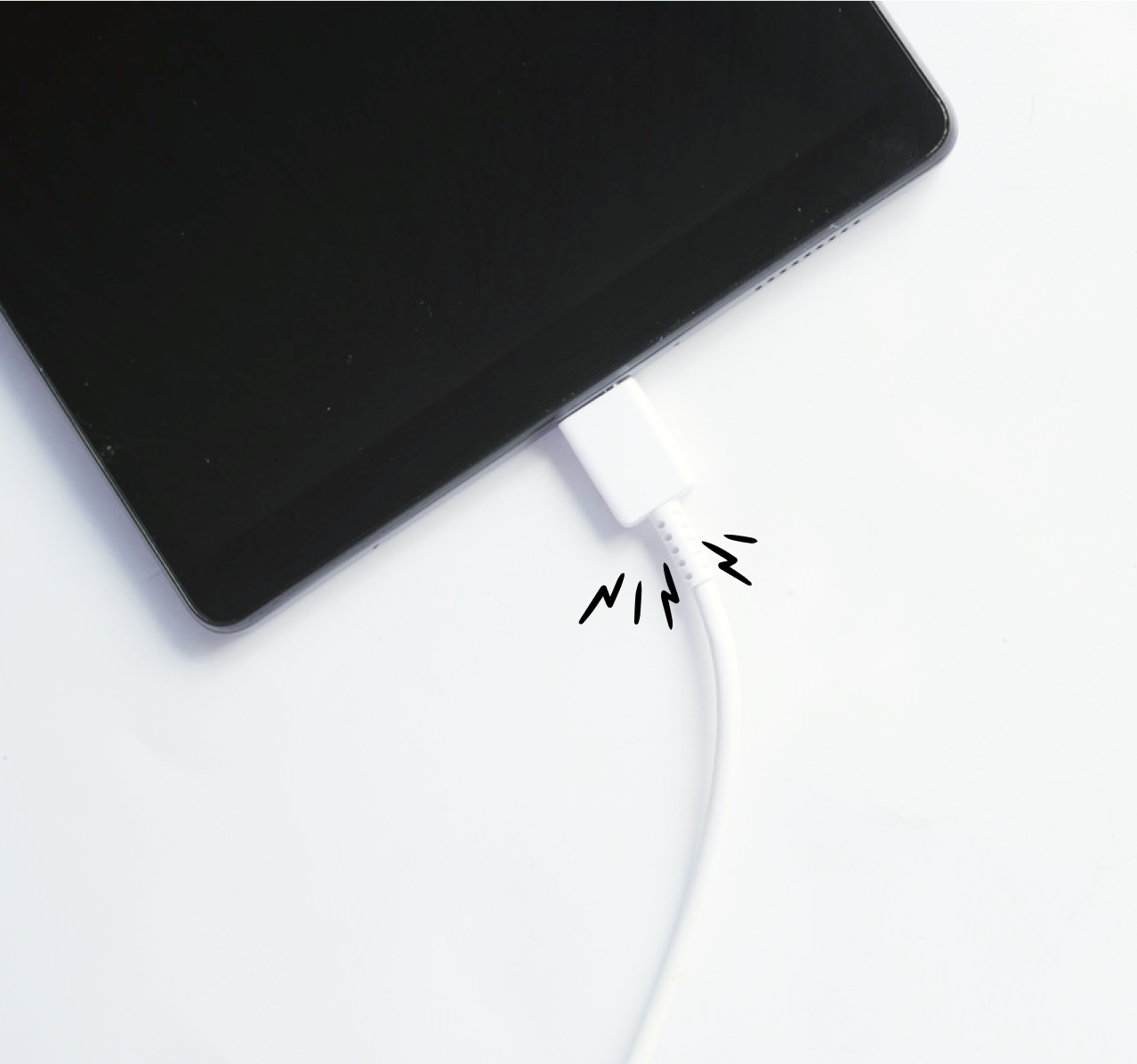
Check the charging cable and adapter for any signs of damage or wear. Make sure it's plugged in securely, and the cable isn't frayed or damaged. If you suspect that the issue lies with the charging port, try cleaning it with a soft brush or cotton swab, or replacing it if it's damaged.
Software Issues
Software glitches can also cause a tablet to not charge. Possible software-related issues include:
- Corrupted or outdated firmware
- Third-party apps interfering with the charging process
- Software updates or patches causing conflicts
- Force shutdown or reboot loop
Charging Port and Adapter Issues
Even if you've checked the charging port and adapter for physical damage, there might be other issues at play:
- Dirty or corroded charging port
- Charging cable or adapter not designed for your device's charging standard
- Power source overload or surge
Use a soft brush or cotton swab to clean the charging port, or try using a high-quality charging cable and adapter designed specifically for your tablet's charging standard. If the issue persists, try plugging the charger into a different power outlet or try using a different charger brand.
Power Source Issues
Check the power source for any issues or malfunctions:
- Faulty or damaged power outlet or socket
- Power cord or cable damaged or frayed
- Surge protector or electrical outlet overload
- Extension cord or long power cord overload
Try plugging the charger into a different power outlet or try using a different power cord. Avoid using extension cords or long power cords, and make sure to not overload the power outlet.
When to Seek Professional Help
Even with these troubleshooting steps, you might still need to seek professional help if:
- Issue is irreversible due to hardware damage
- You're unsure about the fix or don't feel comfortable DIY repairing the issue
- The problem persists after trying all the above steps
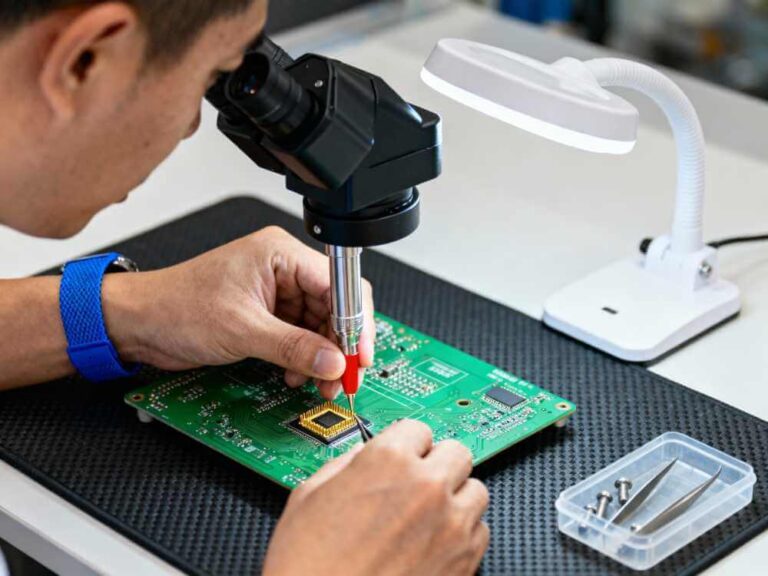
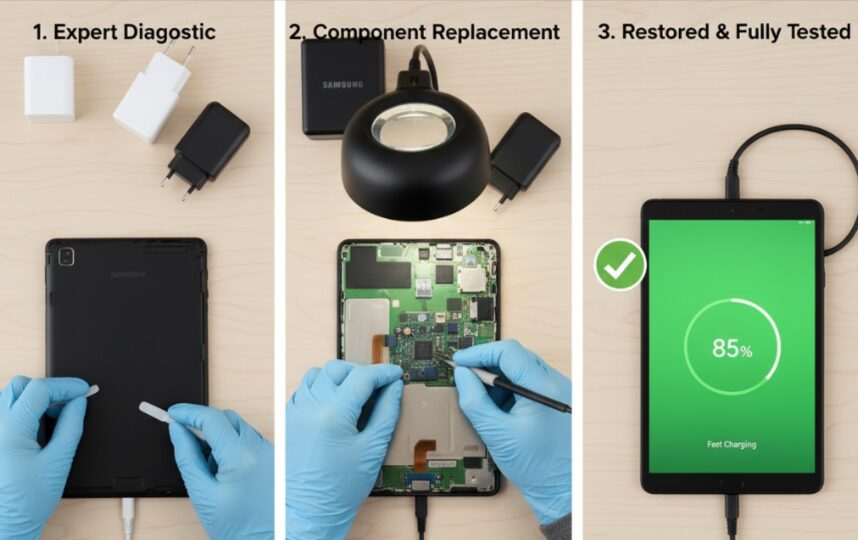
Professional technicians like those at CPR Cell Phone Repair can quickly diagnose and fix the issue, and offer you a reliable and professional solution to your charging problem.