How to Protect Your Email Account: A Comprehensive Guide
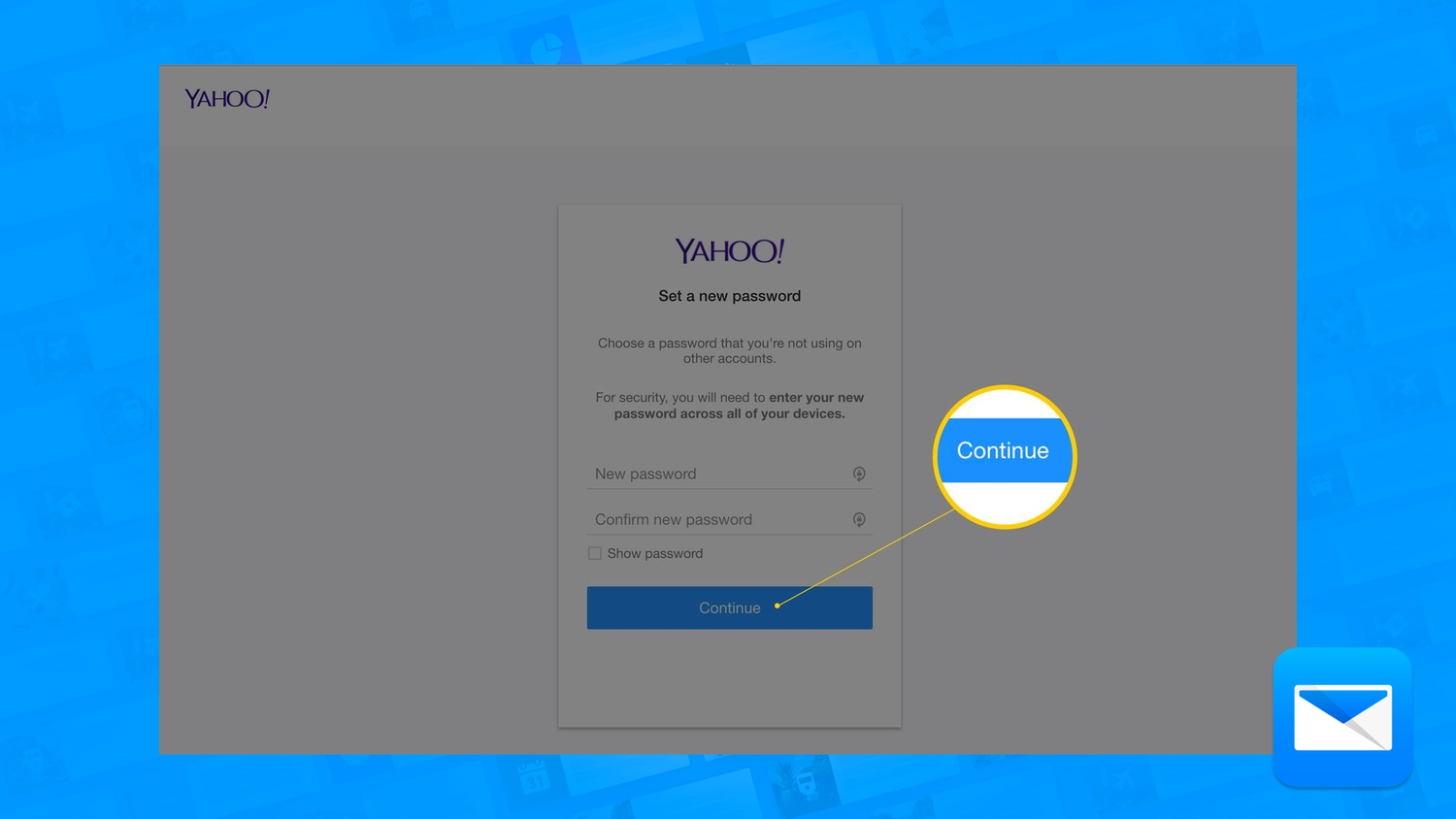
Choose a Strong Password
One of the most critical steps in protecting your email account is choosing a strong and unique password.
- Make sure your password is at least 12 characters long.
- Use a combination of uppercase and lowercase letters.
- Include numbers and special characters.
- Avoid using easily guessable information such as your name, birthdate, or common words.
- Never share your password with anyone.
- Change your password regularly, ideally every 60-90 days.
Enable Two-Factor Authentication (2FA)
Two-factor authentication adds an extra layer of security to your account by requiring a second form of verification, such as a code sent to your phone or a biometric scan.
- Check with your email provider to see if they offer 2FA.
- Enable 2FA to prevent unauthorized access to your account.
- Make sure to store your 2FA recovery codes securely.
Keep Your Browser and Email Client Up-to-Date
Ensure your browser and email client are always up-to-date with the latest security patches and updates. This will help prevent hackers from exploiting known vulnerabilities.
- Check for updates regularly.
- Install updates as soon as they become available.
Be Cautious of Spam and Phishing Emails
Be wary of emails that ask for sensitive information or contain suspicious links or attachments. Scammers use these tactics to steal your personal data and gain access to your account.
- Report spam and phishing emails to your email provider.
- Never click on suspicious links or download attachments from unknown sources.
- Use a spam filter to block unwanted emails.
Keep Your Antivirus Software Up-to-Date
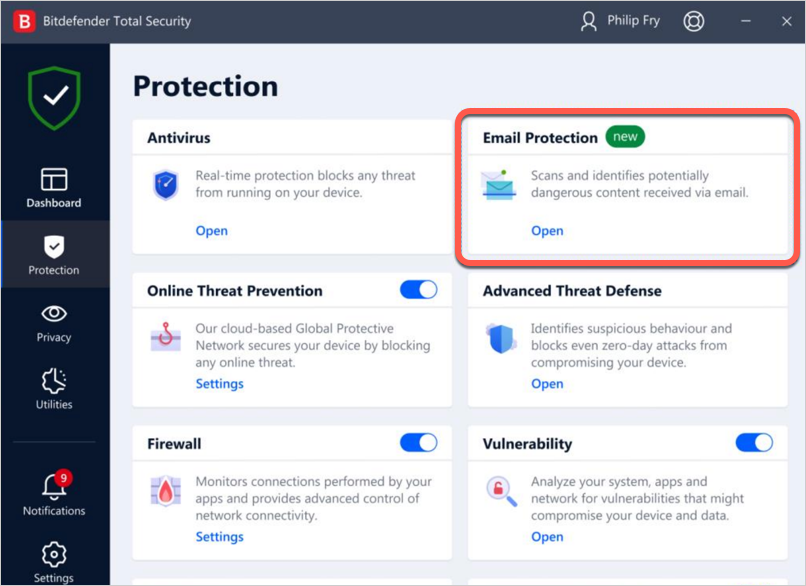
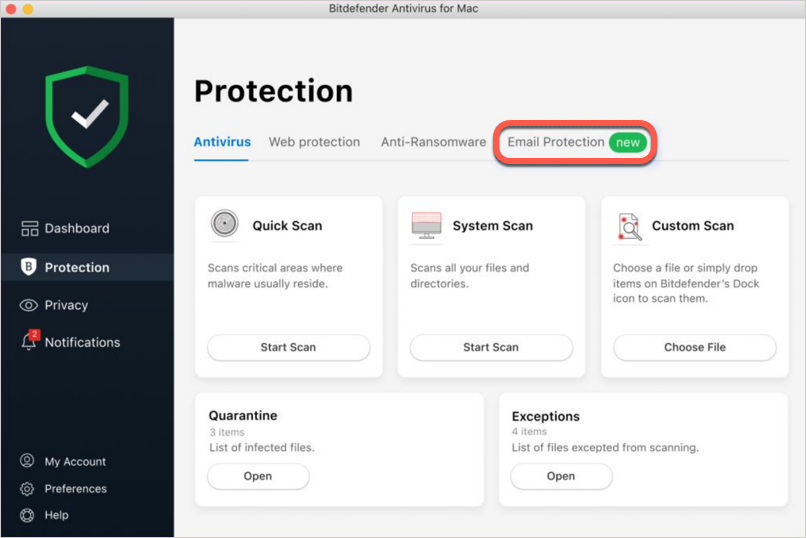
Malware and viruses can compromise your email account, making it essential to have robust antivirus software installed and updated.
- Install reputable antivirus software.
- Keep your antivirus software up-to-date.
Monitor Your Account Activity
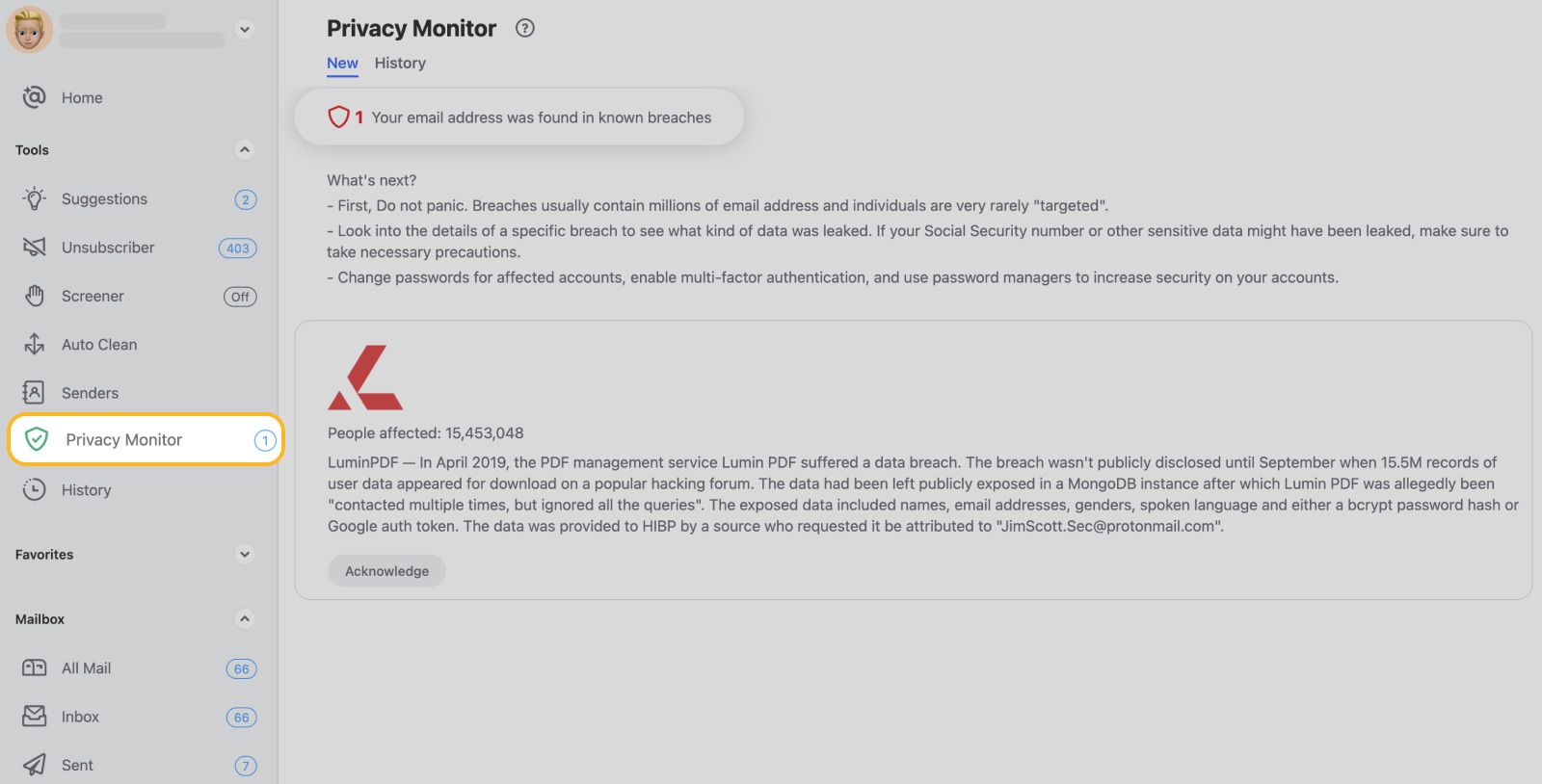
Regularly check your account activity to detect any suspicious activity, such as login attempts from unknown devices or locations.
- Log in to your email account regularly.
- Monitor your account activity closely.
- Report any suspicious activity to your email provider.
Back Up Your Account Data
Consider backing up your account data regularly to ensure that you can recover it in case your account is compromised.
- Choose a secure storage method.
Conclusion
Protecting your email account is a significant step in maintaining online security. By following these tips, you can prevent hackers from gaining access to your account and keeping your sensitive information safe.
Remember, email security is an ongoing process that requires constant vigilance. Stay alert and protect your email account to avoid falling victim to cyber threats.