Secure Your Router Settings: Essential Steps to Protect Your Home Network
Your home network is only as secure as its weakest link – in this case, your Wi-Fi router. Every device connected to your network is vulnerable to hacking and cyber threats if your router settings are not properly secured. That's why it's crucial to follow these essential steps to protect your home network.
Disable Remote Access
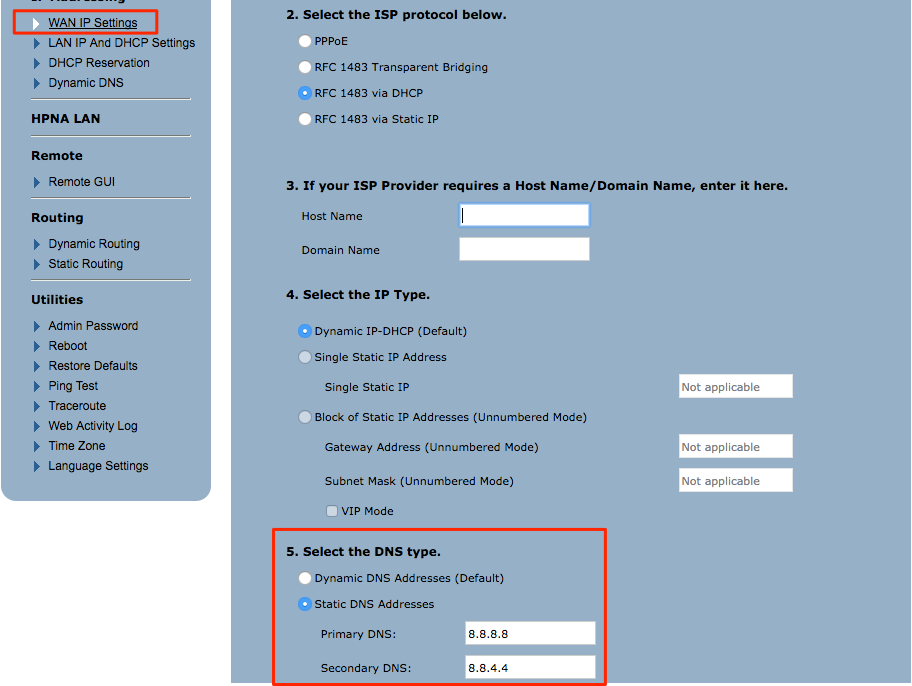
Many routers offer remote access, which can be convenient but also poses a significant security risk. When you enable remote access, you're allowing anyone with access to the web interface to control your router settings. Disable remote access as soon as possible to prevent unauthorized access to your router.

- Check your router settings to see if remote access is enabled.
- Locate the remote access setting, which is usually found under Advanced Settings or similar.
- Disable remote access to prevent unauthorized access to your router.
Set Strong Router Passwords
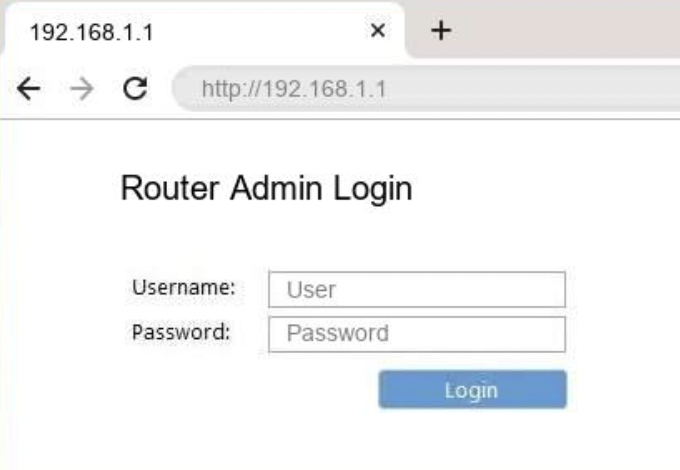
- Change your router's default password using the user interface or a mobile app.
- Enter a strong password that includes uppercase and lowercase letters, numbers, and special characters.
- Make sure the password is at least 12 characters long to ensure maximum security.
Enable the Firewall
Most routers come with a built-in firewall that prevents unauthorized access to your network. Make sure to enable the firewall to prevent hackers from accessing your router and exploiting your network.
- Check your router settings to see if the firewall is enabled.
- Locate the firewall setting, which is usually found under Advanced Settings or similar.
- Enable the firewall to prevent unauthorized access to your network.
Update Firmware Regularly
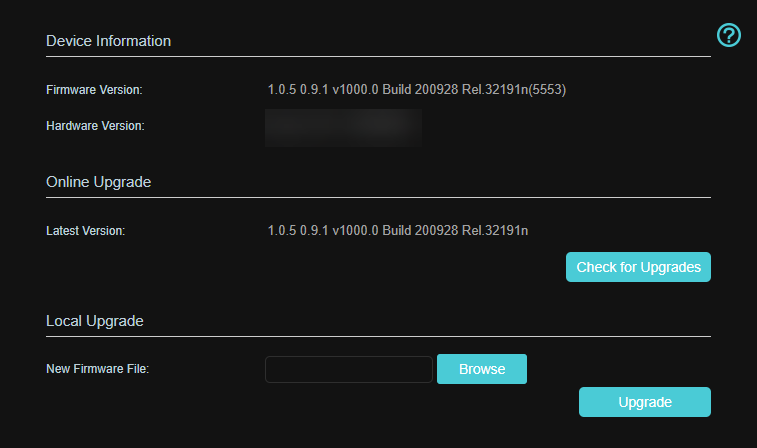
Router firmware is constantly being updated to patch security vulnerabilities and improve performance. Make sure to update your firmware regularly to ensure that your router is protected from the latest security threats.
- Check your router manufacturer's website for firmware updates.
- Follow the instructions to update your firmware.
- Restart your router after updating the firmware to ensure that the changes take effect.
Change the Admin Name and Password
The admin name and password are used to access the router's settings. Change these credentials regularly to prevent unauthorized access to your router. Using default admin names and passwords can make it easy for hackers to access your router, so make sure to change these credentials as soon as possible.
Use a VPN
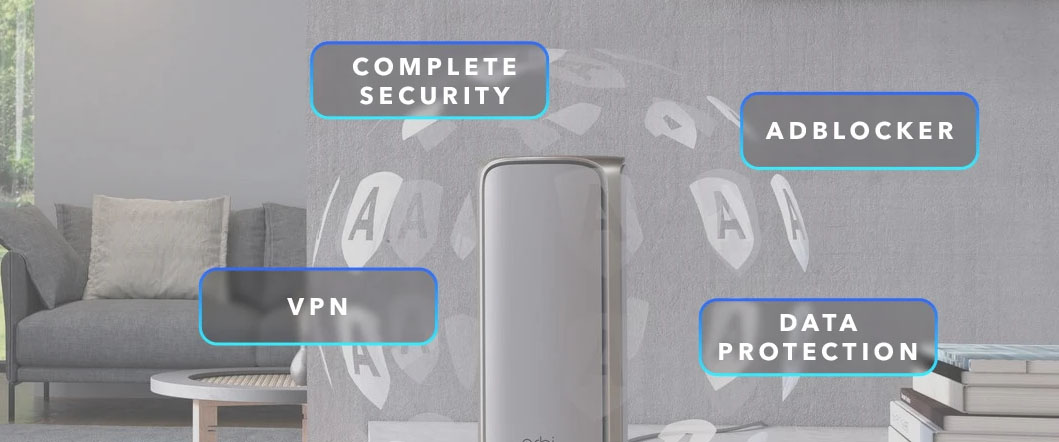
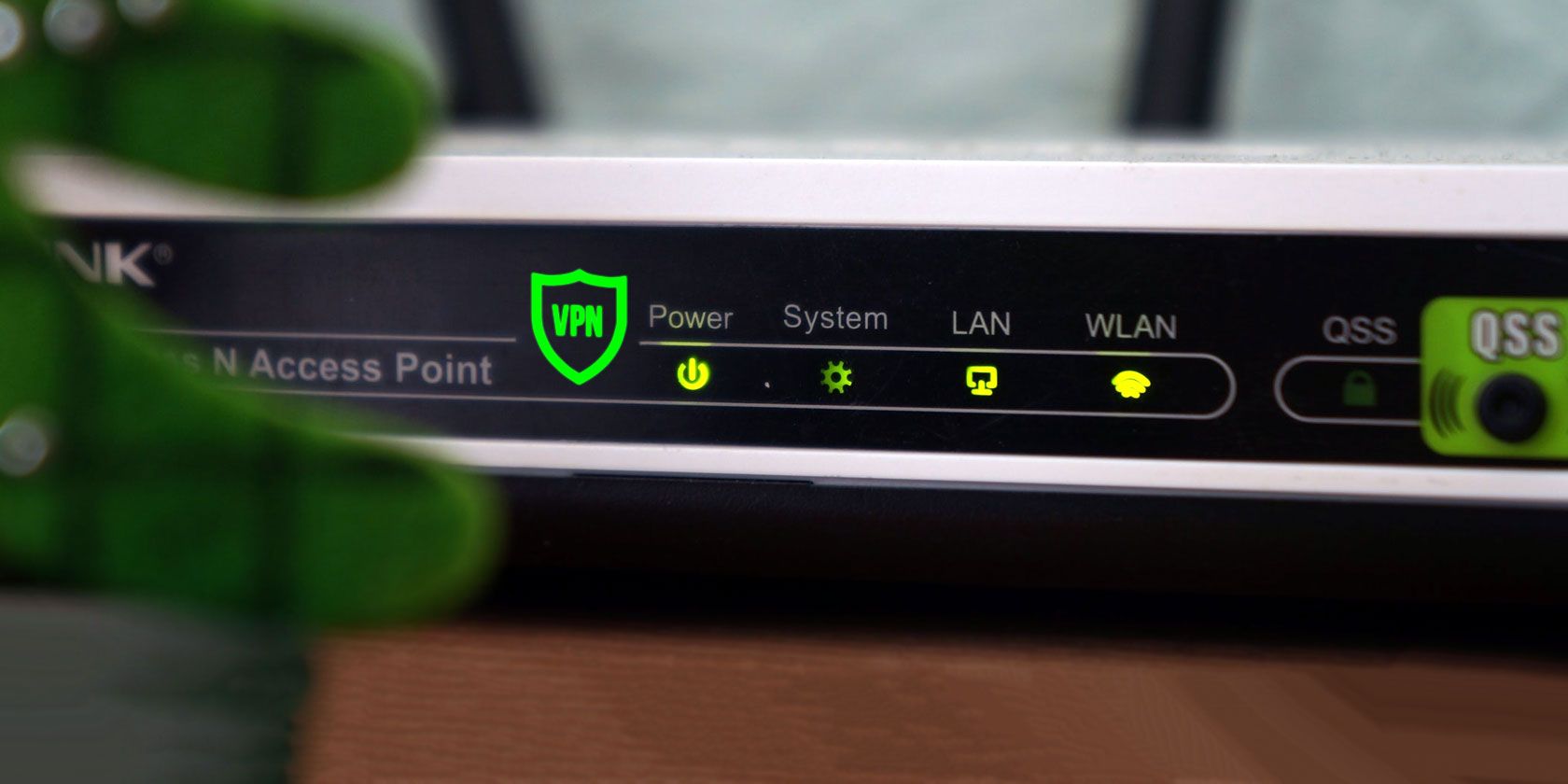
A VPN (Virtual Private Network) encrypts your internet traffic, making it difficult for hackers to intercept your data. Using a VPN can also help to mask your IP address, making it harder for hackers to locate your router.
- Sign up for a reputable VPN service provider.
- Configure your router to use the VPN.
- Restart your router after configuring the VPN to ensure that the changes take effect.
Conclusion
Securing your router settings is essential to protect your home network. By following these steps, you can prevent unauthorized access to your router, protect your devices from hacking and cyber threats, and maintain the security and integrity of your network. Remember to update your firmware regularly, use a VPN, and change your admin name and password to ensure maximum security. Your home network is worth it!




:max_bytes(150000):strip_icc()/3-5abcf226fa6bcc0036668782.png "Can You Change Admin Name on Netgear Router Easily?")