Stop Malware from Taking Over Your Computer
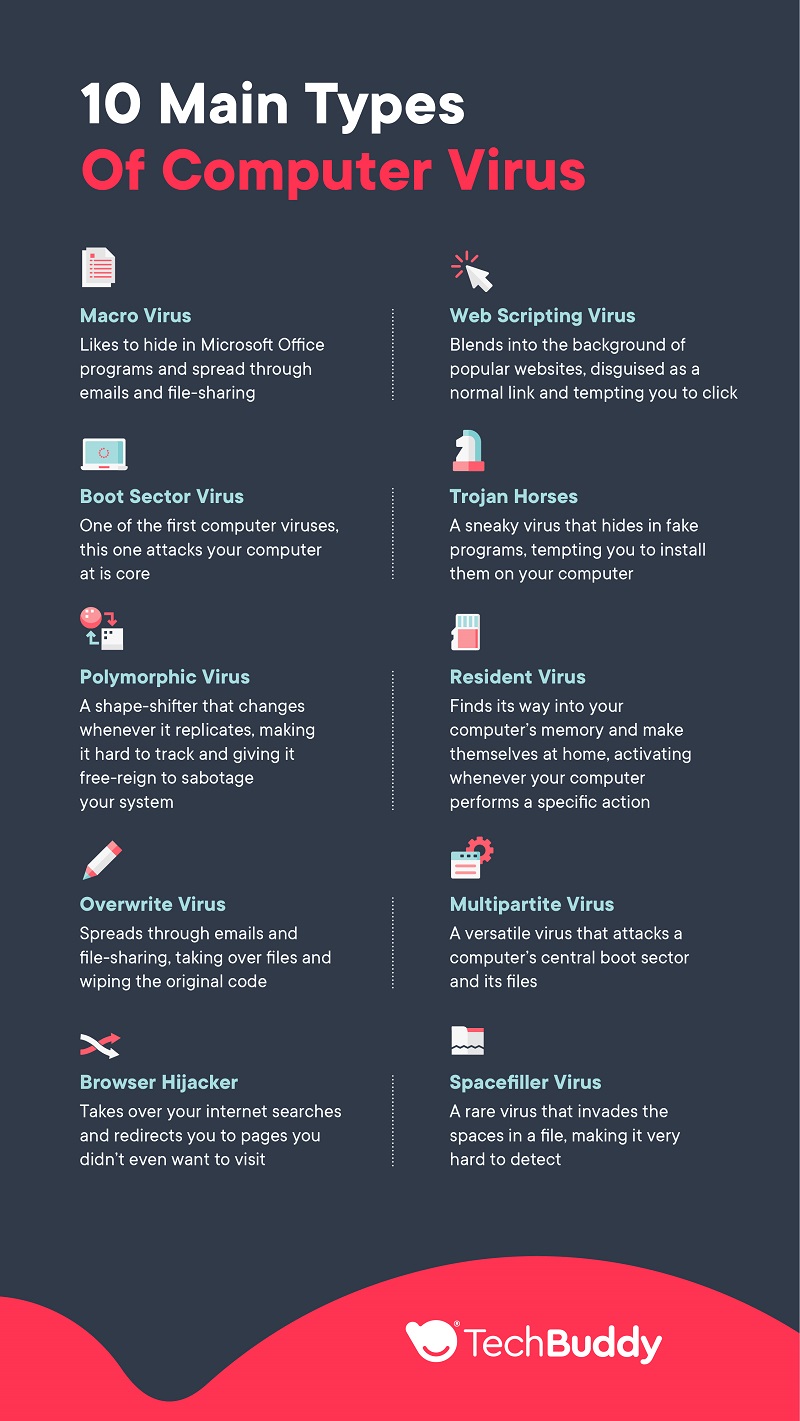
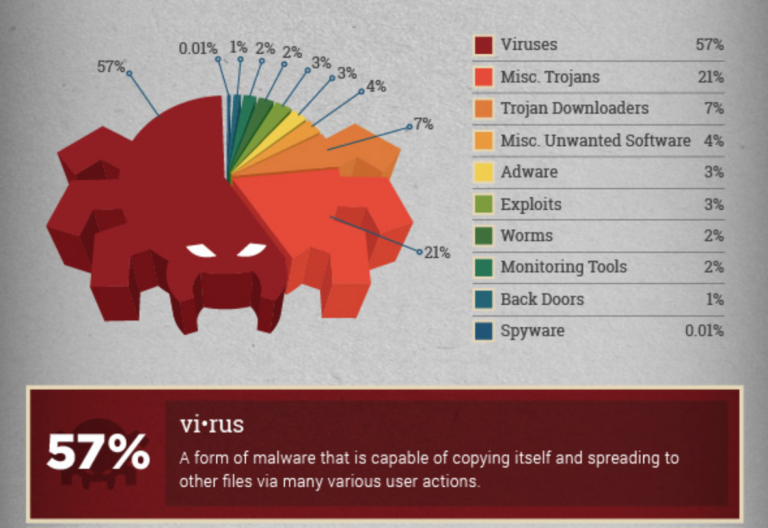
Malware is one of the biggest threats to the security of your computer, tablet, phone, and other devices. It's essential to learn how to protect yourself, how to tell if your device has malware, and how to remove it. In this article, we'll provide you with expert methodology for detecting, troubleshooting, and completely ridding Windows PCs of viruses, adware, spyware, ransomware, bots, trojans, rogue security software, browser hijackers, and other malware using failsafe removal processes.
What Are Viruses and Malware?
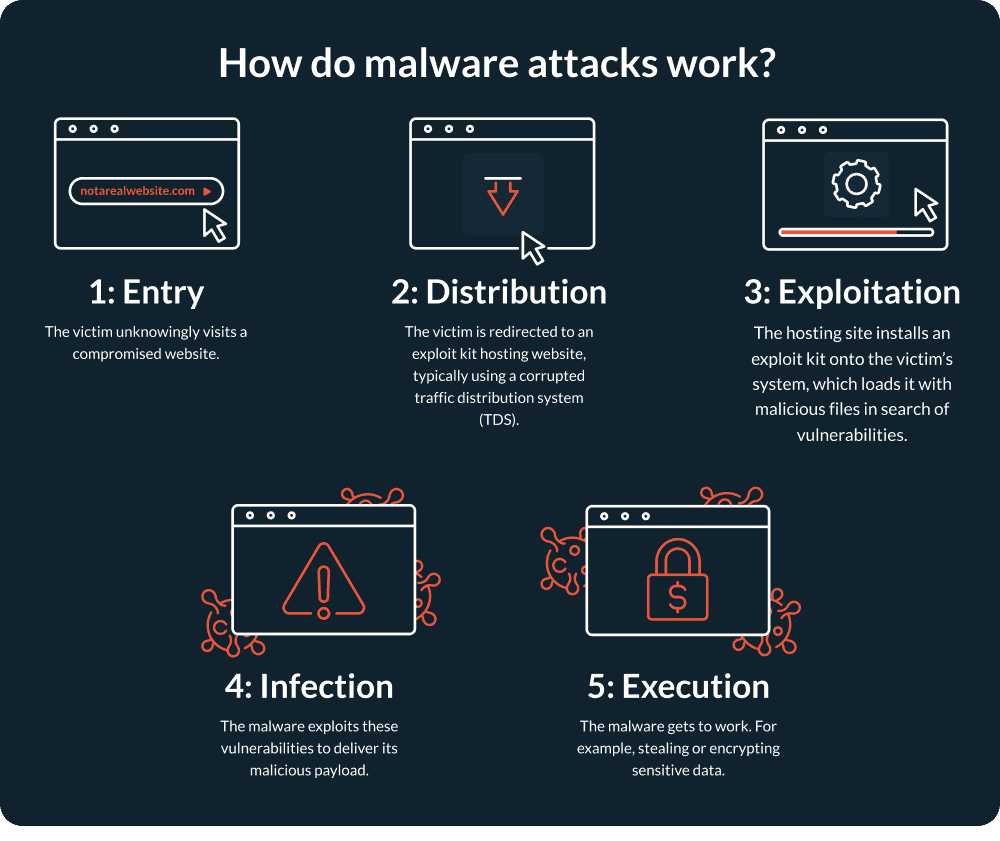
Malware is malicious software designed to infiltrate, disrupt, or damage a computer or network, usually without the owner's knowledge. Cybercriminals or other bad actors use malware to hijack a device and damage or spy on its systems. This can result in your data being monitored, corrupted, stolen, or deleted.
Symptoms of Malware Infection
You may experience any of the following symptoms on your computer:
- Your computer is unusually slow, crashes, or stops responding frequently.
- You cannot start your virus scanner, or it won't detect any threats.
- Strange programs or apps are running in the background, using up system resources.
- You see unwanted pop-ups, banners, or ads on your screen.
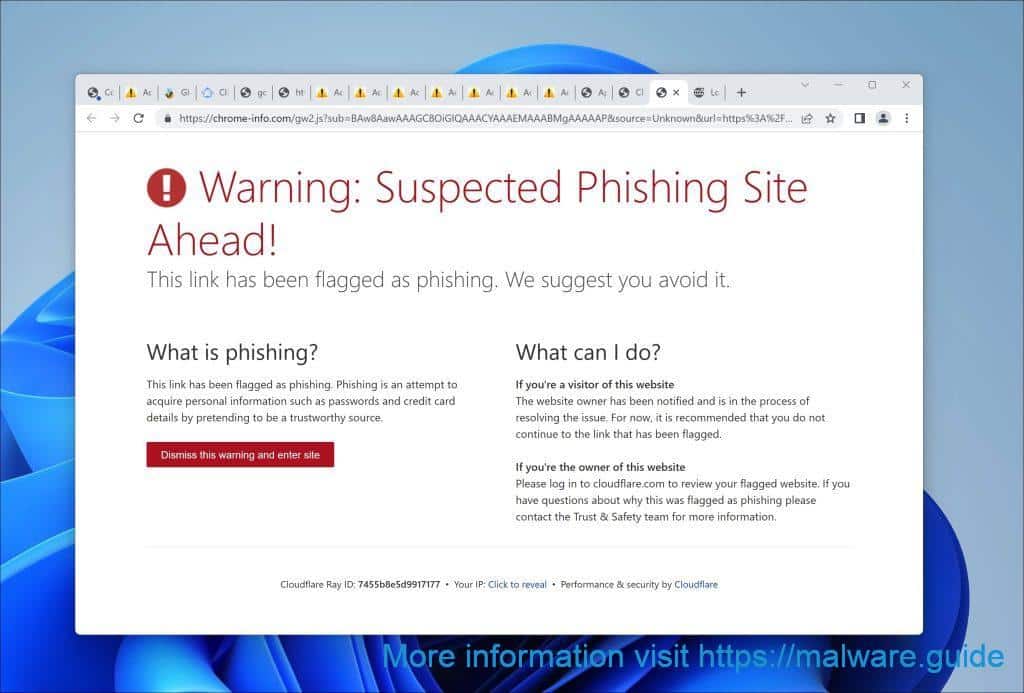
- Your browser is redirected to unfamiliar websites or search engines.
- You notice unusual changes to your computer's settings or behavior.
How to Stop Malware from Taking Over Your Computer
If you suspect your computer has been infected with malware, follow these steps to minimize the impact:
Step 1: Disconnect from the Internet
Immediately disconnect your computer from the internet to prevent the malware from spreading further or communicating with its creators.
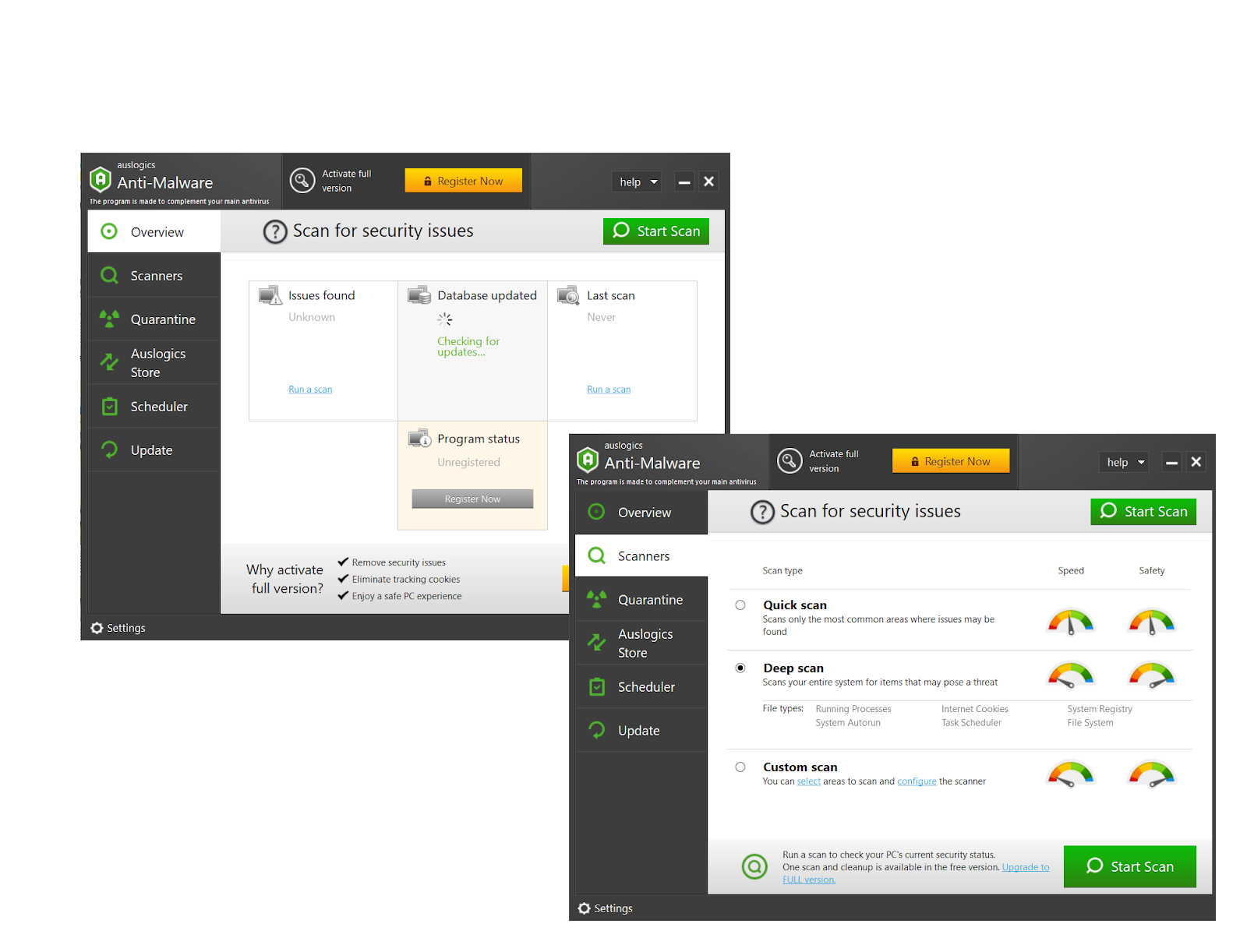
Step 2: Run a Full System Scan
Run a full system scan using a reputable antivirus program to detect and remove any malware.
Step 3: Use Safe Mode
Boot your computer in Safe Mode to prevent the malware from loading and causing further damage.
Step 4: Update Your Operating System
Update your operating system to the latest version, as newer versions often include security patches and fixes for known vulnerabilities.
Step 5: Use a Malware Removal Tool
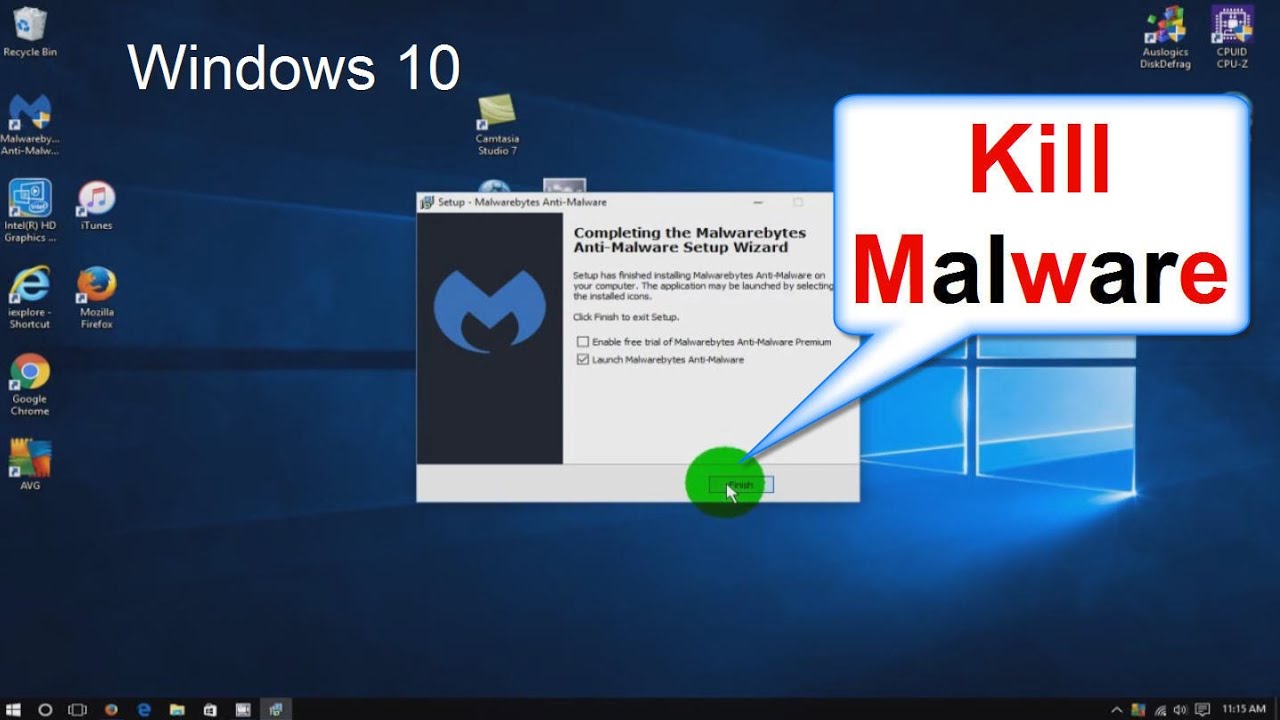
Use a malware removal tool, such as Malwarebytes, to scan your computer for and remove any malware that your antivirus program may have missed.
Preventing Malware Infections
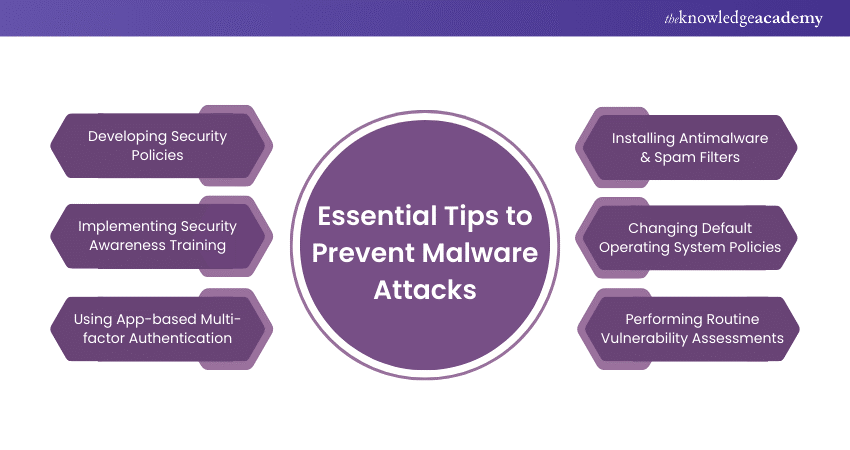
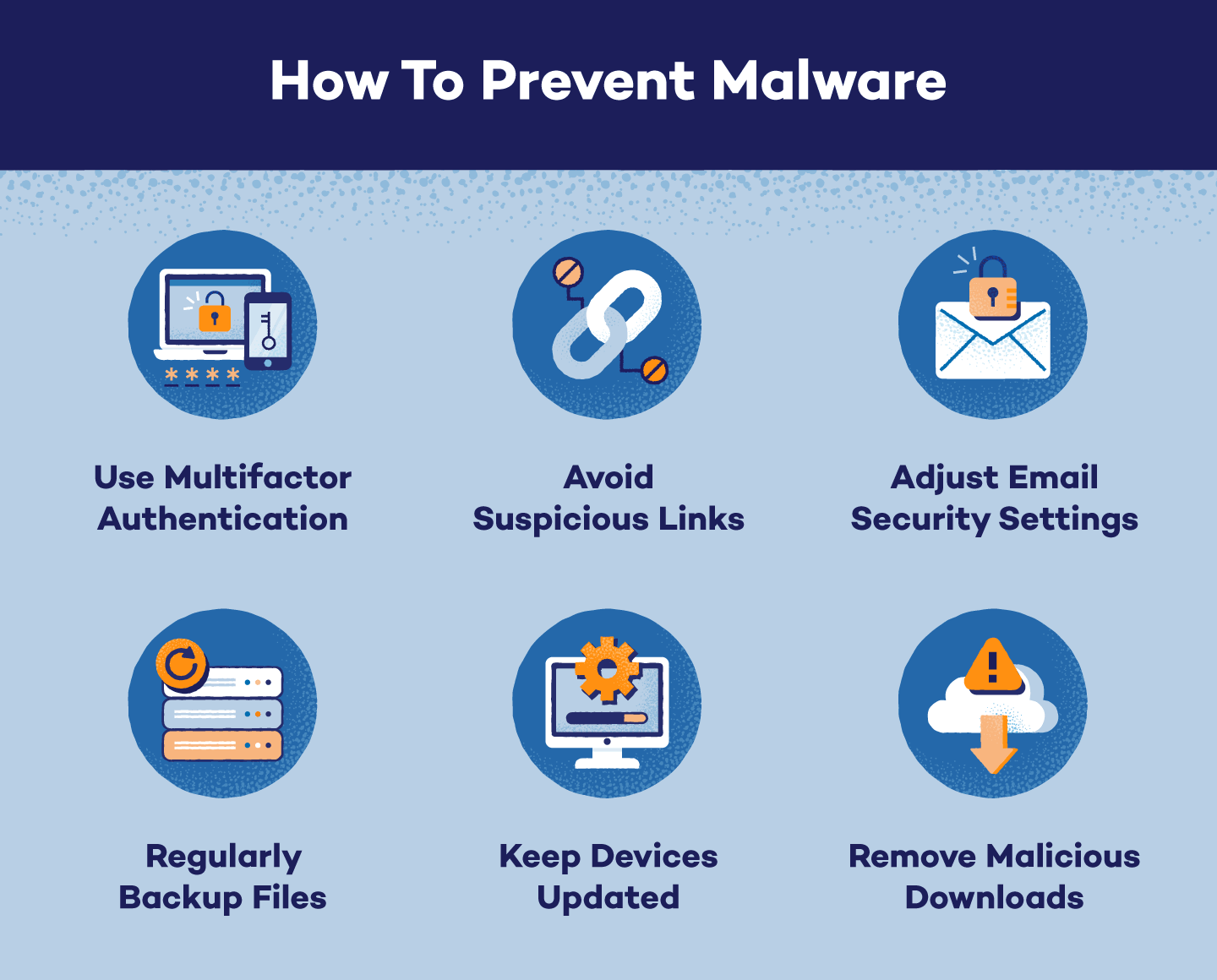
To prevent malware infections, follow these best practices:
- Keep your operating system, browser, and antivirus software up to date.
- Use strong, unique passwords and avoid using public computers or public Wi-Fi.
- Be cautious when opening emails, attachments, or links from unknown sources.
- Use a reputable antivirus program and keep it updated.
- Regularly back up your important files and data.
Conclusion
Malware is a significant threat to computer security, but by taking proactive steps and following these expert methodologies, you can detect, troubleshoot, and remove malware infections. Remember to stay vigilant, keep your software up to date, and be cautious when interacting with unfamiliar sources to prevent malware infections.
Recommended Tools and Resources
Microsoft provides several tools and resources to help you understand how to avoid or remove malware and viruses from your Windows-based computer. Some of the recommended tools include:
- Windows Defender: A built-in antivirus program that provides real-time protection against malware.
- Malwarebytes: A malware removal tool that scans for and removes malware that your antivirus program may have missed.
- Microsoft Safety Scanner: A free online tool that scans for and removes malware and other security threats.
![How to Remove Adware, Trojans, Virus & Malware from Windows [Guide]](https://image.windows101tricks.com/wp-content/uploads/2023/12/Protect-your-computer-from-viruses-1024x707.jpg "How to Remove Adware, Trojans, Virus & Malware from Windows [Guide]")