Safe Use of Public Wi-Fi Hotspots: A Comprehensive Guide
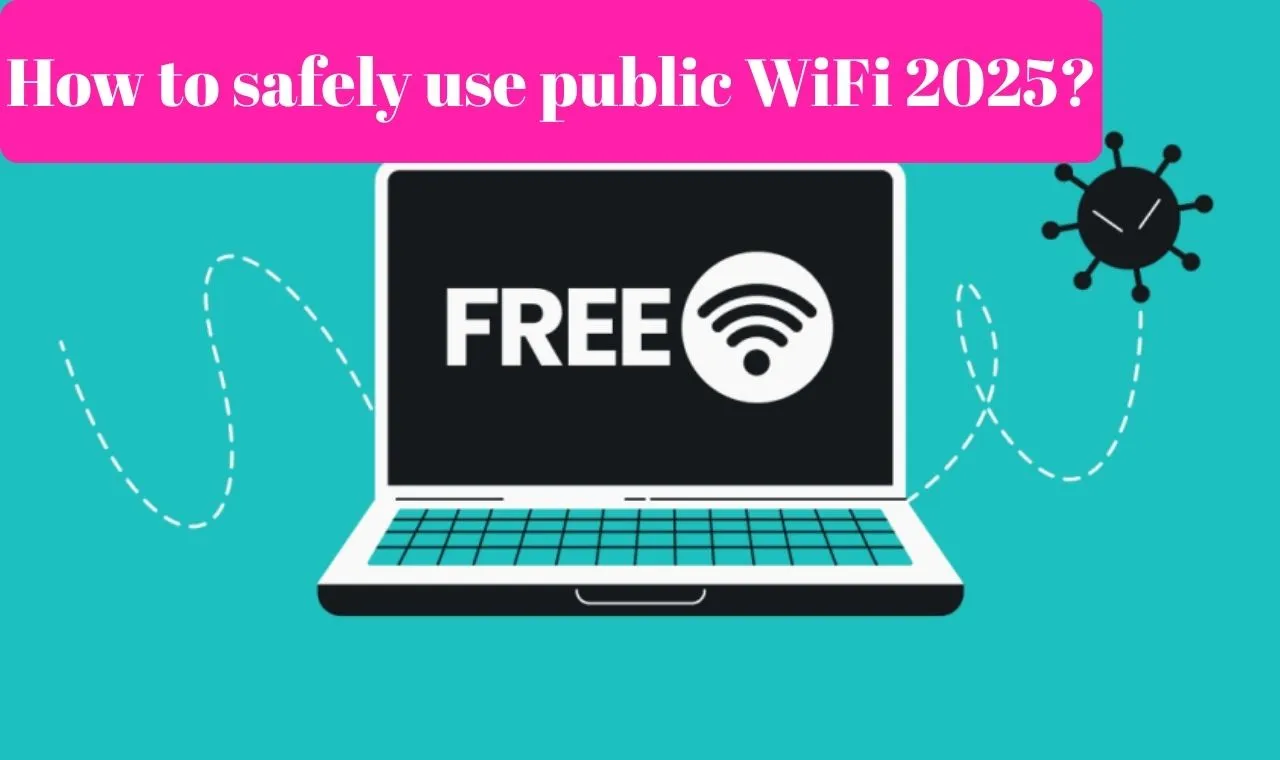
Public Wi-Fi networks, or hotspots, in coffee shops, malls, airports, hotels, and other places are convenient. In the early days of the internet, they often weren't secure. But things have changed. Here's what you need to know about your safety when you connect to a public Wi-Fi network.
The Risks of Public Wi-Fi
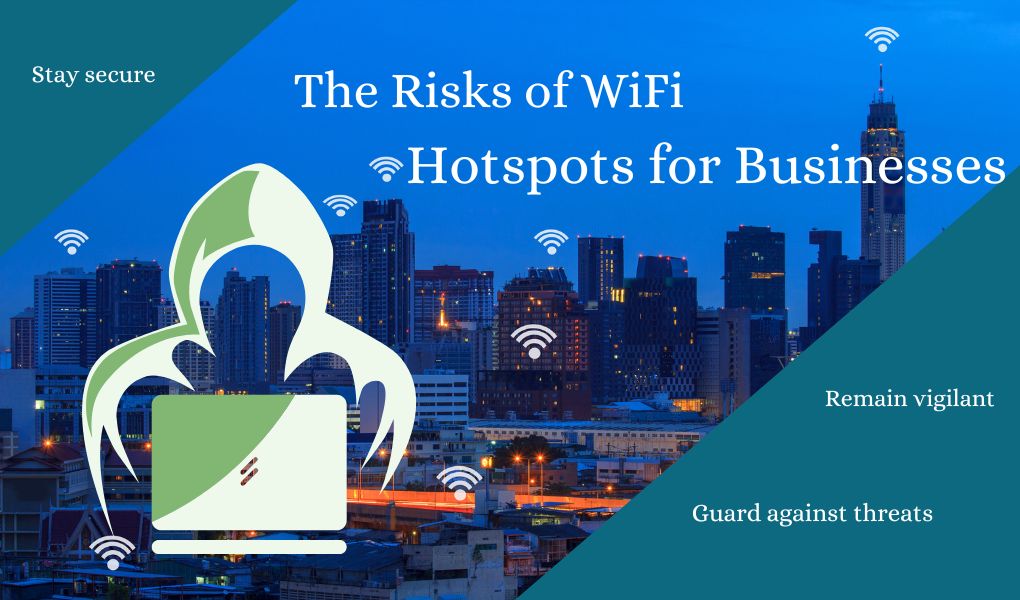
Public Wi-Fi hotspots can be a goldmine for hackers. By following our simple security advice, you can protect yourself from identity theft and data loss—and surf safely instead of risking a cyber attack. To learn more about the dangers of public Wi-Fi, how to notice the warning signs, and how to protect your connection from attack, read on.
Why Public Wi-Fi is a Security Risk
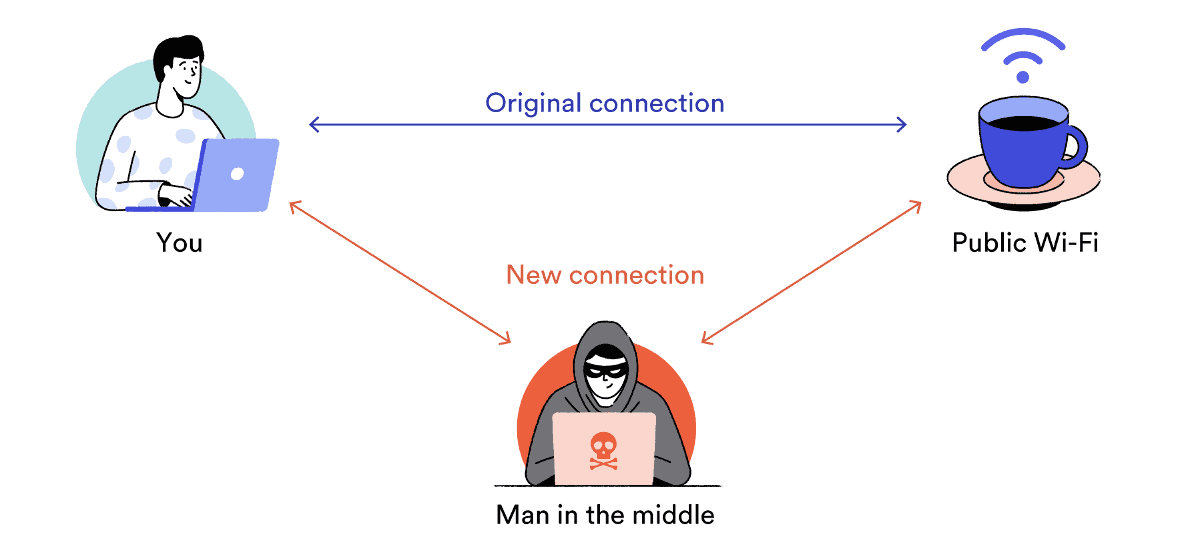
Public Wi-Fi hotspots often lack encryption and strong authentication, making it easy for hackers to snoop on your data. When you connect to a public Wi-Fi network, you're sharing a network with strangers, and the network operator has visibility into unencrypted traffic. This makes it easy for attackers to set up fake hotspots with the same name as legitimate networks, tricking you into connecting to a malicious network.
Common Security Threats on Public Wi-Fi
- Rogue Hotspots (Evil Twin Attacks): Attackers set up a malicious Wi-Fi access point with a name (SSID) similar to a legitimate public or private network.
- Man-in-the-Middle Attacks: Hackers intercept your data, inject malware, or steal your personal information.
- Malware and Viruses: Public Wi-Fi hotspots can be used to distribute malware and viruses.
- Identity Theft: Hackers can steal your personal information, passwords, and credit card details.
How to Protect Yourself on Public Wi-Fi
To stay safe on public Wi-Fi, follow these simple security tips:
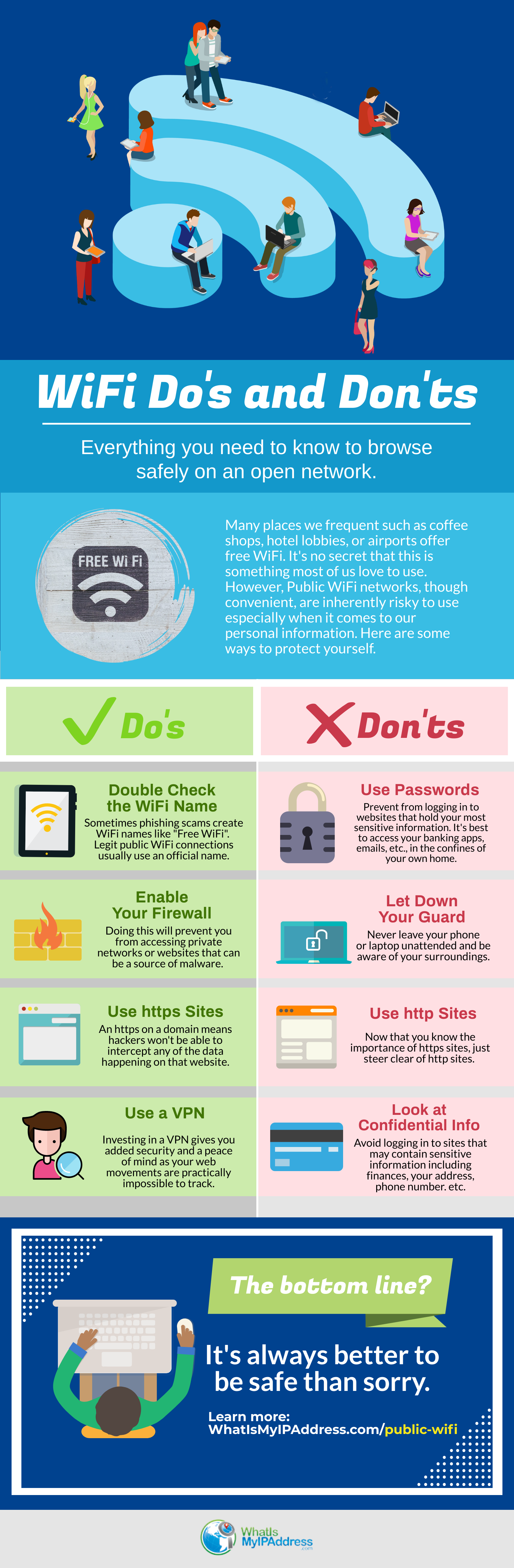
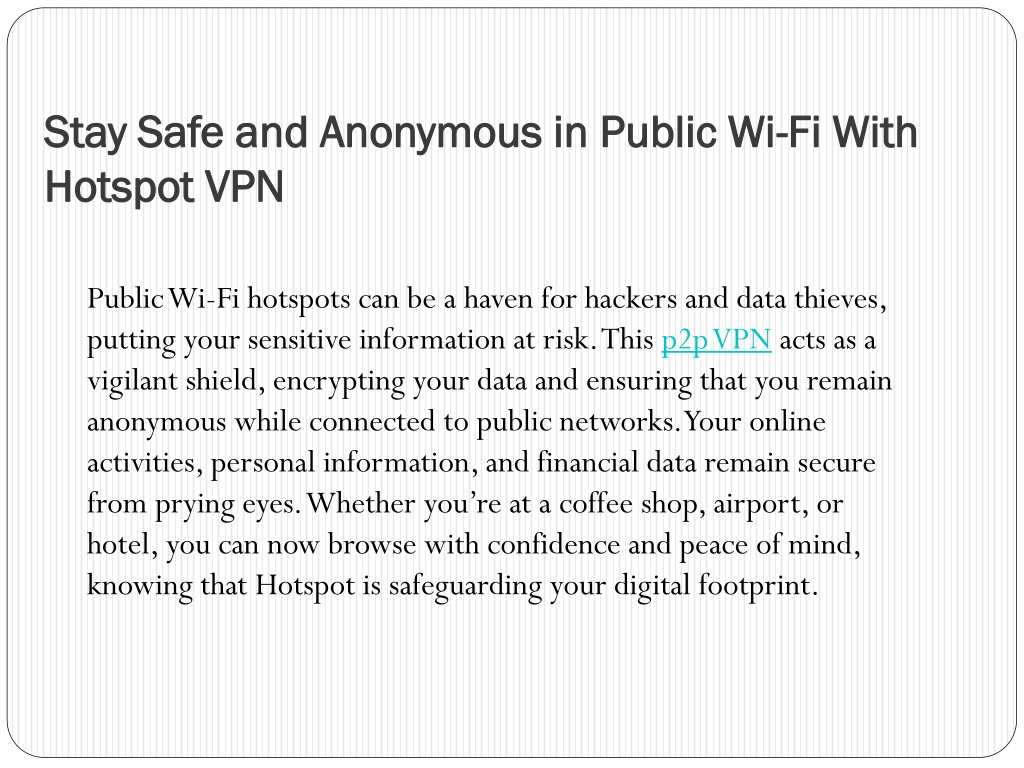
- Use a VPN: A Virtual Private Network (VPN) encrypts your data, protecting you from hacking and identity theft.
- Disable File Sharing: File sharing exposes your folders to others on the network, making it easy for hackers to access your sensitive data.
- Use Strong Passwords: Use strong, unique passwords for all online accounts, and avoid using public computers or devices to access sensitive information.
- Keep Your Devices and Software Up-to-Date: Regularly update your operating system, browser, and other software to ensure you have the latest security patches.
- Be Cautious with Public Computers: Avoid using public computers or devices to access sensitive information, such as online banking or credit card details.
Alternatives to Public Wi-Fi
While public Wi-Fi hotspots can be convenient, they're not always the safest option. Consider using a portable Wi-Fi hotspot or a mobile hotspot to stay connected on the go. These devices provide a secure and reliable internet connection, protecting you from hacking and identity theft.
Conclusion
Public Wi-Fi hotspots can be a security risk, but by following our simple security tips, you can protect yourself from hacking and identity theft. Remember to use a VPN, disable file sharing, use strong passwords, keep your devices and software up-to-date, and be cautious with public computers. Stay safe on public Wi-Fi by being aware of the risks and taking steps to protect yourself.
Recommended Resources
For more information on safe use of public Wi-Fi hotspots, check out the following resources: