Protecting Your Digital Image Online: A Comprehensive Guide
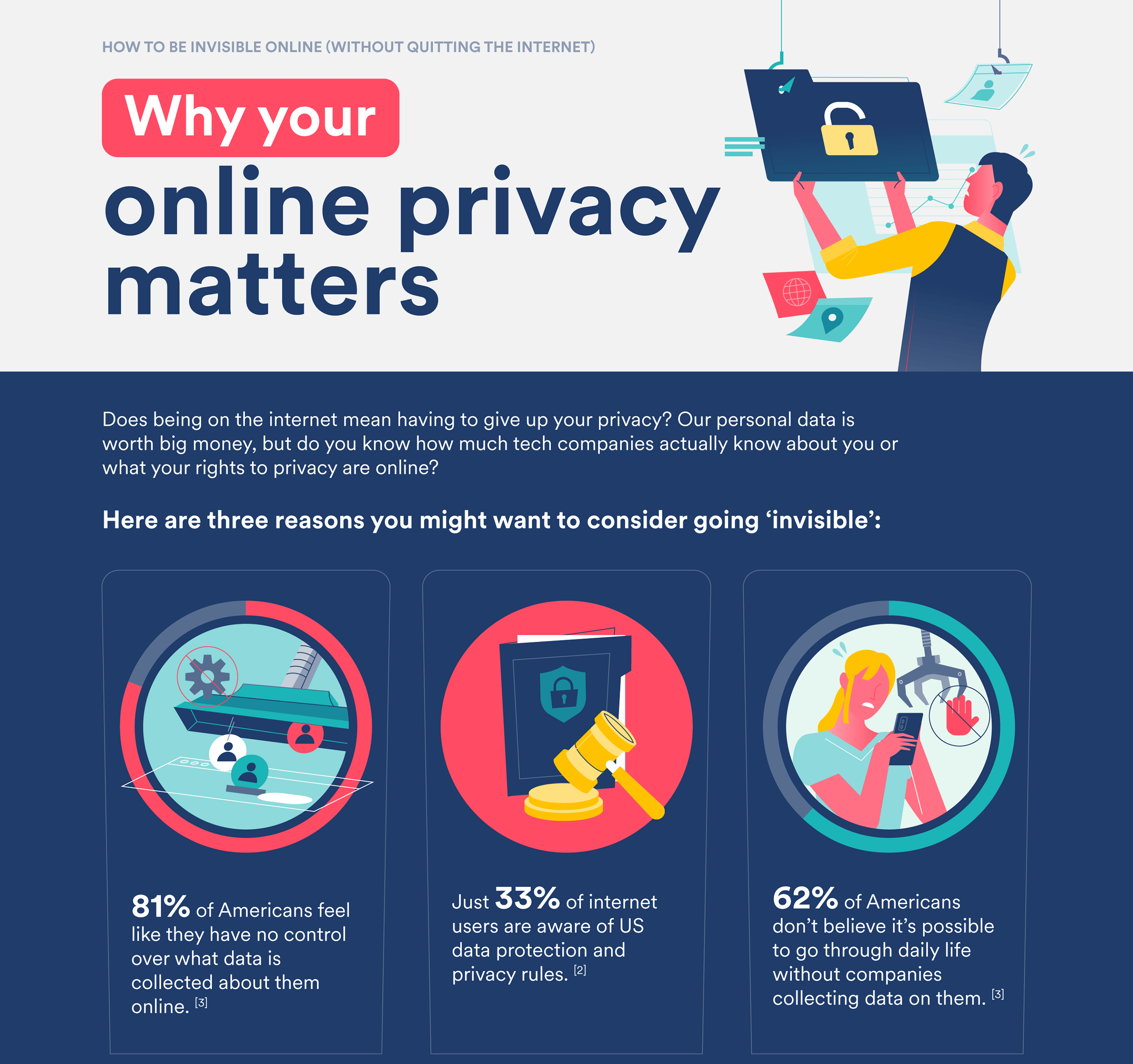
In today's digital world, where anyone can access images online, it's essential to have tools that offer protection and monitoring to avoid the headache of image theft. Protecting your digital image online means safeguarding your creative work from unauthorized use and theft.Why Protect Your Digital Image Online?
Your digital images are valuable assets that require protection. In the past, image protection was mainly concerned with physical or printed images. However, with the advent of the internet and social media, the concept of image protection has expanded to include digital images. It's no longer just about protecting your physical property; it's about safeguarding your digital assets.Top 10 Strategies to Protect Your Digital Image Online
1.Protect Your Accounts
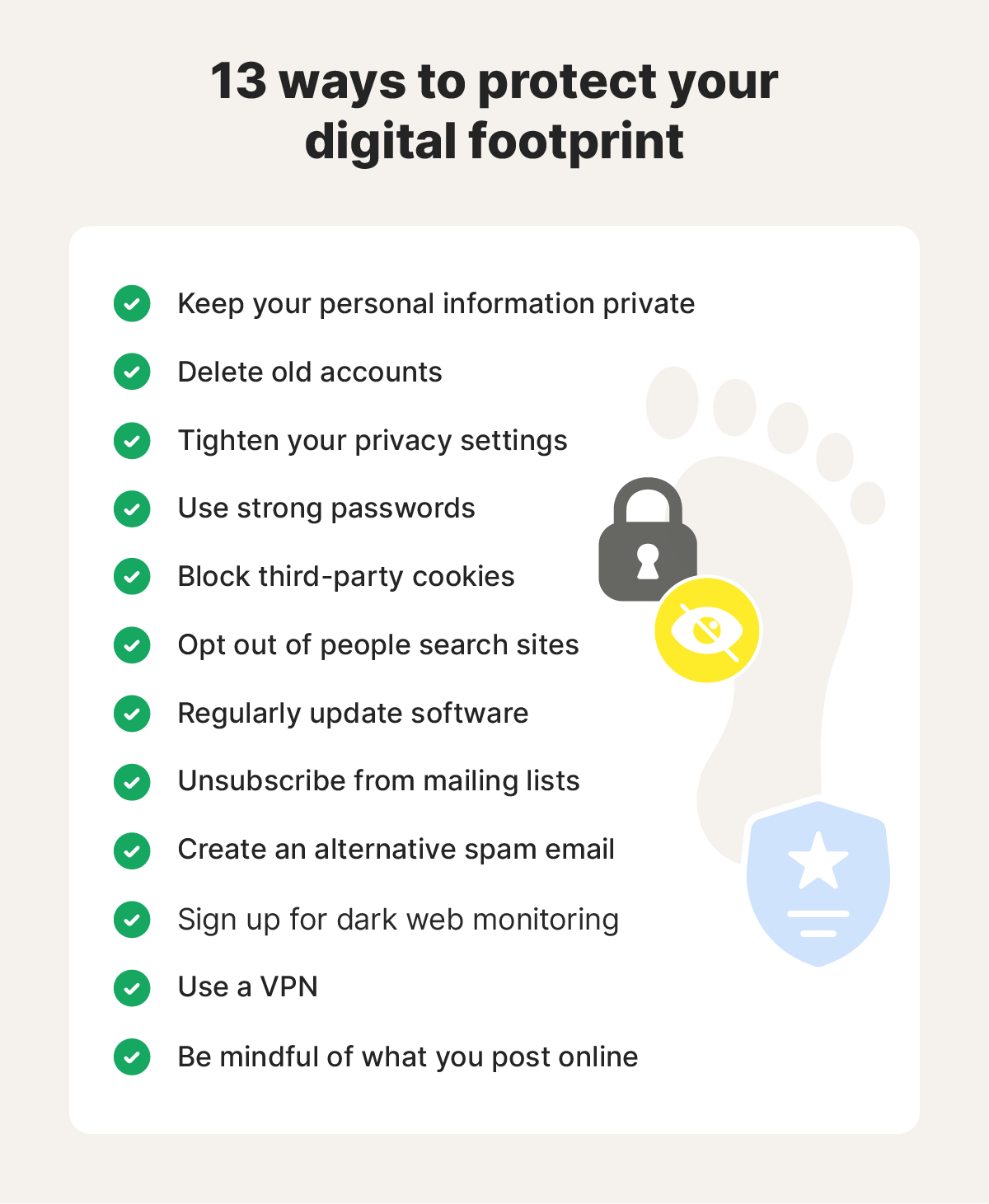
The first step in protecting your digital image online is securing all accounts that have access to your images: your Google account (if you use Google Drive), your WordPress account, and any other account you use to store, edit, or publish your photos. Without protecting these accounts, you can never fully protect your images. 2.Use Watermarks
Watermarks can help deter potential thieves from copying your images without your permission. They add a visible layer of protection to your images and make it clear that they are copyrighted. 3.Verify Your Online Presence
Verify your online presence by setting up Google Alerts for your images. This will help you monitor the use of your images online and detect any instances of image theft or unauthorized use. 4.Report Image Theft
If you detect image theft, report it to the website administrator or the relevant authorities. You can also use image monitoring services like Pixsy to track and remove unauthorized uses of your images. 5.Use Copyright Notices