Protecting Your Online Activity from Hackers: A Guide to Cybersecurity Best Practices
As we increasingly rely on the internet for our daily lives, the risk of falling victim to cyber attacks and identity theft has never been higher. Our personal information is valuable, and hackers and scammers are always looking for ways to steal it. In this article, we'll explore the top tips and strategies to help you protect your online activity from hackers and keep your digital life safe.
Why Protecting Your Online Activity is Important
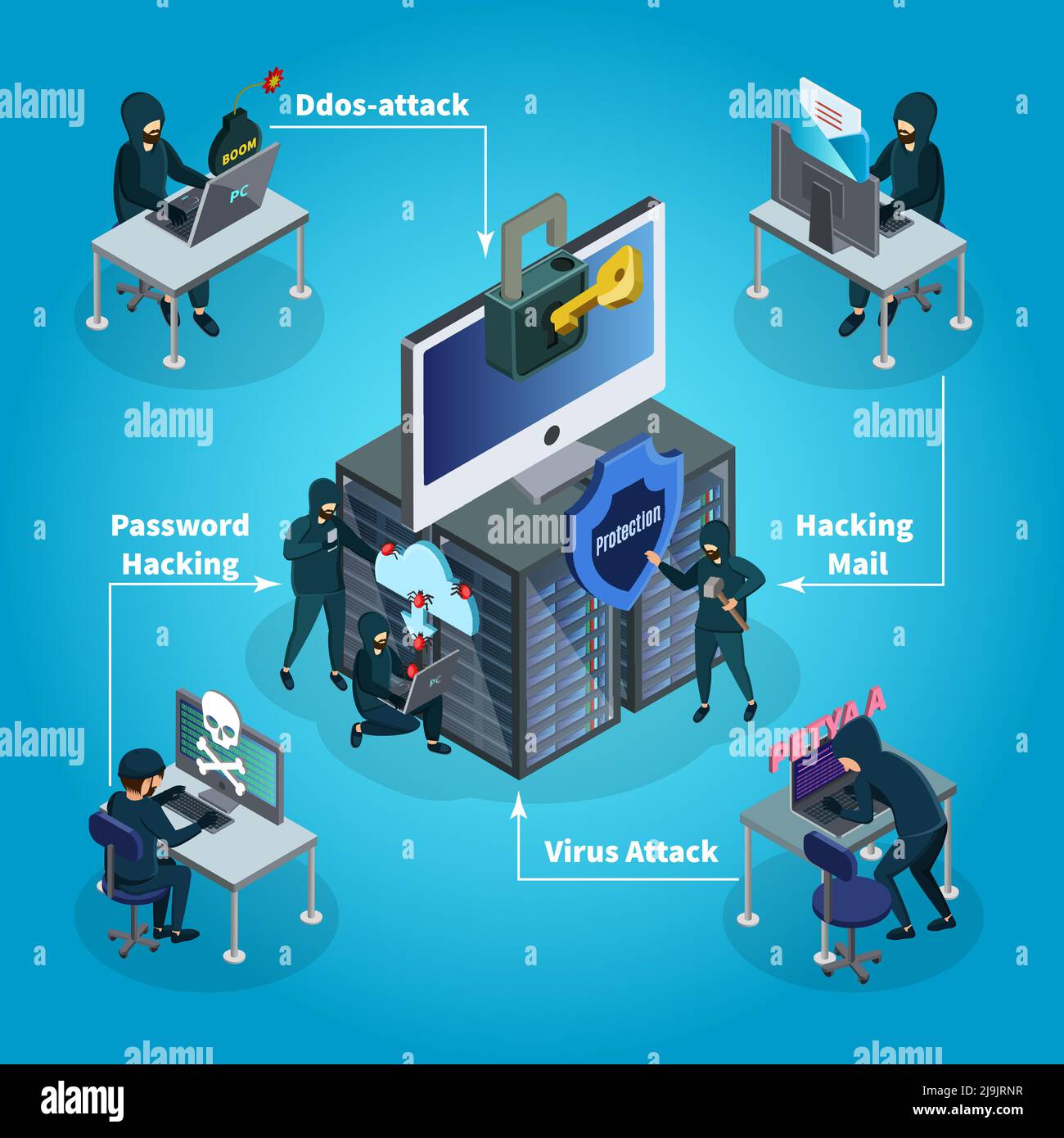
Every time you access the internet, you're potentially exposing yourself to cyber threats. Hackers use a variety of tactics to steal your personal information, including phishing scams, malware, and data breaches. If your online activity isn't properly secured, you could be at risk of identity theft, financial loss, and other serious consequences.
Step 1: Use Strong Passwords and Multi-Factor Authentication
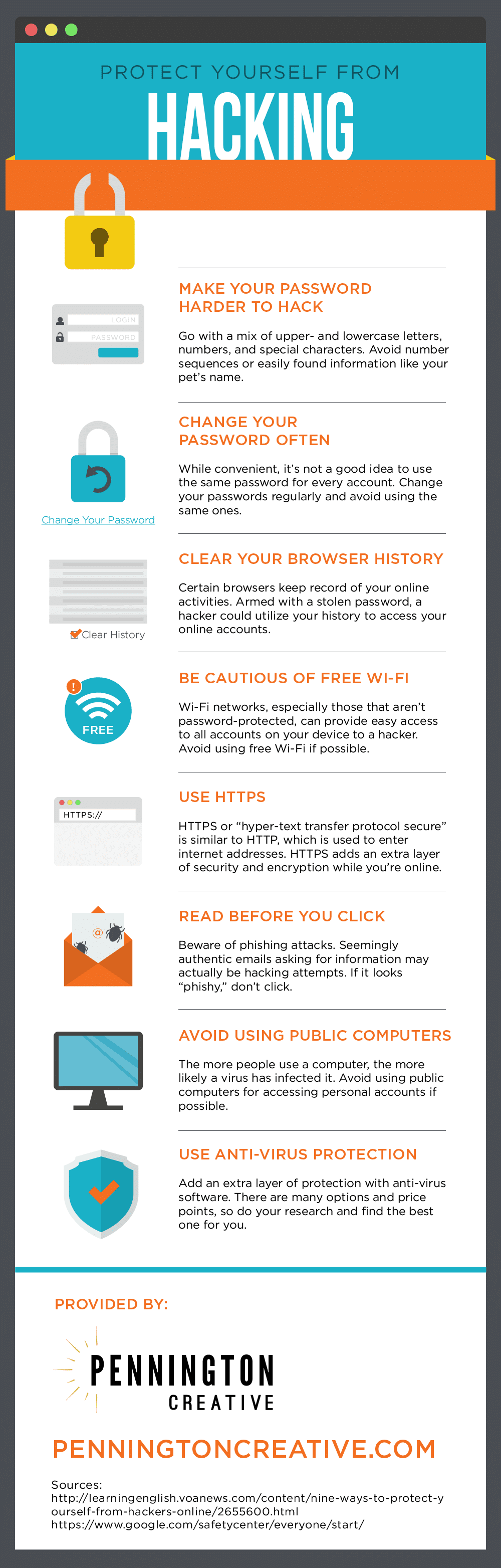
Weak passwords are a vulnerability that hackers often exploit. To protect your online activity, use strong, unique passwords for all of your accounts, and consider enabling multi-factor authentication (MFA). MFA adds an extra layer of security by requiring you to provide a second form of verification – such as a code sent to your phone or a biometric scan – in addition to your password.
Step 2: Keep Your Software Up-to-Date
Outdated software can leave you vulnerable to cyber attacks. Make sure you're running the latest versions of your operating system, browser, and other software, as these often include security patches and updates.
Step 3: Use a VPN and Encrypt Your Online Traffic
A Virtual Private Network (VPN) encrypts your internet traffic, making it difficult for hackers to intercept it. Consider using a reputable VPN service to protect your online activity when using public Wi-Fi networks or accessing sensitive information online.

Step 4: Be Cautious with Links and Downloads
Phishing scams often involve sending you a link or attachment that appears to be from a trusted source. However, these links and attachments may be malicious, and if you download or click on them, you could be exposing yourself to cyber threats. Be cautious with links and downloads, and never click on anything that looks suspicious.
Step 5: Monitor Your Accounts and Credit Reports
Regularly monitoring your accounts and credit reports can help you spot any suspicious activity and catch potential identity theft early. Set up alerts to notify you of any changes to your accounts, and check your credit reports regularly to ensure they're accurate.
Additional Tips for Protecting Your Online Activity
- Use two-factor authentication (2FA) whenever possible
- Keep your personal data private and secure
- Be cautious with public Wi-Fi networks
- Use a reputable antivirus software
- Back up your data regularly
Conclusion
Protecting your online activity from hackers requires a combination of awareness, caution, and the right tools and strategies. By following the tips outlined in this article, you can significantly reduce the risk of falling victim to cyber attacks and keep your digital life safe.