How to Optimize Alexa Setup for Seniors
Amazon's Alexa is a revolutionary smart speaker that has made it easier for seniors to live independently and comfortably in their own homes. However, with the endless features and skills available, optimizing Alexa setup for seniors can be a daunting task. In this article, we will guide you on how to set up Alexa for seniors, highlighting the essential features and skills that can improve their quality of life.
Choosing the Right Alexa Device
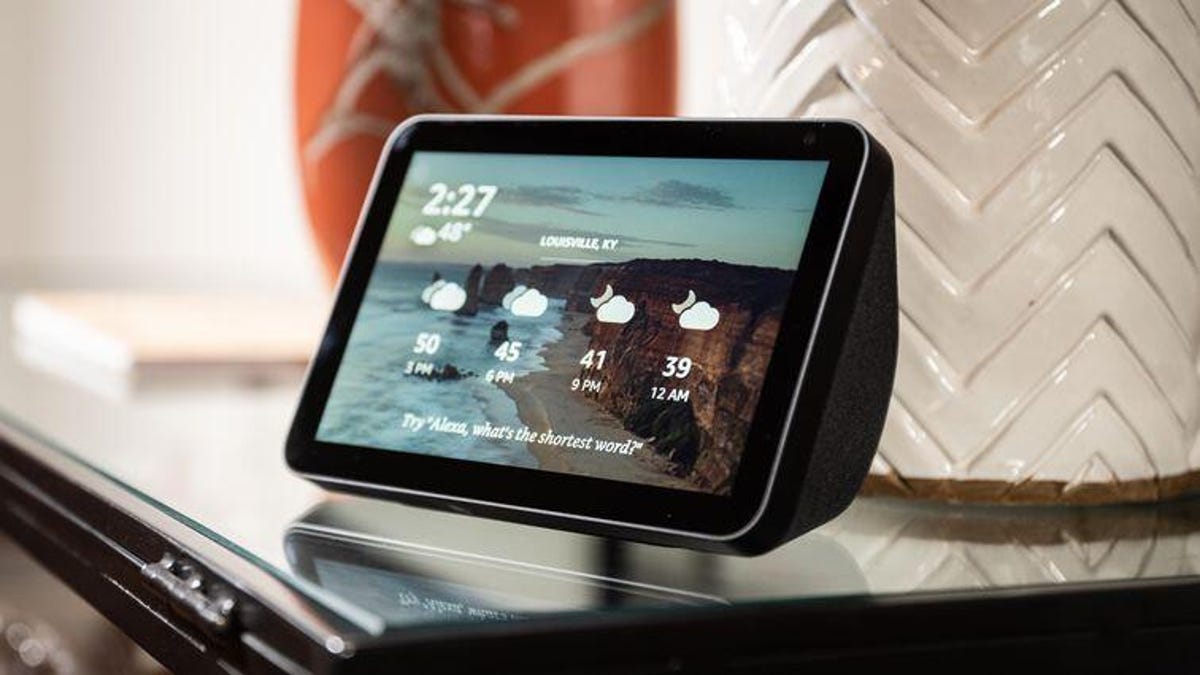
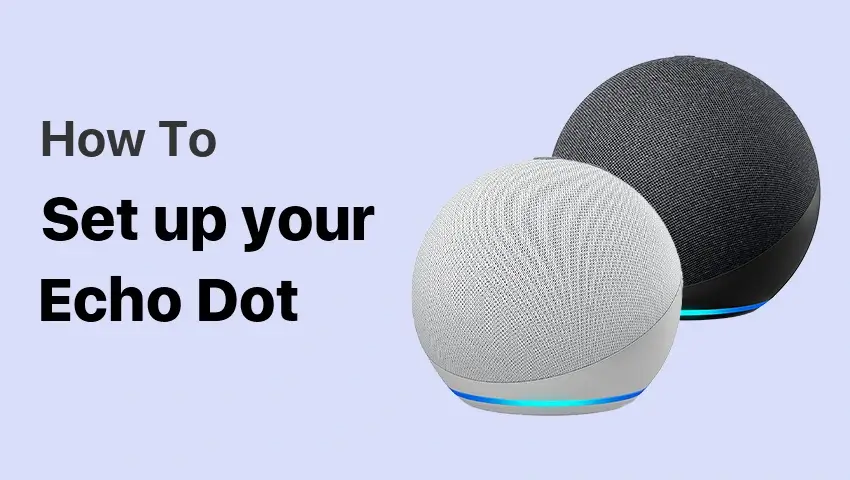
The first step in optimizing Alexa setup for seniors is choosing the right Alexa device. There are several models available, each with different features and price points. For seniors, it is essential to choose an Alexa device that is user-friendly, affordable, and has a clear and simple interface. The Amazon Echo Dot and Amazon Echo Show are two popular options that are ideal for seniors.
Setting Up Alexa for Seniors
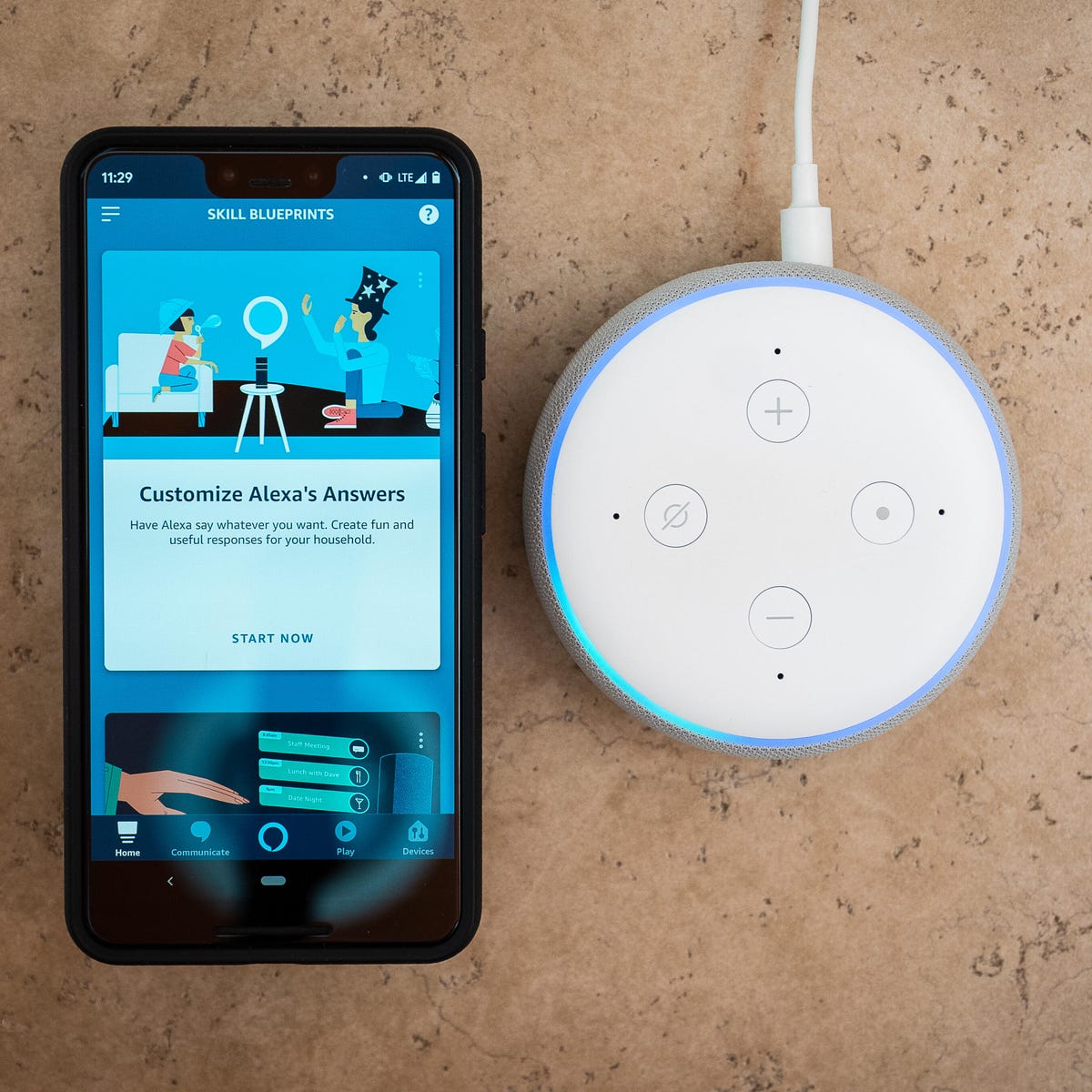
Setting up Alexa for seniors is relatively straightforward. Follow these steps to get started:
- Download the Alexa app on your smartphone or tablet.
- Link your Amazon account to the Alexa app.
- Set up your Alexa device by plugging it in and following the on-screen instructions.
- Update your Alexa device to the latest software version.
Essential Features for Seniors
Once you have set up your Alexa device, it's time to explore the essential features that can improve the quality of life for seniors. Here are some of the most useful features:
- 。Reminders: Set reminders to take medications, appointments, and other important events.
- 。Voice Calling: Make voice calls to family and friends using the Alexa app.
- 。Music: Listen to music, audiobooks, and podcasts using voice commands.
- 。Routines: Create routines to automate tasks, such as turning on lights, thermostat, and other smart devices.
- 。Health and Wellness: Access health and wellness skills, such as meditation, yoga, and fitness coaching.

Additional Useful Skills for Seniors
Along with essential features, there are numerous skills that can enhance the senior's experience with Alexa. Here are some additional useful skills:
- 。Shopping Lists: Create shopping lists using voice commands and access recipes and nutrition information.
- 。Medication Management: Track medication schedules, dosages, and refill reminders.
- 。Financial Management: Track expenses, budgets, and receive financial news updates.
- 。Weather and News: Receive weather updates, news, and headlines using voice commands.
Maximizing Alexa Benefits for Seniors
Optimizing Alexa setup for seniors requires careful consideration of their needs and preferences. Here are some tips to maximize the benefits of Alexa for seniors:
- Set up multiple Alexa devices in key areas of the home to ensure hands-free assistance and convenience.
- Personalize Alexa's voice profile to create a more intuitive and user-friendly experience.
- Take advantage of Alexa's skills and features to enhance the senior's quality of life, such as accessing recipes, music, and health resources.
Conclusion
Optimizing Alexa setup for seniors requires careful consideration of their needs and preferences. By following the steps outlined in this article, seniors can enjoy the benefits of Alexa, including increased independence, convenience, and entertainment. Remember to explore the essential features and skills, and personalize the experience to suit individual preferences.





.png?width=2500&height=905&name=logo@3x%20(1).png "Eventbrite - Discover the Best Local Events & Things to Do")