Can I Use a VPN on My Router?
In today's digital age, online security and privacy are more important than ever. One way to protect your online activities is to use a Virtual Private Network (VPN). But can you use a VPN directly on your router? In this article, we'll explore the answer to that question and provide information on how to set up a VPN on your router, as well as the benefits and potential drawbacks of doing so.
Why Use a VPN on Your Router?
Using a VPN on your router can provide several benefits, including:
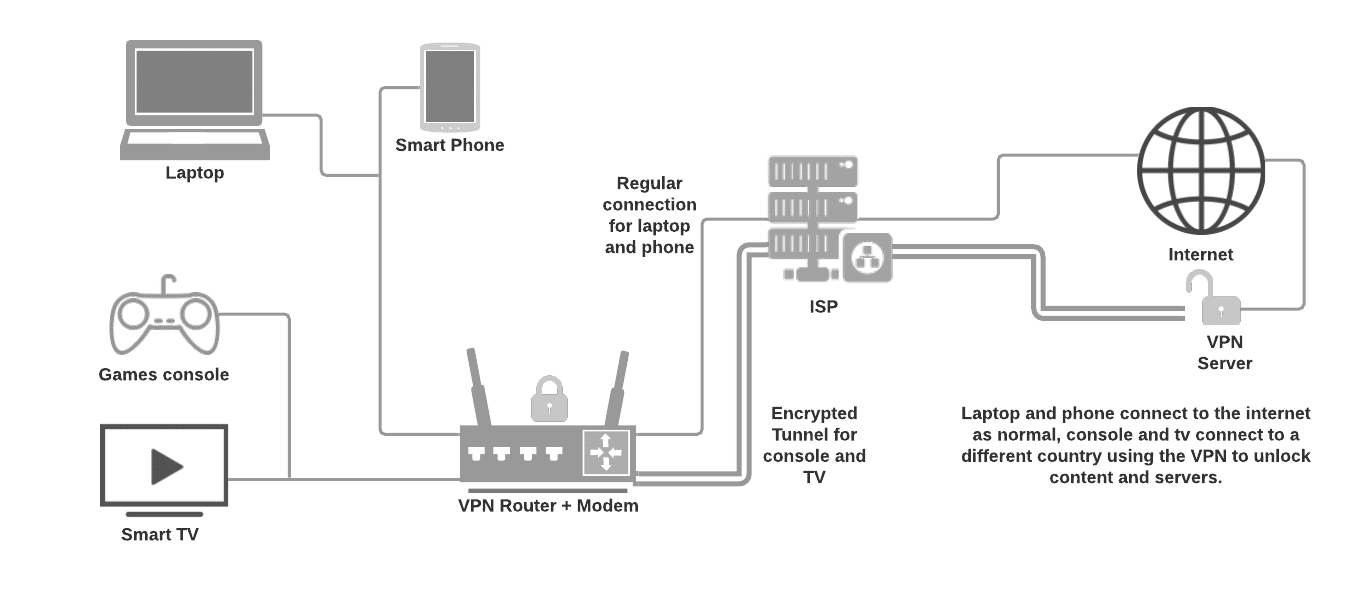
- Enhanced online security: By encrypting all traffic passing through your router, a VPN makes it more difficult for hackers to intercept sensitive data.
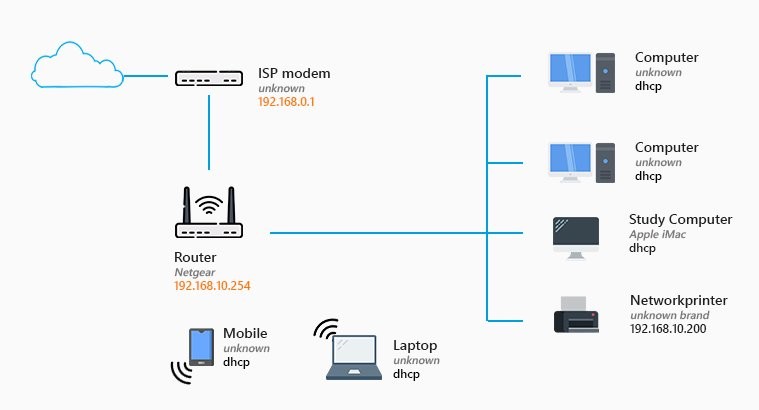
- Protected devices: With a VPN installed on your router, all devices connected to your network are protected, without the need for individual VPN configurations.
- Simplified setup: Setting up a VPN on your router can be easier than configuring individual devices, making it a convenient option for those who want to protect their entire network.
Can All Routers Use a VPN?
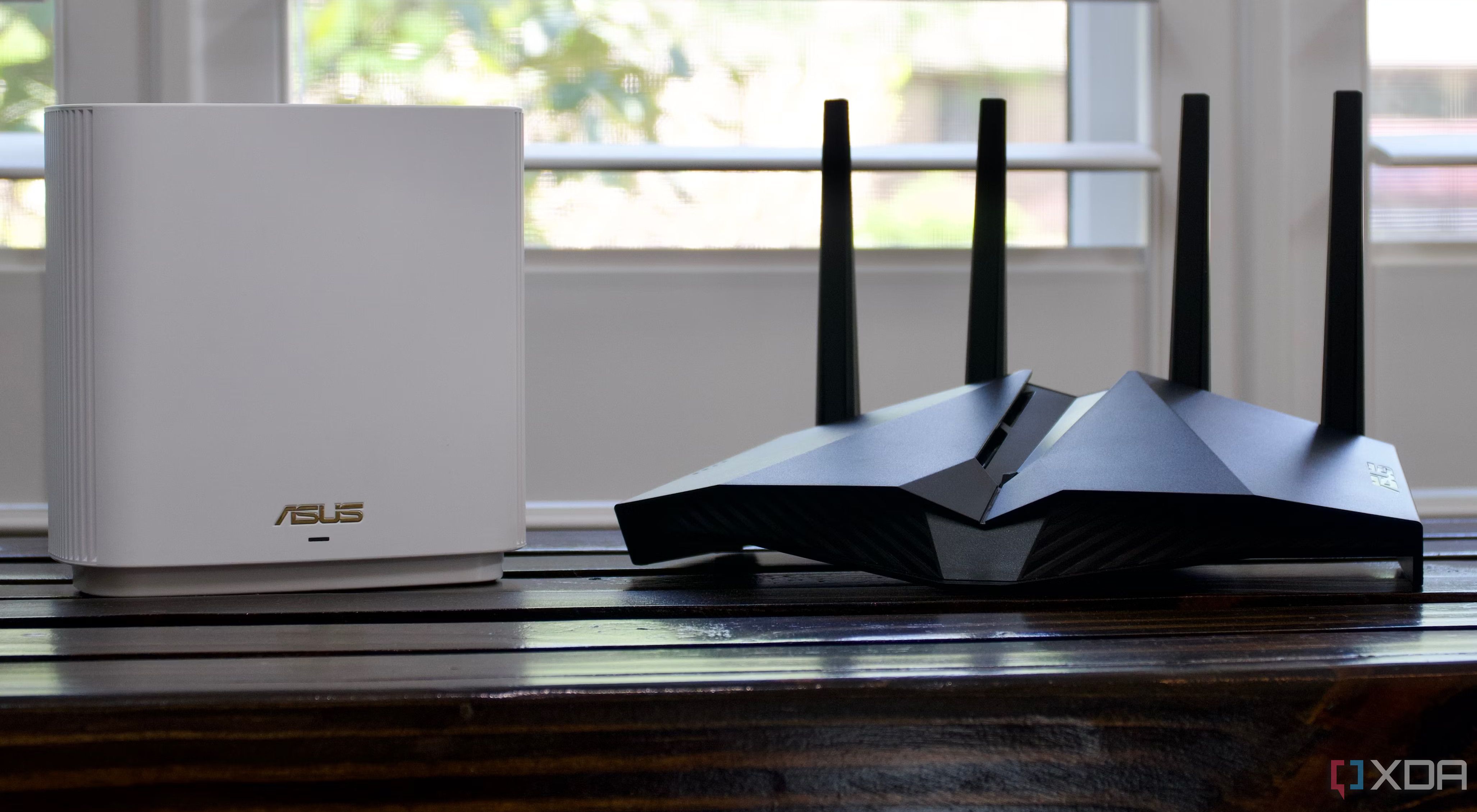
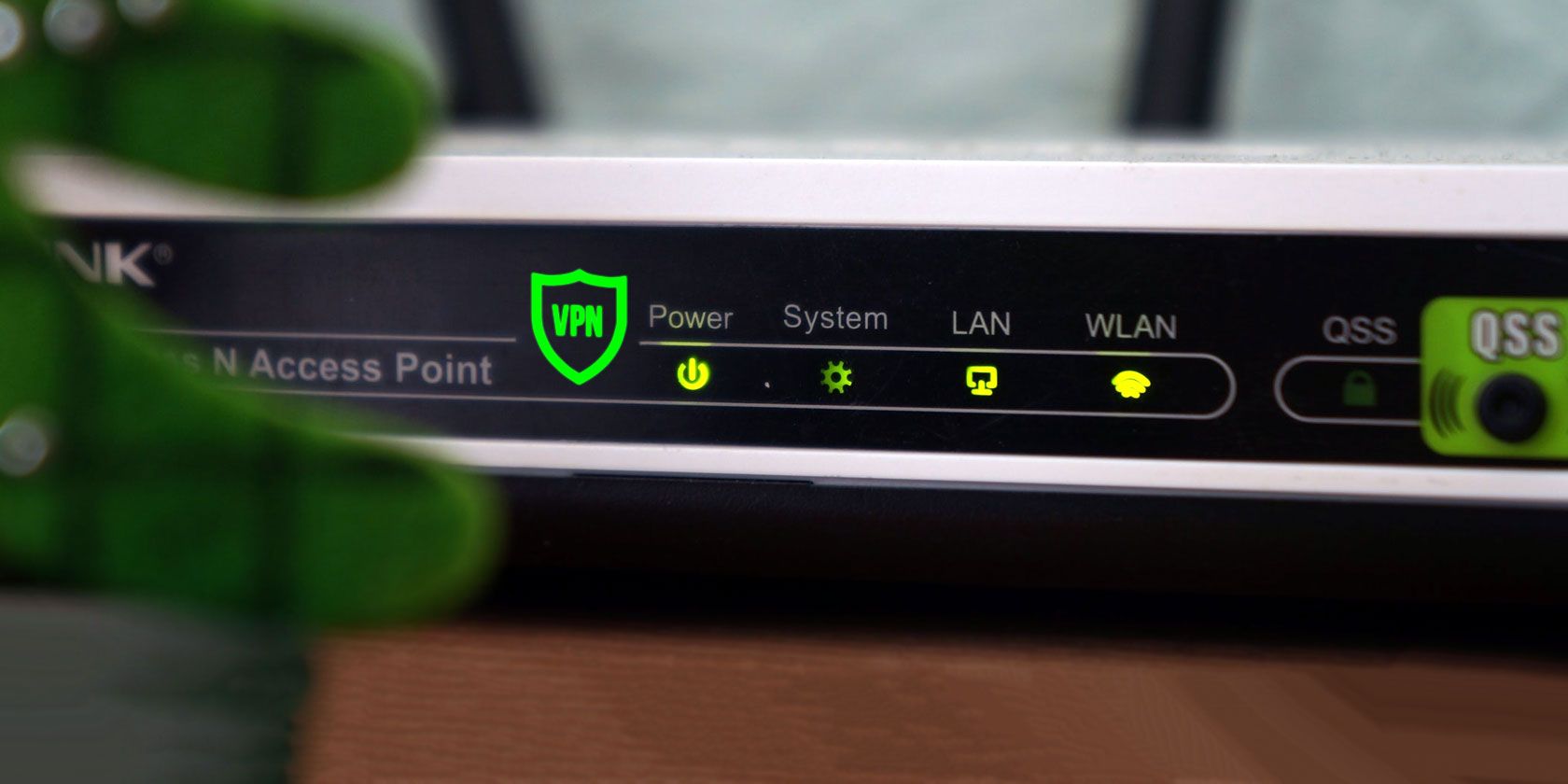
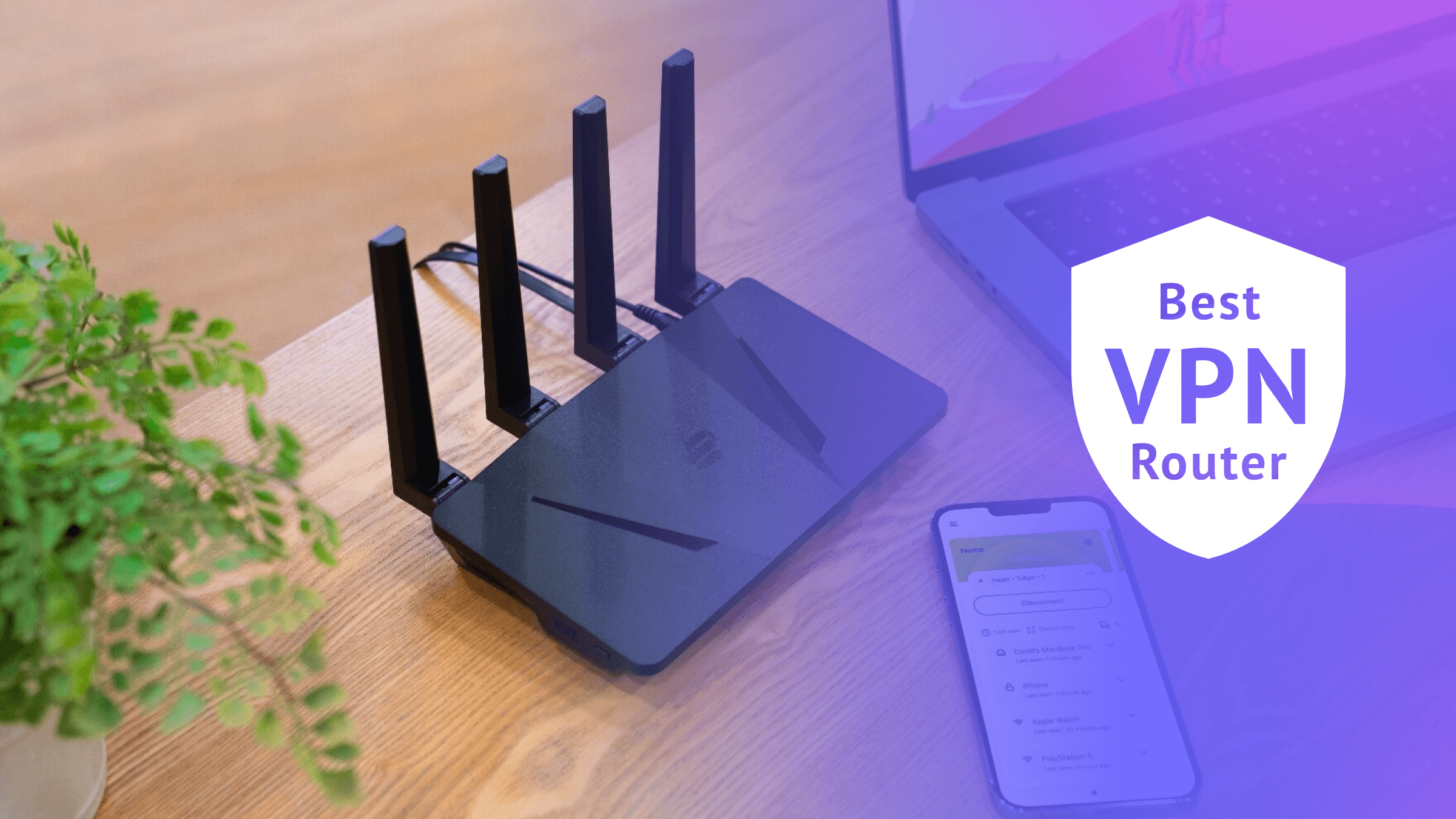
Not all routers support VPNs. Some older routers may not have the necessary hardware or software to support VPN connectivity. However, many modern routers come with built-in VPN support, making it easier to set up and use a VPN on your router.
How to Set Up a VPN on Your Router
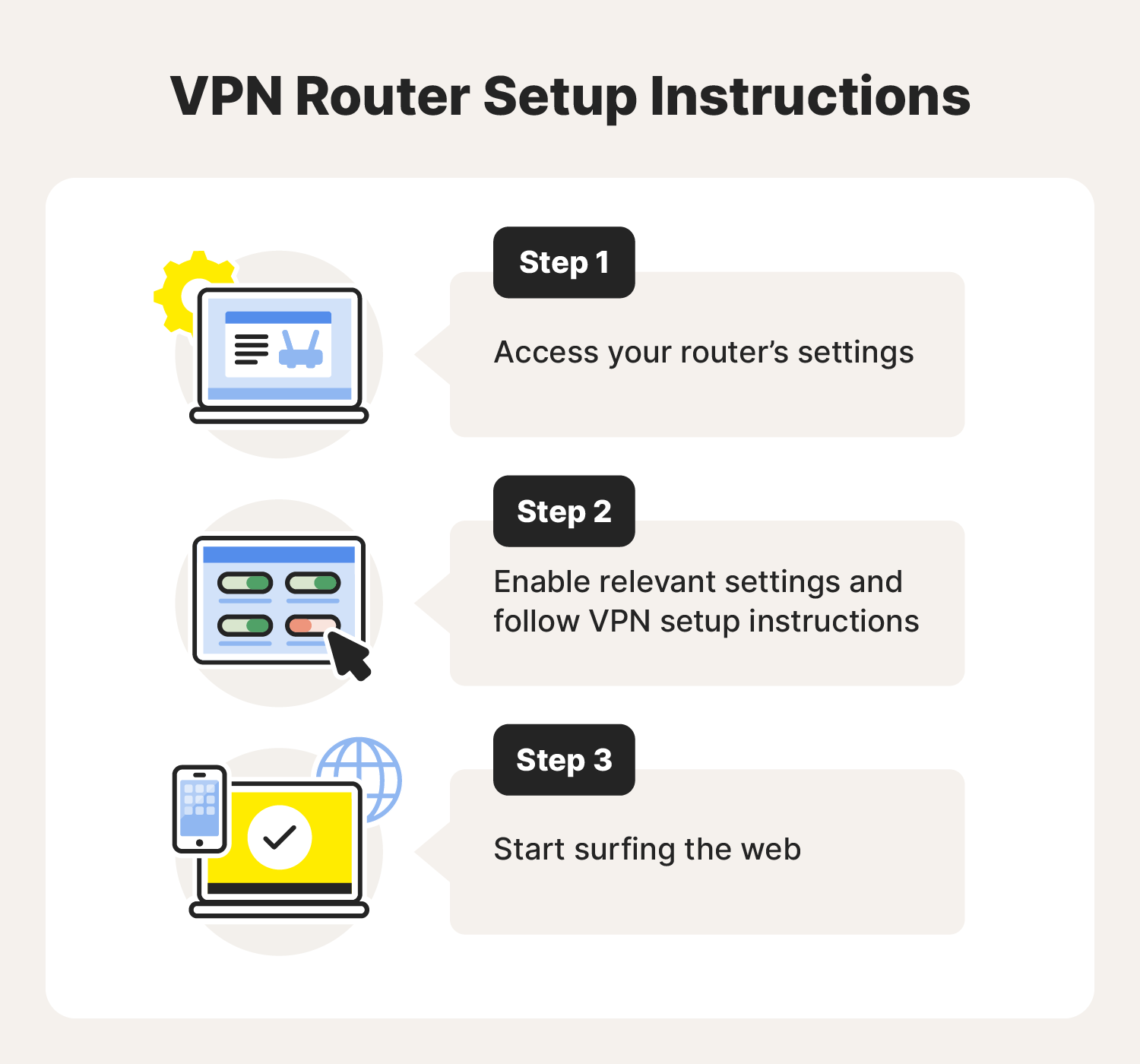
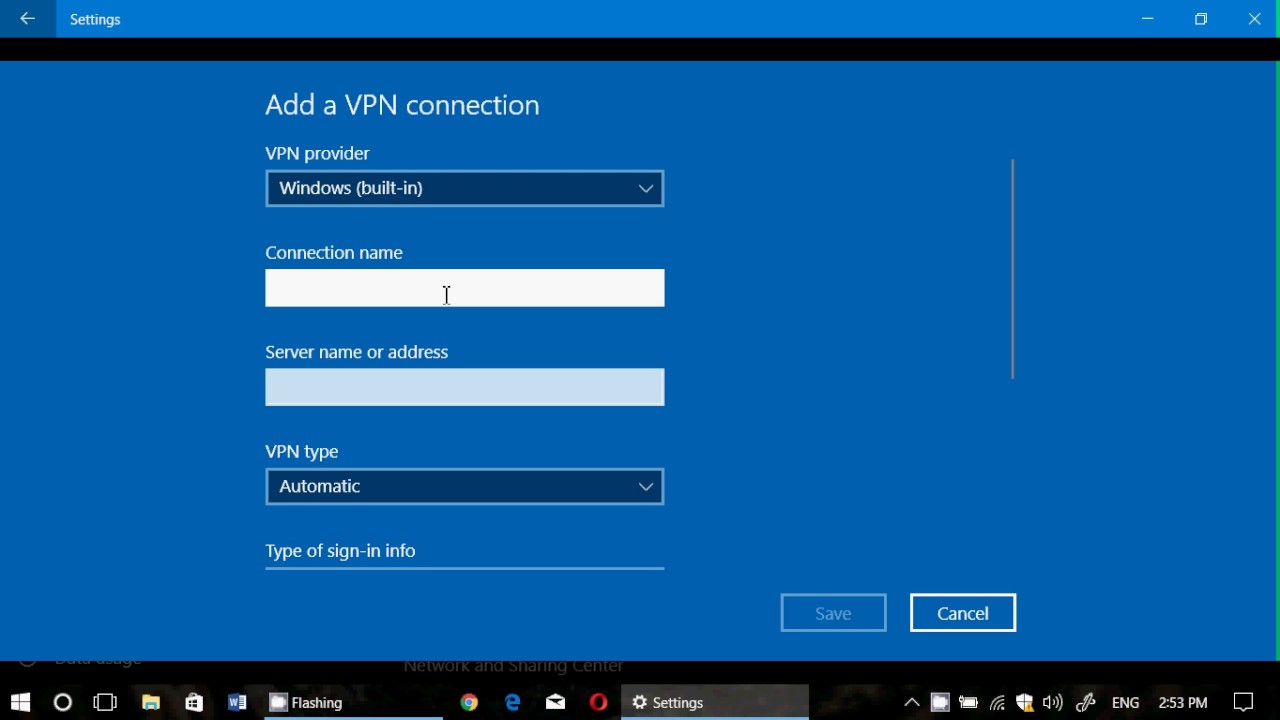
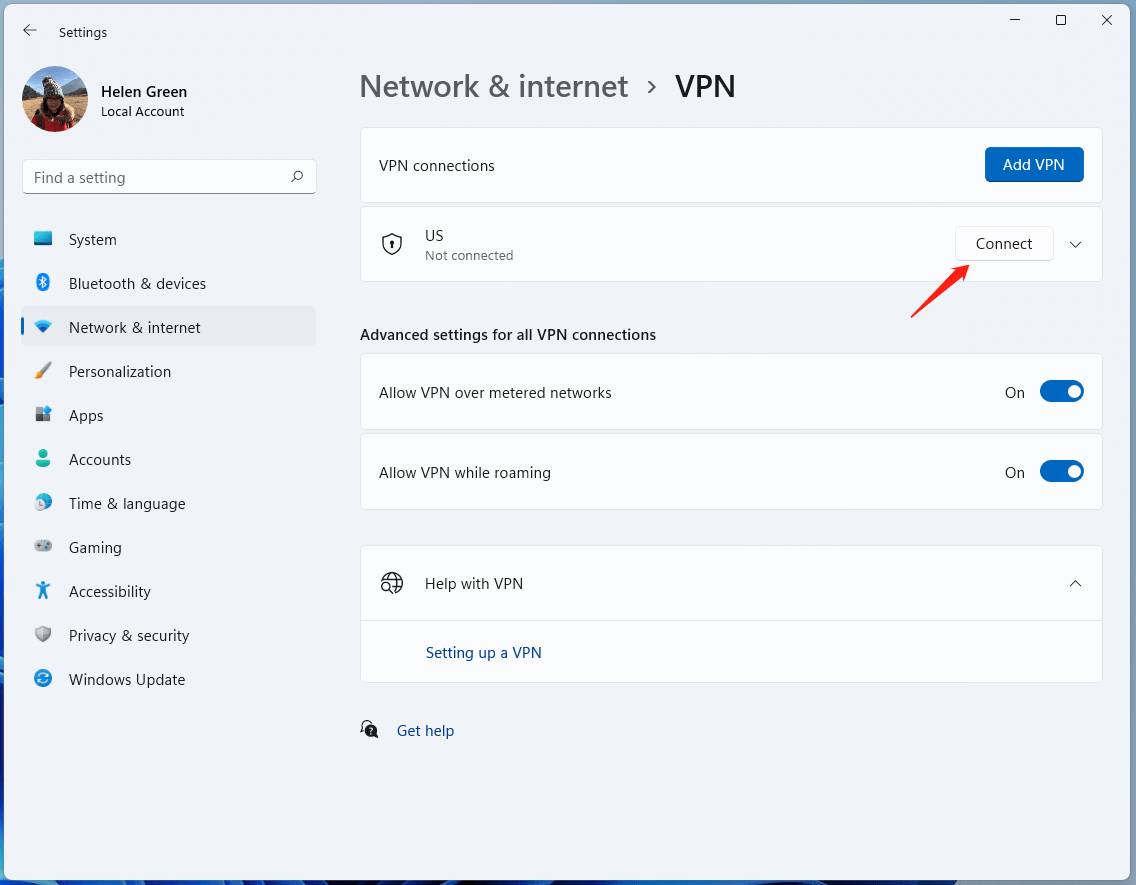
To set up a VPN on your router, follow these steps:
- Choose a compatible VPN provider: Ensure the VPN you choose is compatible with your router model.
- Log into your router: Access your router's settings by logging into its management interface.
- Find the VPN client tab: Locate the VPN client tab or section in your router's settings.
- Follow the VPN's guidelines: Typically, you'll need to enter your VPN provider's username and password, and select the VPN protocol to use.
It's essential to note that setting up a VPN on your router can be more complex than configuring individual devices. If you're not comfortable with technical setup processes, it may be best to consult the manufacturer's instructions or seek assistance from a professional.
Pros and Cons of Using a VPN on Your Router
Using a VPN on your router has its advantages and disadvantages. Here are some key points to consider:
Pros:
- Convenience: Setting up a VPN on your router can simplify the process of protecting your entire network.
- Stronger security: By encrypting all traffic passing through your router, a VPN adds an extra layer of protection against hacking attempts.
- Easy management: Once set up, a VPN on your router is often easy to manage and maintain.
Cons:
- Slower speeds: Using a VPN on your router can potentially slow down your internet speeds, especially if you're using a VPN with a high latency or high encryption overhead.
- Radiation interference: Some VPNs can cause radiation interference, which may affect the performance of your wireless devices.
- Stationary limitations: VPNs on routers are typically stationary, meaning you'll need to configure the VPN for each new network or location you connect to.
Conclusion
While using a VPN on your router can provide numerous benefits, including enhanced online security and convenience, it's essential to consider the potential drawbacks, such as slower speeds and radiation interference.
Before setting up a VPN on your router, ensure your router model is compatible and that you have chosen a VPN provider that meets your needs. If you're unsure about the process, consult the manufacturer's instructions or seek assistance from a professional.
Final Tips:
- Regularly update your router's firmware to ensure the latest security patches and features are installed.
- Set up a guest network to isolate devices and prevent unauthorized access to your main network.
- Verify connected devices regularly to detect and remove potential security threats.
- Consider upgrading to a WPA3 router for improved security and protection against emerging threats.


![How to set up a VPN router [+Video] | NordVPN](https://network-guides.com/wp-content/uploads/2024/12/VPN-compatible-routers.jpg "How to set up a VPN router [+Video] | NordVPN")
![5 Best VPN for Routers 2026 [Including Easy Setup Guide!]](https://static1.howtogeekimages.com/wordpress/wp-content/uploads/2024/08/a-person-using-an-iphone-with-a-vpn-shield-icon-next-to-it.jpg "5 Best VPN for Routers 2026 [Including Easy Setup Guide!]")