Android Phone Vibration Syndrome: What Causes It and How to Fix It
Have you ever experienced your Android phone vibrating even though there are no notifications or calls? You're not alone. Android Phone Vibration Syndrome, also known as Phantom Vibration Syndrome, is a common phenomenon where people feel their phone vibrating when it's not actually doing anything. In this article, we'll delve into the possible causes of this syndrome and provide step-by-step solutions to help you fix it.
What is Android Phone Vibration Syndrome?
Phantom Vibration Syndrome, or PVS, is a psychological phenomenon where people perceive their phone vibrating or ringing when it's not actually doing anything. This can be caused by a combination of factors, including anxiety, attention deficit, and the constant notifications from our phones. According to research, up to 80-90% of smartphone users have experienced phantom vibrations at some point.
Causes of Android Phone Vibration Syndrome
- Anxiety and stress: When we're feeling anxious or stressed, our minds can play tricks on us, making us think we see or hear things that aren't there.
- Attention deficit: With so many notifications and distractions, it's easy to get stuck in a state of constant attention-seeking, leading to phantom vibrations.
- Constant notifications: Our phones are designed to notify us, and with so many apps competing for our attention, it's easy to get bombarded with notifications, leading to phantom vibrations.
- Hardware and software issues: Malfunctioning hardware or software can cause your phone to vibrate randomly.
How to Fix Android Phone Vibration Syndrome
Here are some step-by-step solutions to help you fix Android Phone Vibration Syndrome:

1. Restart your phone
Restarting your phone is the simplest and most effective way to fix many issues, including phantom vibrations.
2. Check for app conflicts
Some apps can cause conflicts with your phone's hardware, leading to phantom vibrations. Try closing all apps and checking if the issue persists.
3. Check for software glitches
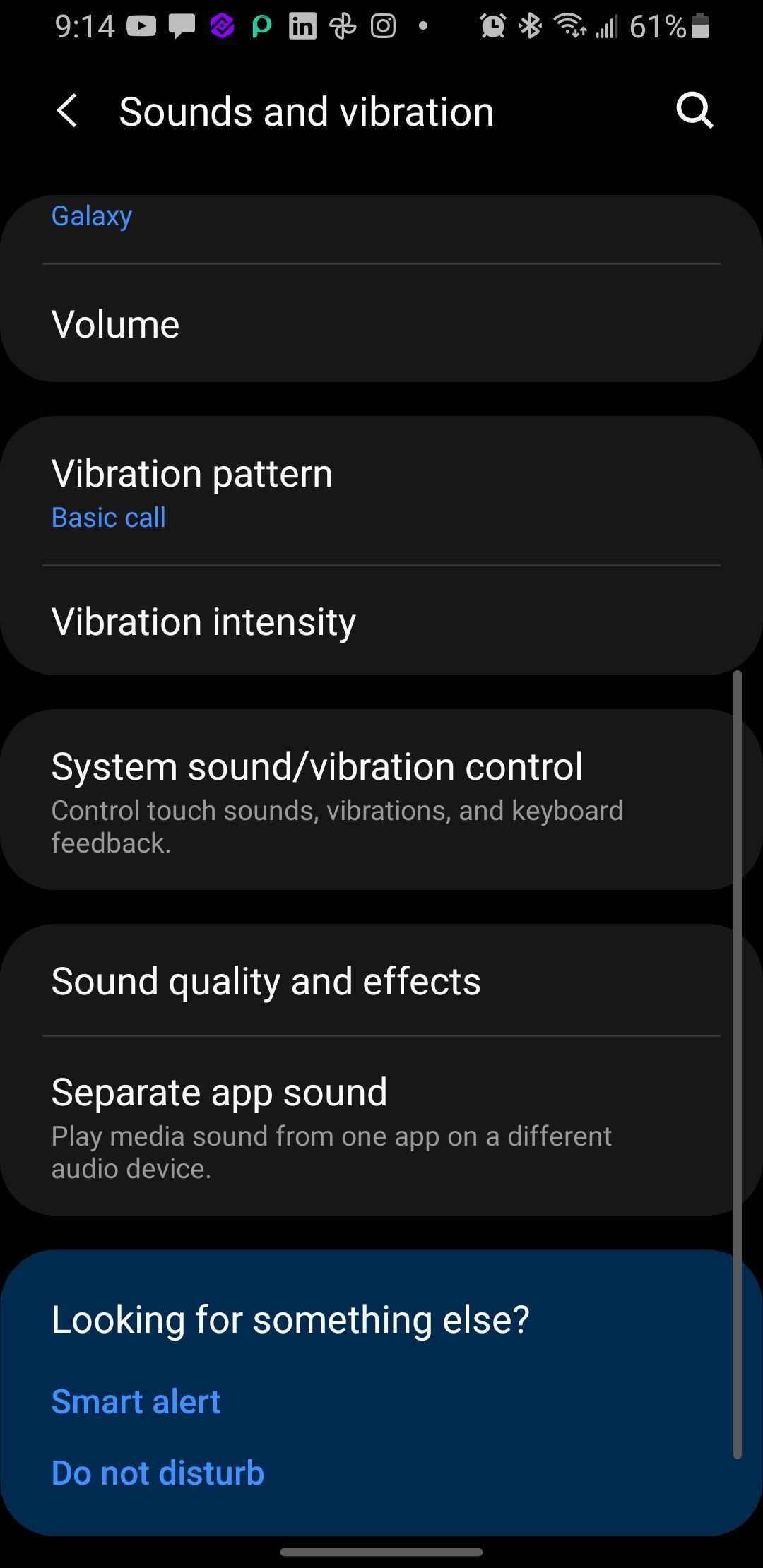
4. Turn off vibration for app alerts
Some apps can cause your phone to vibrate unnecessarily. Try turning off vibration for app alerts and see if the issue persists.
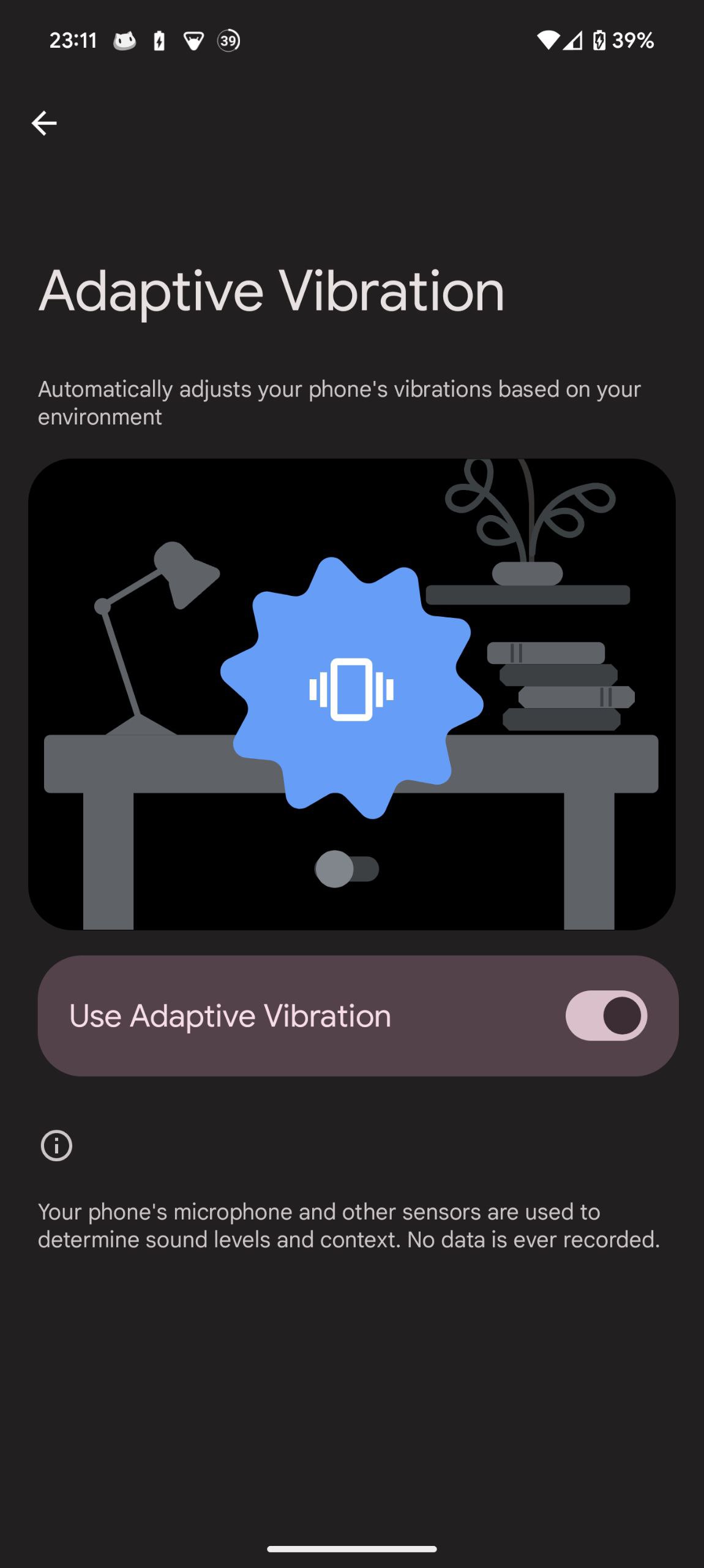
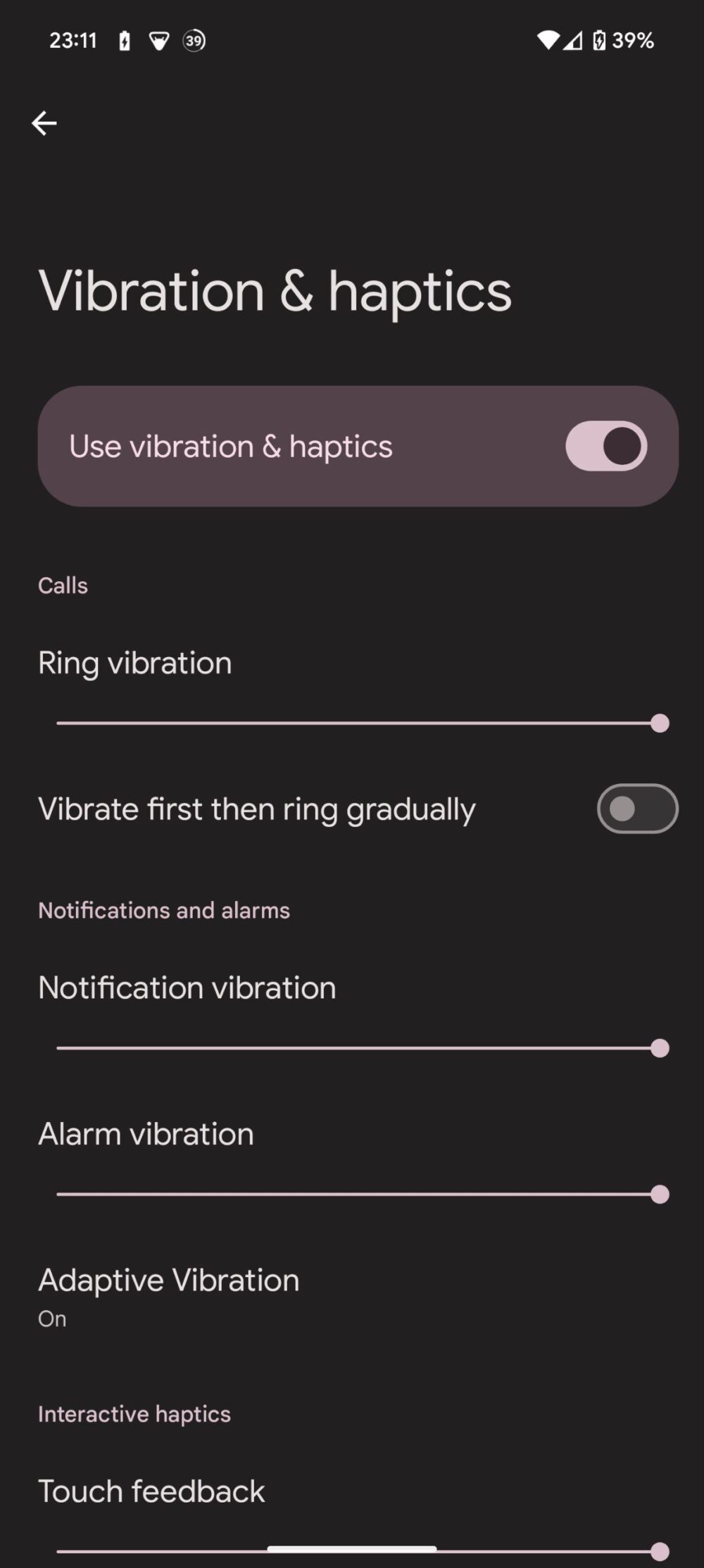
5. Adjust vibration strength
With Android 13, you can now adjust the vibration strength for different notifications and media events. Try adjusting the vibration strength and see if it helps.
Conclusion
Android Phone Vibration Syndrome is a common phenomenon that can be caused by a combination of factors, including anxiety, attention deficit, and constant notifications. By following these step-by-step solutions, you can fix Android Phone Vibration Syndrome and take back control of your phone's vibrations.