How to Keep Login Credentials Secure: Expert Tips and Best Practices
With the increasing number of online accounts and digital transactions, keeping login credentials secure has become a top priority. In today's digital age, it's essential to take measures to protect your sensitive information from unauthorized access. In this article, we'll provide you with expert tips and best practices on how to keep login credentials secure.
Weak Passwords are a Common Breach Point
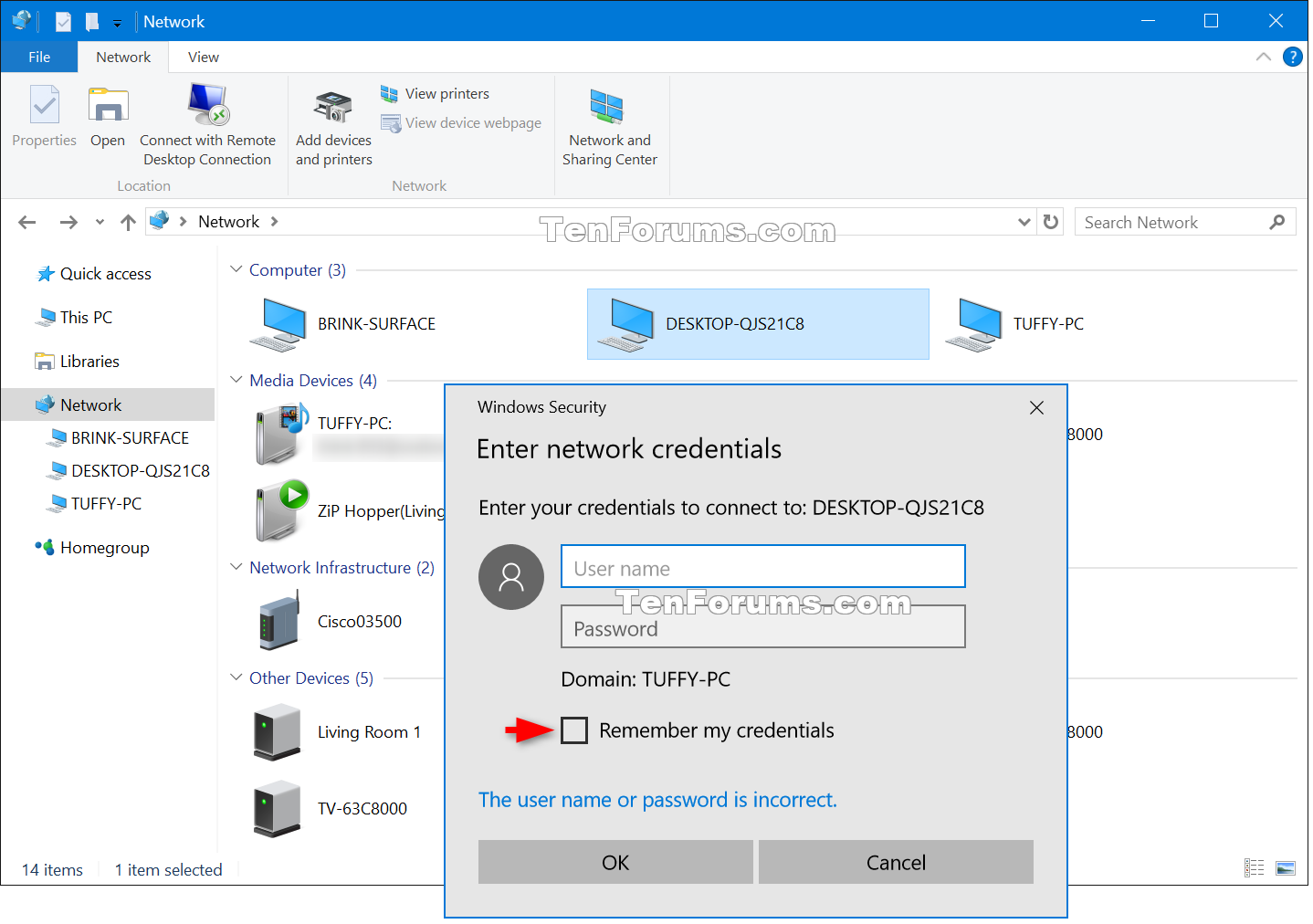
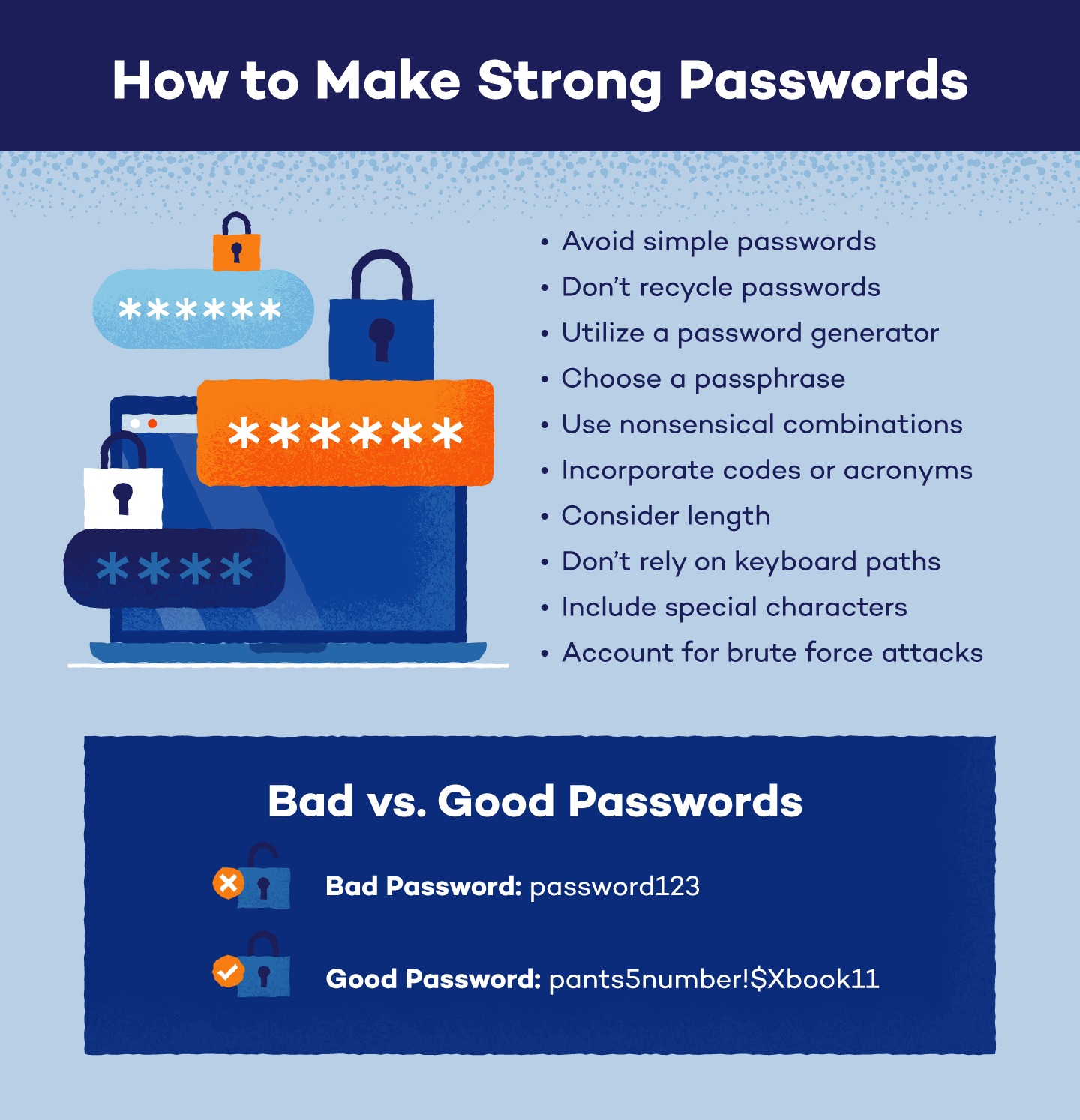
Using weak passwords is a significant risk to your online security. Hackers can easily guess or crack weak passwords, gaining access to your accounts. Instead, use a password manager to generate and store unique, complex passwords. A password manager simplifies your login experience by securely logging into your accounts for you.
Step-by-Step Guide to Secure Login Credentials
Follow these steps to improve the safety and security of your online accounts:
- Create strong passwords for each of your online accounts using a password manager.
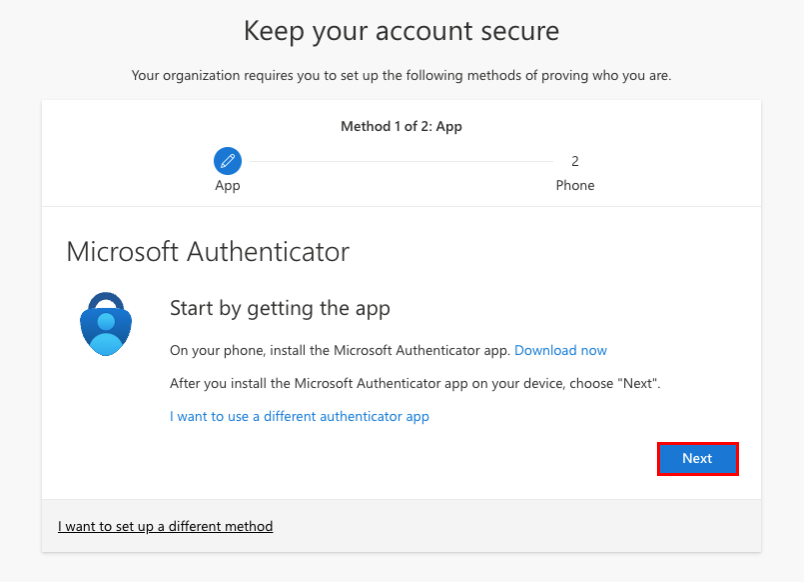
- Use a strong password for your password manager** and protect it with two-factor authentication (2FA) using biometrics or passkeys.
- Check for secure sites when logging in online, making sure the URL starts with "https://" and your browser displays a lock icon in the address bar.
- Update your login credentials periodically to prevent access to others or in case of data breaches.
- Use new and unique login details for each account, avoiding reusing passwords across multiple sites.
Avoid Phishing and Scams

Phishing and scams are common tactics used by hackers to obtain your login credentials. To avoid these threats:
- Be cautious when receiving emails or messages asking for login credentials and be aware of spelling and grammar mistakes in the URL.
- Regularly check your account activity and report any suspicious transactions.
- Use a two-factor authentication (2FA) or multi-factor authentication (MFA) to add an extra layer of security to your login process.
- Keep your devices and software up-to-date with the latest security patches and updates.
Secure Your Login Information with Advanced Techniques
Take your login security to the next level with these advanced tips:
- Use a reputable password manager, such as LastPass or NordPass, to generate and store strong passwords.
- Implement a password change schedule to update your login credentials periodically.
- Use a passkey** or a Universal 2nd Factor (U2F) key to add an extra layer of security to your login process.
Conclusion
Protecting your login credentials is crucial in the digital age. By following these expert tips and best practices, you'll be able to keep your login credentials secure and avoid common breach points. Remember, a strong password is just the beginning, and it's essential to use advanced techniques and tools to keep your online presence secure.