Twitch Stream Equipment Setup: Essential Tools for a Professional-Looking Stream
Introduction
As a beginner, setting up a Twitch stream can seem daunting, especially with the overwhelming amount of information available. But with the right equipment and knowledge, you can create a high-quality stream that attracts and retains viewers. In this article, we'll guide you through the essential tools you need to set up a professional-looking Twitch stream.Streaming Essentials
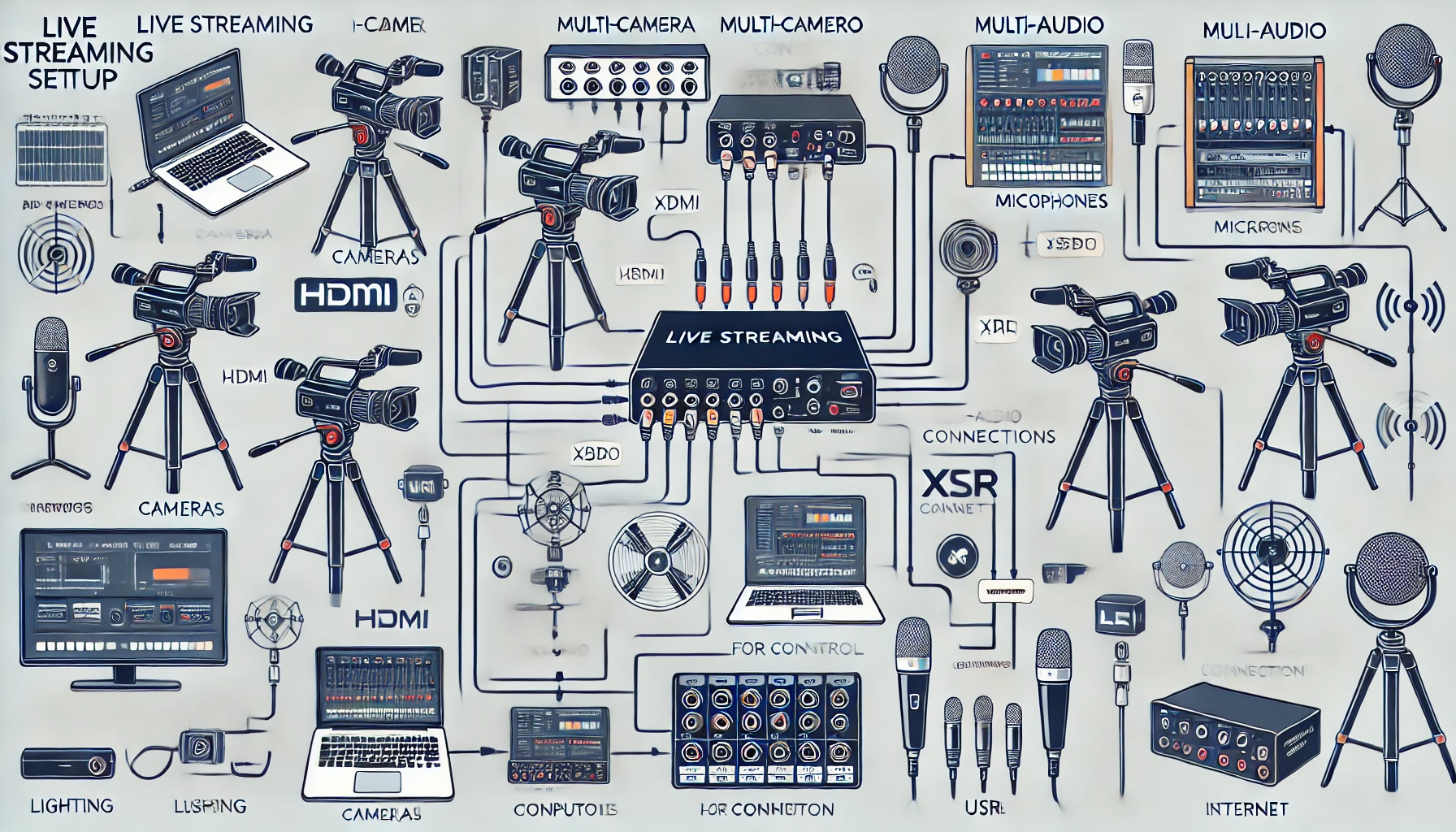
To start streaming on Twitch, you'll need a few essential pieces of equipment. These may seem obvious, but they're crucial for a successful stream:- A gaming PC or console: This will be the backbone of your streaming setup, so invest in a capable machine with a strong processor and graphic card.
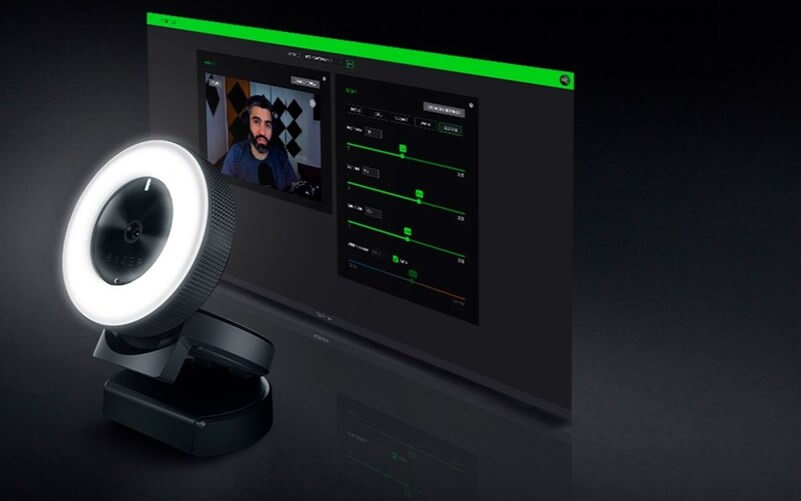
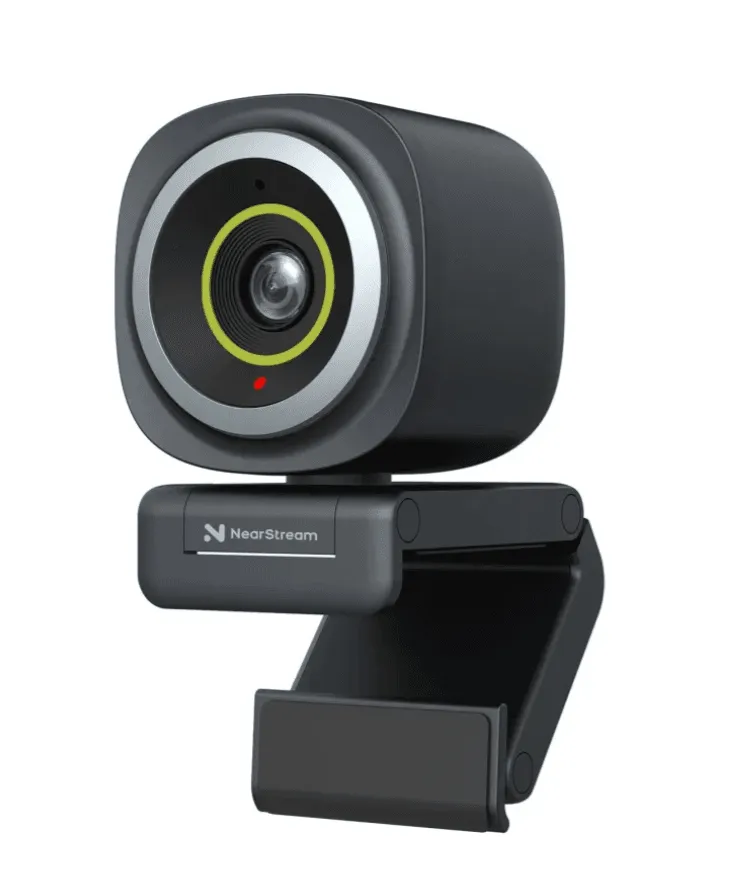
- A webcam: A good webcam is essential for face-cam interactions and adding a personal touch to your stream.
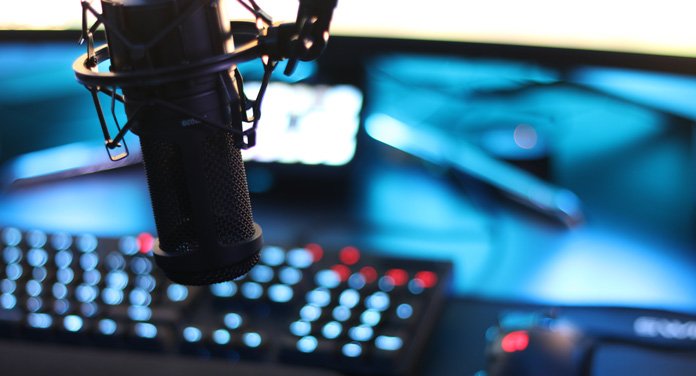
- A microphone: A quality microphone will ensure your audio is clear and crisp, making it easier for viewers to listen and engage with your content.
- Reliable streaming software: OBS (Open Broadcasting Software) is the industry standard for Twitch streaming, but there are many other options available.
Twitch Stream Equipment Setup: Beyond the Basics
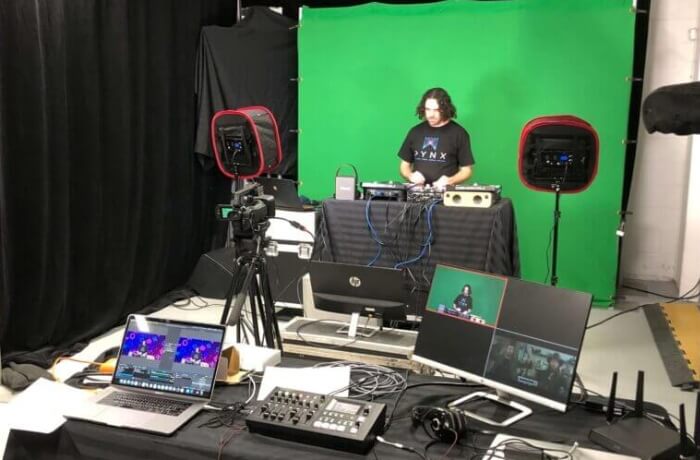
Once you have the essentials, it's time to consider upgrading your setup to create a more professional stream. This includes:Recommended Hardware for Broadcasting
While you can stream on Twitch with a console or PC, investing in additional equipment can improve the quality of your stream:- A capture card: If you're using a console, a capture card helps capture high-quality video and audio for your stream.
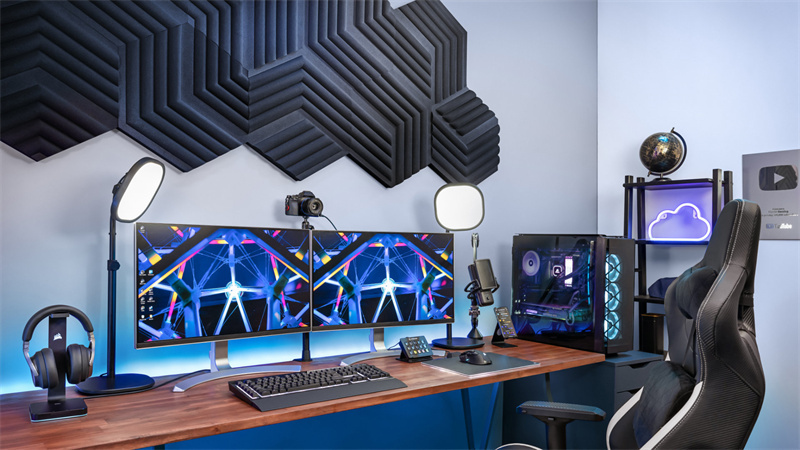
- Lighting: Proper lighting is essential for visibility and setting the mood for your stream. Invest in a good lighting kit to ensure your stream is well-lit and visually appealing.
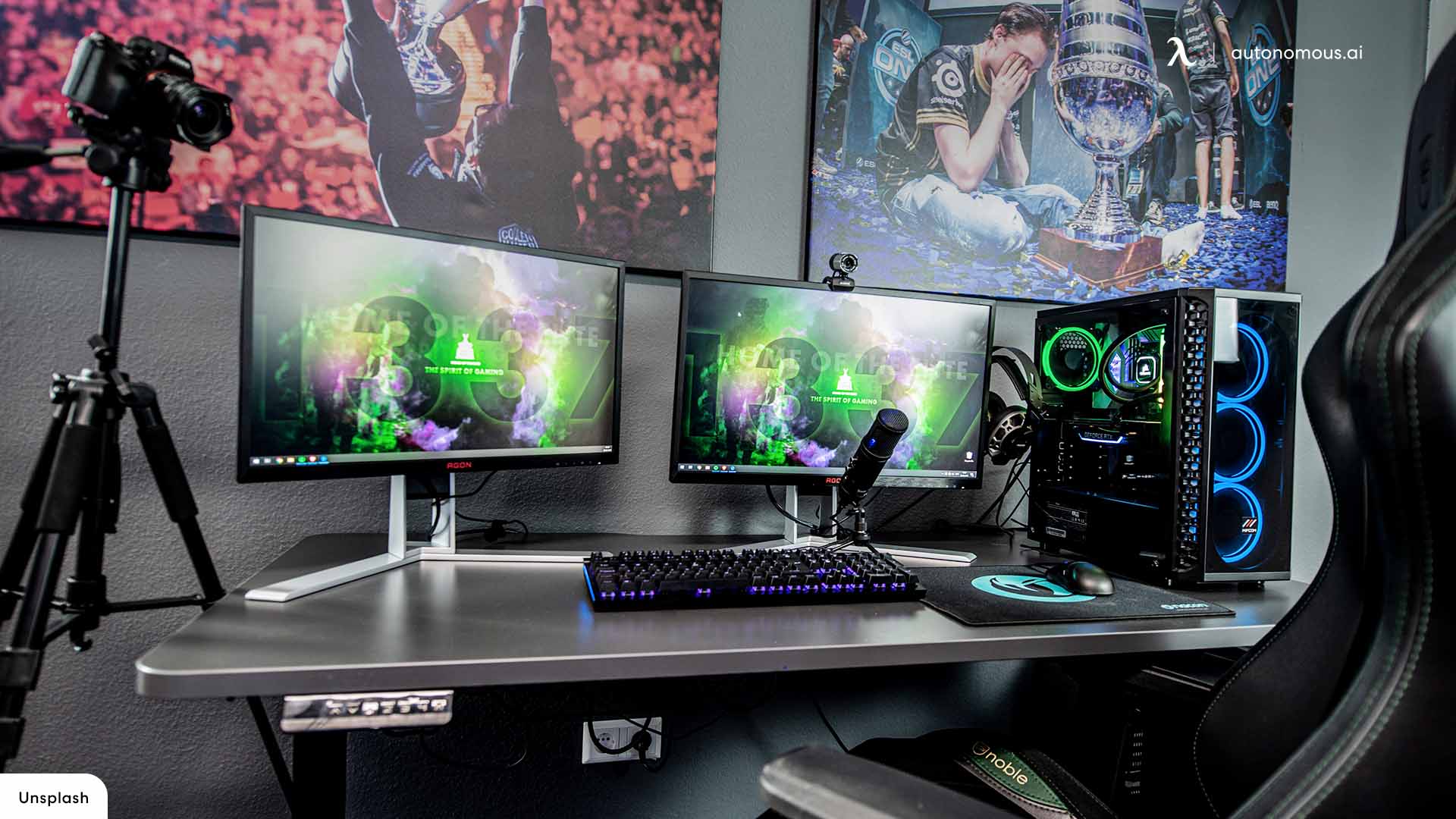
- (Optional) External Monitors: If you want to add a multi-cam setup or split your screens, consider investing in external monitors.
Software Recommendations
In addition to your hardware, there are various software options available to help you improve your streaming setup:- Video editing software: For creating intros, outros, and editing your stream footage.
- Audio editing software: For fine-tuning your audio and creating polished sound effects.
- Music and audio libraries: For avoiding copyright issues and finding the perfect tunes for your stream.
Beginner-Friendly Tips
Don't be intimidated if you're new to streaming. Start with the basics and experiment with different equipment and software to find what works best for you:- Start with a budget-friendly setup and upgrade as you grow.
- Experiment with different camera angles and lighting setups.
- Practice, practice, practice! The more you stream, the more comfortable you'll become with your equipment and software.
![[Everything Explained] Streaming Setup for Twitch in 2026 - OBSBOT](https://www.delamar.de/wp-content/uploads/2021/05/streaming_setup_01.jpg "[Everything Explained] Streaming Setup for Twitch in 2026 - OBSBOT")