Security Measures for Home Router: A Comprehensive Guide
Your home Wi-Fi router is the gateway to your network, and its security is crucial to protecting not only your devices but also your personal data. Weak router security can lead to unauthorized access, cyber threats, and even compromise of connected devices. In this article, we will explore the essential security measures for home routers to ensure your network remains secure and private.
The Problem with Unsecured Home Routers
Unsecured home routers are vulnerable to cyber threats, making them an attractive target for hackers. With the increasing number of connected devices in our homes, the risk of a breach is higher than ever. Cybercriminals can exploit weaknesses in router security to gain access to your network, steal sensitive information, or even disrupt your internet connectivity.
Disable Remote Access and Change Default Settings
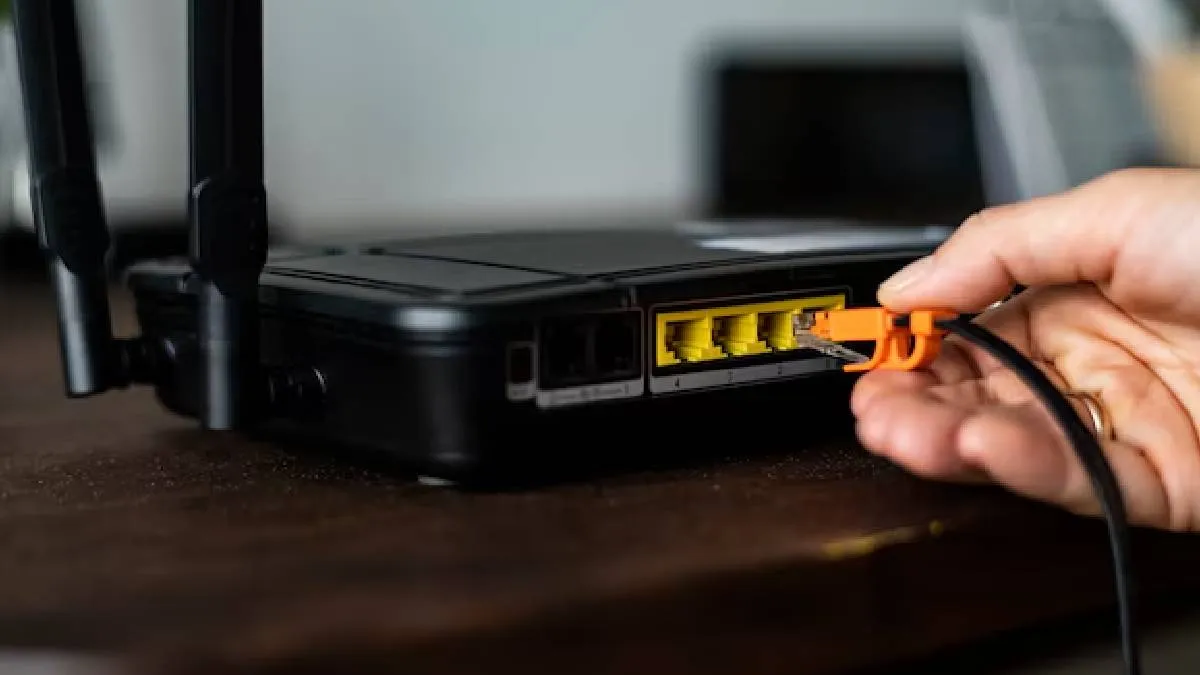
Disable remote access to your router to prevent unauthorized access to your network. This is usually done by disabling the web interface or changing the login credentials. Additionally, change the default network name (SSID) and password to prevent easy identification of your router model.
- Change the network name (SSID) to a unique and non-descriptive name to prevent easy identification of your router model.
- Change the default password to a strong and unique password to prevent unauthorized access to your network.
- Disable remote access to prevent hackers from accessing your router's web interface.
Set Up WPA3 Encryption and Firmware Updates
WPA3 encryption is the latest and most secure encryption standard. Ensure your router supports WPA3 encryption and set it up to protect your network from unauthorized access. Regular firmware updates are also crucial to patching security vulnerabilities and keeping your router secure.
- Check if your router supports WPA3 encryption and set it up to ensure the highest level of security for your network.
- Regularly update your router's firmware to patch security vulnerabilities and keep your network secure.
Use Smart Settings to Enhance Router Security
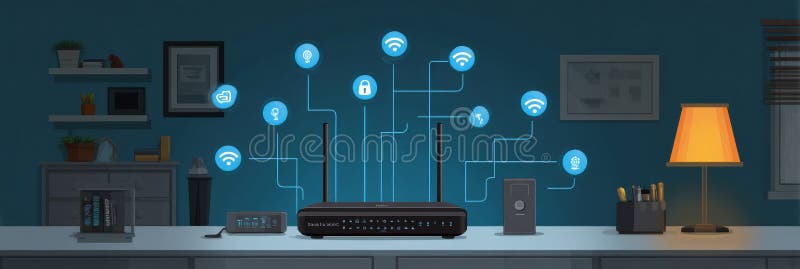
Smart settings, such as Quality of Service (QoS) and guest networking, can be used to enhance router security and performance. QoS can help prioritize critical traffic, while guest networking can provide a separate and secure network for guests.
- Use QoS to prioritize critical traffic and ensure smooth network performance.
- Set up guest networking to provide a separate and secure network for guests.
Protect Your Devices with Advanced Router Protection
Advanced router protection features can help protect your devices from malware and other online threats. Look for routers with built-in protection features, such as intrusion detection and prevention, as well as automatic firmware updates.
- Look for routers with built-in protection features, such as intrusion detection and prevention.
- Choose routers with automatic firmware updates to ensure the latest security patches.
- Enable advanced router protection features to safeguard your devices from malware and other online threats.
Physical Router Security Practices
Physical router security practices, such as securing the router physically and preventing tampering, are often overlooked in home and small office environments. Implementing these practices can help prevent unauthorized access, tampering, theft, or damage to your router.
- Secure your router physically to prevent unauthorized access or tampering.
- Prevent theft or damage to your router by keeping it in a secure location.
The Bottom Line
Security measures for home routers are crucial to protecting your network and devices from cyber threats. By following these essential security measures, you can ensure your router is secure, private, and protected from unauthorized access. Remember to regularly update your router's firmware, use WPA3 encryption, and implement smart settings to enhance your router's security and performance.