Boost Your Router Security with Expert Tips!
Learn how to safeguard your home network with strong passwords, WPA3 encryption, VPNs, and more to stay protected! Securing your router passwords is a crucial step in maintaining your home network's security and preventing unauthorized access. In this article, we'll dive into expert tips on how to secure your router passwords and strengthen your home network.
Why Securing Your Router Passwords is Important
- Protect your home network from hackers and unauthorized access.
- Prevent cyber threats and maintain a secure online environment.
- Ensure the safety and security of your family and devices.
How to Secure Router Passwords: Expert Tips
Securing your router passwords involves a combination of best practices, including changing the default password, updating firmware, and enabling encryption protocols. Here are some expert tips to help you get started:
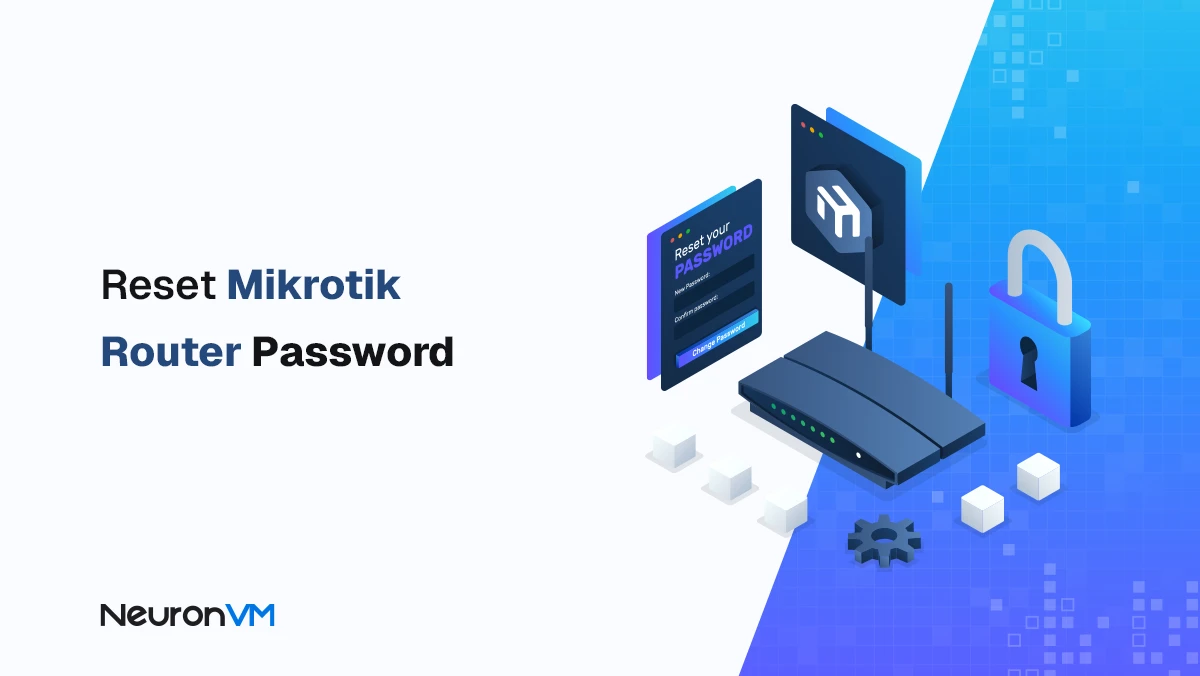
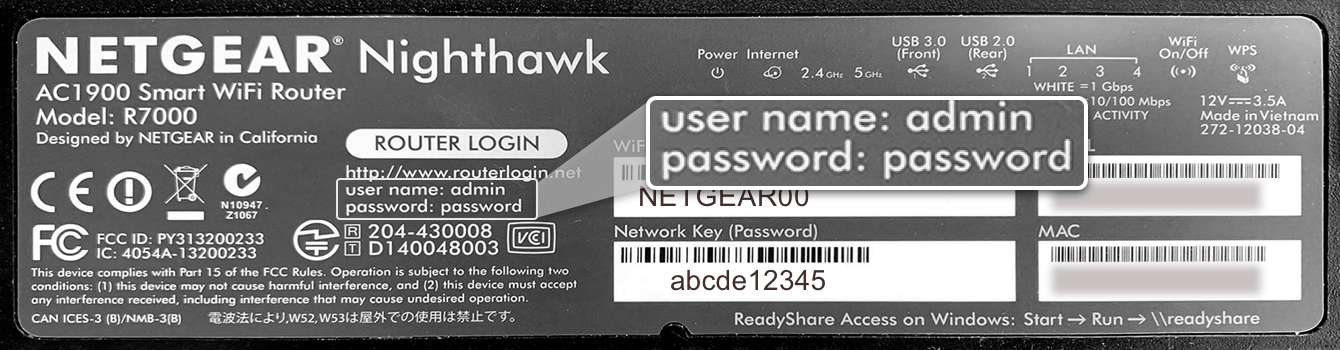
Change the Default Password
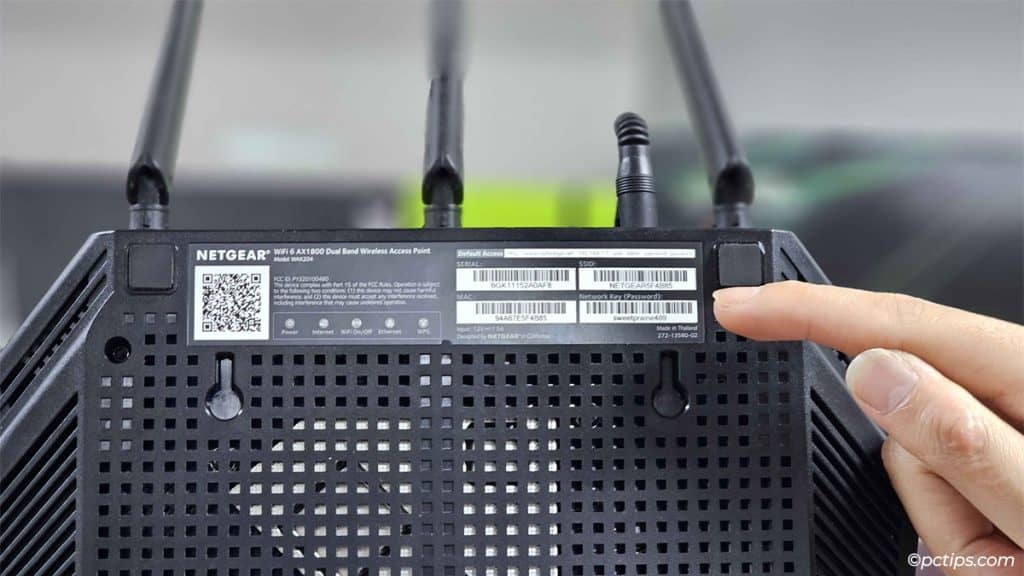
One of the first things to do is to change the default password to a non-default one that an attacker couldn't easily guess. Some routers even allow you to change the username you use to log into your router. Check your router's manual or online documentation for instructions on how to do this.
Use a Strong Password
- Use a password with more than 10 characters mixed with capitalized letters, numbers, and special characters.
- Avoid using passwords with consecutive numbers or letters, such as 1111111111 or abcdefghij.
- Use a combination of letters, numbers, and symbols for added security.
Update Firmware
Regularly update your router's firmware to patch security vulnerabilities and ensure you have the latest security features.
Enable Encryption Protocols
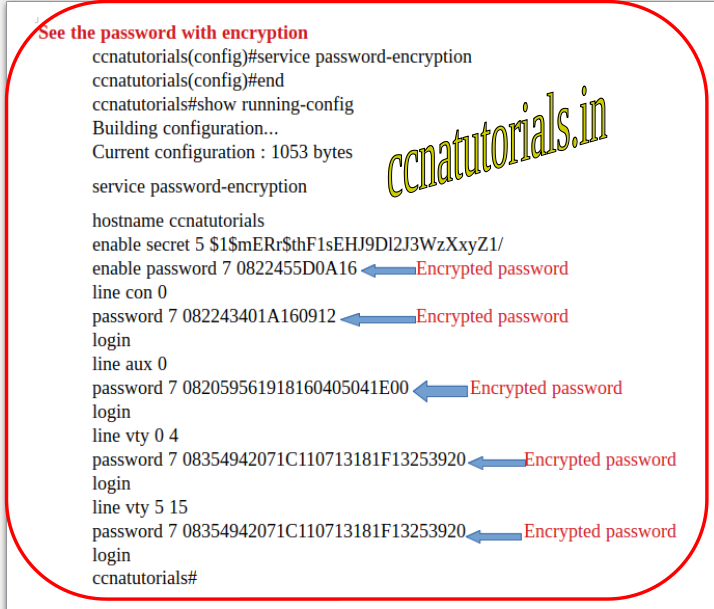
Consider enabling encryption protocols such as WPA2 or WPA3 for your Wi-Fi network to add an extra layer of security.
Use a VPN
Consider using a VPN to encrypt your internet traffic and prevent hackers from intercepting your data.
Common Router Security Mistakes to Avoid
Here are some common router security mistakes to avoid:
- Using default passwords or usernames.
- Not updating firmware regularly.
- Not enabling encryption protocols.
- Using weak passwords.
- Not securing your router physically.
Conclusion
Securing your router passwords is a crucial step in maintaining your home network's security and preventing unauthorized access. By following expert tips and avoiding common security mistakes, you can strengthen your home network and protect your family and devices from cyber threats. Remember to change the default password, use strong passwords, update firmware regularly, enable encryption protocols, and consider using a VPN to stay protected!
Additional Resources
For more information on how to secure your router passwords and strengthen your home network, check out the following resources:
- Project Upskill: A product of the Joint Cyber Defense Collaborative.
- Westlaw: Comprises a comprehensive and reliable online legal research tool for legal professionals.
_20240830055723o.jpg "How to Secure Your Router & Protect Your Network | Essential Tips - NETGEAR")




![[Wireless Router] How do I enter my ASUS router's setting page using ...](https://static1.makeuseofimages.com/wordpress/wp-content/uploads/2024/01/default-password-and-admin-account-on-router.jpg "[Wireless Router] How do I enter my ASUS router's setting page using ...")