Preventing Malware from Executing on Linux Server: A Comprehensive Guide
Linux servers have become an integral part of modern computing, powering a significant portion of the world's websites, applications, and services. However, as with any operating system, Linux servers are not immune to malware and cyber threats. In fact, Linux has become a prime target for sophisticated malware attacks, including ransomware, trojans, and cryptojacking. In this article, we will delve into the world of Linux malware prevention, exploring the fundamental concepts, best practices, and tools to safeguard your Linux server from these threats.
Understanding Linux Malware Threats
Linux malware is a type of malicious software designed to exploit vulnerabilities in the Linux operating system. These threats can range from simple viruses to complex, highly-targeted attacks, capable of compromising sensitive data and disrupting critical systems. Some common types of Linux malware include:
- Ransomware: Encrypts data and demands a ransom in exchange for decryption
- Trojans: Masquerades as legitimate software, allowing attackers to gain unauthorized access
- Cryptojacking: Uses malware to mine cryptocurrency, compromising system resources
- Web shell malware: Allows attackers to execute arbitrary system commands, sent over HTTP or HTTPS
Preventing Malware from Executing on Linux Server
To prevent malware from executing on your Linux server, follow these best practices:
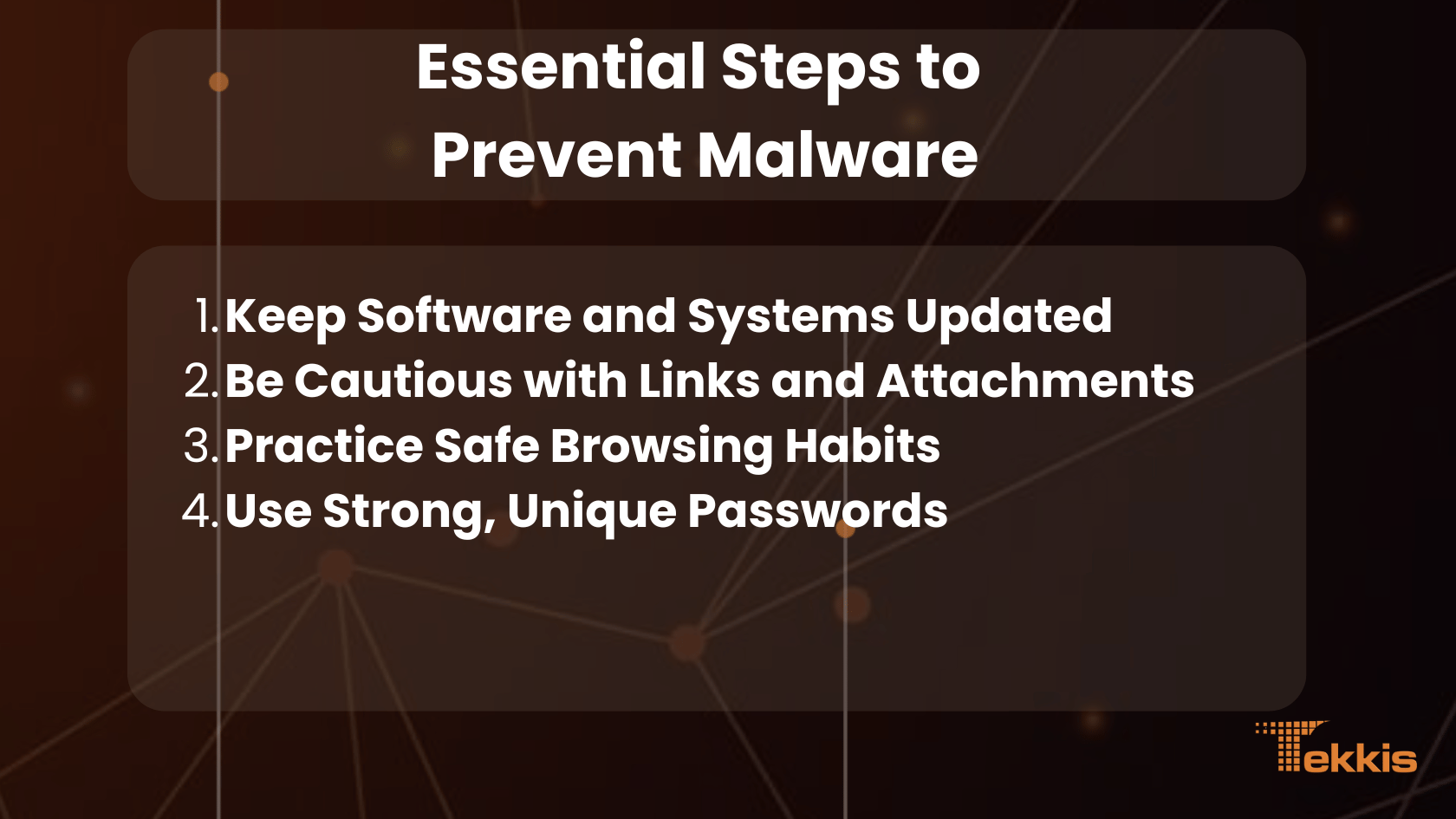
- Regularly Update and Patch Your System: Keep your Linux distribution and installed packages up-to-date with the latest security patches.
- Implement a Firewall: Configure a firewall to block unauthorized incoming and outgoing traffic, reducing the attack surface.
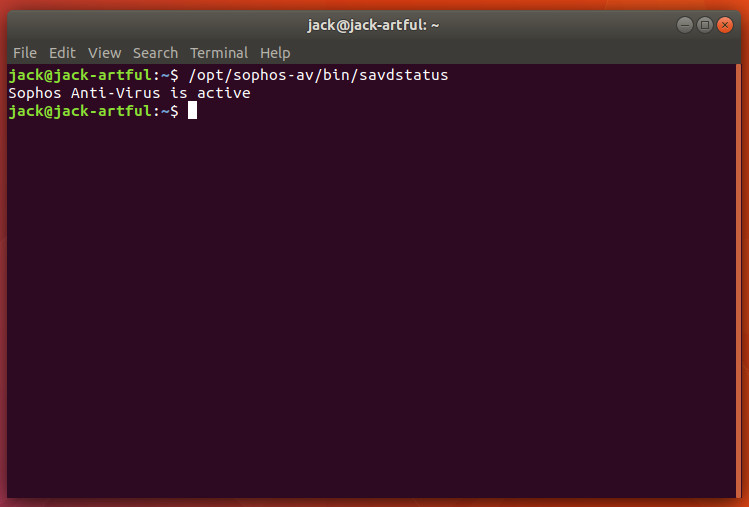
- Use Antivirus Software: Install and regularly update antivirus software, such as ClamAV or Sophos Antivirus, to detect and remove known malware threats.
- Monitor System Logs and Activity: Regularly review system logs and monitor system activity to detect potential security incidents.
- Implement Strong Access Controls: Use role-based access control, least privilege principles, and strong password policies to limit access to sensitive areas of your system.
- Use Secure Configuration Tools: Utilize tools like Ansible or Chef to ensure secure configurations and reduce the attack surface.
Additional Tools and Techniques
In addition to the best practices outlined above, consider implementing the following tools and techniques to further enhance your Linux server's security:
- Linux Malware Scanner (LMS): A tool designed to detect and remove Linux malware
- ClamAV: A popular, open-source antivirus software for Linux
- Sophos Antivirus for Linux: A commercial antivirus solution for Linux
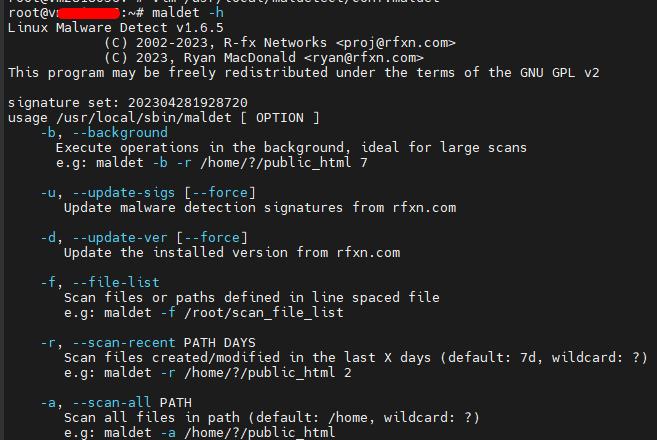
- Maldet: A tool for detecting and removing Linux malware
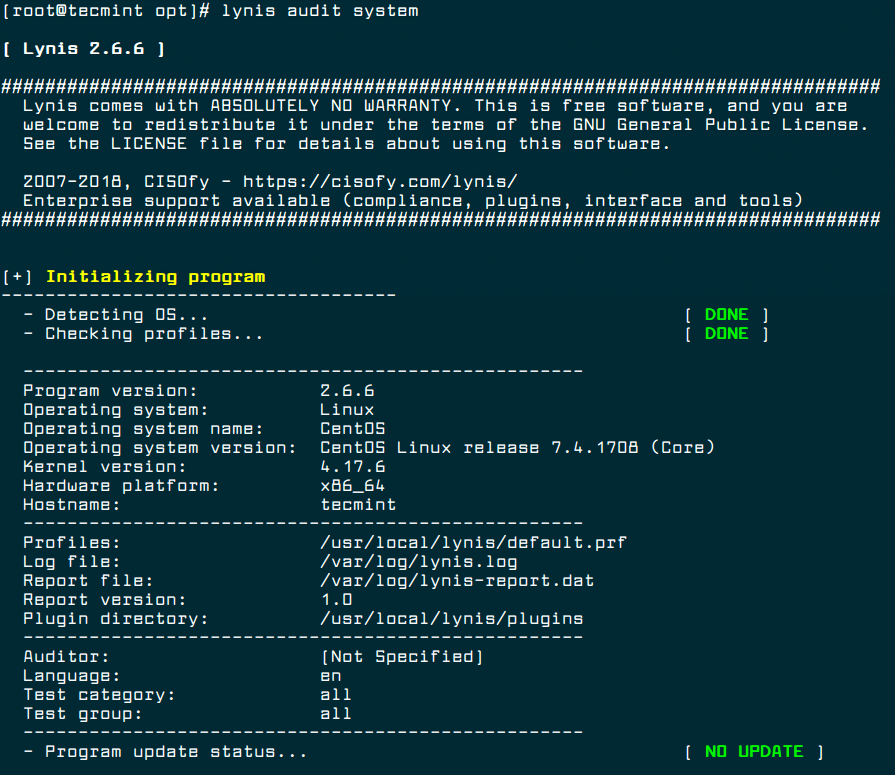
- Web shell detection and removal tools: Tools like Lynis or OSSEC to detect and remove web shell malware
Conclusion
Preventing malware from executing on your Linux server requires a combination of best practices, tools, and techniques. By following the guidelines outlined in this article, you can significantly reduce the risk of malware infections and ensure the security, integrity, and availability of your Linux server. Remember to stay vigilant, regularly review system logs, and keep your system and software up-to-date to protect against evolving malware threats.