How to Harden My Router: A Step-by-Step Guide to Boosting Your Home Network Security
In today's digital age, securing your home network is more crucial than ever. With the rise of IoT devices and smart homes, the threat of cyber attacks and data breaches has never been higher. A vulnerable router can be a gateway for hackers to infiltrate your home network, compromising sensitive data and devices. In this article, we'll guide you through the process of hardening your router and creating a secure home network.
Understanding Router Security
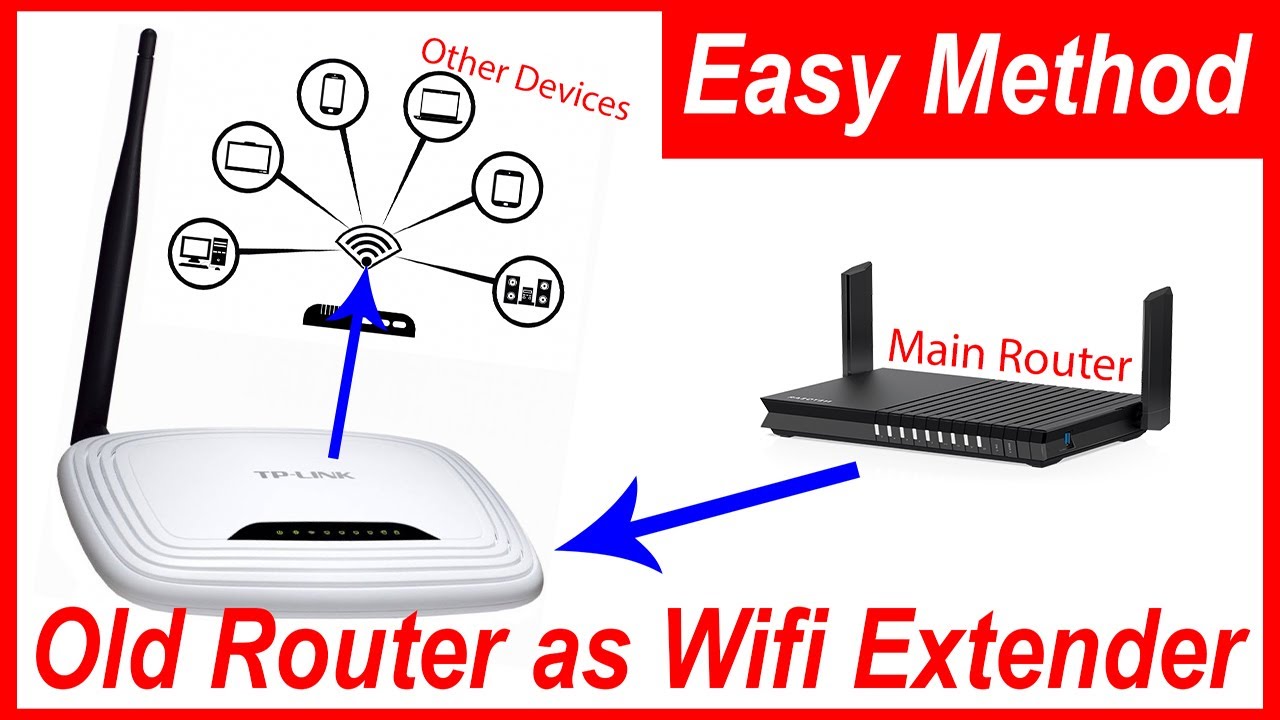
A router is the central hub of your home network, connecting all your devices to the internet. However, most people don't realize that their router is a potential entry point for cyber attacks. Router security refers to the measures taken to prevent unauthorized access to the router and the network it connects.
- WPA3 Encryption: Ensure your router supports WPA3 encryption, the latest Wi-Fi security standard.
- Strong Passwords: Use a strong, unique password for your router and all connected devices.
- Firewall Settings: Enable the firewall and set it to block incoming connections by default.
- VLAN Segmentation: Set up VLAN segmentation to isolate devices on different networks.
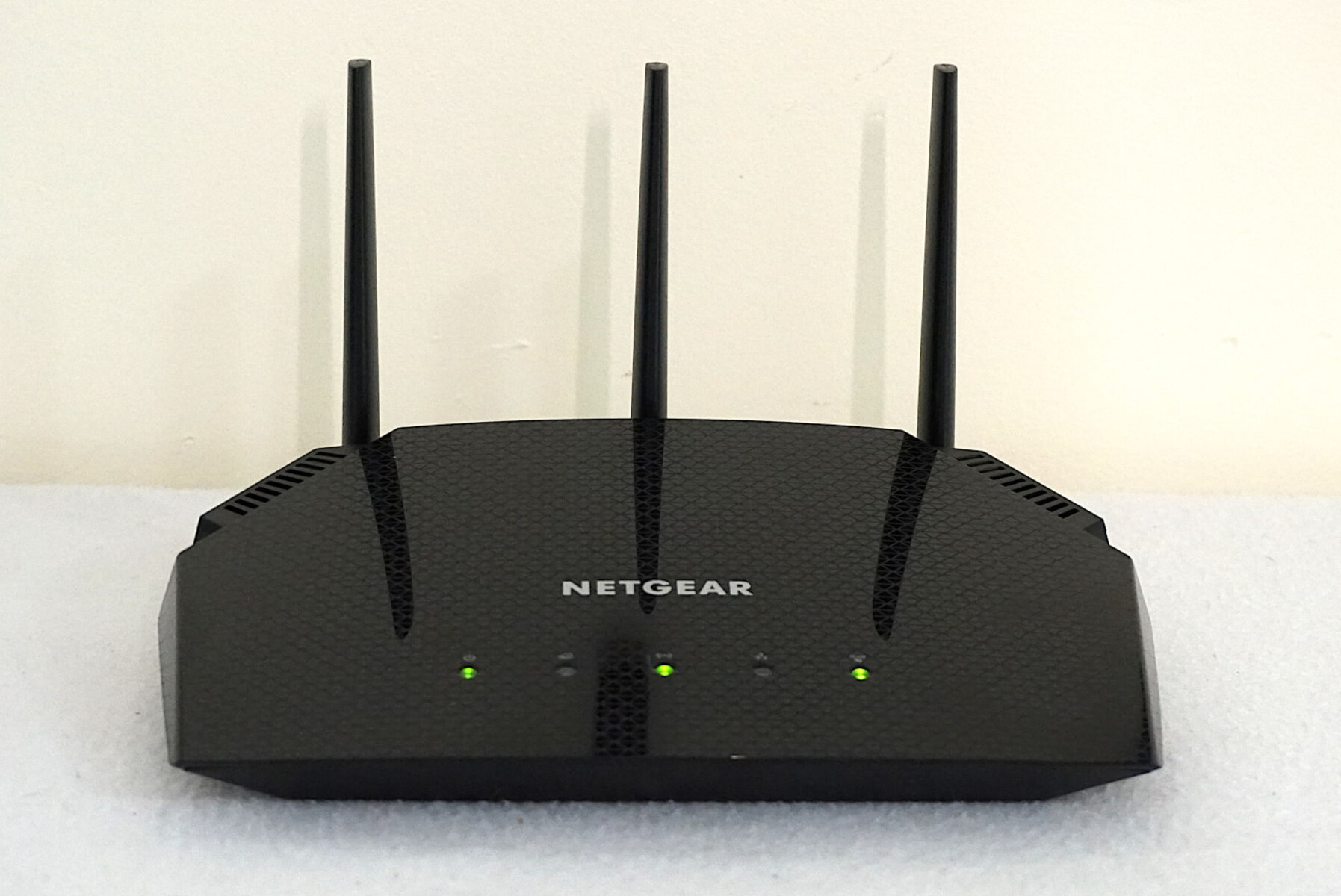
- Indicator Lights: Keep an eye on your router's indicator lights to detect any suspicious activity.
Hardening Your Router Settings
Hardening your router involves tweaks to its settings to enhance security. Here are some essential steps:
- Disable WPS (Wi-Fi Protected Setup): WPS makes it easy for hackers to connect to your network.
- Change the Default Admin Password: Use a strong, unique password for your router's admin interface.
- Turn Off UPnP (Universal Plug and Play): UPnP allows devices to automatically open ports on your router, which can be exploited by hackers.
- Change the SSID (Network Name): Use a unique, non-descriptive name for your network to prevent identification.
- Enforce 2.4GHz Network Separation: Separate your 2.4GHz and 5GHz networks to prevent channel overlap attacks.
Using a VPN and Firewall
Using a VPN and firewall is essential for protecting your home network.
- Install a VPN Client: Use a reputable VPN client to encrypt your internet traffic.
- Configure Firewall Rules: Set up firewall rules to block incoming connections by default.
- Enable Quality of Service (QoS): Configure QoS to prioritize critical traffic and prevent bandwidth exploitation.
Regular Firmware Updates and Network Maintenance
Regularly update your router's firmware and perform network maintenance to stay ahead of potential threats.
- Check for Firmware Updates: Regularly check for firmware updates from your router's manufacturer.
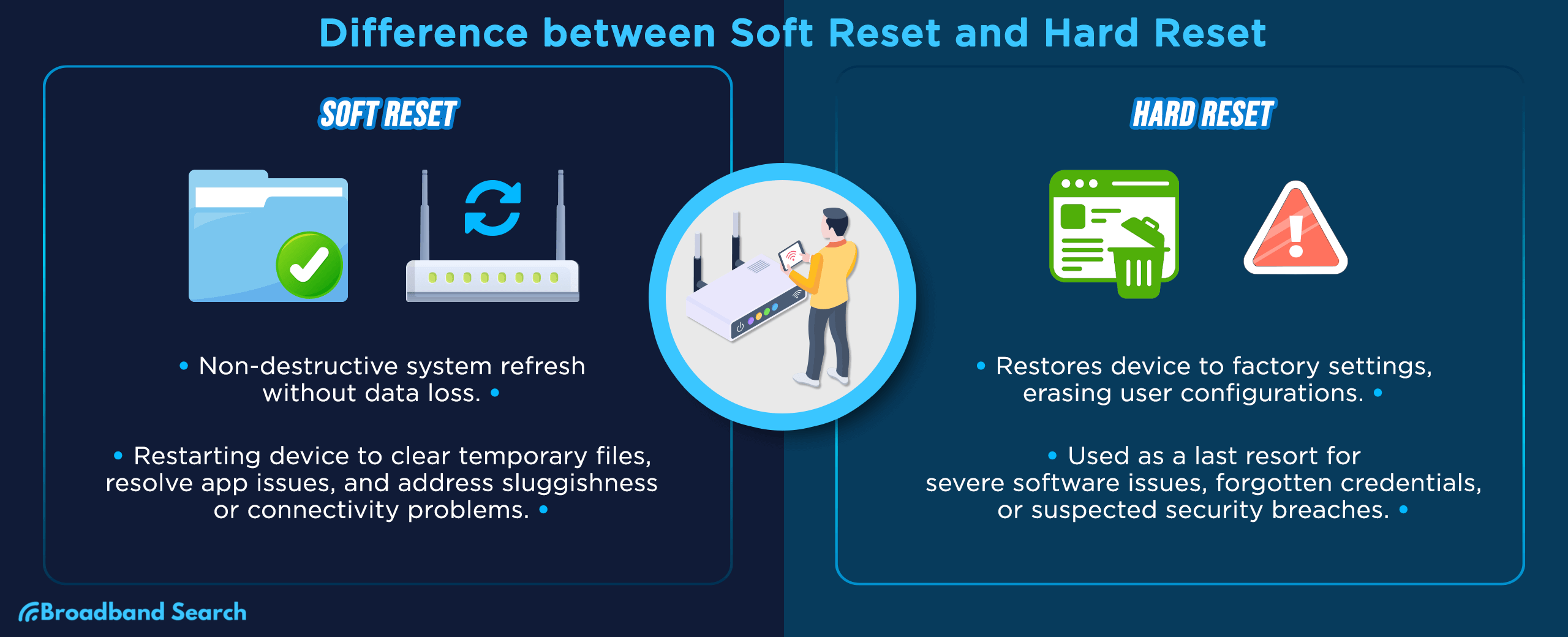
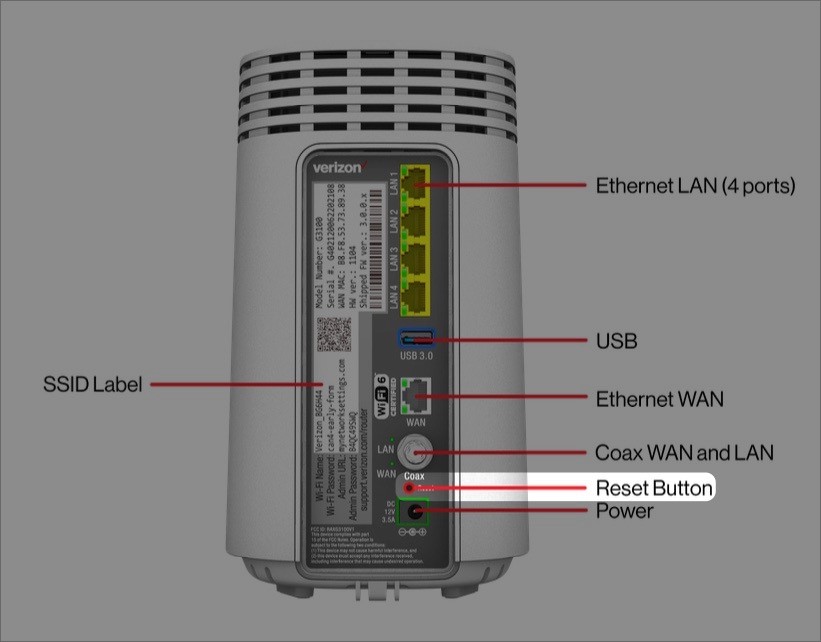
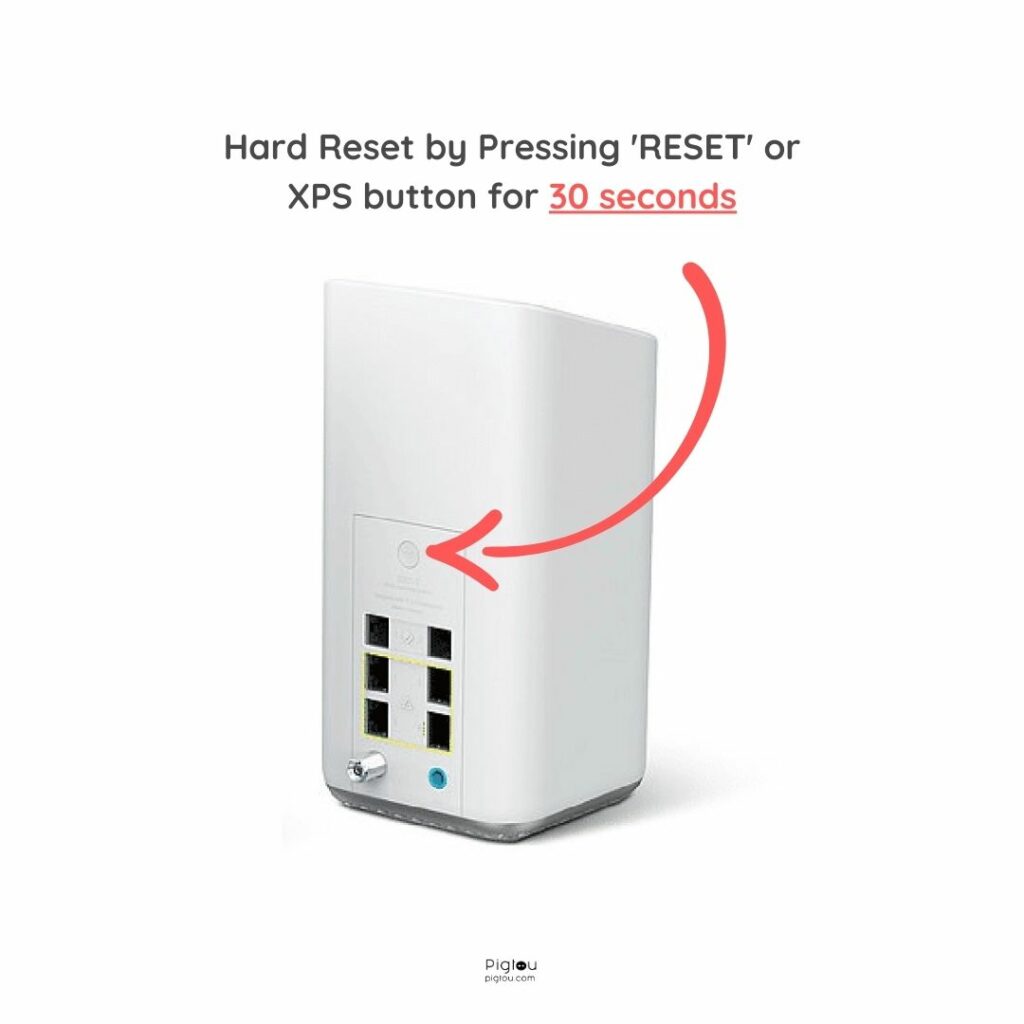
- Reset Your Router: Periodically reset your router to its factory settings.
- Run a Network Scan: Use a network scanning tool to detect potential security threats.
Conclusion
Hardening your router is an essential step in securing your home network. By following these steps and setting up a robust security configuration, you'll significantly reduce the risk of cyber attacks and data breaches. Remember to stay vigilant, regularly update your firmware, and perform network maintenance to stay ahead of potential threats.
Additional Reading
For more information on hardening your router and securing your home network, check out the following resources:
- Consumer Reports: "How to Boost Your Router Security and Keep Intruders Out of Your Home Wi-Fi Network"
- Firewalla: "All-in-One Intelligent Firewall for Router Security"
- NIST: "Guide to Core Technologies for Secure Internet Access and Quality of Experience"







![[Wireless Router] When Standard Reset Isn't Working: Hard ... - ASUS](https://www.davidpuplava.com/media/att-gateway-own-router/Screenshot%202024-03-22%20111246.png "[Wireless Router] When Standard Reset Isn't Working: Hard ... - ASUS")