Transform Your Living Space with Google Home Voice Recognition
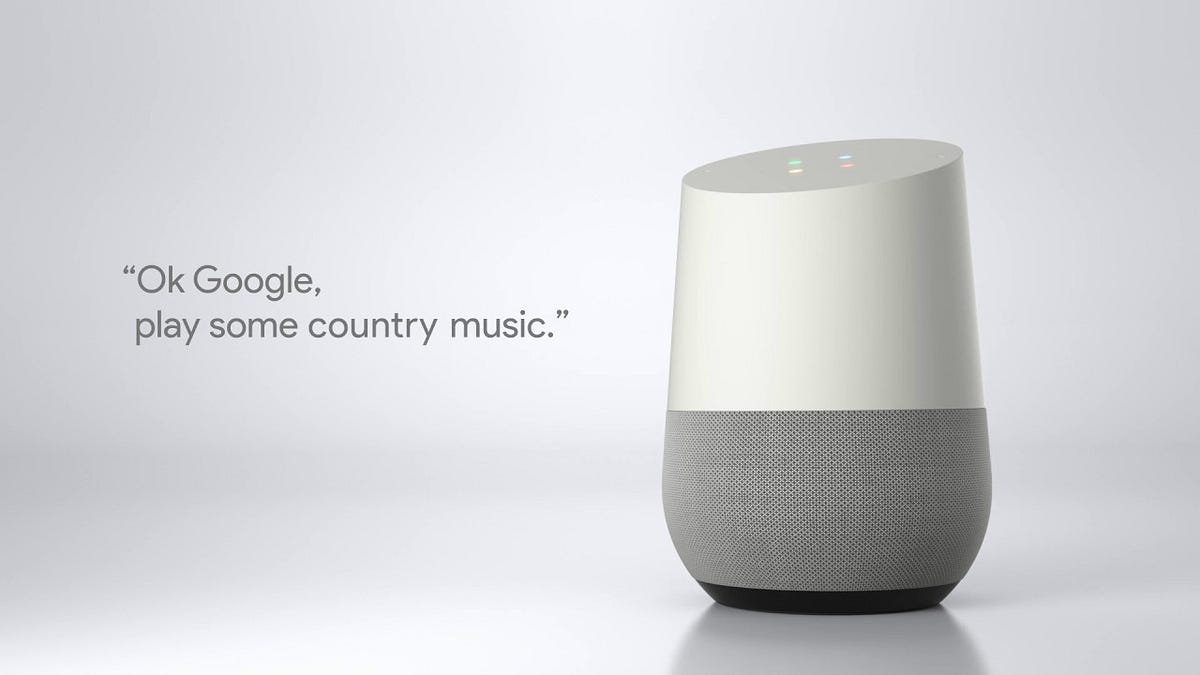
Google Home voice recognition is a game-changer for any smart home setup. With its ability to recognize and respond to voice commands, you can control your devices, access information, and more with ease. But, configuring Google Home for voice recognition can be a bit tricky. In this article, we'll guide you through the steps to set up and troubleshoot Google Home voice recognition, and show you how to make the most of this powerful feature.
Understanding VoiceMatch
VoiceMatch is a feature that helps Google Home identify the current speaker's unique voice and tailor its responses accordingly. This means that Google Assistant can give you personalized results, such as upcoming events from your Google Calendar or lists from your Google Keep. But, to use VoiceMatch, you need to associate it with a Google account, and only one VoiceMatch profile can be associated with a Google account. If you have multiple Google accounts, you'll need to choose one account to set up a VoiceMatch profile.
Configuring Google Home for Voice Recognition
To configure Google Home for voice recognition, you'll need to follow these steps:
- Open the Google Home app on your device.
- Tap your profile picture or initial at the top right corner.
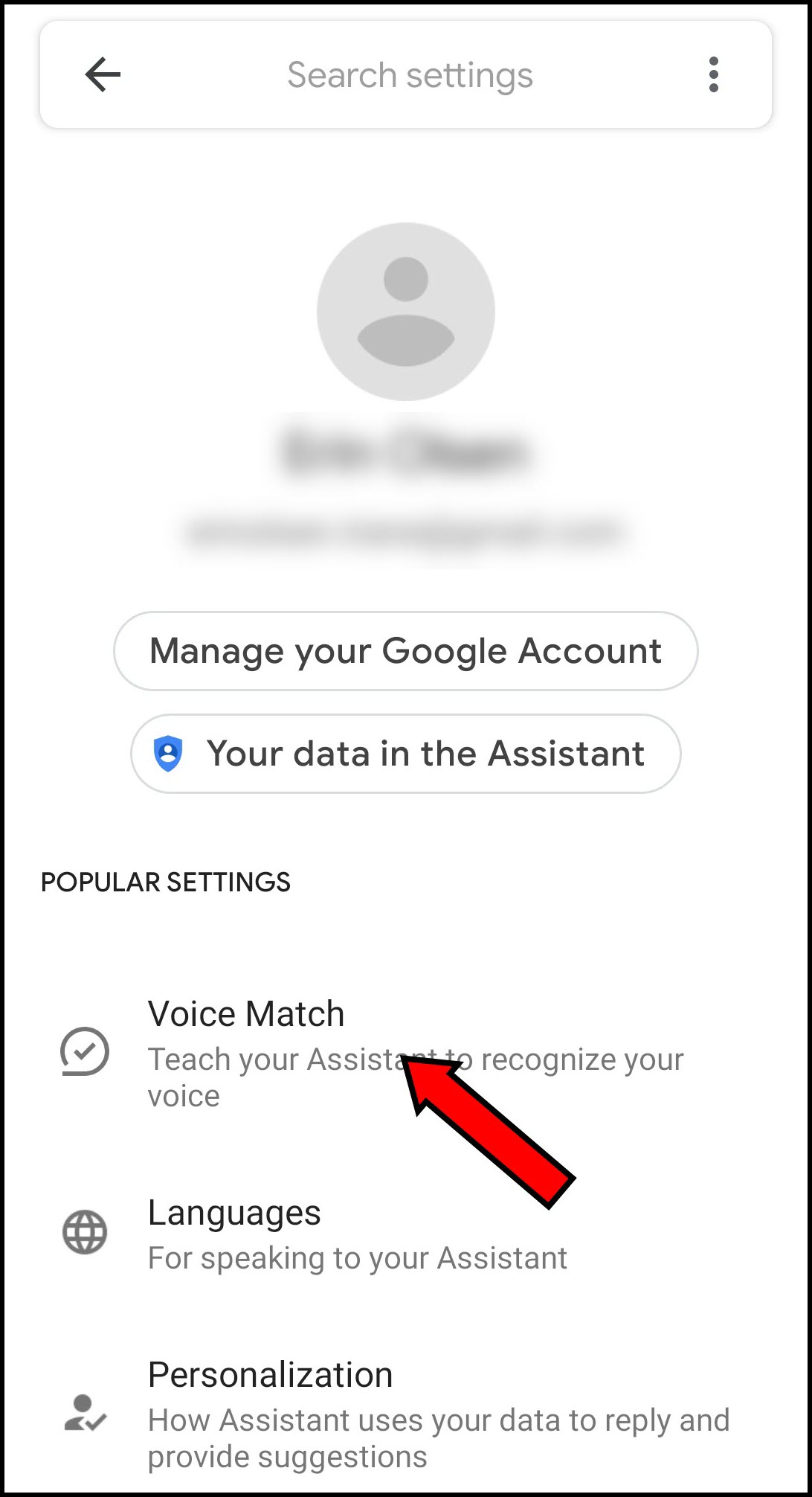
- Tap "Manage your Google account" and then select "Data & privacy."
- Under "Other settings," tap "Voice Match" and then select "Set up."
- Follow the prompts to link your Google account to the Google Assistant-enabled device.
Once you've completed these steps, you'll need to turn on Voice Match on your device. This will allow Google Home to recognize your voice and provide personalized responses. To do this, follow these additional steps:
- Open the Google Home app on your device.
- Tap the device you want to turn on Voice Match for.
- Scroll down to the list of shared devices and tap the three dots next to the device.
- Tap "Turn on Voice Match" and follow the prompts to complete the process.
That's it! Your Google Home device should now be configured for voice recognition, and you can start using Voice Match to get personalized responses from Google Assistant.
Training Google Assistant to Recognize Your Voice
While Voice Match is a powerful feature, it's not perfect. You may need to train Google Assistant to recognize your voice, especially if you have multiple household members using the same device. To do this, follow these steps:
- Open the Google Home app on your device.
- Tap the device you want to train Google Assistant to recognize your voice for.
- Scroll down to the list of shared devices and tap the three dots next to the device.
- Tap "Train Google Assistant" and follow the prompts to complete the process.
Training Google Assistant to recognize your voice can take some time, but it's worth it for the personalized responses you'll get from Google Assistant.
Troubleshooting Voice Recognition Issues
Even with Voice Match and voice training, you may still experience issues with voice recognition. If you're having trouble getting Google Home to recognize your voice, try the following troubleshooting tips:
- Make sure your device is connected to the internet.
- Check that your device's microphone is working properly.
- Try saying your voice command more clearly or slowly.
- Reset your device's voice recognition settings.
By following these steps and troubleshooting tips, you should be able to get your Google Home device to recognize your voice and provide personalized responses from Google Assistant.
Conclusion
Configuring Google Home for voice recognition is a simple process that can enhance your smart home experience. With VoiceMatch and voice training, you can get personalized responses from Google Assistant and control your devices with ease. By following the steps outlined in this article, you should be able to configure Google Home for voice recognition and start using this powerful feature today.