Ways to Keep Your Instagram Account Secure
With over 2 billion active users, Instagram remains a cornerstone of social interaction, content creation, and business marketing. However, its expansive ecosystem demands robust privacy controls to protect user data and content. This guide explores Instagram's privacy architecture, offering actionable insights for optimizing account security across personal and professional use cases.
Why Security Matters on Instagram
Instagram's vast user base and open sharing environment make it a hotbed for hackers, impersonators, and other malicious actors. A compromised account can lead to identity theft, data breaches, and reputation damage. Securing your account is crucial to prevent such risks and maintain a safe online presence.
Ways to Keep Your Instagram Account Secure
1. Enable Two-Factor Authentication
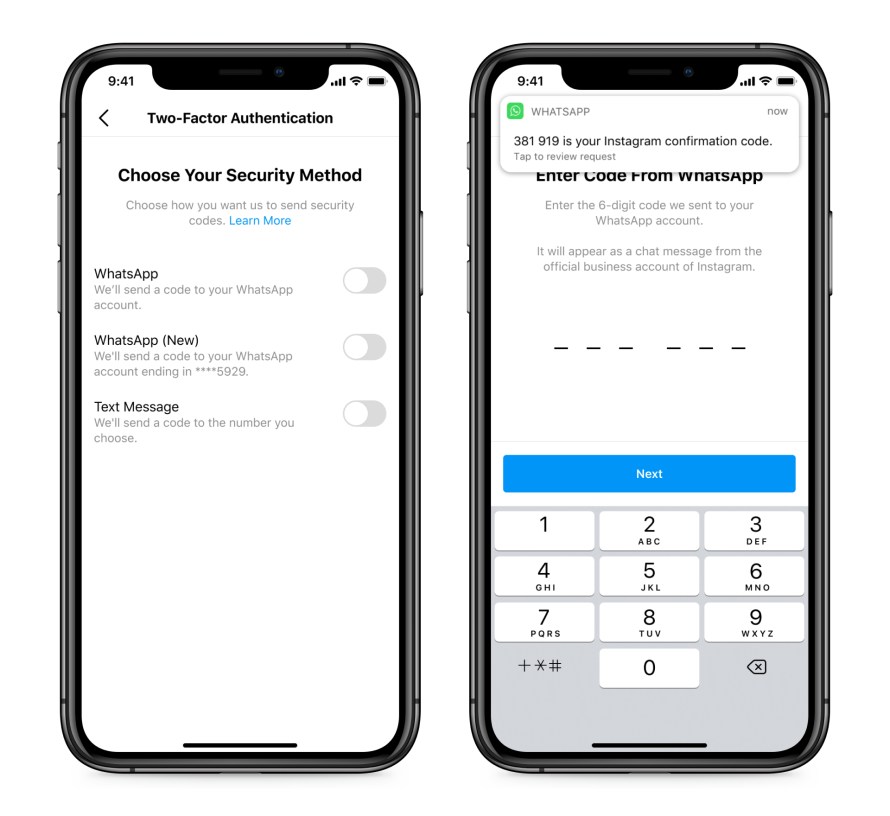
Two-factor authentication (2FA) is a simple yet powerful way to protect your digital privacy. By requiring a second form of verification, such as a code sent to your phone or an authenticator app, you can prevent unauthorized access to your account. Enable 2FA in your account settings to add an extra layer of security.
2. Use Strong Passwords
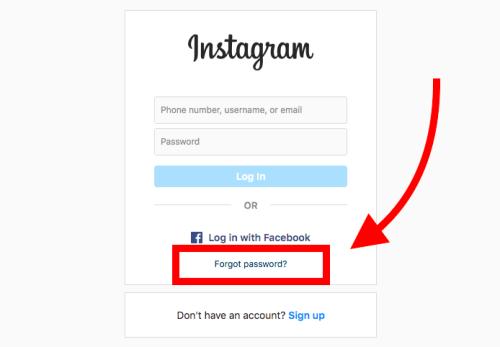
A strong password is the first line of defense against hacking and unauthorized access. Avoid using obvious or easily guessable passwords and use a combination of letters, numbers, and special characters. If Instagram detects that your password may have been stolen, changing your password on Instagram and other sites helps to keep your account secure and prevent you from being hacked in the future.
3. Regularly Update Your App
Keeping your Instagram app up-to-date ensures you have the latest security features and patches. Regular updates often include security fixes, bug patches, and new features to enhance user security. Make sure to update your app regularly to stay protected.
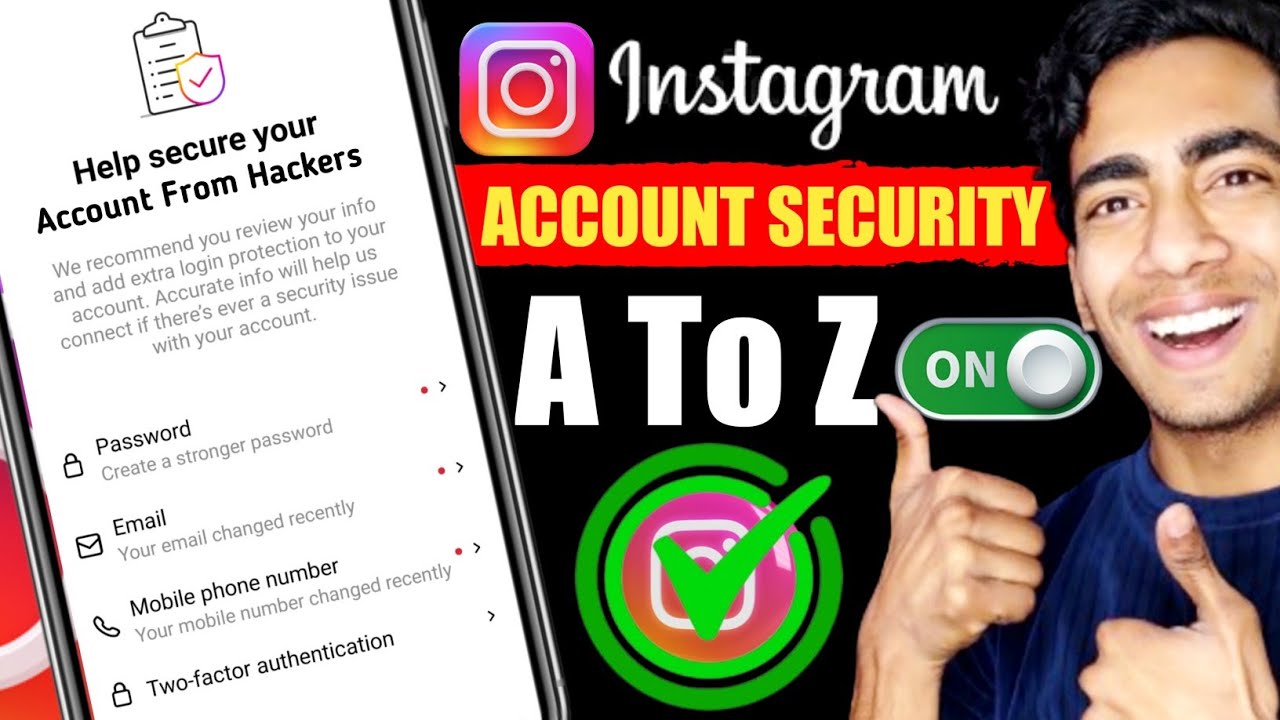
4. Lock Down Email and 2FA
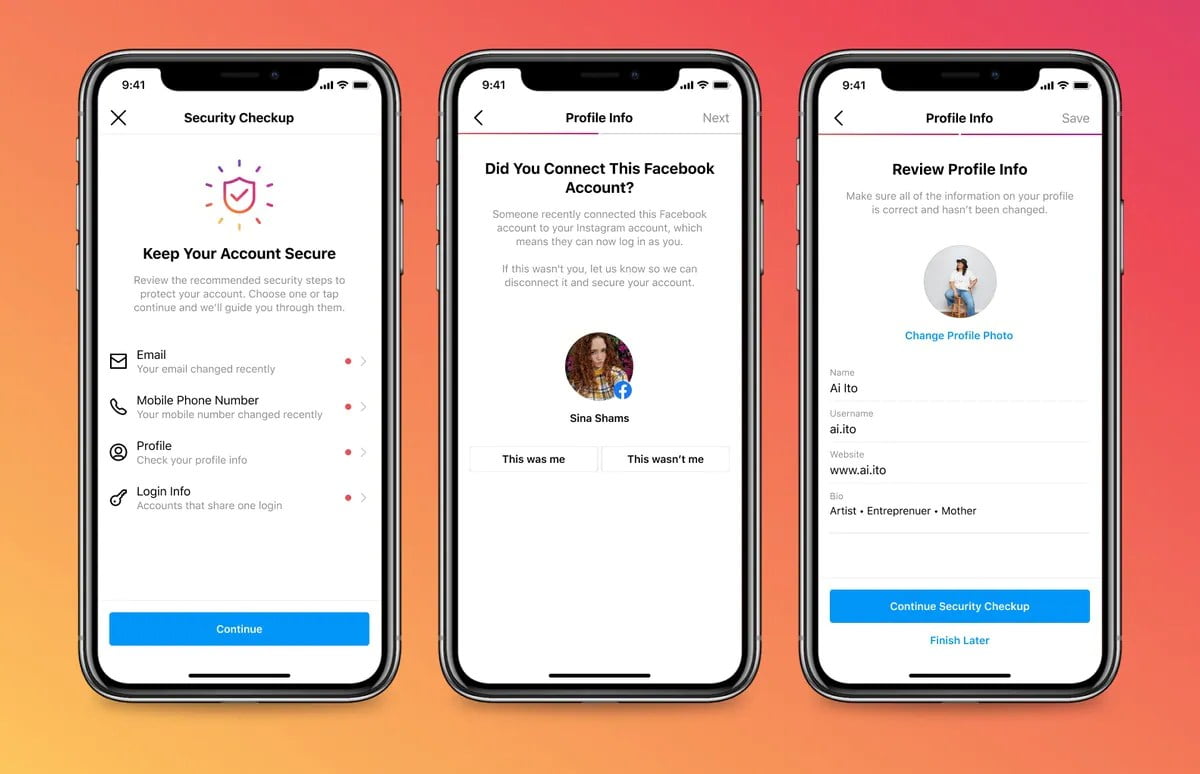
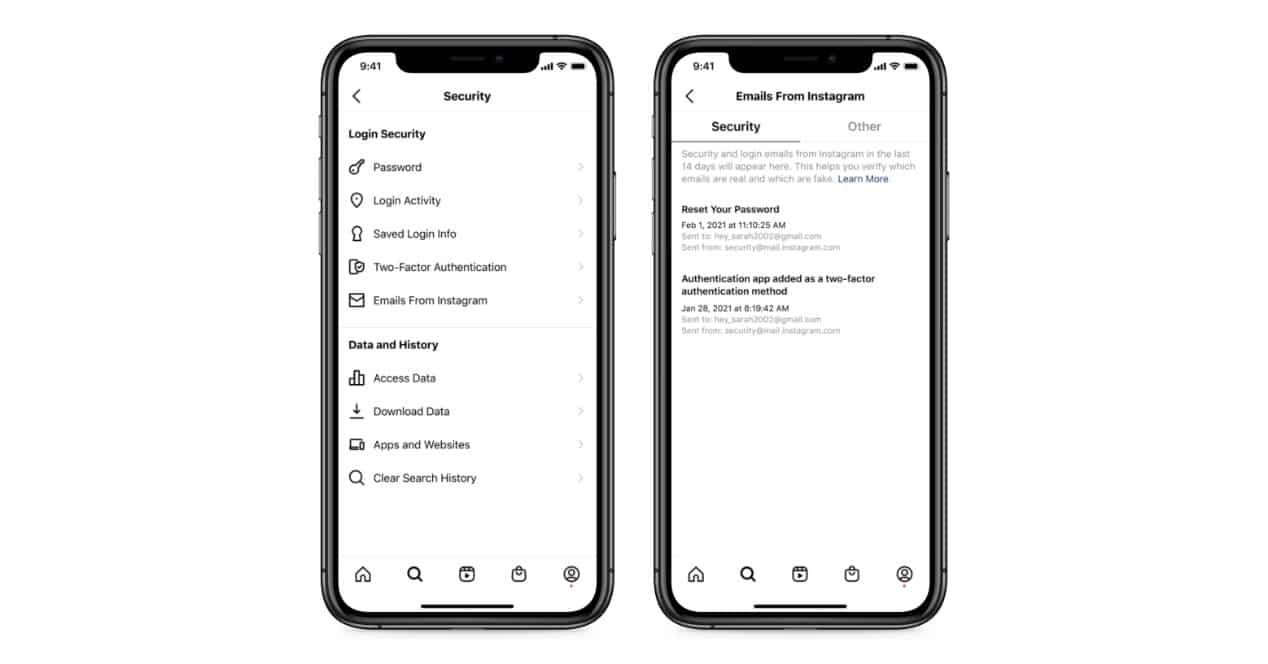
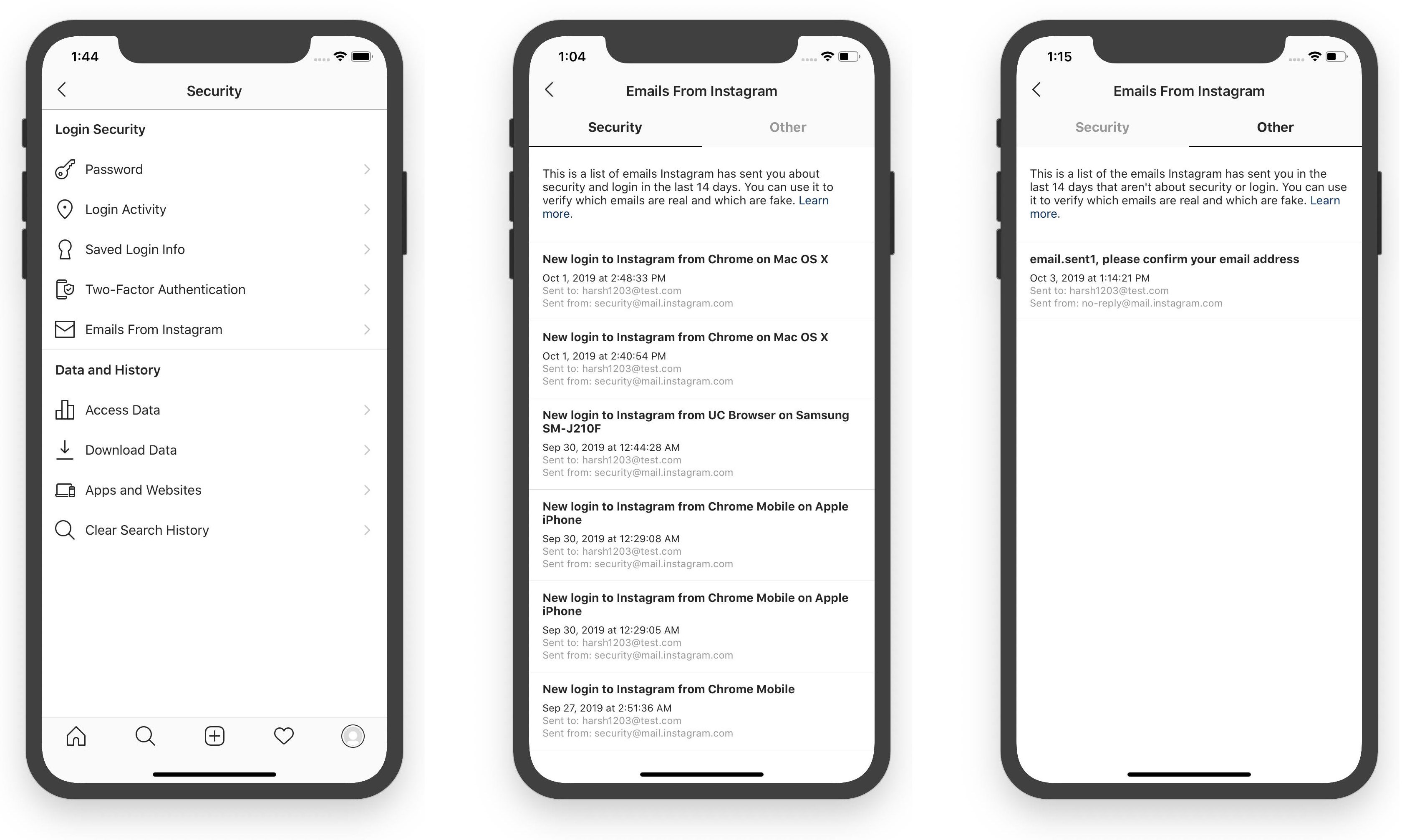
Hackers often target email and 2FA methods to gain access to your account. Secure your email by enabling two-factor authentication and using a strong password. Review your login activity regularly and adjust your settings as needed to keep your account secure.
5. Monitor Account Activity
Regularly check your account activity to detect any suspicious behavior. Review your login history, and adjust your settings to prevent future security issues. If your account is hacked, take immediate action to recover it.
6. Remove Unnecessary Third-Party Apps
Allowing third-party apps to access your account can increase the risk of hacking and data breaches. Regularly review your app permissions and remove any unnecessary or suspicious apps to keep your account secure.
7. Implement Programmatic Controls
Use Instagram's built-in features, such as restricted mode and keywords, to control who can see your content and interactions. Implementing these controls can help prevent impersonation and stalking.