Uninstalling Spyware from Cell Phones: A Step-by-Step Guide
With the increasing threat of spyware on cell phones, it's essential to be aware of the signs and symptoms of an infected device. Spyware can compromise your personal information, slow down your phone's performance, and even lead to total device collapse. If you suspect that your phone is infected with spyware, it's crucial to take immediate action to remove it.
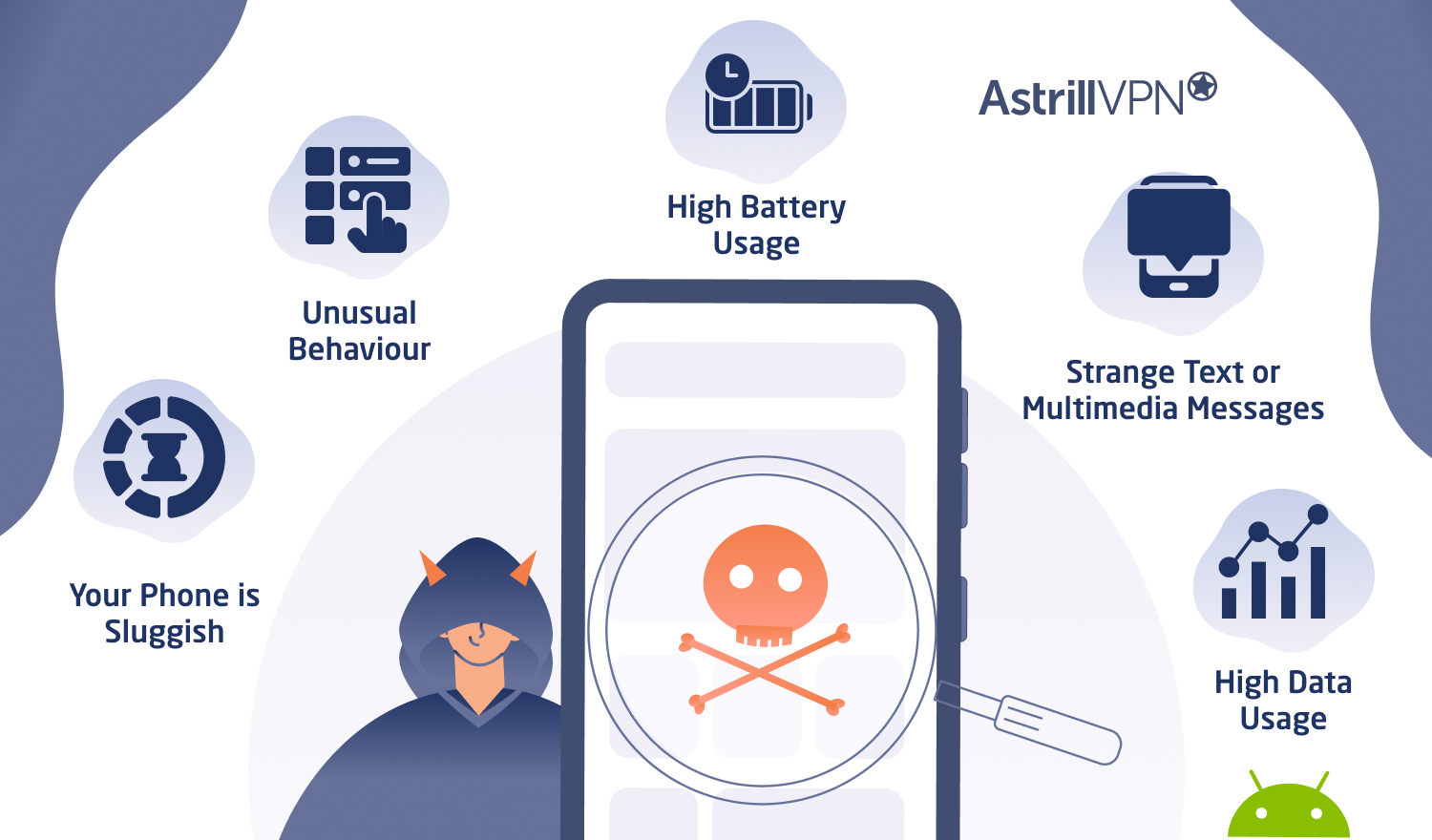
Warning Signs of Spyware on Your Cell Phone
- Unexplained battery drain
- Overheating phone
- Frequent pop-ups and ads
- Difficulty accessing apps or features
- Unsettling or unwanted messages
If you've experienced any of these warning signs, it's likely that your phone has a spyware infection. To eliminate the threat, you'll need to uninstall the spyware from your cell phone. In this article, we'll cover the steps to detect and remove spyware from your Android and iPhone devices.
Detecting Spyware on Your Cell Phone
Before attempting to uninstall spyware, it's crucial to identify the source of the infection. You can use various tools and methods to detect spyware on your phone:
- Use a reputable mobile security app like AVG Antivirus or Norton Mobile Security to scan your phone for malware
- Check your phone's app permissions and revoke access to suspicious apps
- Visit the Google Play Store or Apple App Store to check for updates and security patches
- Use a third-party tool like Malwarebytes to scan for malware
Removing Spyware from Your Cell Phone
Once you've detected the spyware, you can follow these steps to remove it:
- Back up your data: Before attempting to remove spyware, make sure to back up your important data to prevent any loss during the process
- Restart your phone: Restarting your phone can sometimes resolve minor issues and help you remove the spyware
- Uninstall suspicious apps: Remove any apps that you don't need, don't trust, or didn't get from a reputable source
- Use a mobile security app: Avail of a reputable mobile security app to scan for and remove malware
- Reset your phone: If the above steps fail, you may need to reset your phone to its factory settings

Preventing Spyware Infections
While removing spyware is essential, prevention is always better than cure. To avoid spyware infections in the future, follow these best practices:
- Download apps from reputable sources only
- Be cautious of pop-up ads and links
- Keep your phone's OS and apps up-to-date
- Use a reputable mobile security app
- Be mindful of the permissions and access you grant to apps
Conclusion
Uninstalling spyware from your cell phone requires a combination of detection, removal, and prevention strategies. By following the steps outlined in this article, you can identify and eliminate spyware threats from your Android and iPhone devices. Remember to be proactive in protecting your personal data and device security.
Recommended Tools
To help you detect and remove spyware from your cell phone, we recommend the following tools:
- AVG Antivirus: A comprehensive mobile security app that scans for malware and removes infections
- Norton Mobile Security: A trusted security app that provides real-time protection and malware removal
- Malwarebytes: A third-party tool that scans for malware and removes infections
By staying informed and using reputable tools, you can ensure the security and integrity of your cell phone and personal data.