Protect Your Email Privacy in 5 Simple Steps
In today's digital age, email is an essential tool for communication, and protecting your email privacy is crucial. With the increasing threat of data breaches and online attacks, it's more important than ever to take action to safeguard your sensitive information. In this article, we'll guide you through the steps to protect email privacy to ensure your online communications stay confidential.
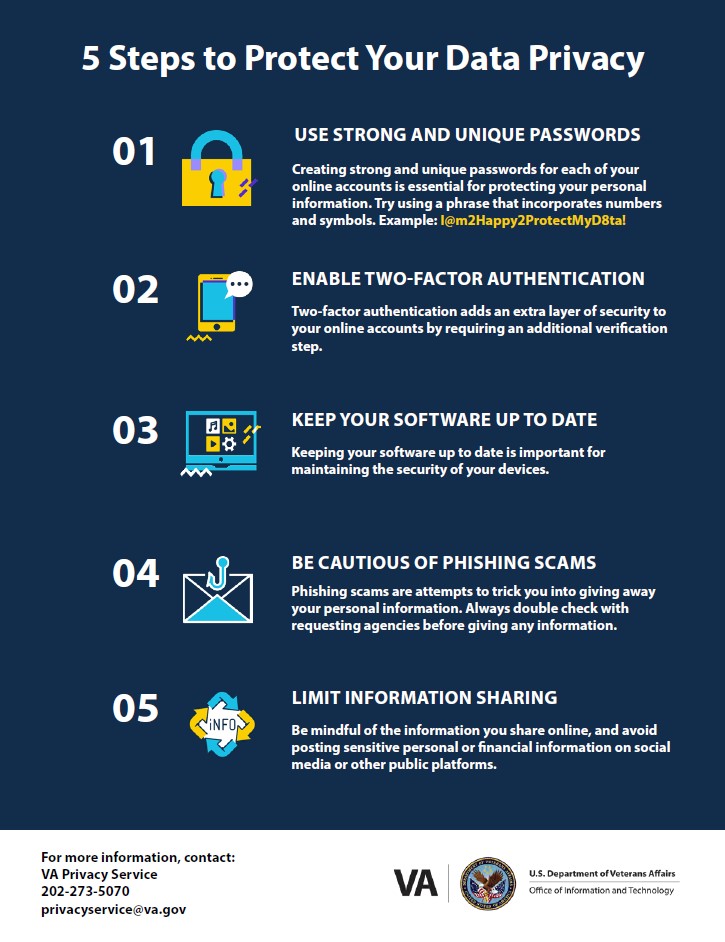
1. Use a Secure Email Provider
Switching to a secure email provider is a simple yet effective way to protect your email privacy. Look for providers that use end-to-end encryption, which scrambles your emails so that only the intended recipient can read them. Some popular secure email providers include ProtonMail, Tutanota, and Mailfence.
- Be cautious of free email services, as they often collect and sell user data.
- Look for providers that offer Two-Factor Authentication (2FA) for added security.
- Choose a provider with a clear and transparent policy on data storage and usage.
2. Enable 2-Step Verification (2SV)
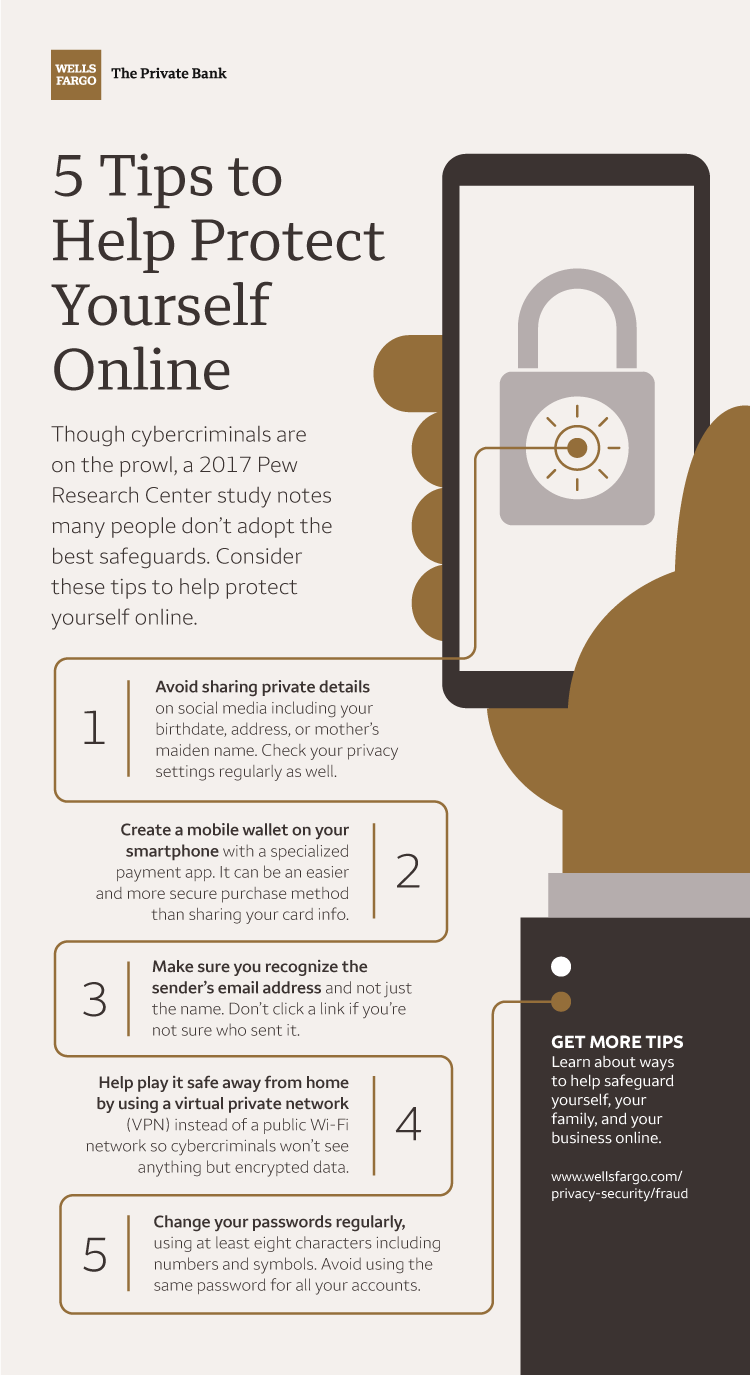
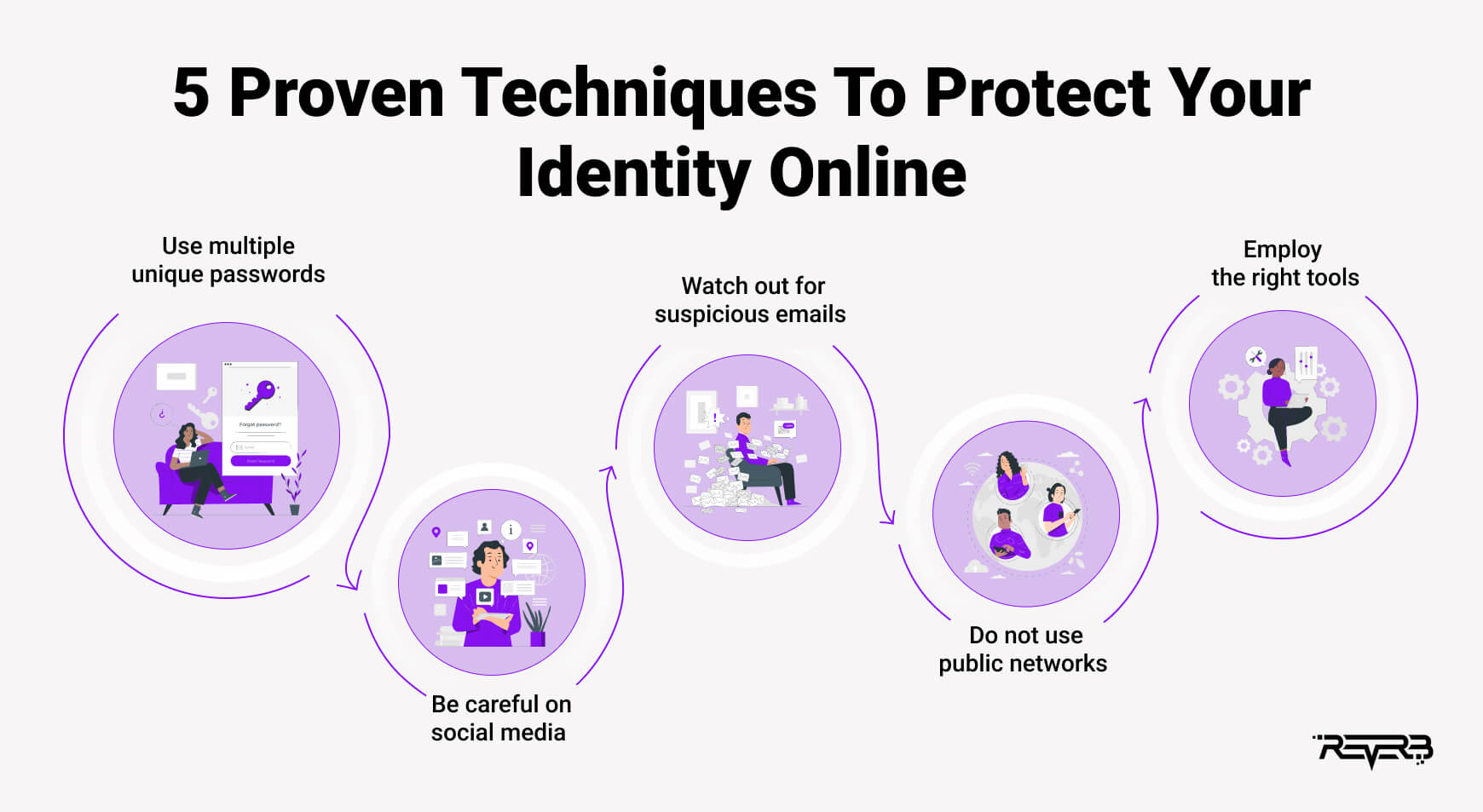
2SV adds an extra layer of security to your email account, making it more difficult for hackers to gain unauthorized access. With 2SV, you'll need to provide a second form of verification, such as a code sent to your phone or a fingerprint scan, in addition to your password.
- Enabling 2SV reduces the risk of phishing and password hacks.
- Make sure to keep your phone or device secure to prevent unauthorized access to the 2SV code.
- Update your phone's operating system and apps regularly to prevent potential security vulnerabilities.
3. Use a Temporary Email Alias
Using a temporary email alias is an effective way to protect your primary email address from spam and tracking. An email alias is an additional email address that can be used as a substitute for your primary address.
- Choose an email provider that allows you to create and manage email aliases.
- Set up an alias for public-facing activities, such as online registrations or newsletters.
- Keep your alias separate from your primary email address to maintain confidentiality.
4. Be Cautious of Links and Attachments
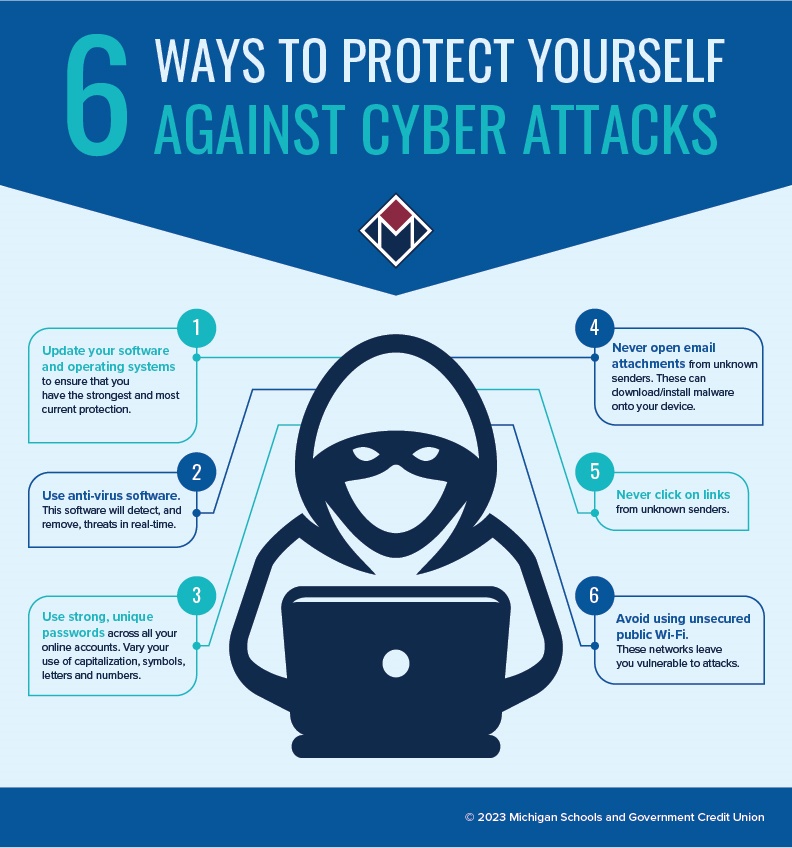
Malicious emails often contain links or attachments that can compromise your email account and devices. Be cautious when opening emails from unfamiliar senders or clicking on links or downloading attachments.
- Hover over links to inspect the URL before clicking.
- Avoid downloading attachments from unknown senders.
- Use antivirus software to scan attachments and links for potential malware.
5. Regularly Update Your Email Settings
Regularly updating your email settings can help you stay ahead of potential threats. Check your account settings for any update notifications and adjust your security preferences as needed.
- Update your password regularly to prevent password hacks.
- Enable automatic software updates for your email client and browser.
- Review your email account settings to ensure you're using the latest security features.
Conclusion
By following these 5 simple steps, you can significantly improve the security and privacy of your email communications. Remember to stay vigilant and adapt to new security threats as they arise. By protecting your email privacy, you'll safeguard your sensitive information and maintain confidence in the digital world.