Boost Your Router Security with Expert Tips
Learn how to safeguard your home network with strong passwords, WPA3 encryption, VPNs, and more. Stay protected!
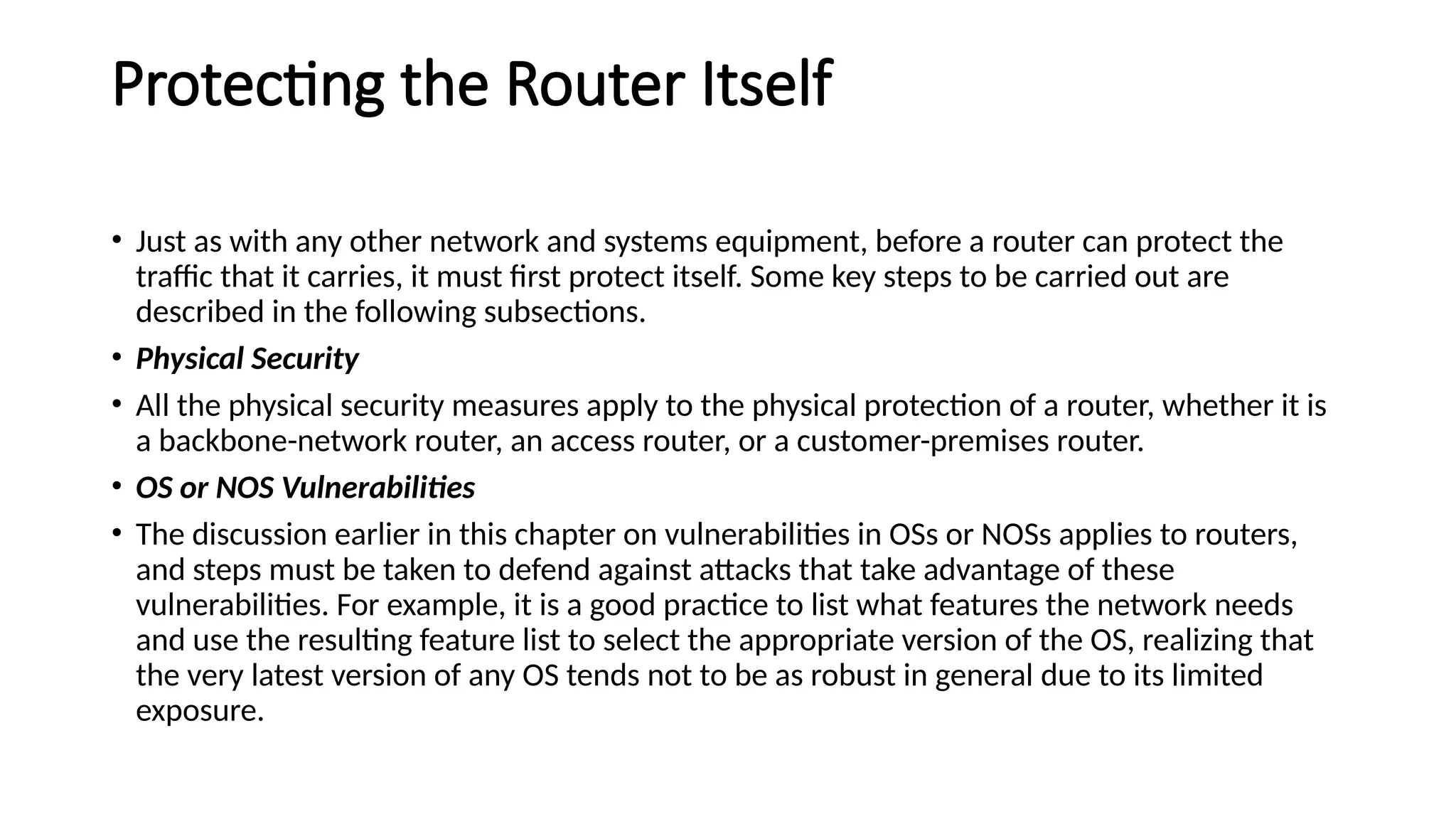
With the increasing threat of cyberattacks, protecting your router from internet attacks has become a top priority. Your home network is vulnerable to various types of attacks, including hacking, malware, and data breaches. A compromised router can compromise your entire home network, and even allow hackers to access sensitive information. In this article, we will provide you with expert tips on how to protect your router from internet attacks and keep your network secure.
Why Router Security is Crucial
Many home and small office environments use a router to connect their devices to the internet. Your router serves as a gateway between your home network and the internet, making it a prime target for hackers. If your router is compromised, it can allow hackers to access all the devices connected to your network, including your computers, smartphones, and smart home devices.
Common Router Vulnerabilities
Here are some common router vulnerabilities that hackers exploit:
- Weak passwords and login credentials: Using default or weak passwords makes it easy for hackers to gain access to your router.
- Outdated firmware: Failing to update your router's firmware can leave you vulnerable to known vulnerabilities.
- Unsecured Wi-Fi: Leaving your Wi-Fi network unsecured makes it easy for hackers to access your network and devices.
- Malware and viruses: Installing software or apps from untrusted sources can infect your router with malware and viruses.
Protect Your Router from Internet Attacks
To protect your router from internet attacks, follow these expert tips:
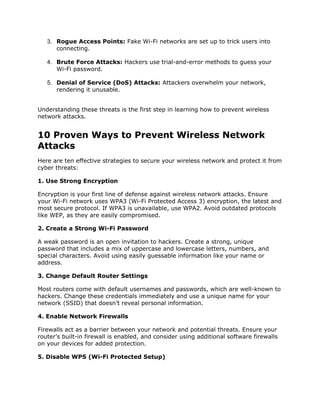
1. Change Your Router Login Password
Use a strong and unique password for your router login. Avoid using default passwords or easily guessable information.
2. Update Your Router Firmware Regularly
Regular firmware updates can patch known vulnerabilities and improve your router's security. Ensure you update your firmware as soon as new updates are available.
3. Enable WPA3 Encryption

WPA3 encryption is a robust security protocol that protects your Wi-Fi network from hackers. Enable WPA3 encryption to secure your network.
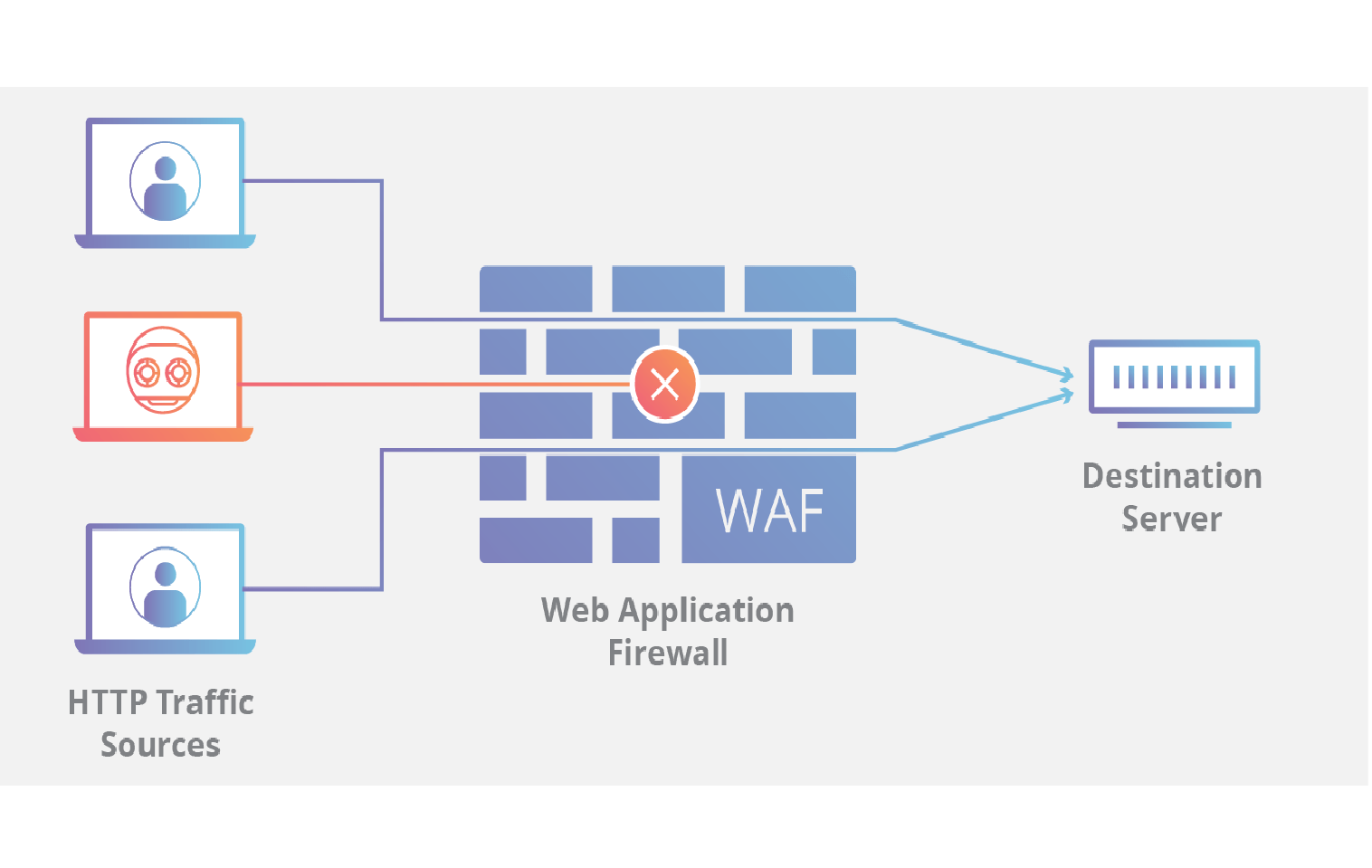
4. Use a Firewall
A firewall can block unauthorized access to your network and prevent DDoS attacks.
5. Use a VPN
A Virtual Private Network (VPN) encrypts your internet traffic and protects your data from hackers.
6. Secure Your Wi-Fi Network
Use a strong and unique password for your Wi-Fi network and enable WPA3 encryption. Disable remote access to prevent unwanted access to your router.
7. Monitor Your Network for Anomalies
Regularly monitor your network for suspicious activity and anomalies. This can help you detect potential security threats early.
Conclusion
Protecting your router from internet attacks is crucial to securing your home network and preventing unauthorized access to your devices and data. By following these expert tips, you can boost your router security and keep your network protected from various types of attacks. Remember to stay vigilant and update your firmware regularly to prevent known vulnerabilities. By taking these simple steps, you can safeguard your home network and enjoy a secure online experience.
Additional Resources
For more information on router security and protecting your network from cyberattacks, check out the following resources: