Online Tracking Prevention Techniques: A Comprehensive Guide
Are you tired of feeling like you're being constantly watched online? Do you want to take control of your digital privacy and prevent online tracking? Look no further! In this article, we'll explore the world of online tracking prevention techniques and provide you with the knowledge and tools to protect your online activities.
What is Online Tracking?
Online tracking, also known as web tracking, is the collection and sharing of information about an internet user's activities. This can include browsing history, search queries, social media activity, and more. Online trackers use various methods to collect and share this information, often without users' knowledge or consent.
Why is Online Tracking a Concern?
Online tracking can lead to a loss of digital privacy, increased targeted advertising, and even cyberstalking. When online trackers collect and share your data, they can build detailed profiles about your behavior, interests, and preferences. This can lead to personalized ads that follow you across the web, compromising your online experience.
Online Tracking Prevention Techniques
Fortunately, there are various online tracking prevention techniques available to help you protect your digital privacy. Here are some of the most effective methods:

-
Use a Tracker-Blocking Browser Extension
Browser extensions like Ghostery, uBlock Origin, and HTTPS Everywhere can help block trackers and protect your online activities.
-
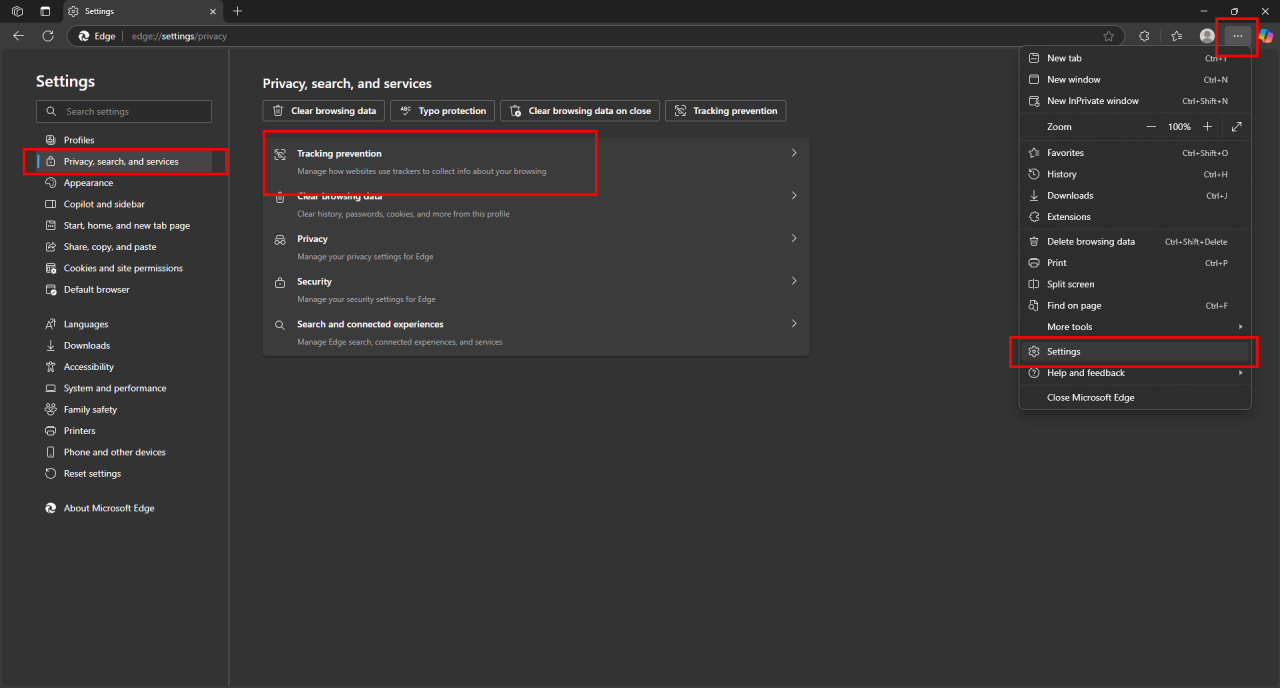
Configure Your Browser Settings
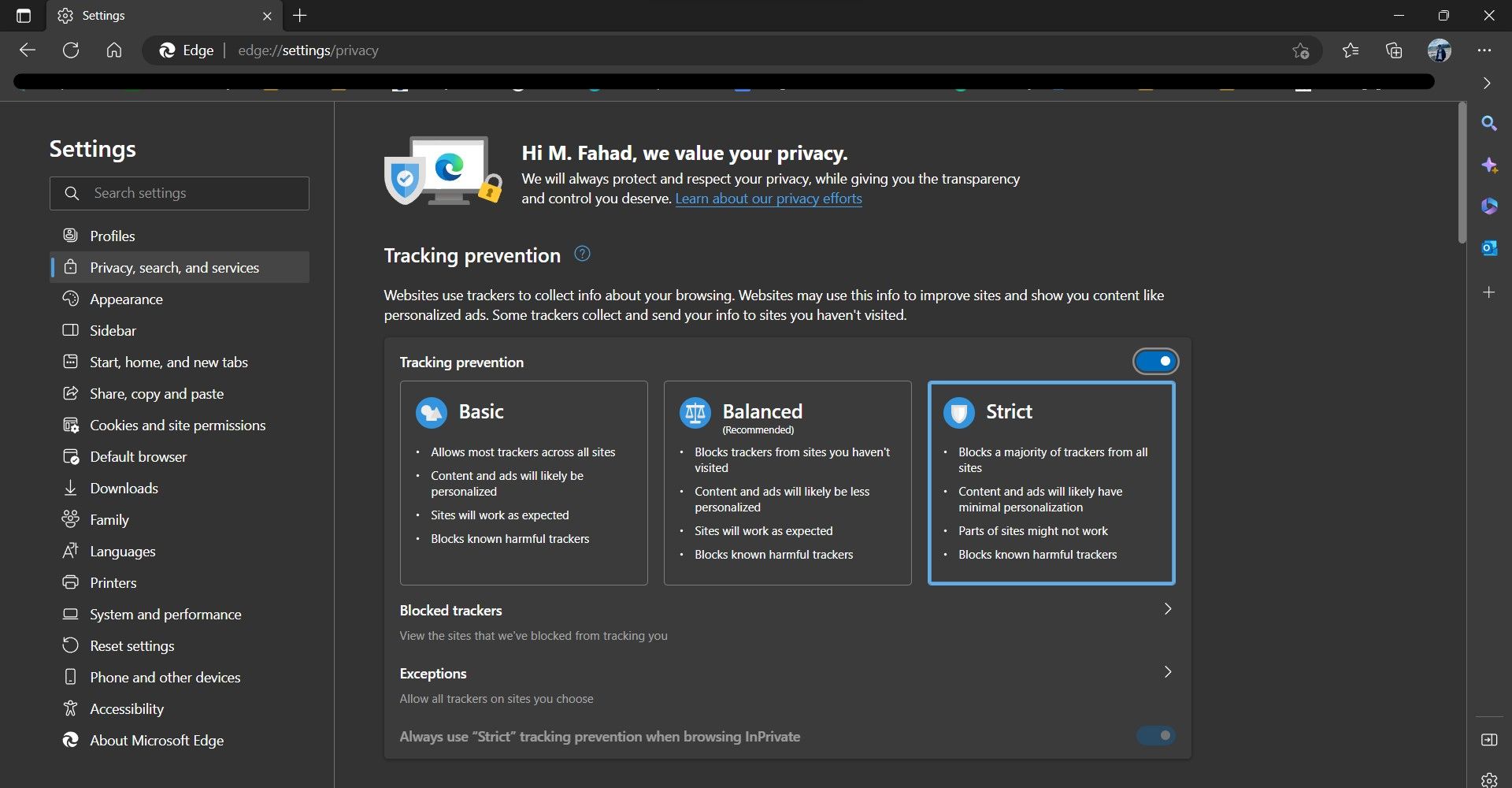
Most browsers, including Microsoft Edge, Google Chrome, and Mozilla Firefox, offer built-in tracking prevention features. Adjust your settings to detect and block known trackers.
-
Use a VPN
A Virtual Private Network (VPN) can help mask your IP address and encrypt your internet traffic, making it more difficult for trackers to collect and share your data.
-
Enable Intelligent Tracking Prevention
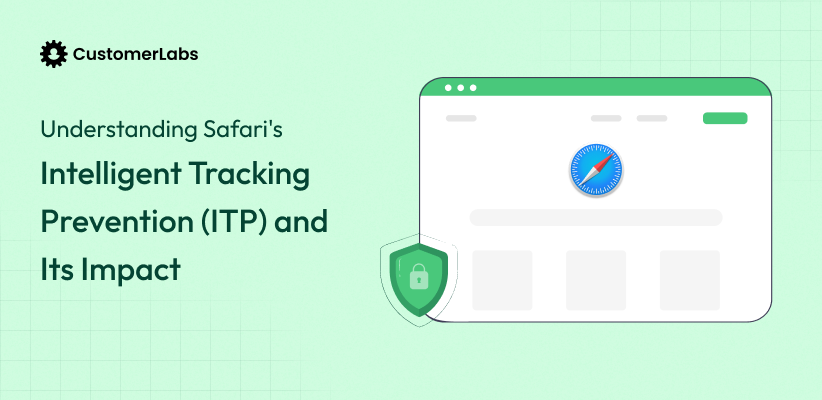
Intelligent Tracking Prevention uses machine learning and on-device intelligence to fight cross-site tracking, preventing trackers from following you across the web.
-
Use a Secure Search Engine
Switch to a secure search engine like DuckDuckGo, which doesn't track your search queries or browsing history.
-
Clear Cookies and Cache
Regularly clear your cookies and cache to prevent trackers from collecting and sharing your data.
Additional Tips for Online Tracking Prevention
In addition to the techniques mentioned above, here are some additional tips to help you protect your online activities:
-
Use a Password Manager
A password manager can help you create and store unique, secure passwords for each of your online accounts.
-
Be Cautious with Public Wi-Fi
Public Wi-Fi networks can be breeding grounds for trackers and hackers. Avoid using public Wi-Fi for sensitive activities, and consider using a VPN when connected to public networks.
-
Monitor Your Online Activity
Regularly review your online activity, including browsing history, search queries, and social media activity, to ensure that trackers are not collecting and sharing your data.
Conclusion
Online tracking prevention techniques are essential for maintaining your digital privacy and protecting your online activities. By using a combination of browser extensions, configuring your browser settings, and employing additional tips, you can take control of your online experience and prevent unwanted tracking. Remember, your digital privacy is your right, and it's up to you to protect it.