Secure Password Generation Methods: Protect Your Online Accounts
With the increasing number of online accounts we create and use daily, protecting our passwords has become a pressing concern. Weak passwords are a common gateway for hackers to gain unauthorized access to our sensitive information. In this article, we'll explore the concept of secure password generation methods and provide tips on how to create strong, unique passwords that keep your online accounts safe.
What Makes a Password Secure?
A secure password is a must-have in today's digital landscape. So, what makes a password secure? The answer lies in its characteristics:
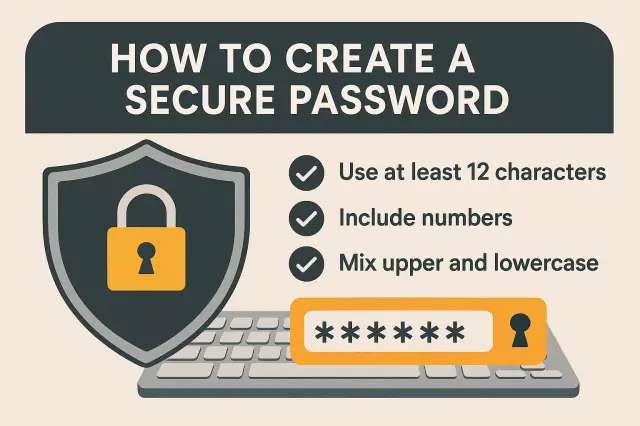
- Minimum 12 characters (16+ recommended for high-security)
- A combination of uppercase and lowercase letters
- Numbers and special characters
- Uncommon and random combinations of characters
Creating a password with these characteristics ensures that your account is protected from brute-force attacks and makes it difficult for hackers to crack your password.
Automated Password Generators: A Cybersecurity Essential
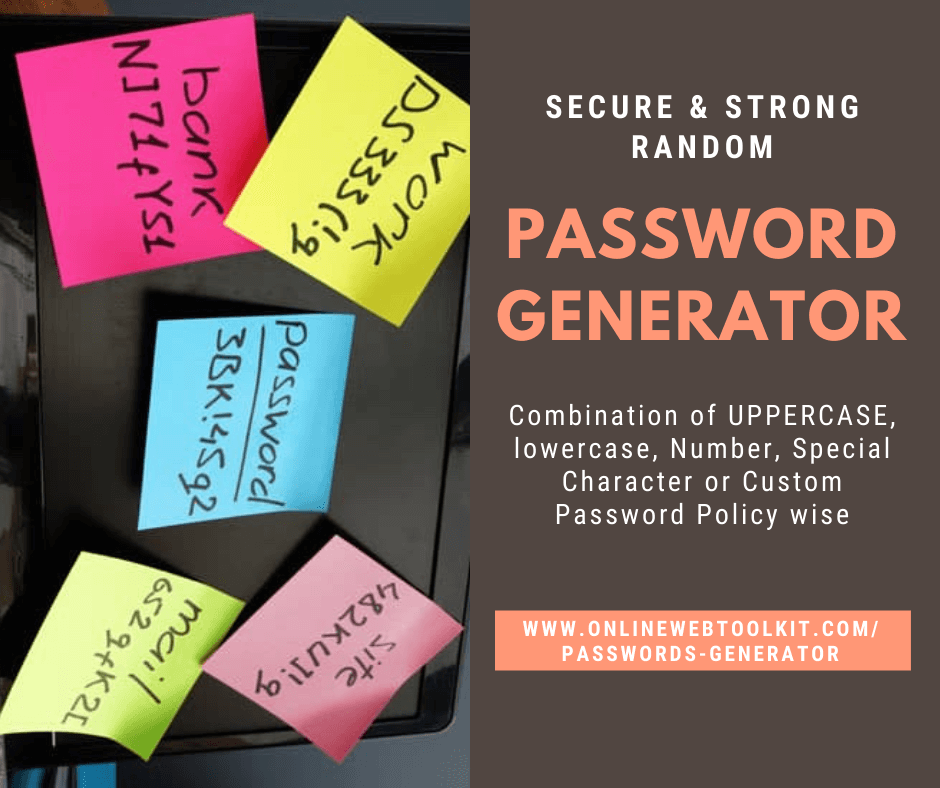
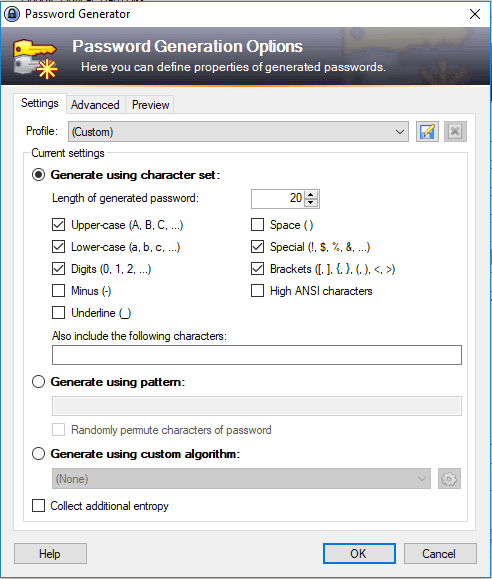
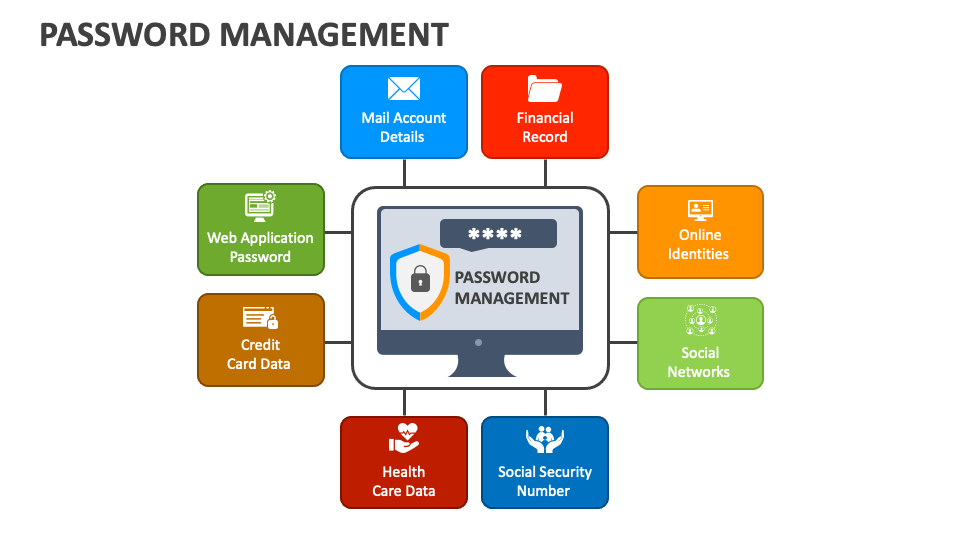
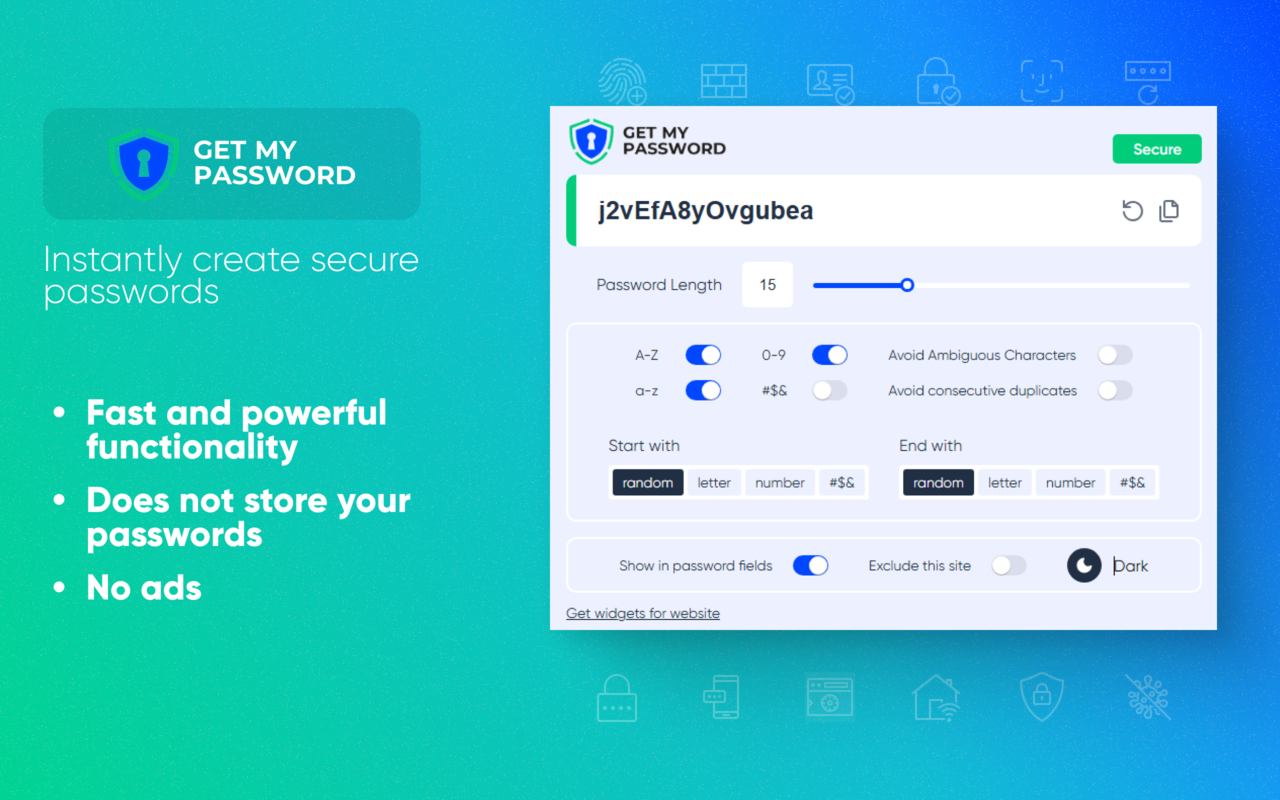
Automated password generators have become essential tools in cybersecurity. They help create complex passwords without the need to remember or write them down. A good password manager can also store your generated passwords securely, providing an added layer of security.
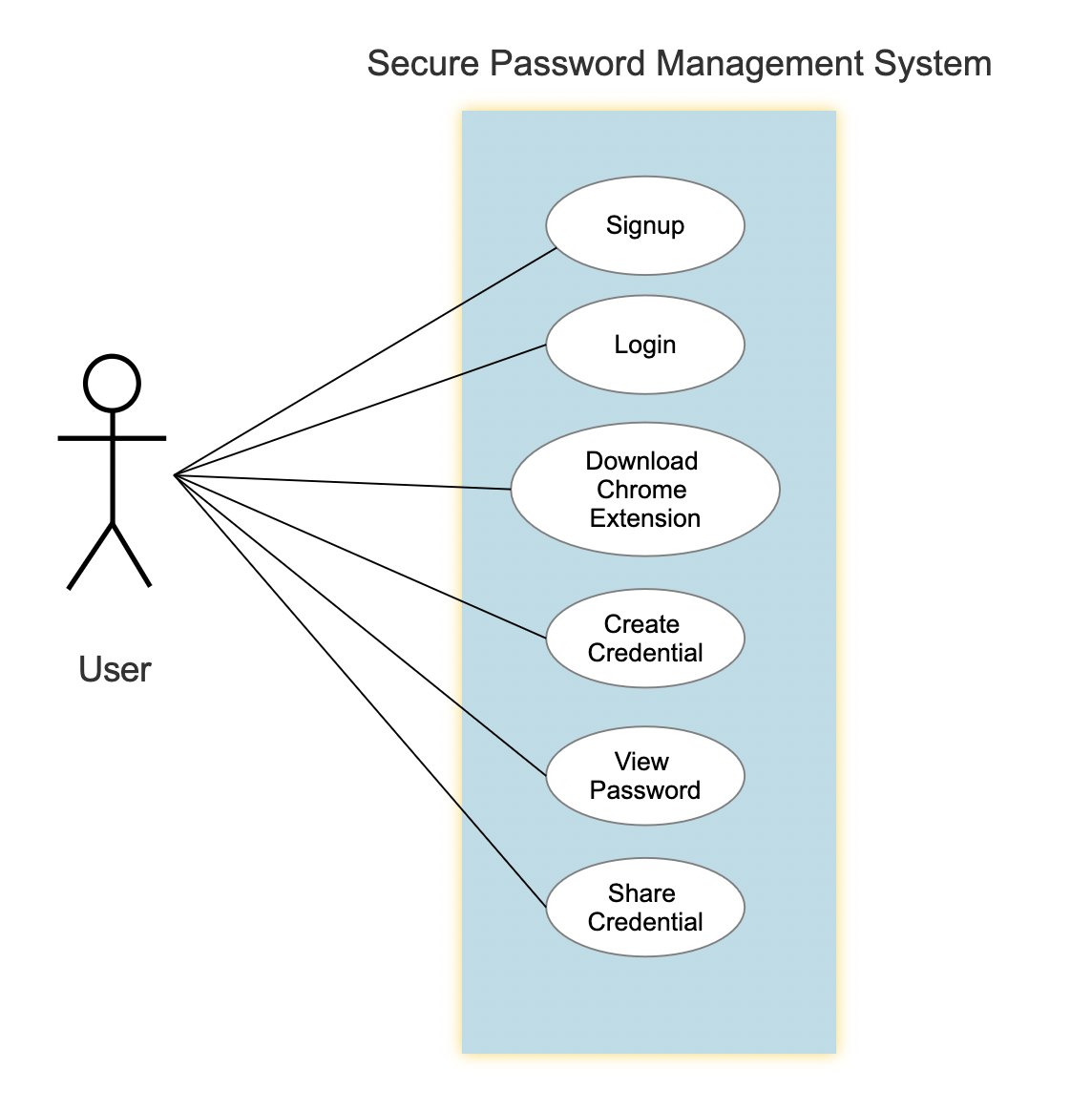
A password manager like LastPass or Bitwarden can generate, remember, and audit unique, complex passwords for each of your online logins. With a password manager, you only need to remember a single master password.
Password Managers: More Than Just Password Storage
Password managers are designed to make password management a breeze. They generate strong passwords, remember them for you, and also provide a warning if you have weak or reused passwords. This way, you can enjoy peace of mind while using your online accounts.

Generating Secure Passwords: A Step-by-Step Guide
Creating a secure password is easier when you follow a few simple steps:
- Use a combination of uppercase and lowercase letters, numbers, and special characters.
- Make sure your password is at least 12 characters long, with 16 or more characters for high-security.
- Avoid using common patterns, names, birthdays, or easily guessable information.
- Use a password manager to generate and store unique, complex passwords.
Secure Password Generation Methods: Examples and Tools
Some popular password generation methods and tools include:
- Strong Password Generator: A free tool that generates alphanumeric passwords for any kind of login or use.
- Random Password Generator: A free tool to create strong, memorable passwords.
- Bitwarden Password Generator: A secure password generator that also provides the latest best practices on password security and privacy.
Remember: Password Security is Key to Online Safety
Creating a secure password is only half the battle. Remembering it is another crucial aspect of password security. Use a password manager to generate and store your passwords securely, and avoid using weak or reused passwords.
In conclusion, secure password generation methods are essential in today's digital landscape. By following the tips and techniques outlined in this article, you can create strong, unique passwords that keep your online accounts safe from hackers and cyber threats. Remember, password security is key to online safety, so take the necessary steps to protect your sensitive information.