Resolving Cell Phone Problems: A Comprehensive Guide
Frustrated with a cell phone that won't charge, acts weird, or keeps auto-correcting your texts? You're not alone. Smartphones do have their issues from time to time. In this article, we'll cover the most common mobile phone problems and provide step-by-step tips and FAQs to help you resolve them.
Common Smartphone Problems You Can Fix Yourself
Before rushing to a repair shop, you can fix many smartphone issues yourself with simple troubleshooting steps. Here are some common problems you can resolve with DIY fixes:
- Software glitches - apps crashing, unexpected restarts, or features not working
- Unresponsive touchscreens
- Unexpected battery drain
- Slow phone performance
- App crashes or errors
- Connectivity issues - Wi-Fi, Bluetooth, or network settings
- Water damage or liquid exposure
- Cracked or damaged screens
- Frozen or unresponsive phone
- Non-functional charging ports
Solving Common Smartphone Issues
Here's a step-by-step guide to fix some common smartphone issues you may encounter:
- Software Glitches:
- Restart your phone
- Update your phone's software
- Clear app data and cache
- Reset your phone's settings
- Unresponsive Touchscreens:
- Soft reset your phone
- Hard reset your phone
- Repair or replace the screen
- Unexpected Battery Drain:
- Turn off unnecessary apps
- Close background apps
- Adjust your phone's battery settings
- Slow Phone Performance:
- Restart your phone
- Clear app data and cache
- Update your phone's software
- Close unnecessary apps
- App Crashes or Errors:
- Update your phone's software
- Clear app data and cache
- Uninstall and reinstall the app
Advanced Troubleshooting Techniques
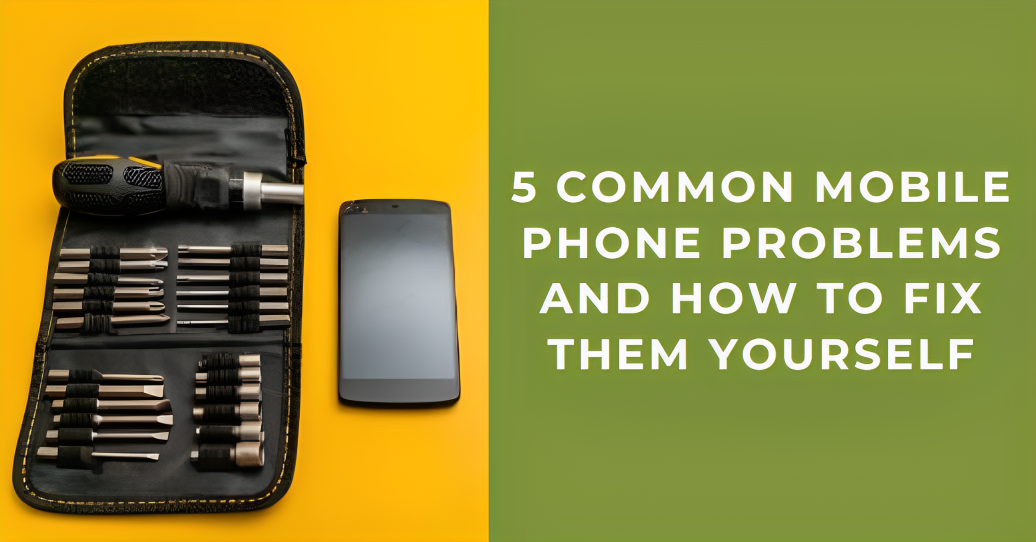
If the above steps don't resolve your issue, try the following advanced troubleshooting techniques:
- Force Restart:
- Press and hold the power button and volume down button simultaneously
- Release the buttons when your phone restarts
- Reset to Factory Settings:
- Go to Settings > Backup & reset > Factory data reset
- Follow the prompts to confirm the reset
- Contact Manufacturer Support:
- Visit the manufacturer's website for troubleshooting guides
- Contact their customer support for further assistance
Conclusion
Resolving cell phone problems can be a frustrating experience, but with the right steps and knowledge, you can fix many common issues yourself. Remember to always restart your phone, update your software, clear app data and cache, and reset your phone's settings before seeking further assistance. If your issue persists, contact your phone's manufacturer or seek help from a professional repair service.
Additional Resources
For more information on resolving cell phone problems, check out these additional resources:
- Manufacturer's website
- Customer support center
- Online forums and communities
- Manufactured repair guides