**Understanding the Risks of Screening Computer Strain**
What is Computer Vision Syndrome or Computer Eyestrain?
Digital eyestrain, also known as computer vision syndrome, is a condition that occurs when prolonged use of digital screens and devices leads to a range of symptoms, including eye discomfort, headaches, and neck and shoulder pain. With more and more people spending hours in front of computers, laptops, tablets, and smartphones, computer eyestrain has become a common issue that affects people of all ages.The Consequences of Prolonged Screen Time
When you stare at a computer screen for extended periods, your eyes tire out quickly. This is due to the following factors:- The proximity of the screen: Sitting too close to a digital screen can increase your risk of eye strain.
- Blue light emission: Digital devices emit blue light, which can cause eye strain and disrupt your sleep patterns.
- Glare and reflections: Poor lighting conditions can lead to glare and reflections on screens, causing eye strain.
- Eye focusing: Digital screens require users to focus intensely, leading to eye strain and dry eyes.
How Frequently Does Computer Eyestrain Occur?
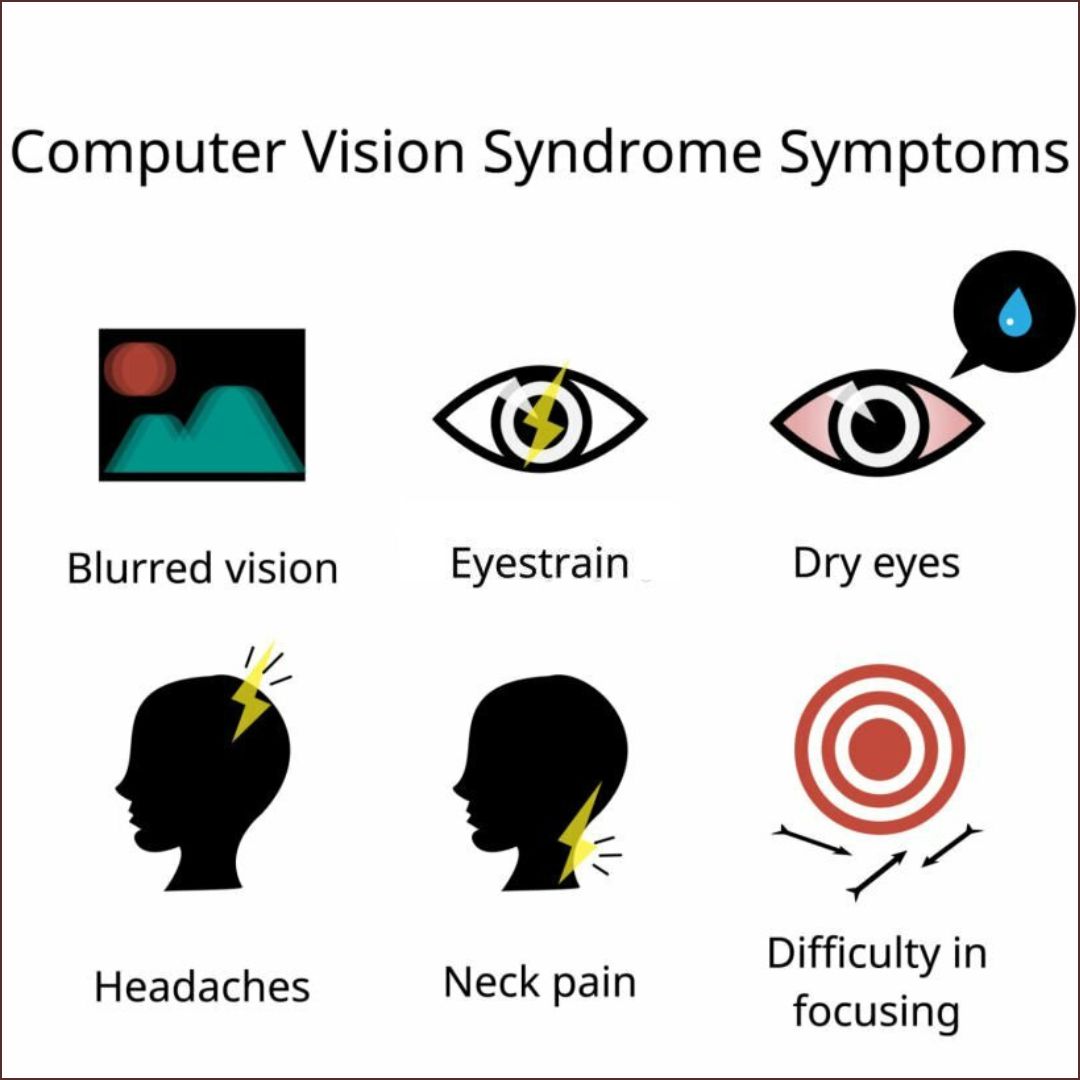
According to The Vision Council, over 6 out of 10 people who spend multiple hours per day in front of a digital screen experience symptoms of computer eyestrain. Digital eyestrain can cause dry eyes, blurry vision, headaches, and neck and shoulder pain.Symptoms of Computer Eyestrain
Symptoms of computer eyestrain can vary in severity and may include:- Dry eyes and irritation
- Headaches and migraines
- Blurred vision and eye strain
- Neck and shoulder pain
- Eye fatigue and discomfort
Causes of Computer Eyestrain
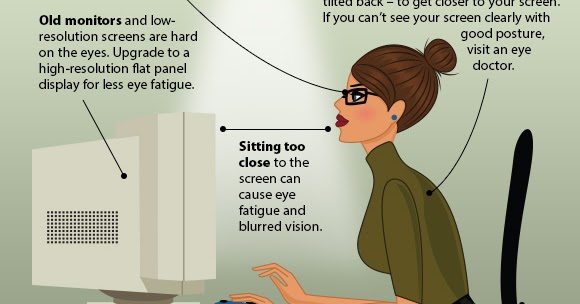
- Reading text on a computer screen, which can be harder on the eyes than reading printed text
- Blue light emission from digital devices
- Glare and reflections from poor lighting conditions
- Eye focusing and dry eyes
Prevention Strategies for Computer Eyestrain
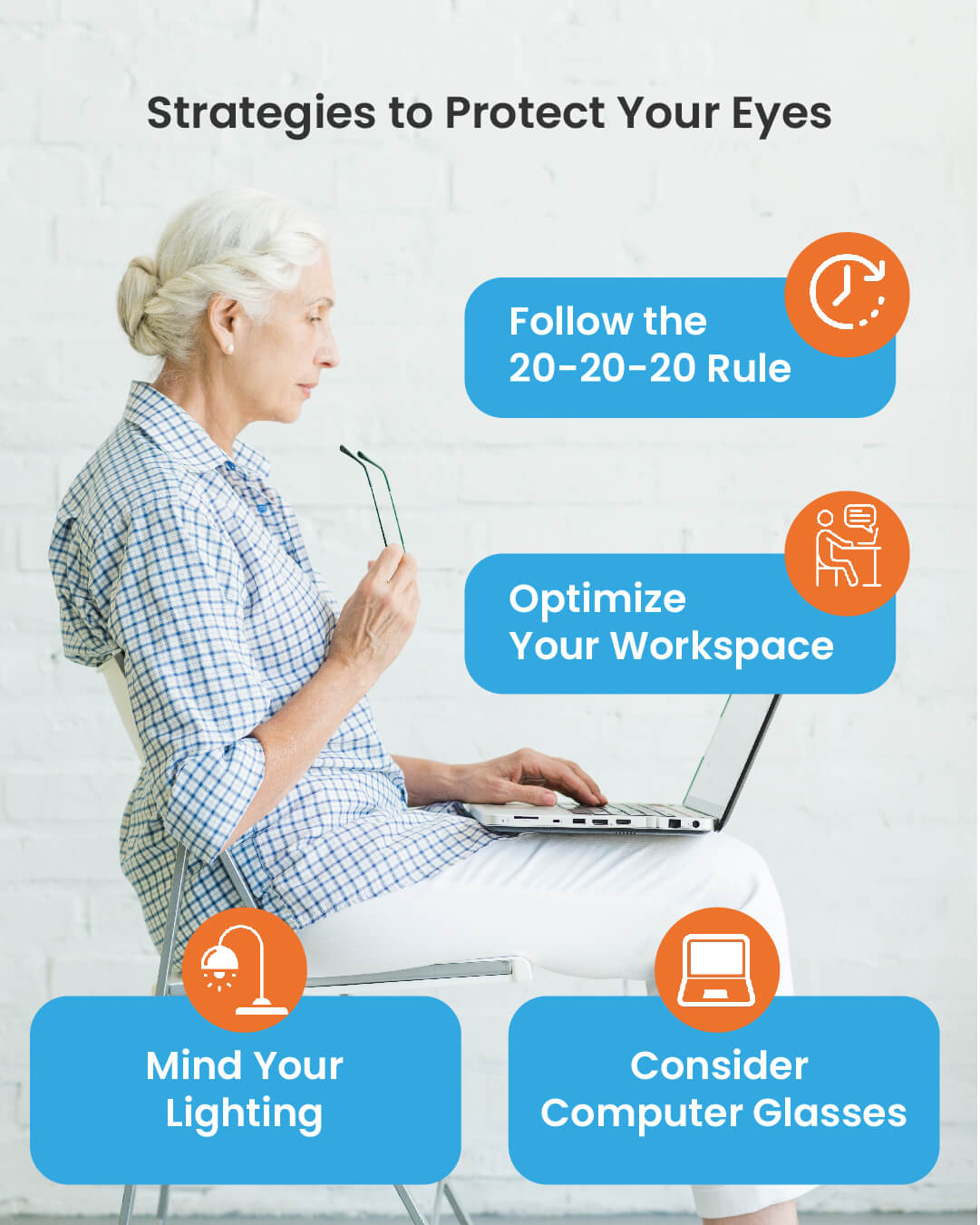
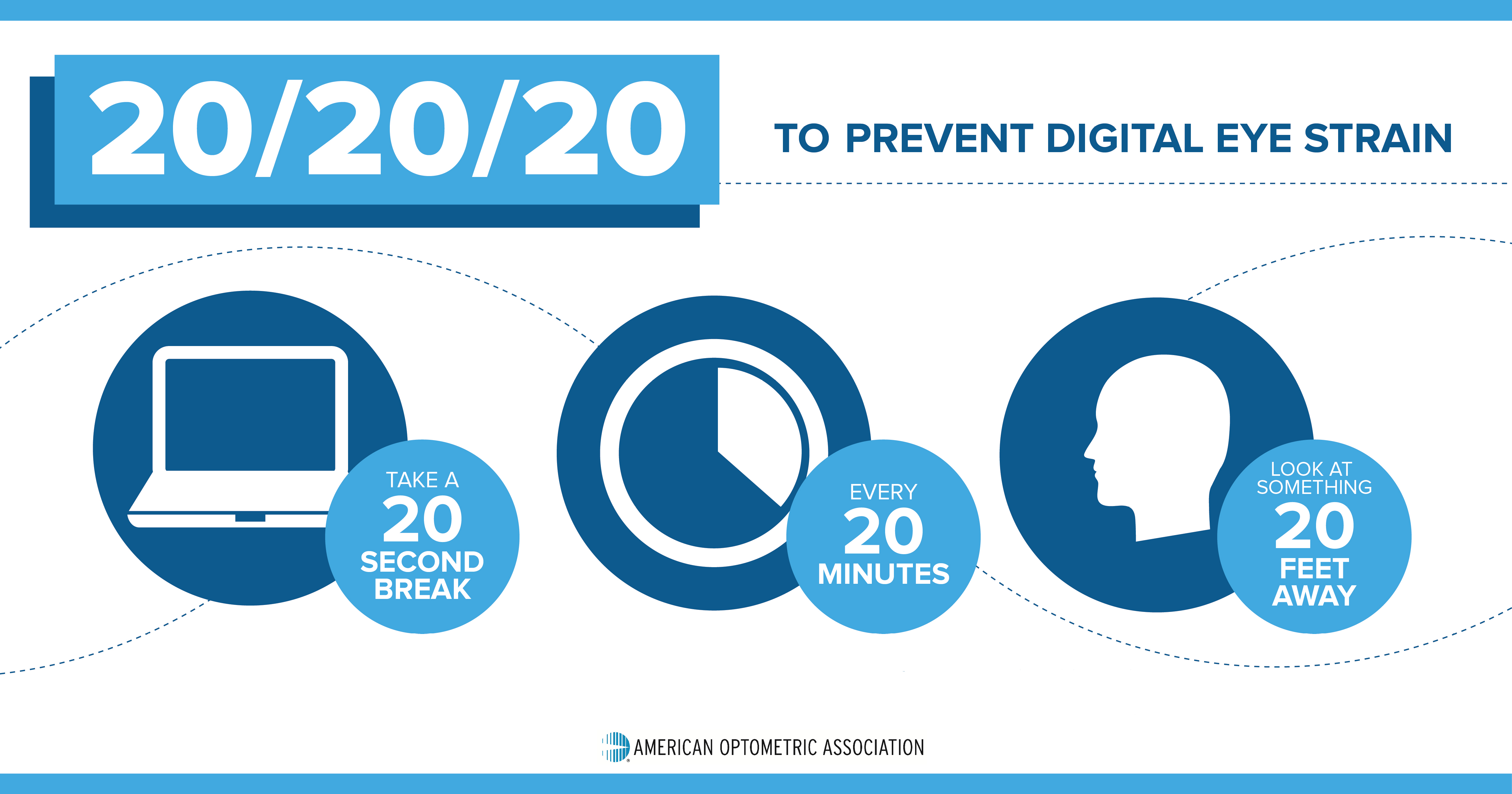
To reduce the risk of computer eyestrain, consider the following prevention strategies:- Follow the 20-20-20 rule: Every 20 minutes, look away from your screen and focus on something 20 feet away for 20 seconds.
- Adjust your screen settings: Ensure your monitor has a high-resolution display and adjust the brightness and contrast to a comfortable level.
- Position your screen correctly: Place your screen 20-28 inches from your eyes and at a comfortable distance.
- Take breaks: Take regular breaks from screen time to rest your eyes and stretch your neck and shoulders.
- Eye care products: Use eye drops or consider using blue light blocking glasses to reduce eye strain.
Treating Computer Eyestrain
If you experience symptoms of computer eyestrain, consider the following treatments:- Eye drops or artificial tears to lubricate your eyes
- Eye exercises to relax your eye muscles
- Blue light blocking glasses or software to reduce eye strain
- Adjusting your screen settings and position
- Seeking professional help from an eye care professional if symptoms persist