laptop keyboard repair: A Step-by-Step Guide to Troubleshooting and Fixing Issues
A fully operational laptop keyboard is essential for a seamless computing experience. Whether you're drafting an email, coding a new software program, or simply navigating the web, the keyboard is your primary tool for input and communication. Encountering issues with your laptop keyboard can not only be frustrating but also hinder your productivity and efficiency.
Common Issues with Laptop Keyboards
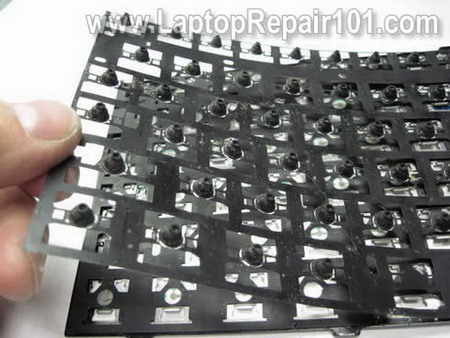
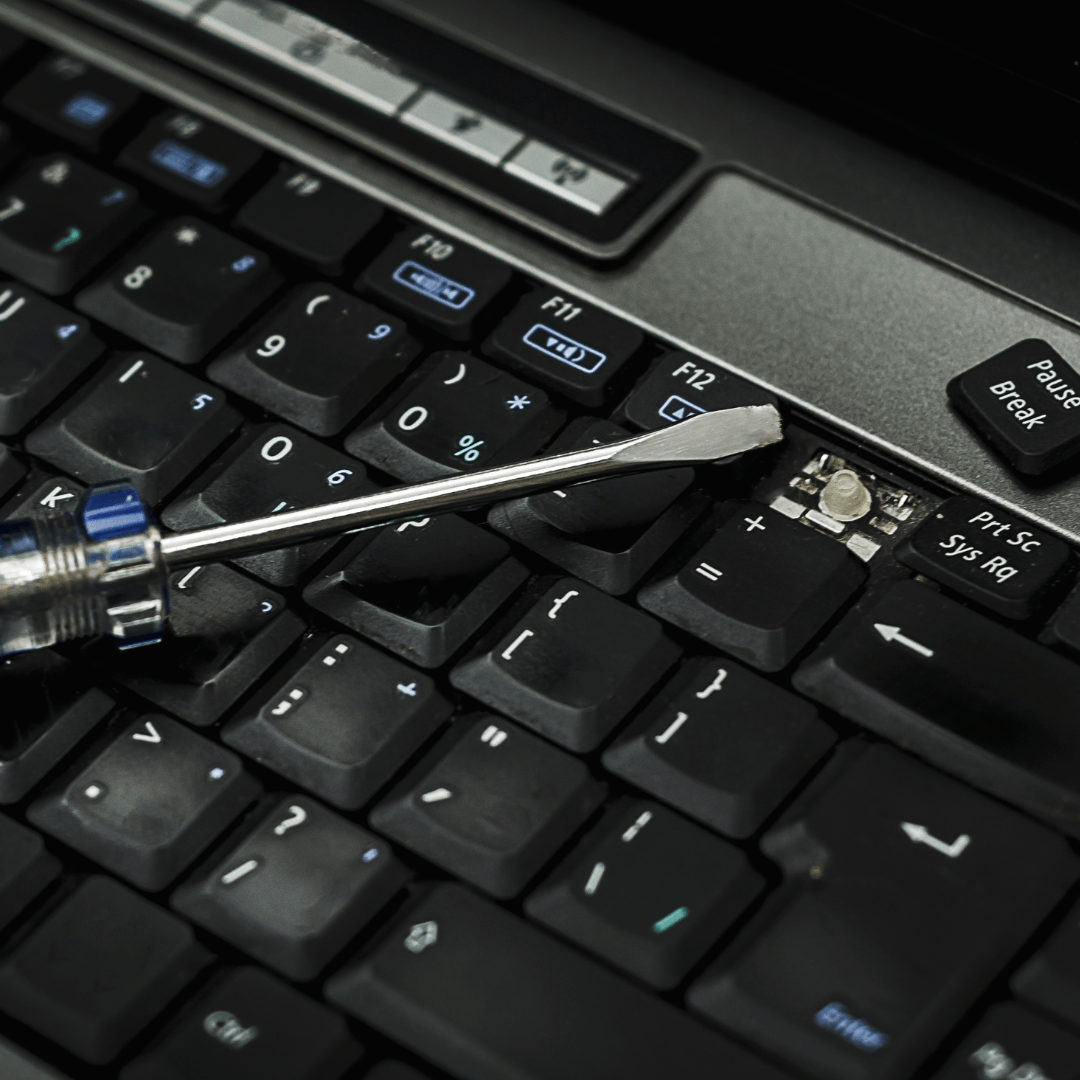
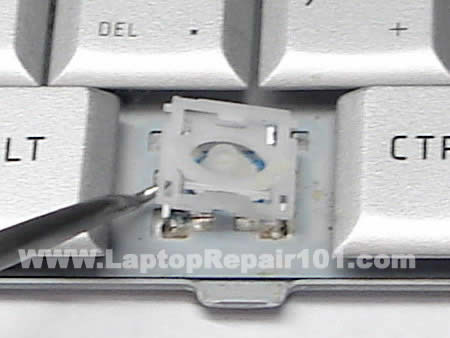
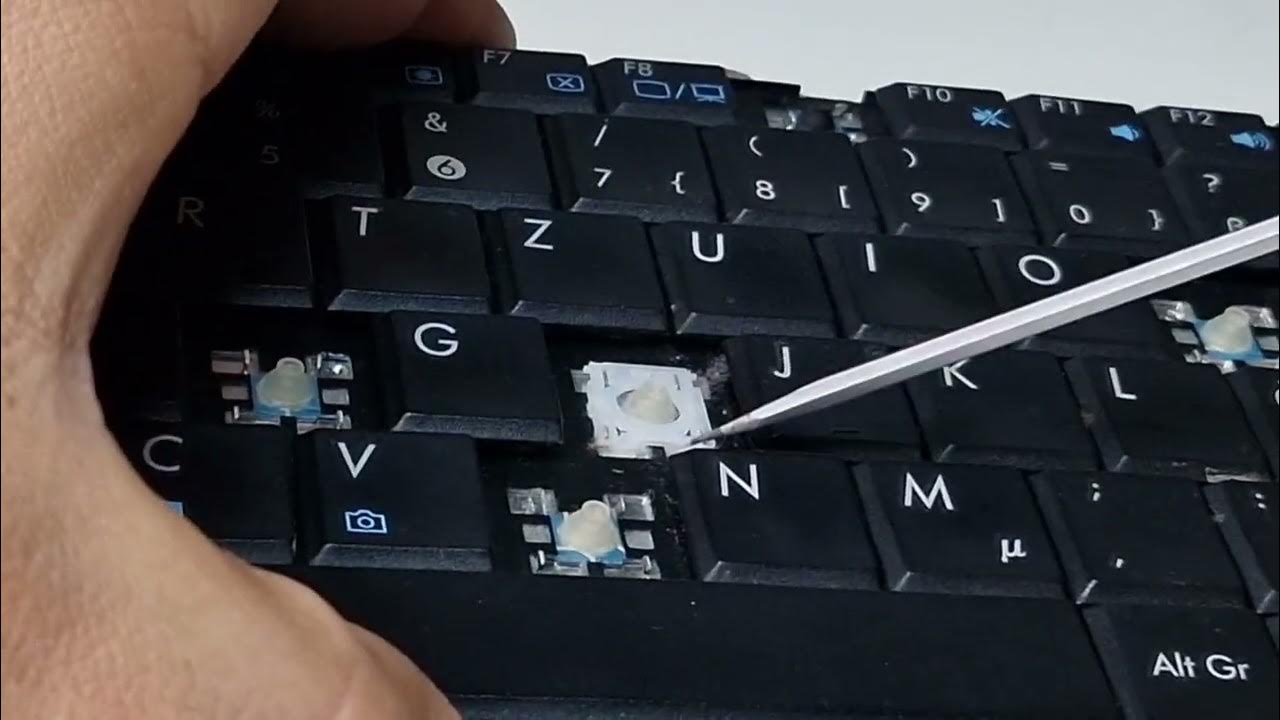
Some common issues with laptop keyboards include stuck or unresponsive keys, keyboard keys not working, and keyboard malfunctioning. These problems can be caused by a variety of factors, including debris accumulation under the keys, faulty keyboard drivers, or damaged keyboard hardware.
Step 1: Clean the Keyboard
The first step in troubleshooting your laptop keyboard is to clean it. Turn your laptop upside down and shake it gently to remove any debris that may be accumulated under the keys. You can also use a soft brush or a cotton swab to gently sweep away any dust or debris from between the keys.
Step 2: Check the Keyboard Drivers
If cleaning the keyboard doesn't resolve the issue, the next step is to check the keyboard drivers. You can do this by going to the Device Manager in your laptop's settings and checking if the keyboard is listed and functioning correctly.
Step 3: Check for Faulty Ribbon Cables
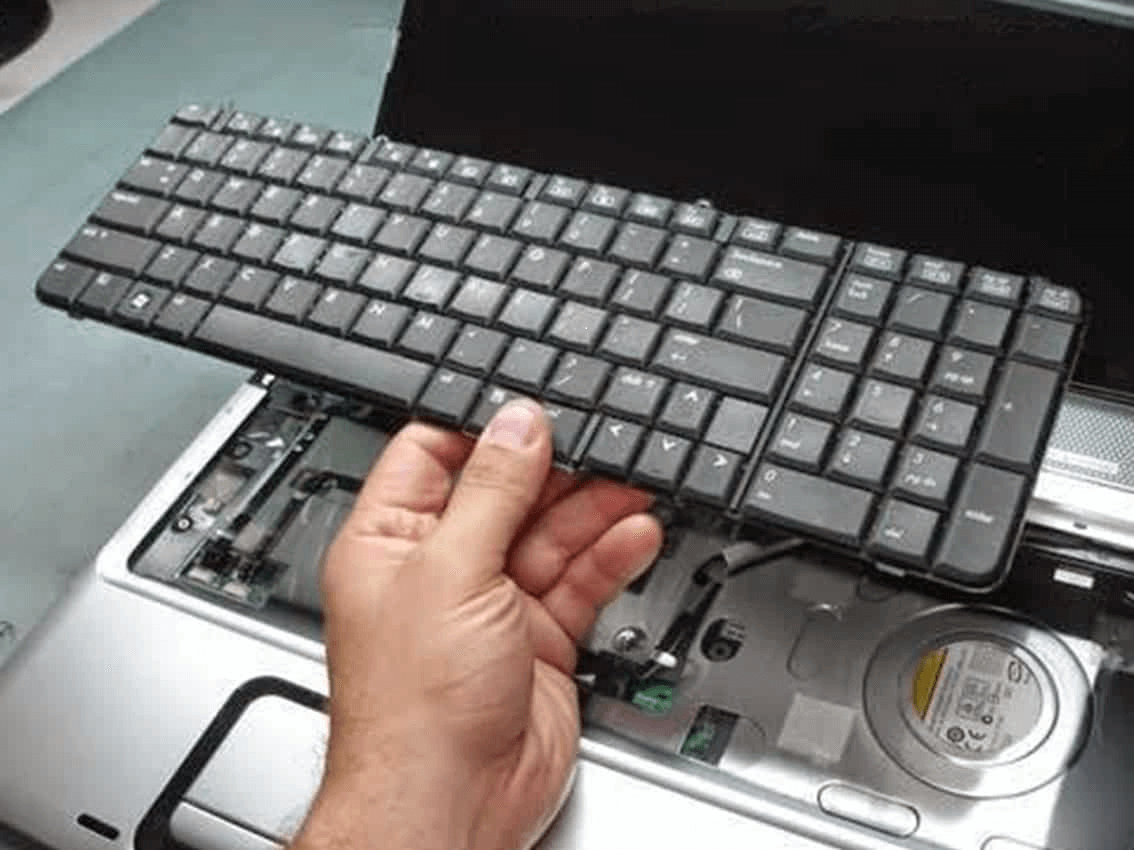
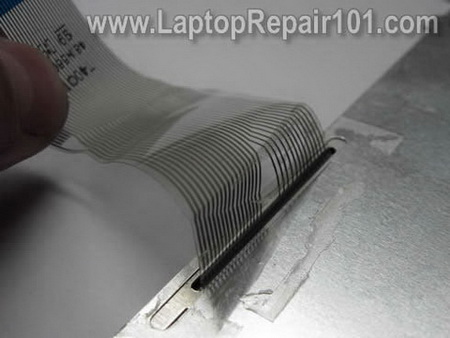
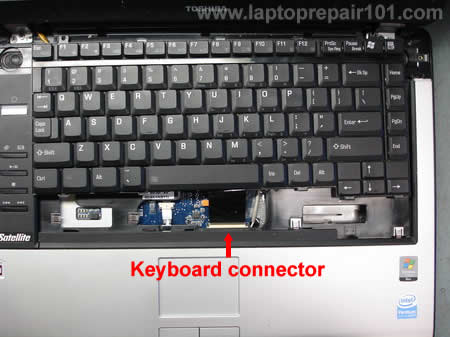
Another possible cause of keyboard malfunction is a faulty ribbon cable. The ribbon cable is a thin cable that connects the keyboard to the laptop's motherboard. If the cable is damaged or faulty, it can cause keyboard issues. You can check the ribbon cable by gently prying it away from the keyboard and inspecting it for any signs of damage.

Step 4: Replace the Keyboard
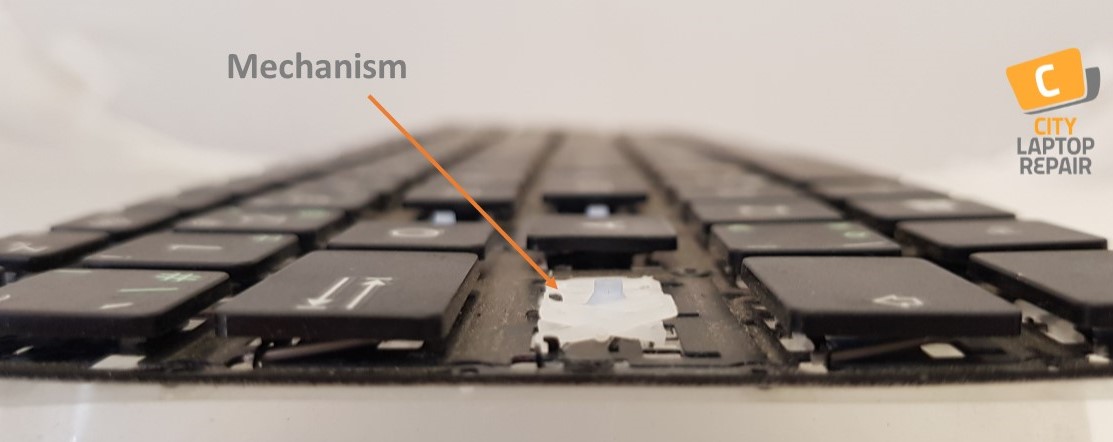
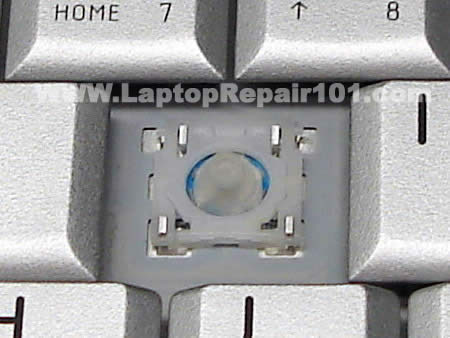
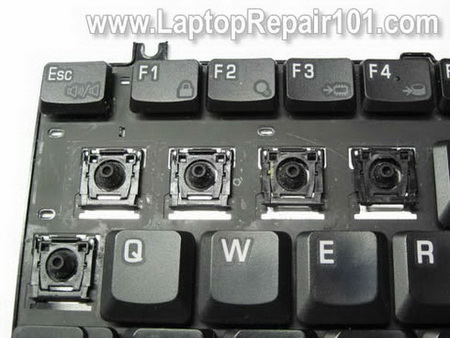
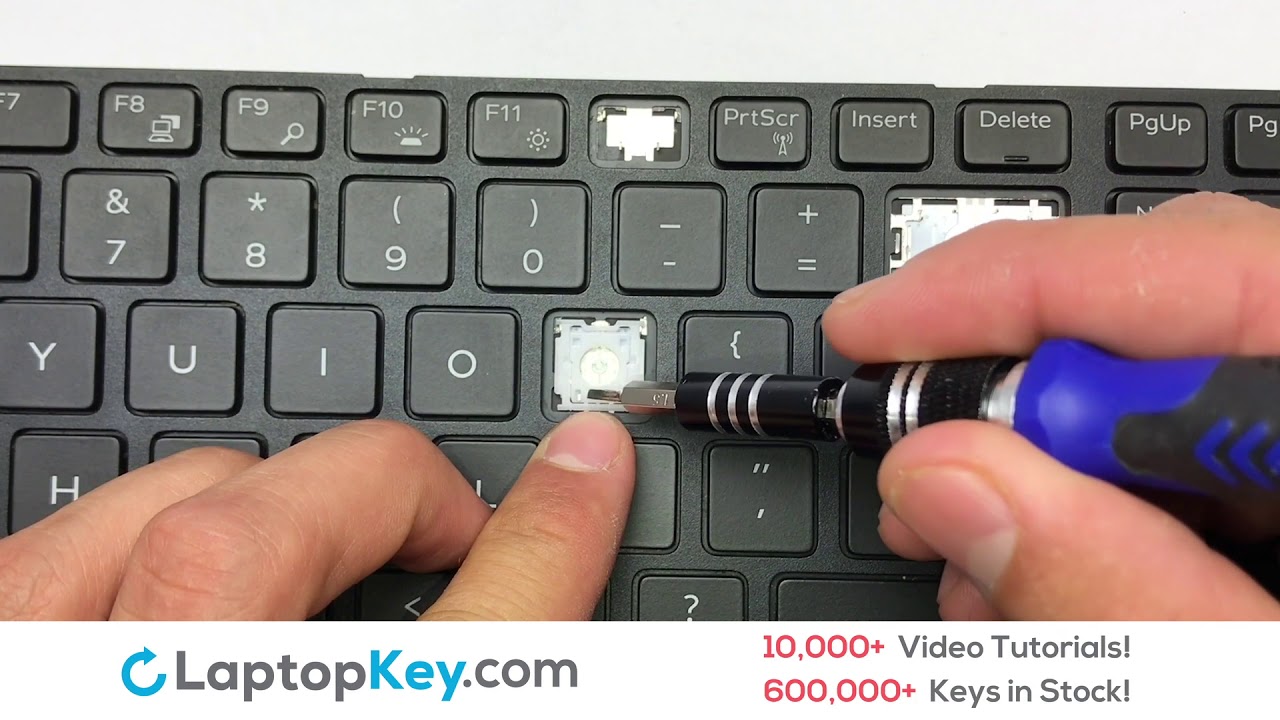
If none of the above steps resolve the issue, it's likely that the keyboard is damaged and needs to be replaced. There are several options available for laptop keyboard repair, including replacing individual keys, replacing the entire keyboard, or using a keyboard tester to diagnose the problem.
DIY Laptop Keyboard Repair vs. Professional Repair
While DIY laptop keyboard repair can be a cost-effective option, it's not always the best choice. If you're not comfortable with troubleshooting and repairing electronic devices, it's recommended to seek the help of a professional. Professional laptop keyboard repair services can provide you with a high-quality replacement keyboard and ensure that the repair is done correctly and efficiently.
Conclusion
Encountering issues with your laptop keyboard can be frustrating, but it's often a simple issue that can be resolved with a few steps. By following the steps outlined in this guide, you can troubleshoot and fix common keyboard issues, including stuck or unresponsive keys, keyboard keys not working, and keyboard malfunctioning. If you're not comfortable with DIY laptop keyboard repair, there are many professional repair services available that can provide you with a high-quality replacement keyboard and ensure that the repair is done correctly and efficiently.