Mastering YouTube Channel Setup and Analytics for Success
As a creator on YouTube, setting up a successful channel is crucial for gaining more views, subscribers, and ultimately, revenue. However, navigating the vast array of analytics tools available can be daunting, especially for new creators. In this article, we'll cover the basics of YouTube channel setup and analytics, providing you with a comprehensive guide to help you master the platform and grow your channel.
Setting up your YouTube channel is the first step to achieving success. To start, you'll need to create a Google account if you haven't already. Once you've done this, you can follow the on-screen instructions to set up your channel. This will include adding a profile picture, banner, and configuring your channel's information.
there are several tools available for YouTube channel setup and analytics, including:
Each of these tools offers a range of features and insights to help you understand and improve your channel's performance.
YouTubeStudioandAnalytics
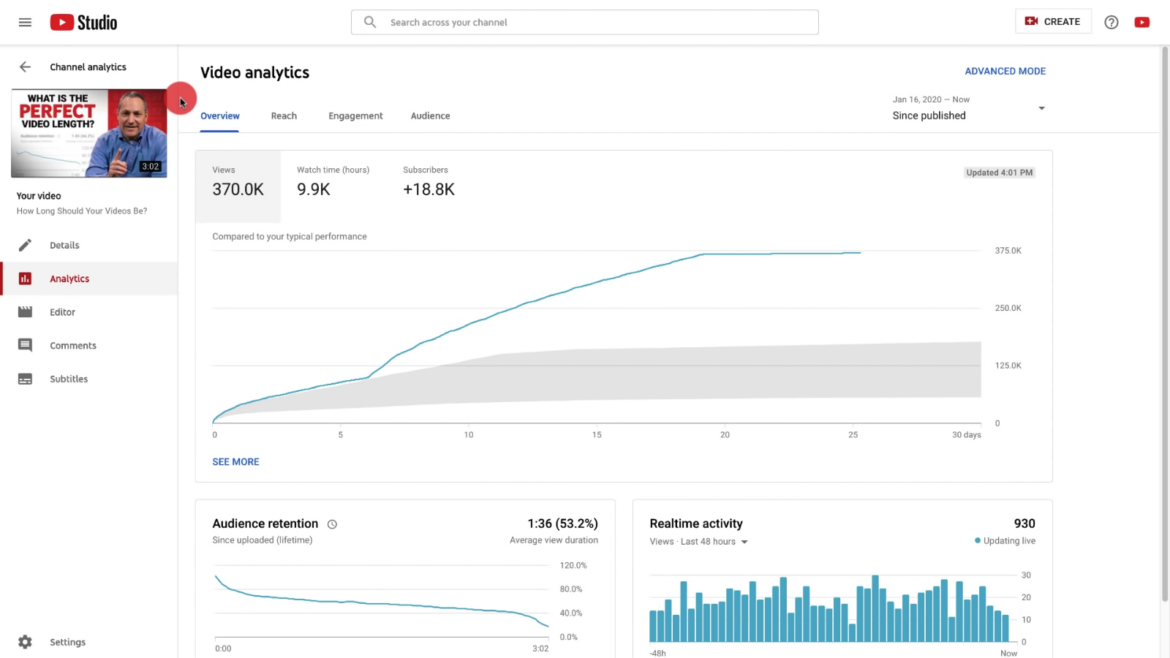
YouTube Studio is a free tool that allows you to monitor and analyze your channel's performance. It includes features such as:
- Views and watch time
- Audience demographics
- Traffic sources
- Subscriber growth
by using these metrics, you can gain a better understanding of your audience and identify areas for improvement.
AdvancedModeinYouTubeAnalytics
Advanced Mode in YouTube analytics allows you to view an expanded analytics report with specific data, compare performance, and export data. This is ideal for creators who want to dive deeper into their channel's performance and gain more detailed insights.
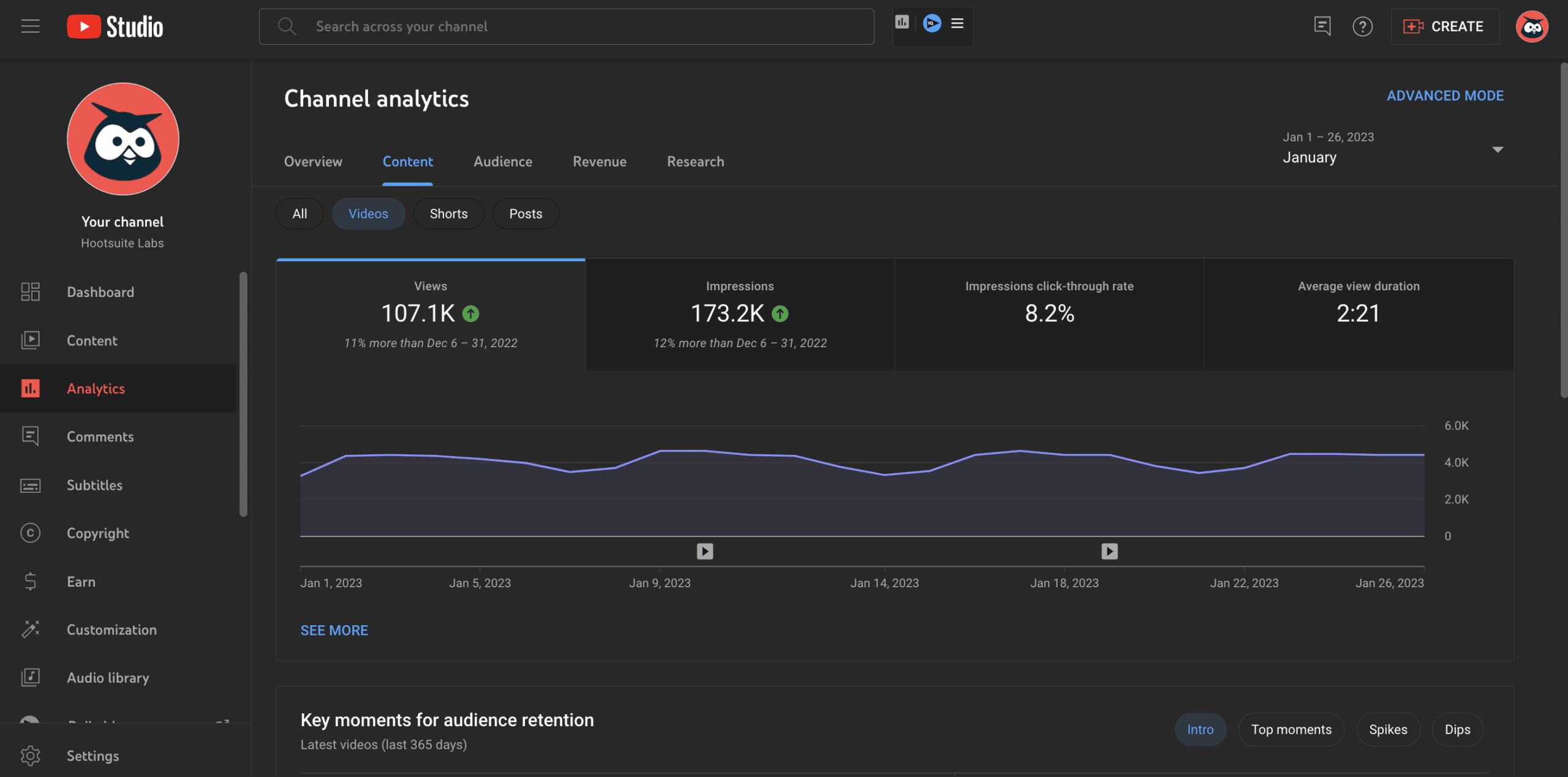
Key metrics in YouTube analytics include:
- Views
- Watch time
- Audience retention
- Traffic sources
Understanding these metrics will help you identify the strengths and weaknesses of your channel and make informed decisions to improve its performance.
Third-PartyToolsforYouTubeAnalytics
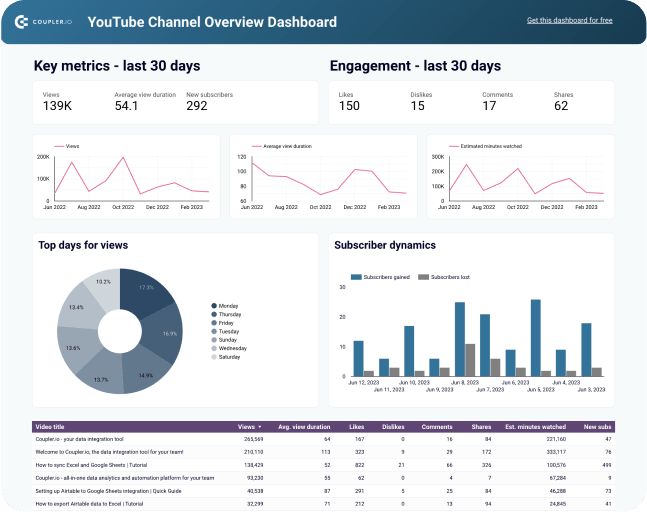
There are many third-party tools available for YouTube analytics, including vidIQ, TubeBuddy, and Hootsuite. These tools can offer additional features and insights beyond what is available in the native YouTube analytics platform.
Conclusion
Mastering YouTube channel setup and analytics is crucial for success on the platform. By using the tools and insights outlined in this article, you can gain a better understanding of your audience and identify areas for improvement. Whether you're a new creator or an established YouTube star, this guide will help you take your channel to the next level.
FinalTips
Here are some final tips to keep in mind when it comes to YouTube channel setup and analytics:
- Regularly monitor your channel's performance using YouTube Studio and other analytics tools
- Use advanced metrics and insights to identify areas for improvement
- Experiment with different content and strategies to see what works best for your channel
- Engage with your audience and build relationships with other creators
By following these tips and mastering YouTube channel setup and analytics, you'll be well on your way to building a successful channel and achieving your goals on the platform.