Stream Quality Setup for Twitch: A Comprehensive Guide
Streaming on Twitch can be an exhilarating experience, but achieving consistent high-quality streams requires careful setup and optimization. In this article, we'll delve into the world of stream quality setup for Twitch, exploring the crucial settings and techniques to enhance your video streaming quality without breaking the bank.
Understanding the Basics
Before we dive into the nitty-gritty, it's essential to understand the fundamental concepts that govern stream quality. The key players in our journey are:
- Bitrate: The amount of data transferred per second.
- Resolution: The number of pixels used to display an image.
- Frame Rate: The number of frames per second displayed.
By adjusting these parameters, you can fine-tune your stream quality to suit your hardware, internet connection, and viewer preferences.
Optimizing Video Settings for Twitch
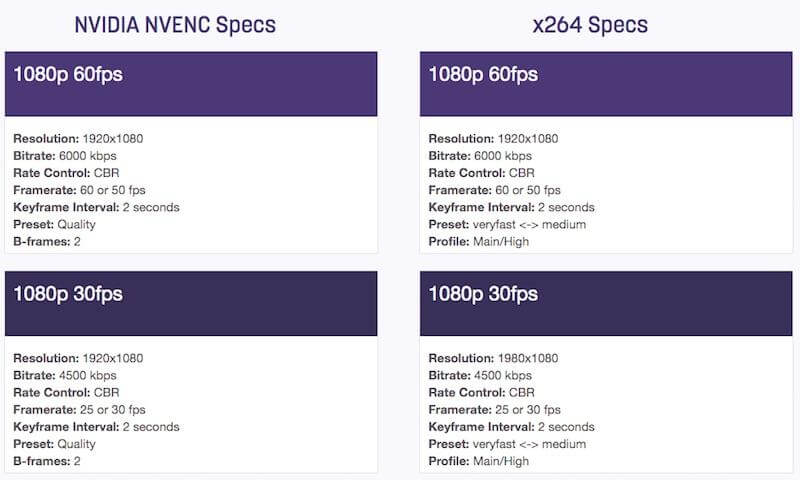
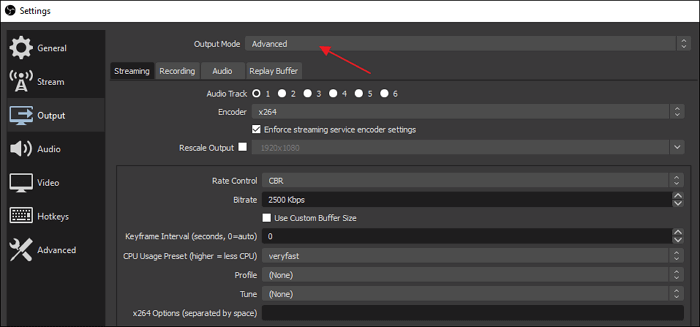
For a seamless experience, Twitch recommends a bitrate of 6000 kbps for 1080p60 streams. However, if you're streaming at lower resolutions or frame rates, you can experiment with lower bitrates to conserve bandwidth.
Here's a rough guide to get you started:
- 720p30: 2000-4000 kbps
- 1080p30: 4000-6000 kbps
- 1080p60: 6000-10000 kbps
Keep in mind that these are general recommendations. Experiment with different bitrates to find the sweet spot that balances quality and performance.
Choosing the Right Video Encoder
The video encoder is responsible for compressing your video feed to conserve bandwidth. Some popular options for Twitch include:
- NVENC: A hardware-based encoder optimized for NVIDIA GPUs.
- x264: A software-based encoder that's widely regarded as one of the best options for streaming.
- timid: A straightforward, plugin-free encoder suitable for beginners.
Graphics Card and CPU Requirements
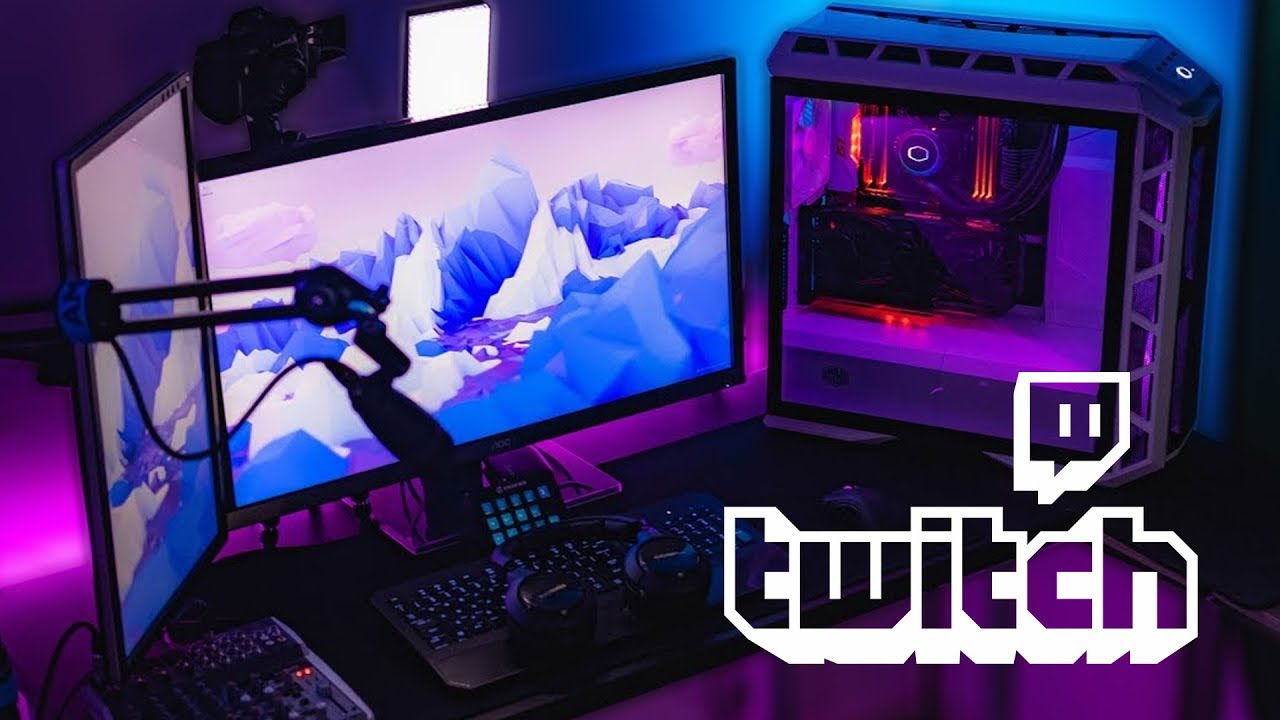
For a smooth streaming experience, you'll need a capable graphics card and CPU. Consider the following:
- Graphics Card: A dedicated graphics card with at least 2 GB of VRAM (preferably 4 GB or more).
- CPU: A fast processor (>= Intel Core i3 or AMD Ryzen 3) with multiple cores.
External Tools and Software
In addition to your graphics card and CPU, you may want to consider investing in:
- External capture devices: For recording footage from your console or PC.
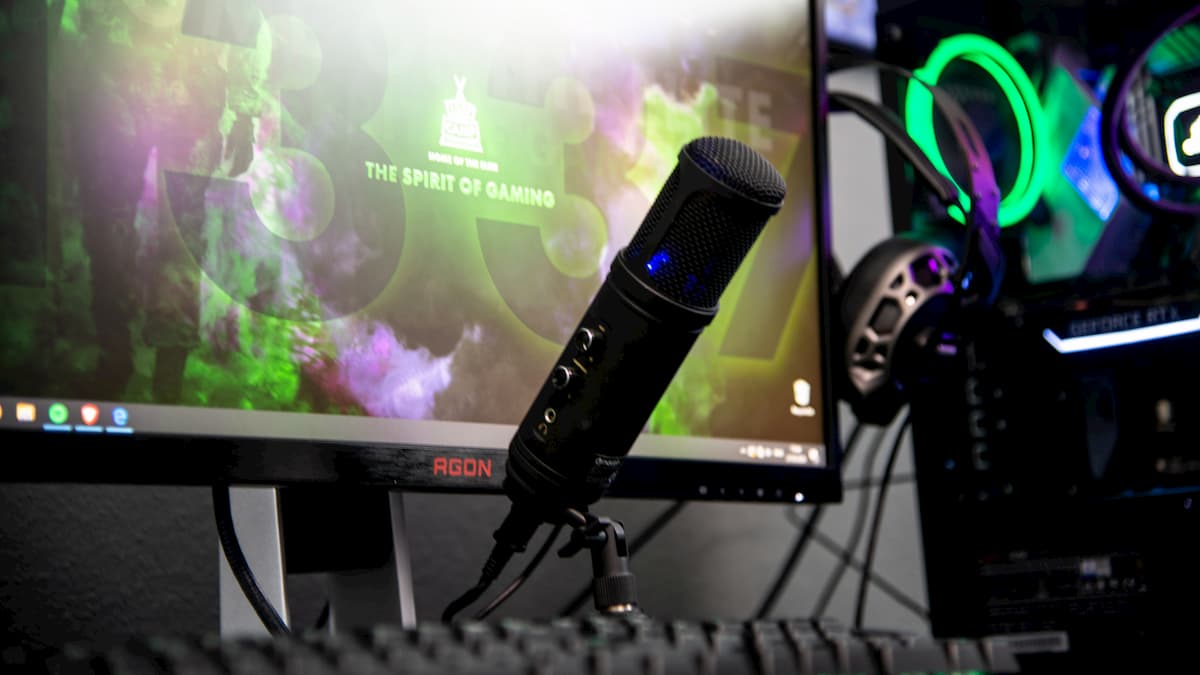
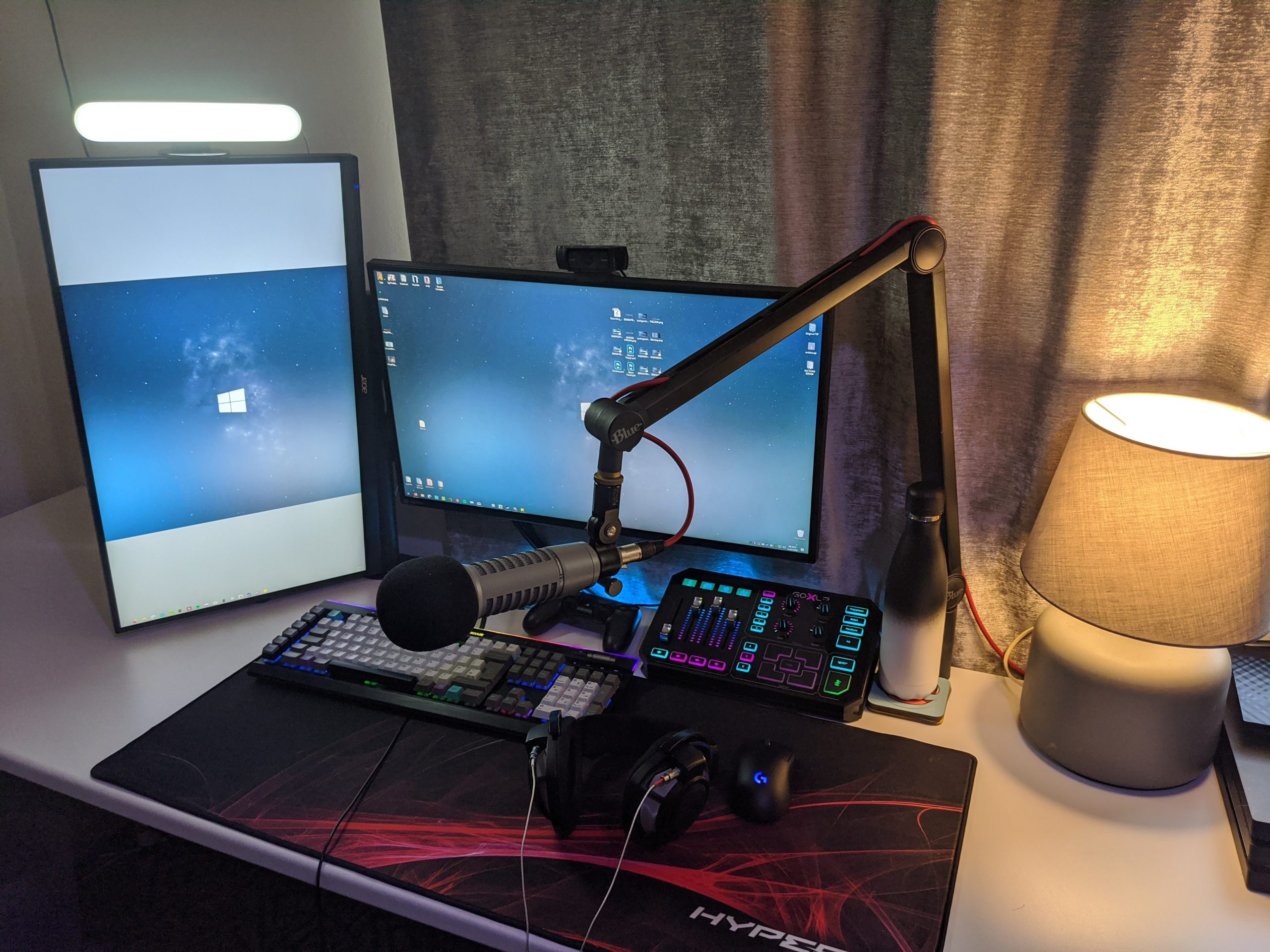
- Microphones and headphones: To capture high-quality audio and monitor feedback.
- Capture and mixing software: To manage your audio and video sources.
Common Questions and Troubleshooting
Grab a cup of coffee and take a look at these common issues:
- My stream quality keeps dropping! Check your bitrate, frame rate, and compression settings.
- My stream lag is awful! Inspect your capture card and TCP/IP settings.
- My audio is muffled or choppy! Adjust your mic gain, format, and data source settings.
Unlocking the Secrets of Stream Quality on Twitch
Stream quality is a hydra-like challenge. Every solution introduces new problems. Your headphones have Bluetooth latency. Antialiasing engulfs your gameplay footage. Your camera reader plugs gobble audio each morning. Trick, not hex.
That being said, CPR-style salvage or med-drswers nobody agree on.
Next-Gen Guidance
Unlock the secrets of stream quality on Twitch with these battle-hardened Recommendations. Get them free at howtotwitch.com


:max_bytes(150000):strip_icc()/A4-StreamonTwitch-annotated-2a5e5dbe5b864c71949ff2c7c21eb299.jpg "Improve Stream Quality with These 8 Simple Adjustments")
![Best OBS Settings for Streaming on Twitch [2026 Updated]](https://golightstream.com/wp-content/uploads/2021/12/image13-768x512.jpg "Best OBS Settings for Streaming on Twitch [2026 Updated]")
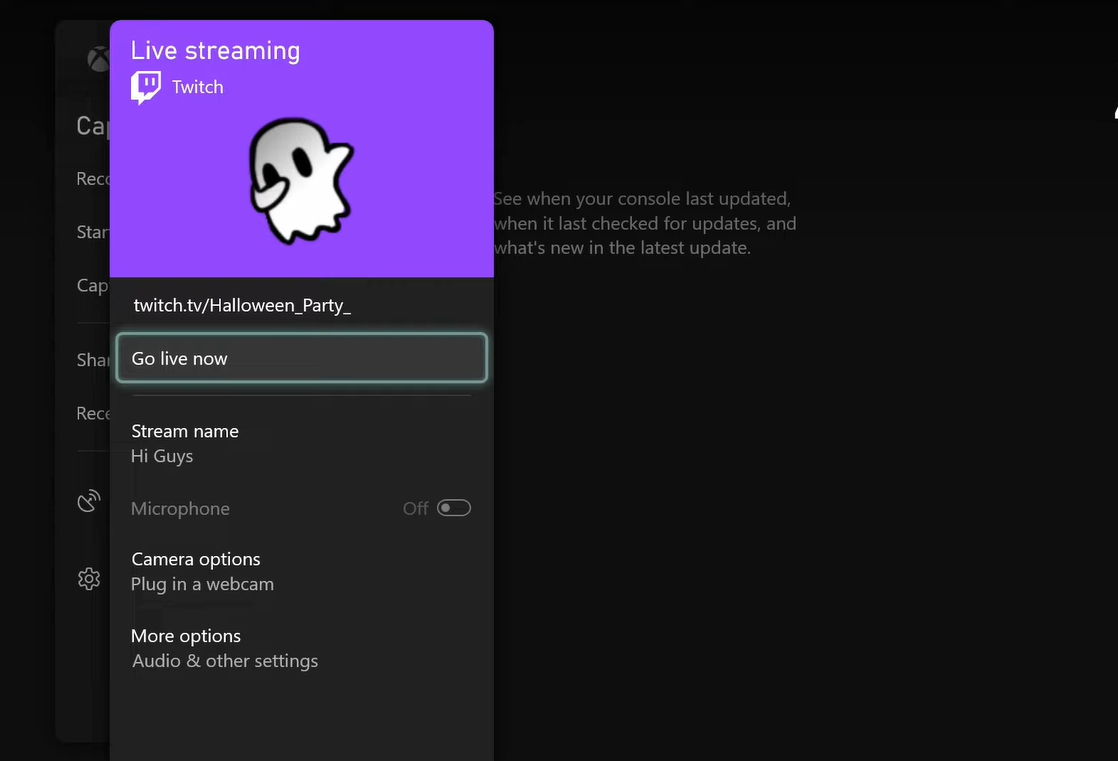
![The Best OBS Settings for Streaming 2026 [with Pictures] - OBSBOT](https://www.androidauthority.com/wp-content/uploads/2022/06/start-stream.jpg "The Best OBS Settings for Streaming 2026 [with Pictures] - OBSBOT")