Unlock the Power of Home Automation with Alexa: A Step-by-Step Guide
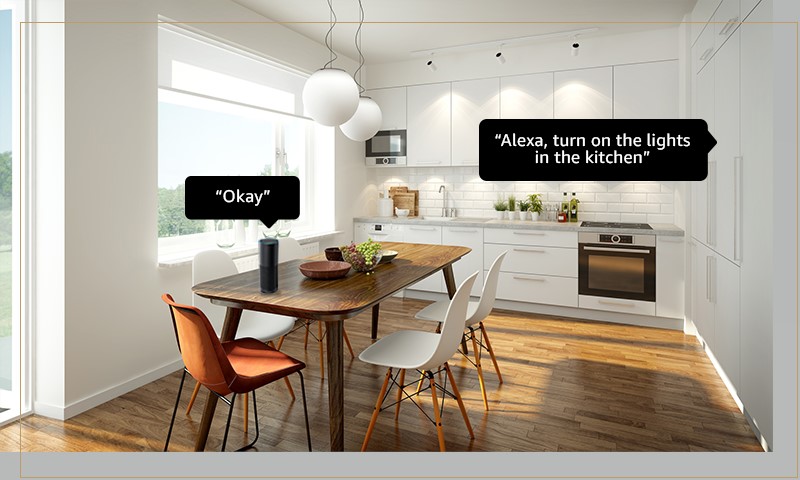
Are you ready to transform your home into a smart haven? With the Amazon Alexa smart speaker, you can turn your home into a futuristic abode that responds to your voice commands. In this comprehensive guide, we'll walk you through the process of setting up Alexa with your home automation system, making it easy to control your lights, thermostats, security systems, and more with just your voice.
The Benefits of Setting Up Alexa with Home Automation
- Convenience: Control your home devices with just your voice, making it easy to turn lights on and off, adjust the thermostat, and more.
- Automation: Create custom routines that allow your devices to work together seamlessly, making your life easier and more efficient.
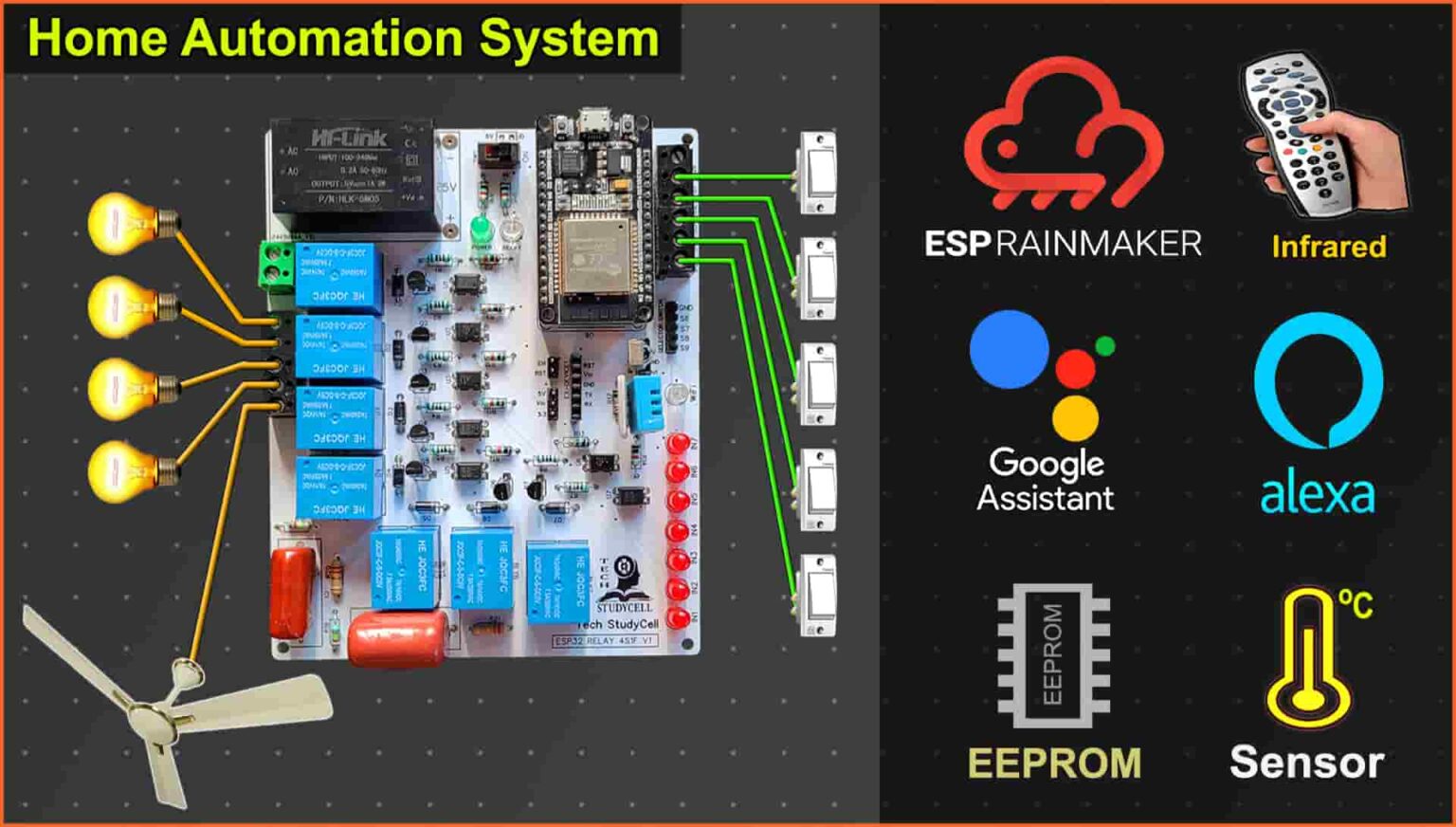
- Integration: Alexa is compatible with a wide range of devices, making it easy to integrate them into your existing home automation system.
- Cost-effective: Smart home devices can help you save money on your energy bills and reduce waste.
Step 1: Choose Your Alexa Device
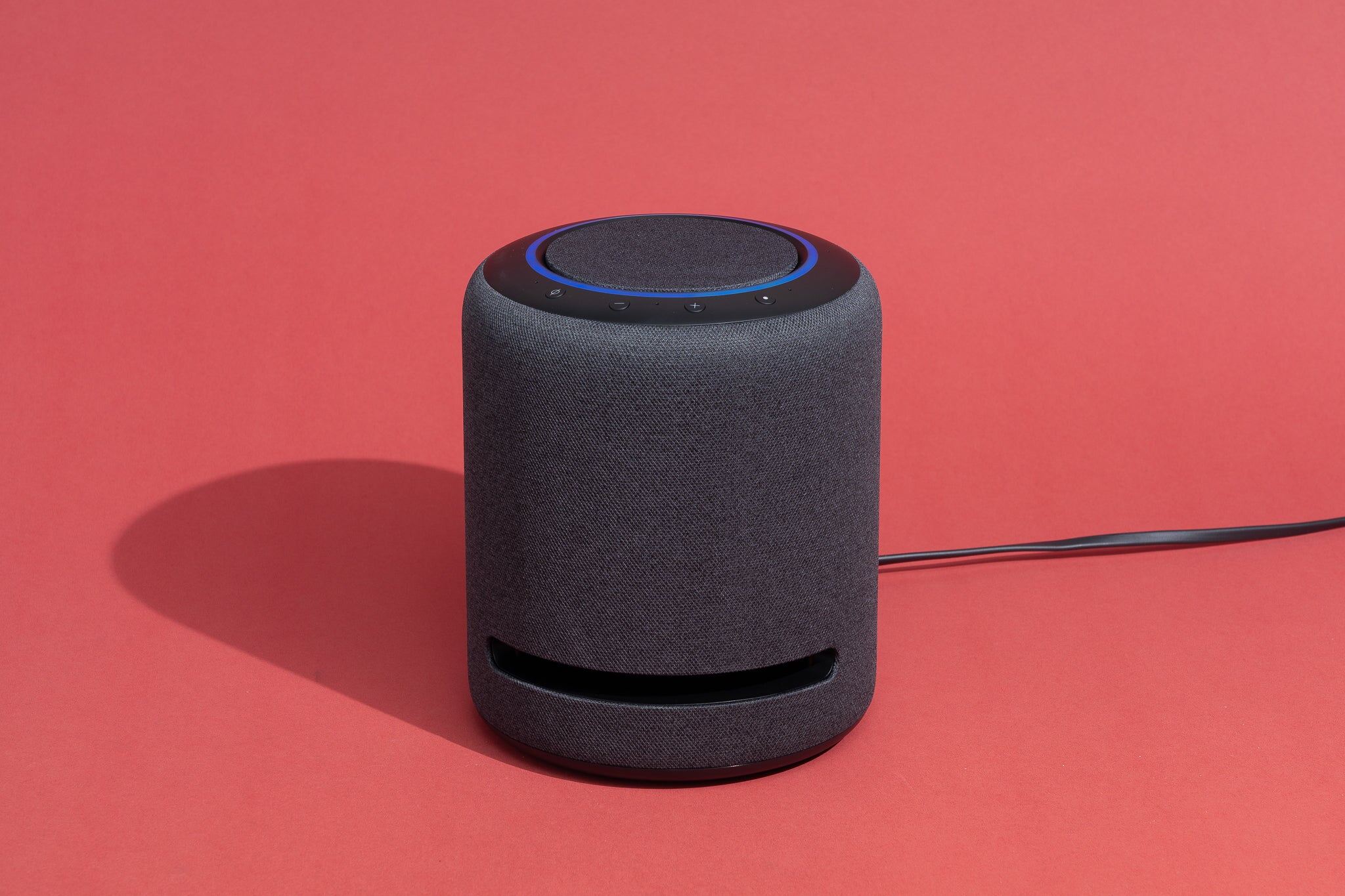
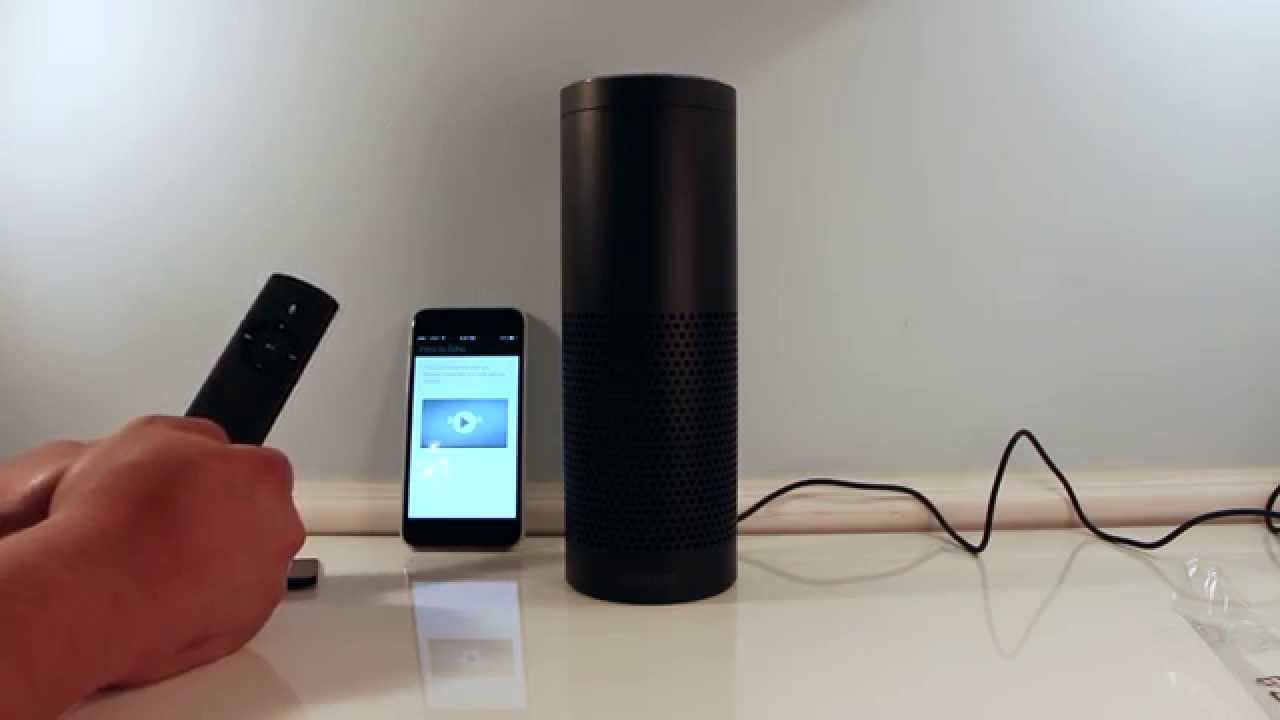
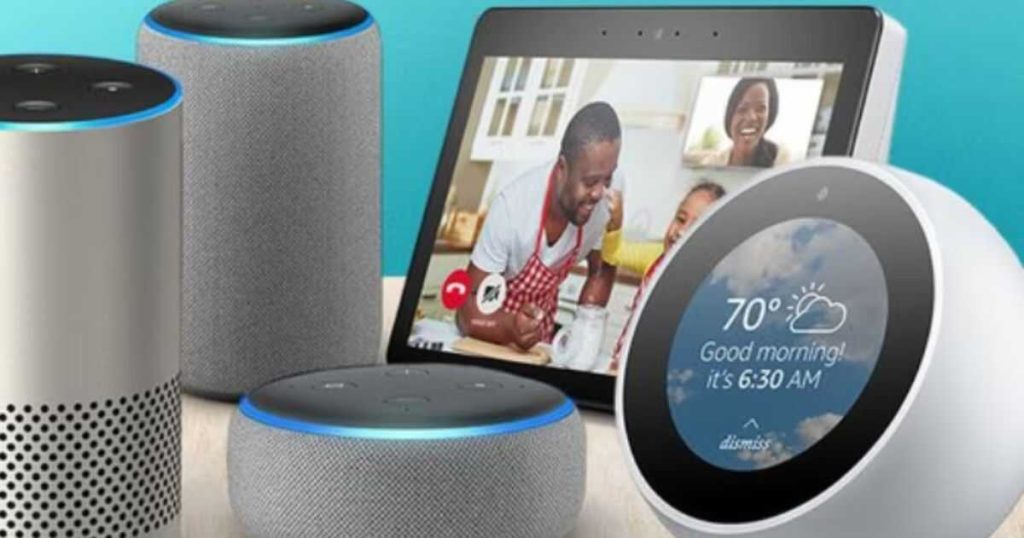
Before you can start setting up Alexa with your home automation system, you need to choose the right device for your needs. Amazon offers a range of Echo devices, including the Echo, Echo Dot, and Echo Show. Consider the size and placement of the device, as well as any additional features you may want, such as a display screen or Alexa remote.
Step 2: Connect Alexa to Your Home Wireless Network
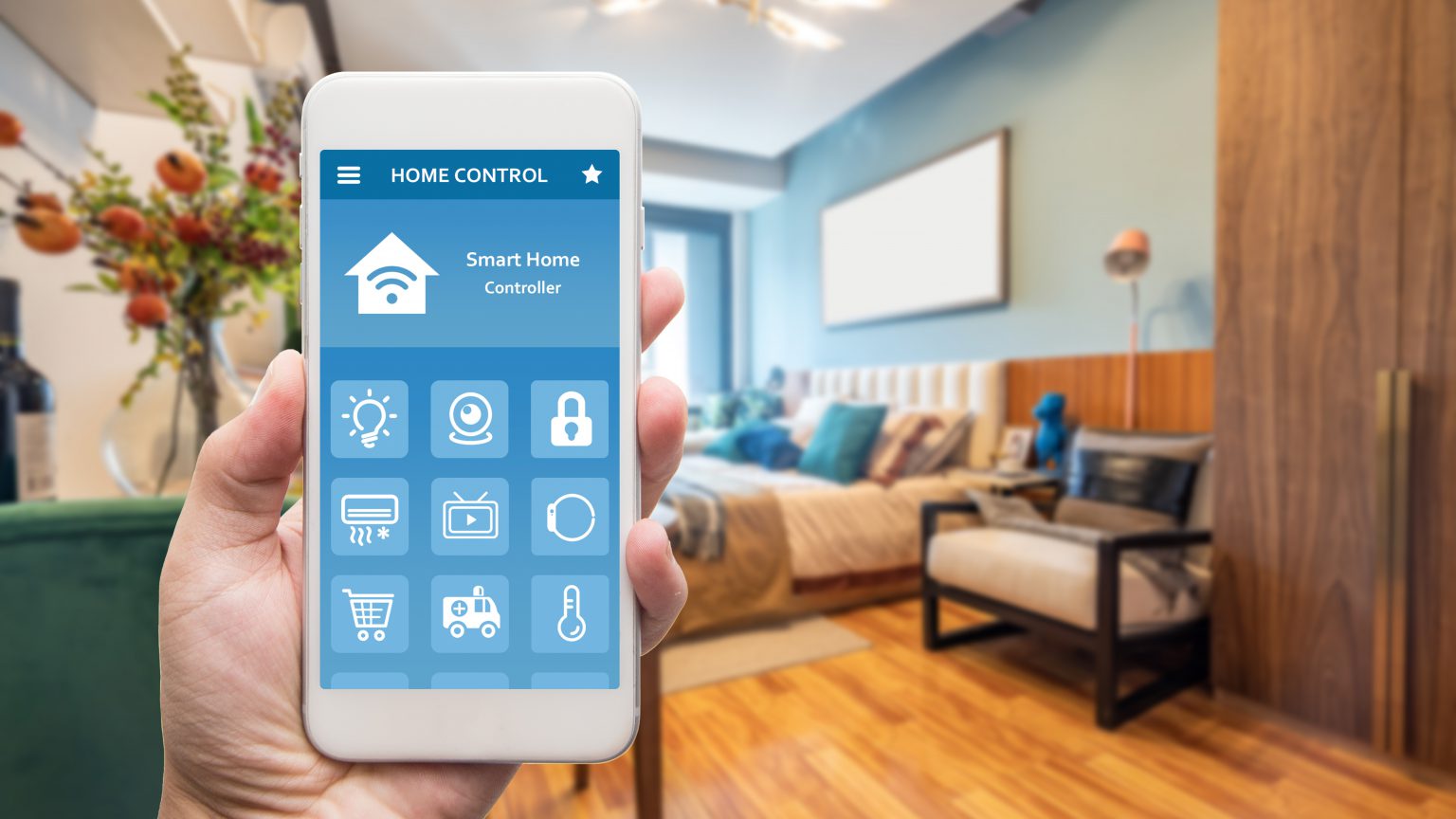
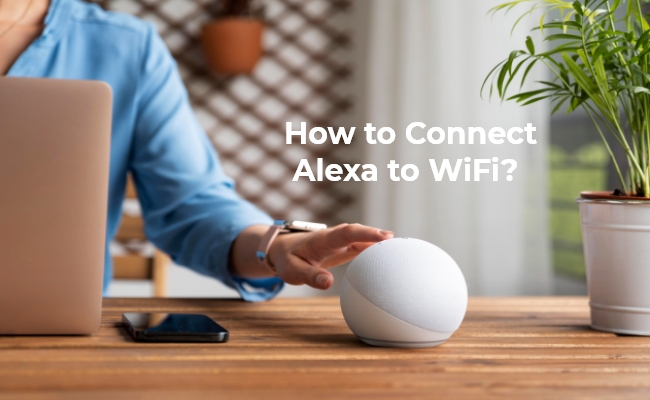
Once you have your Alexa device, you need to connect it to your home wireless network. This is a straightforward process that involves downloading the Alexa app and following the on-screen instructions.
Step 3: Link Smart Devices to Alexa
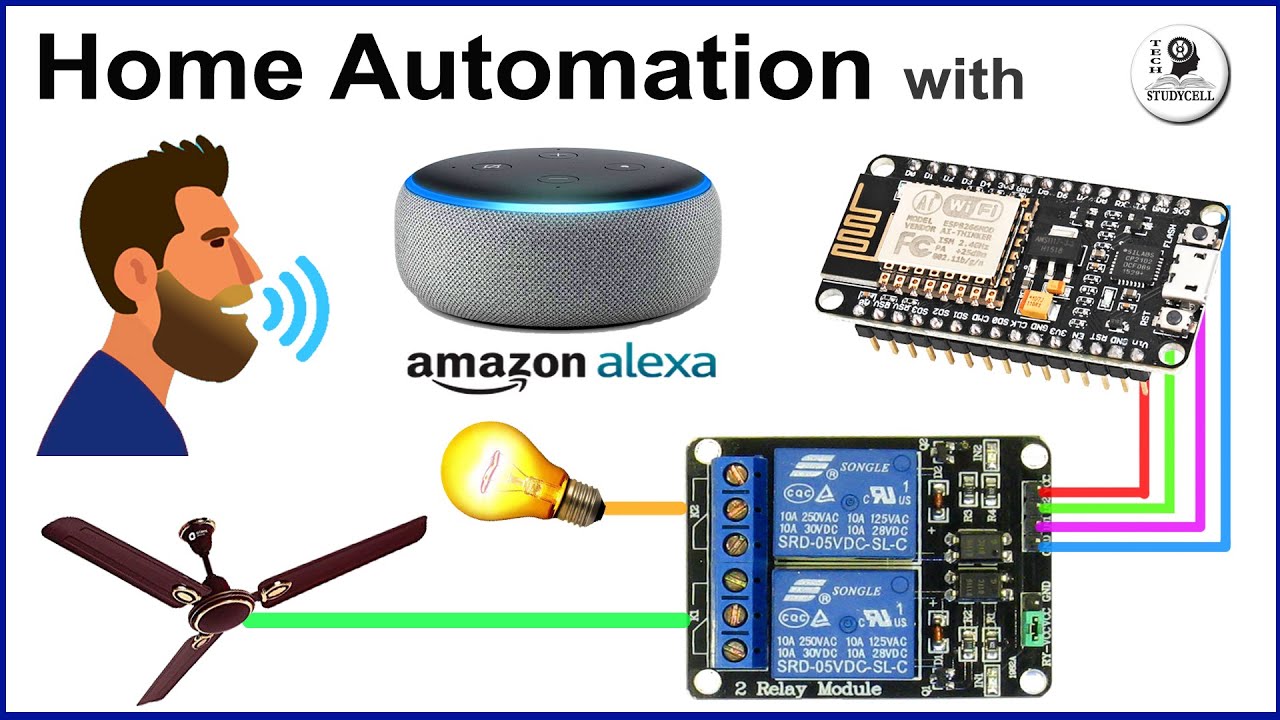
With Alexa connected to your home network, you can start linking your smart devices to the system. This involves opening the Alexa app, selecting the device you want to link, and following the on-screen instructions.
Step 4: Set Up Custom Routines with Alexa
One of the most powerful features of Alexa is its ability to create custom routines. With routines, you can program your devices to work together seamlessly, making your life easier and more efficient. For example, you can set up a routine that turns on your lights and thermostat when you arrive home, or one that locks your doors and sets your security system when you leave.
Step 5: Explore Additional Features and Integrations
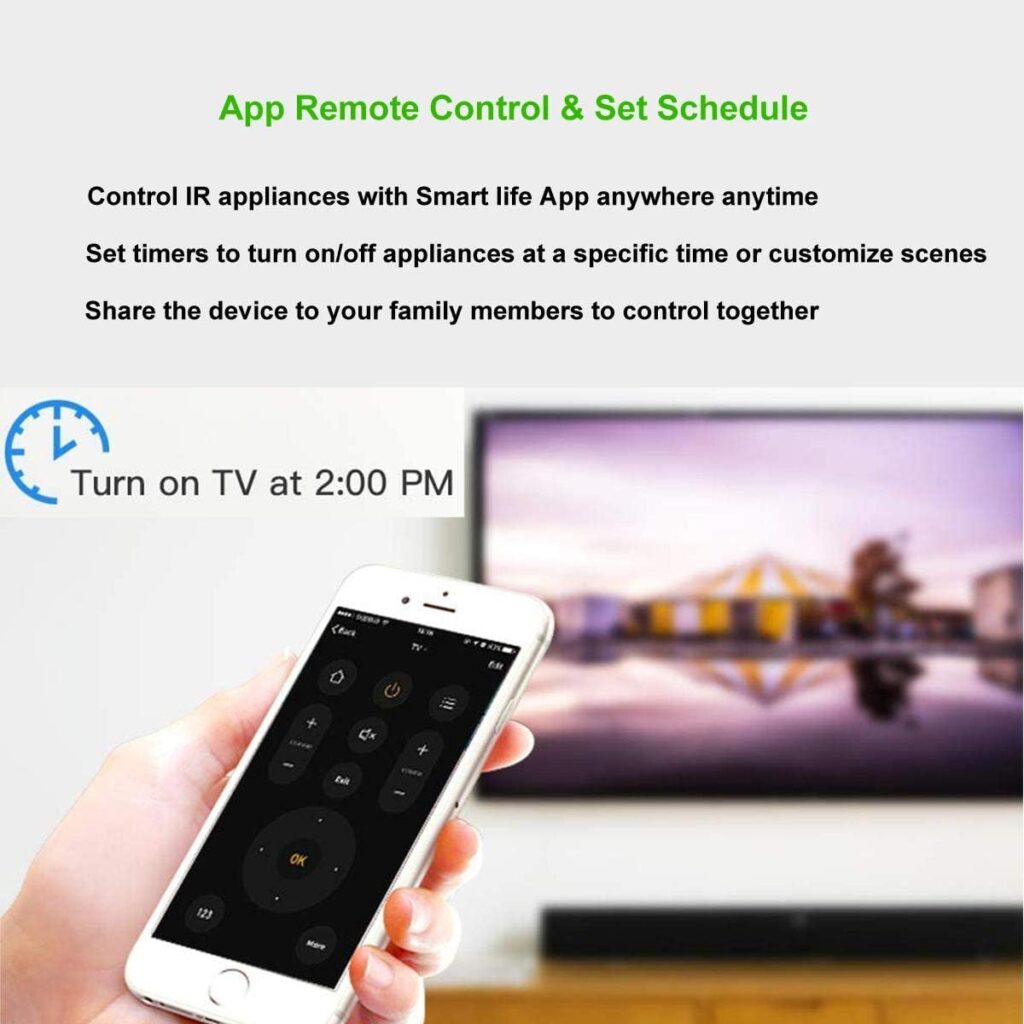
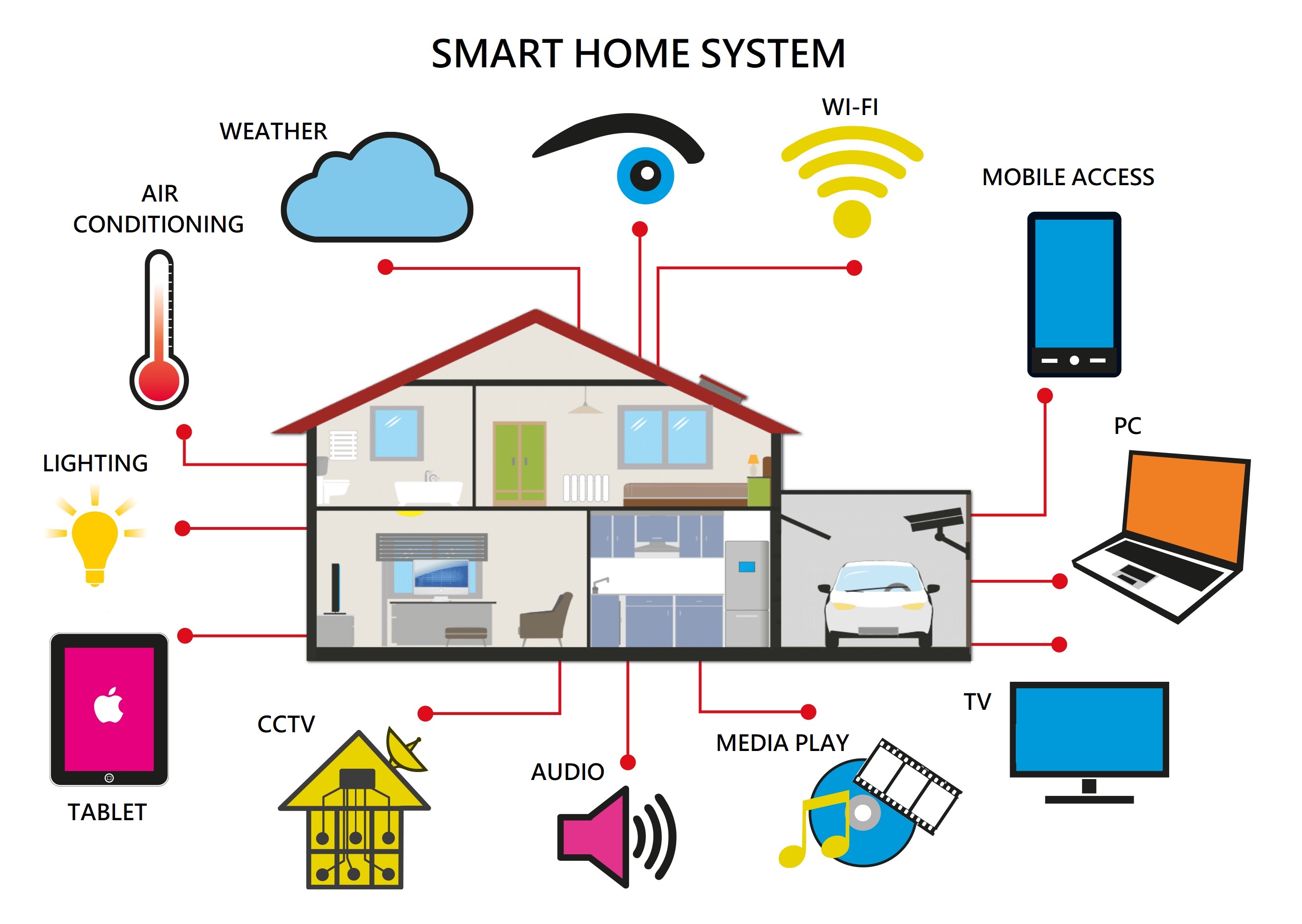
With your home automation system up and running, you can start exploring additional features and integrations with Alexa. This may include setting up smart security cameras, integrating your TV with your home automation system, or using skills to expand the capabilities of your devices.
Conclusion
Setting up Alexa with your home automation system is a straightforward process that can be completed in a few simple steps. With Alexa, you can control your lights, thermostats, security systems, and more with just your voice, making it easy to create a smart and efficient home.
Getting Started with Alexa and Home Automation
Compatible devices: Alexa is compatible with a wide range of devices, including smart lights, thermostats, security systems, and more.
Best Practices for Setting Up Alexa with Home Automation
- Make sure your devices are compatible with Alexa.
- Choose the right Alexa device for your needs.
- Connect Alexa to your home wireless network.
- Link smart devices to Alexa and set up custom routines.
- Explore additional features and integrations with Alexa.
Common Problems and Solutions
- Problem: I'm having trouble connecting my devices to Alexa.
- Solution: Make sure your devices are compatible with Alexa and that you have a stable internet connection.
- Problem: I'm having trouble setting up custom routines.
- Solution: Make sure you have the correct devices linked to Alexa and that you have set up a clear and concise routine.




/cdn.vox-cdn.com/uploads/chorus_asset/file/24720645/236676_06_How_to_start_a_smart_home_using_Amazon_Alexa_SHaddad.jpg "How to Integrate Bird Cameras with Your Smart Home System")