How to Secure WiFi Network Using Access Point: A Comprehensive Guide
Introduction
In today's digital age, having a secure WiFi network is essential for both personal and business networks. The proliferation of smart devices and the surge in remote work have made it imperative to ensure that your WiFi network is protected against unauthorized access and cyber threats. A wireless access point (WAP) or access point (AP) is a hardware device that enables wireless devices to connect with a wired network. In this article, we will discuss how to secure your WiFi network using an access point and provide you with essential best practices to protect your network from unauthorized access.Why Secure Your WiFi Network?
If you fail to secure your wireless network, anyone with a wireless-enabled computer in range of your access point can use your connection. This can lead to unauthorized access, data breaches, and cyber attacks. A secure WiFi network is essential to prevent these risks and ensure compliance with industry regulations.Understanding Wireless Access Points
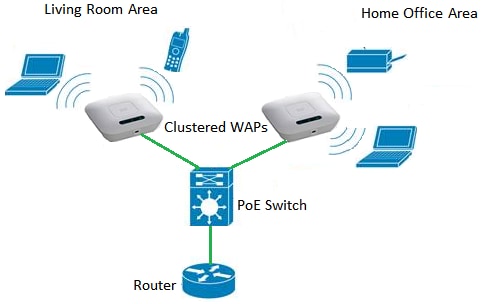
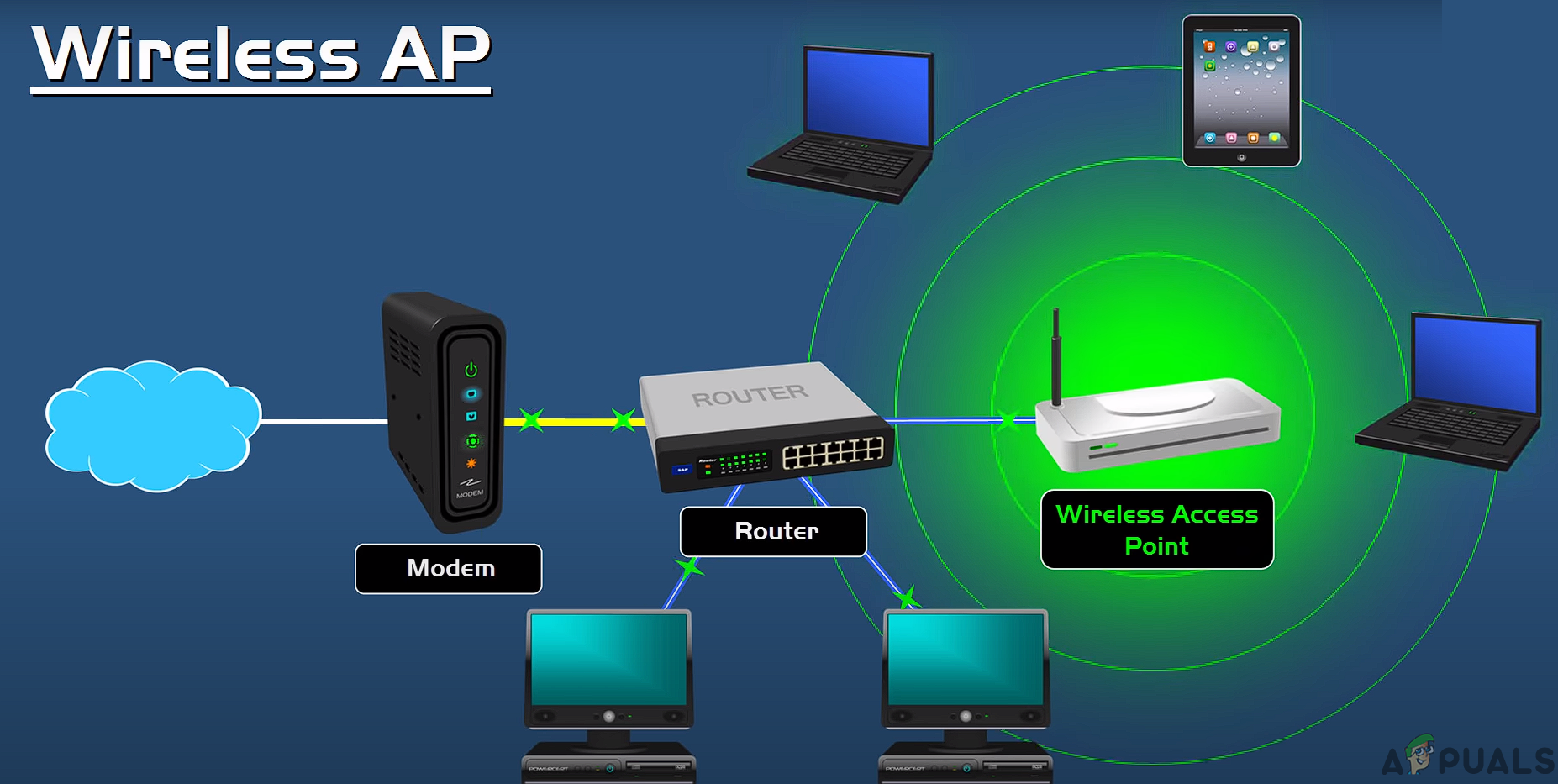
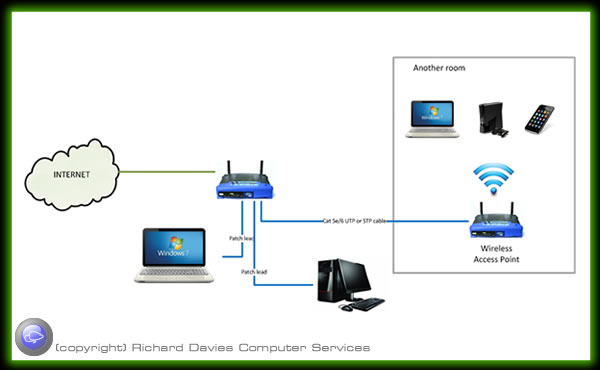
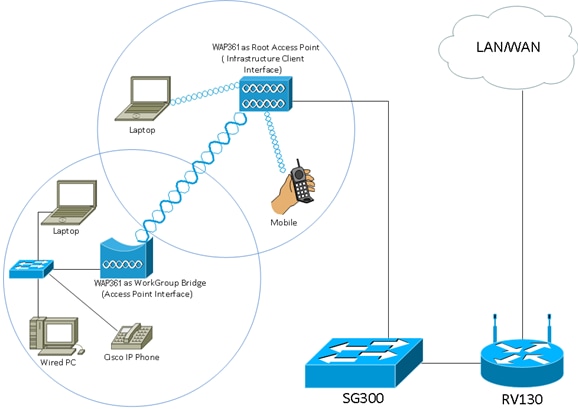
A wireless access point (WAP) or access point (AP) is a networking hardware device that allows other WiFi devices to connect to a wired network or wireless network. An access point can connect with a router, switch, or hub using an Ethernet cable. It can also be an integral part of a router.Key Steps to Secure Your WiFi Network Using Access Point
Here are some key steps to secure your WiFi network using an access point:- Use WPA3 or WPA2 Encryption: Ensure that your home WiFi network uses WPA3 or WPA2 encryption with a strong password.
- Change Default Settings: Change the default settings of your access point, such as the SSID, password, and administrator username and password.
- Use Strong Passwords: Use strong, unique passwords for both your router and WiFi network.
- Disable Remote Access: Disable remote access if not needed.
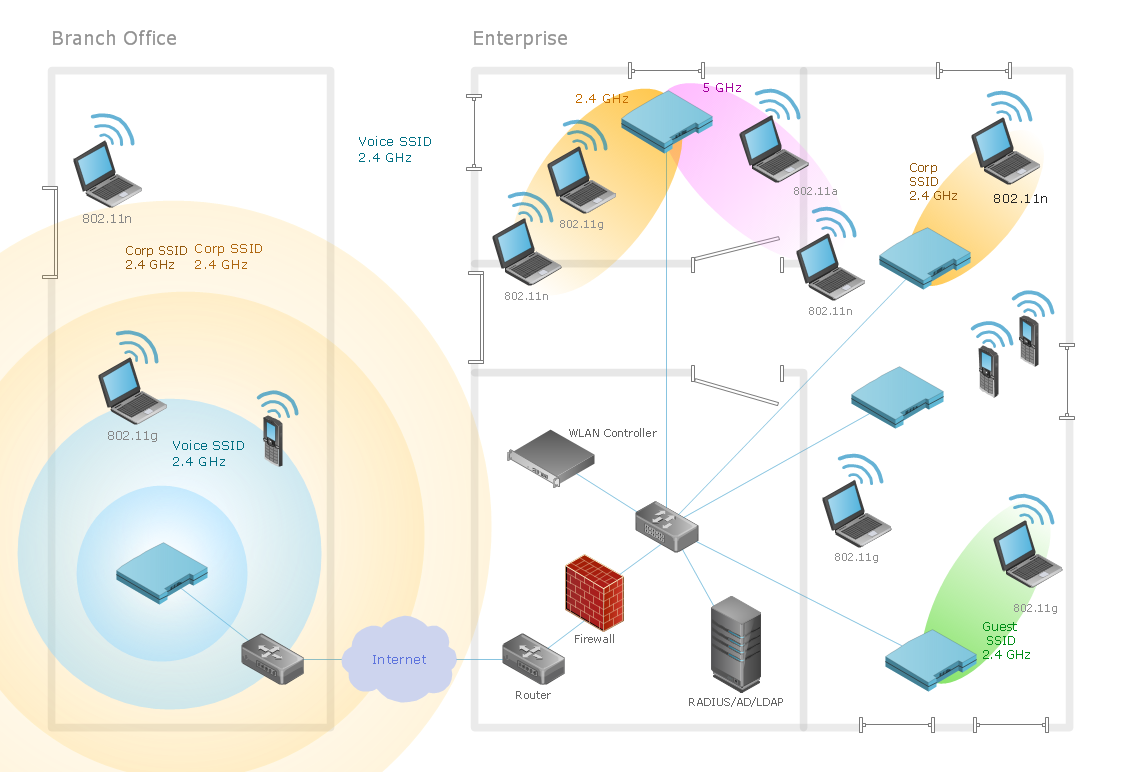
- Segment Your Network: Segment your network by creating a separate WiFi for smart devices.
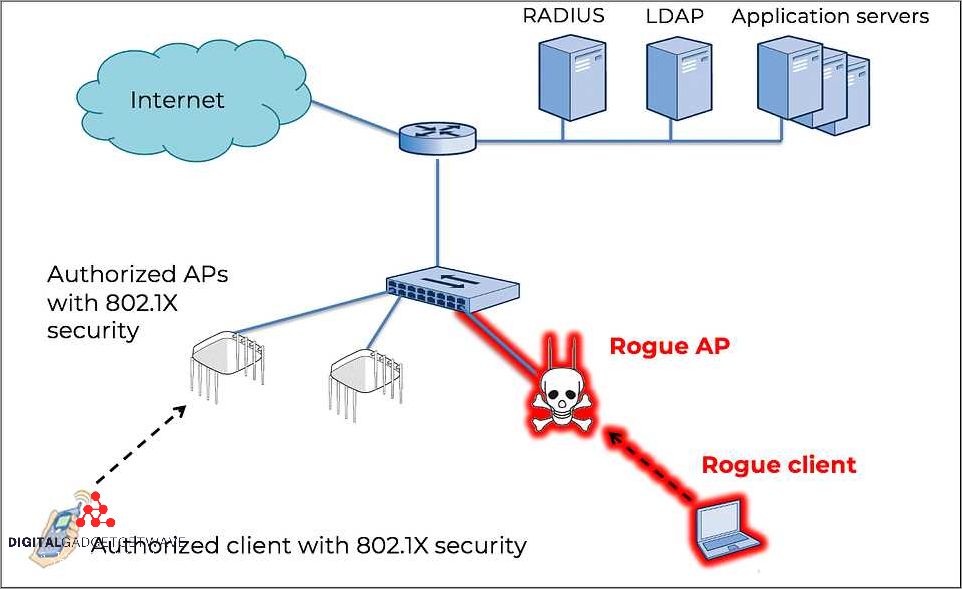
- Monitor Your Network: Monitor your network for unusual activity.
Additional Security Tips
- Avoid Using Public or Open Networks: Avoid using public or open networks for your smart devices.
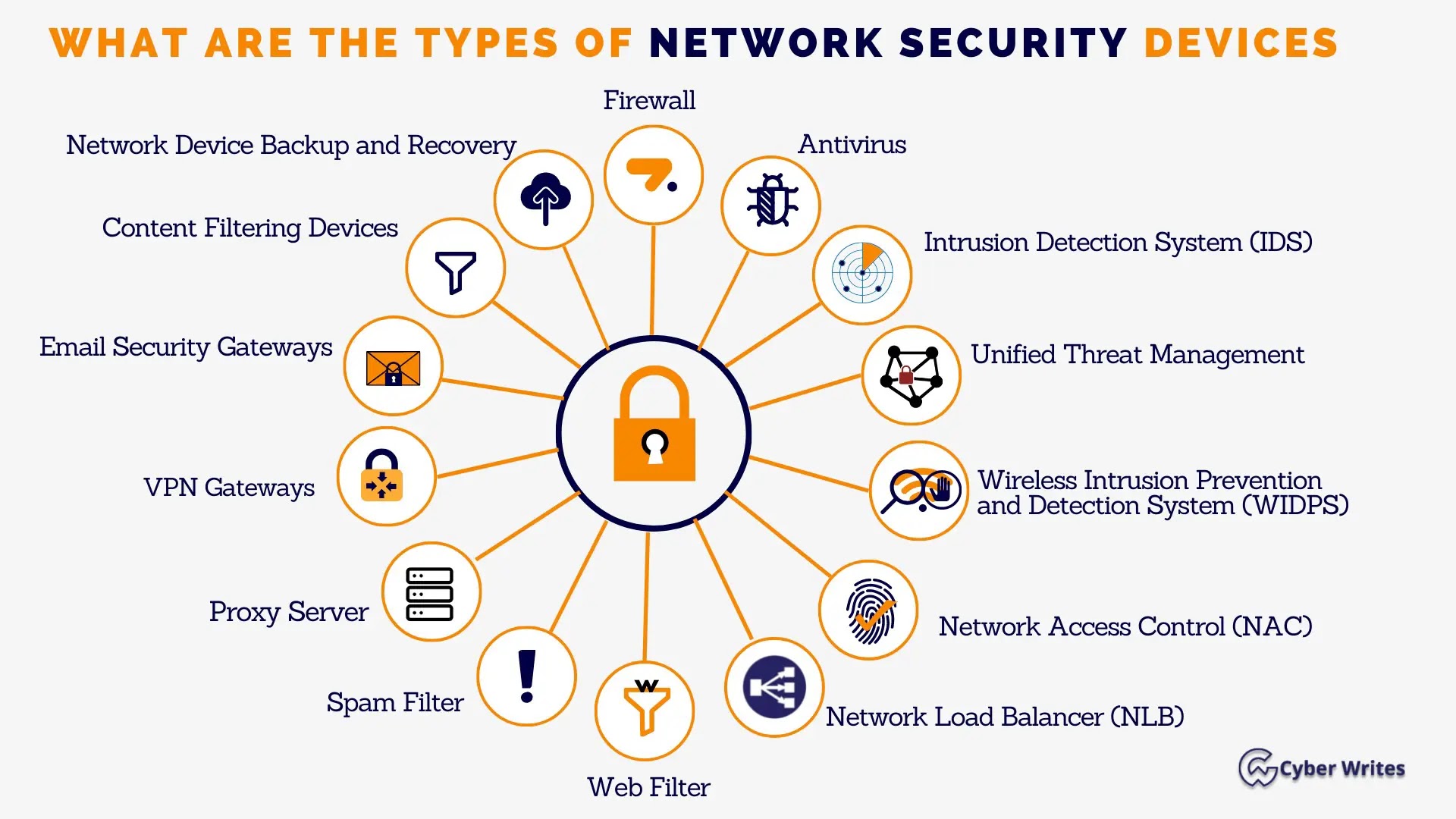
- Use a Secure Router: Use a secure router that has built-in security features such as firewalls and intrusion detection.
- Keep Your Router's Firmware Up to Date: Regularly update your router's firmware to patch security vulnerabilities.
- Use a Network Access Control (NAC) System: Use a network access control (NAC) system to control and monitor network access.