Remove Yourself from Online Directories: A Guide to Protecting Your Online Presence
Why Remove Yourself from Online Directories?
With the rise of online directories and people search sites, it's becoming increasingly easy for strangers to find and access your personal information. This can put you at risk for identity theft, harassment, and other forms of online harassment. By removing yourself from online directories, you can take control of your digital footprint and protect your online presence.
What Information is Available in Online Directories?
Online directories often contain a wealth of personal information, including your name, address, phone number, email address, and other details. This information can be collected from a variety of sources, including public records, social media profiles, and other online platforms. When you search for yourself online, you may be surprised at how much information is available about you.
Step 1: Conduct a Thorough Search
The first step in removing yourself from online directories is to conduct a thorough search of your full name in multiple search engines, including Google, Bing, and Yahoo. This will give you an idea of what personal information is available about you online and on which websites it's posted.
Step 2: Identify the Sources
Once you've conducted a search, identify the sources of the personal information that's available online. These may include public records, social media profiles, or other online platforms. Make a note of the websites and directories that contain your personal information.
Step 3: Gather Information and Documents
Before you begin the removal process, gather any necessary information and documents that you'll need to remove your personal information from online directories. This may include proof of identity, address, and other relevant documents.
Step 4: Reach Out to the Directories
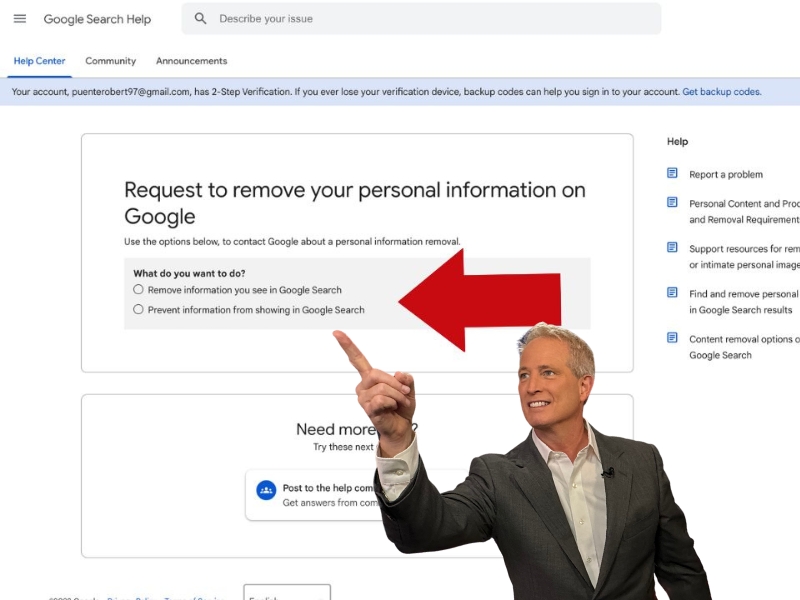
Once you have the necessary information and documents, reach out to the directories that contain your personal information and request its removal. Most directories will have an opt-out form or process for removing personal information. Be sure to complete this form or process carefully and accurately.

Step 5: Verify Removal
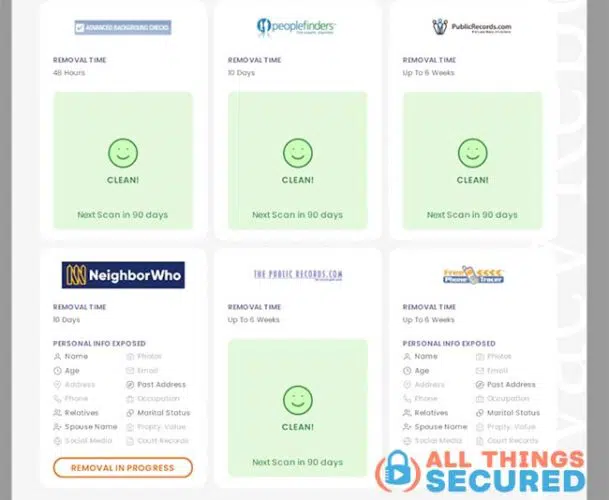
After you've requested removal, verify that your personal information has been removed from the directories. Conduct a search to ensure that the information is no longer available online. If it's still available, contact the directory again to request further action.
Step 6: Monitor Your Online Presence
Even after you've removed your personal information from online directories, it's still possible for others to find and share your information elsewhere online. To stay safe, monitor your online presence regularly and report any incidents or suspicious activity to the relevant authorities.
Tools and Resources for Removing Yourself from Online Directories
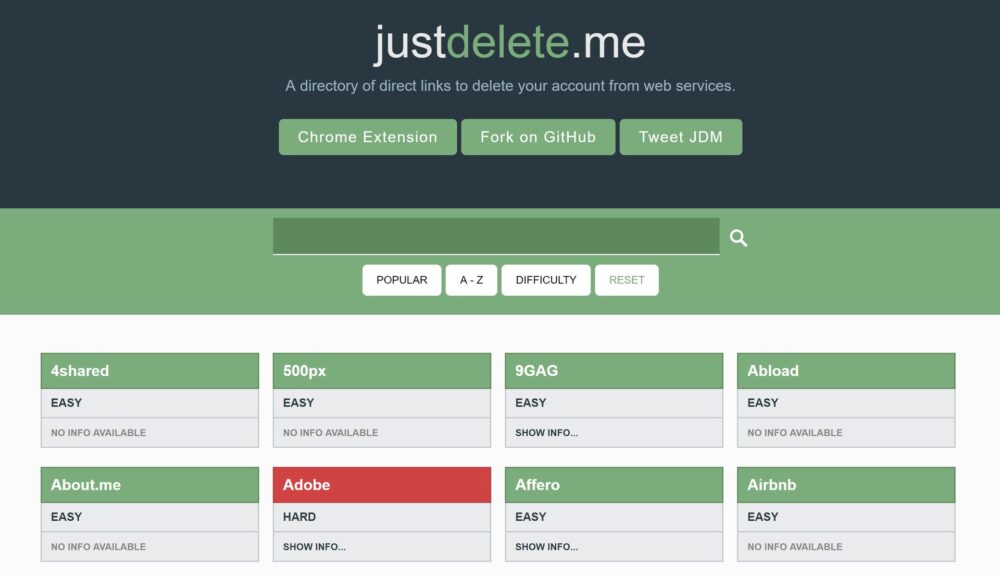
Removing yourself from online directories can be a time-consuming and complex process. However, there are a number of tools and resources available to help you. These include:
- Opt-out forms and processes for removing personal information from directories
- Privacy tools and software that help you remove personal information from online platforms
- Guides and tutorials for removing personal information from specific directories and online platforms
- Services and tools that help you monitor and manage your online presence
Conclusion
Removing yourself from online directories is an important step in protecting your online presence and preventing identity theft and other forms of online harassment. By following these steps and using the available tools and resources, you can take control of your digital footprint and keep your personal information safe online.
FAQs and Additional Resources
For more information on removing yourself from online directories, check out the following resources: