Protecting Against Malware on Gaming Computers: A Comprehensive Guide
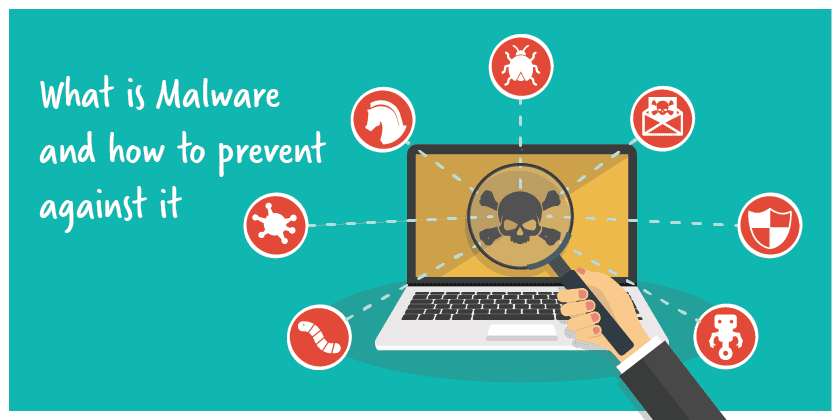
Gaming computers are a prime target for malware, viruses, and ransomware attacks. As a gamer, it's essential to protect your PC from these threats to ensure optimal performance, secure your personal data, and prevent financial losses. In this article, we'll explore the best practices and top10 tips for protecting against malware on gaming computers.
Why Malware on Gaming Computers is a Major Concern
Malware attacks on gaming computers can be devastating, causing financial losses, data breaches, and system crashes. The threat landscape is constantly evolving, with new malware strains emerging every day. Gaming computers are particularly vulnerable due to their advanced hardware and frequent online interactions.
What You Need to Know About Protecting Against Malware
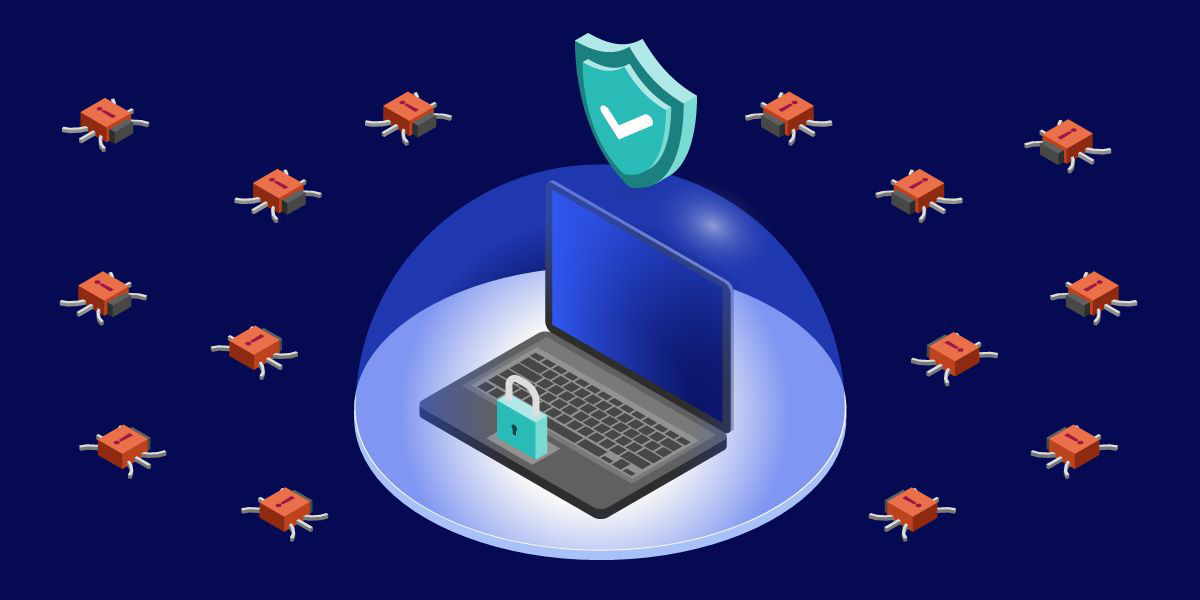
A good antivirus software is the first line of defense against malware on gaming computers. Look for software that provides real-time protection, minimal system impact, and a dedicated gaming mode. Some of the top-rated antivirus software for gaming computers include:
- Norton 360 for Gamers
- Bitdefender Premium Security
- Trend Micro Security
- Malwarebytes
- Webroot AntiVirus

Best Practices for Protecting Against Malware on Gaming Computers
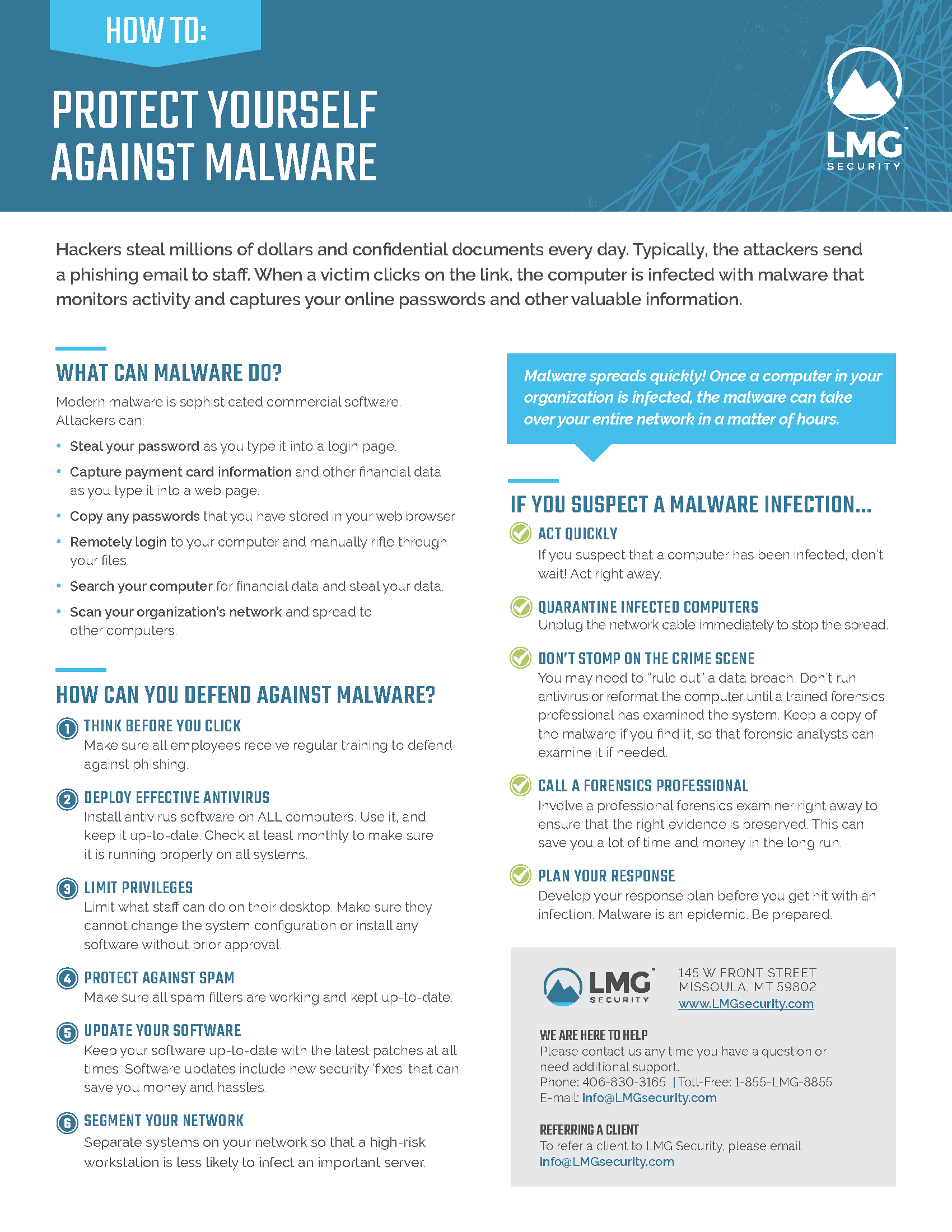
Here are the top 10 tips for protecting against malware on gaming computers:
- Keep your Operating System up-to-date: Regularly update your OS to ensure you have the latest security patches.
- Use a reputable antivirus software: Install a top-rated antivirus software that provides real-time protection and minimal system impact.
- Enable Firewall Protection: Activate your Windows Firewall or a third-party firewall to block malicious incoming and outgoing traffic.
- Be cautious when downloading files: Only download files from trusted sources, and be wary of suspicious links and attachments.
- Use strong passwords and enable two-factor authentication: Protect your gaming accounts and sensitive data with strong passwords and two-factor authentication.
- Regularly back up your data: Use an external hard drive or cloud storage to back up your important files and settings.
- Use a VPN: A virtual private network (VPN) can help protect your online activity and data from interception.
- Monitor your system for suspicious activity: Regularly scan your system for malware and suspicious activity using built-in tools like Windows Defender.
- Use a secure browser: Choose a reputable browser that provides robust security features, such as phishing protection and HTTPS encryption.
- Stay informed about malware threats: Stay up-to-date with the latest malware threats and prevention methods through reputable sources like security blogs and forums.
Conclusion
Protecting against malware on gaming computers requires a combination of top-rated antivirus software, regular system updates, and adherence to best practices. By following these tips and staying informed about malware threats, you can safeguard your gaming computer and personal data from cyber attacks. Remember, a secure gaming computer is a happy gaming computer!