Protecting Your Instagram Account from Hackers Online
In today's digital age, social media platforms like Instagram have become an essential part of our online lives. With millions of users worldwide, Instagram has become a prime target for hackers and cybercriminals. Protecting your Instagram account from hackers online is crucial to safeguard your personal data, online reputation, and digital security.
Why Hackers Target Instagram Accounts
Social media platforms like Instagram have become a haven for hackers, scammers, and identity thieves. Hackers use Instagram for various malicious purposes, including:
- Scams: Hackers use Instagram to trick users into divulging sensitive information, such as passwords, credit card details, or personal data.
- Phishing: Hackers send phishing emails or messages to users, tricking them into clicking on malicious links or downloading malware.
- Identity Theft: Hackers steal user identities and use them to access sensitive information or commit financial crimes.
- Account Reselling: Hackers buy and sell Instagram accounts on the dark web, often using them for malicious activities.
How to Protect Your Instagram Account from Hackers
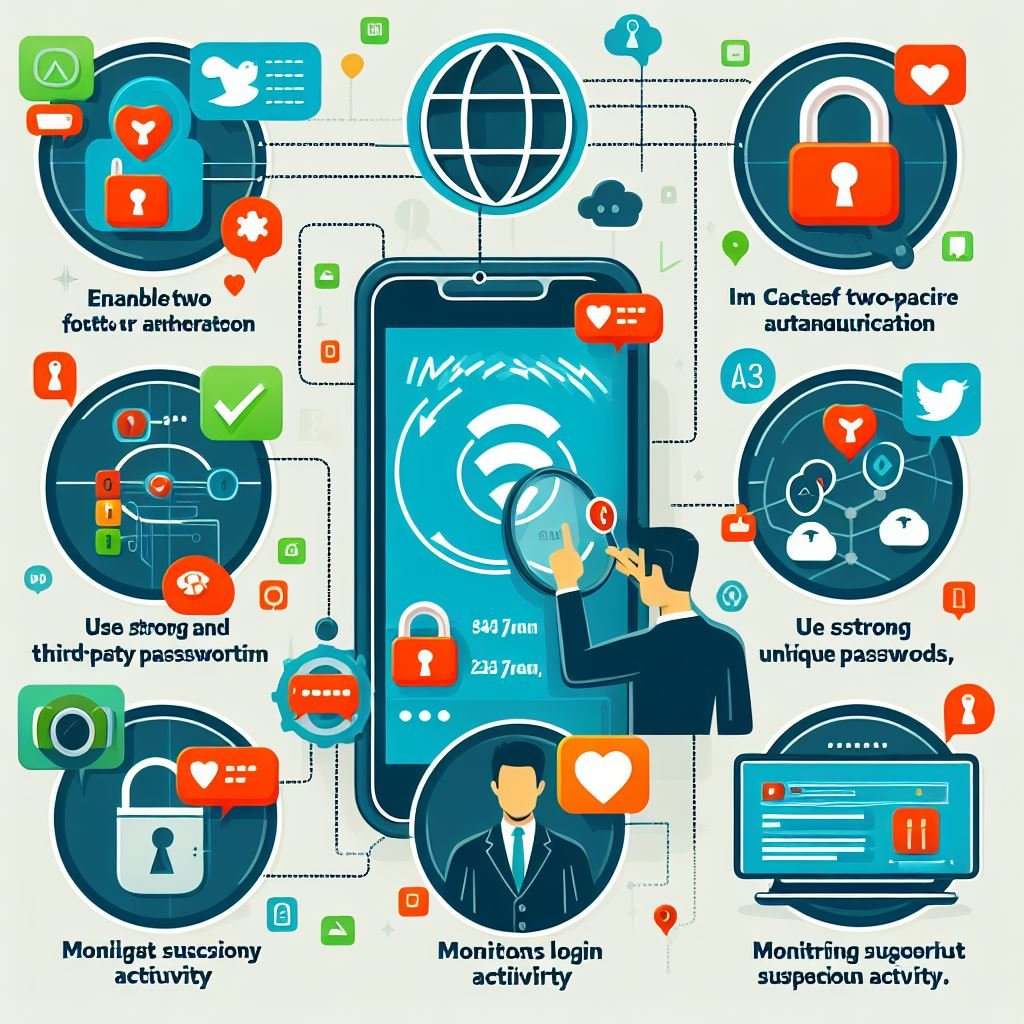
Protecting your Instagram account from hackers requires a combination of strong security practices, official Instagram tools, and expert techniques. Here are some tips to help you stay safe online:
1. Use Strong Passwords
A strong password is the first line of defense against hackers. Use a unique, complex password that includes a combination of uppercase and lowercase letters, numbers, and special characters. Avoid using easily guessable information, such as your name, birthdate, or common words.
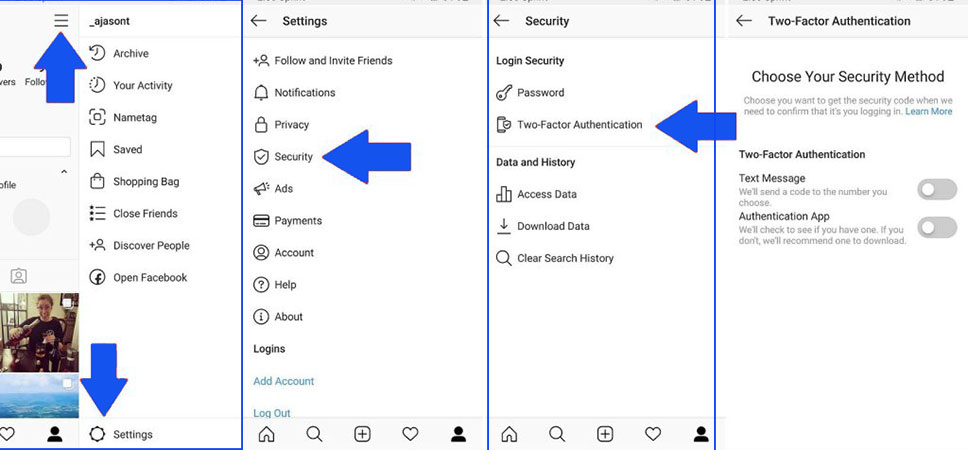
2. Enable Two-Factor Authentication (2FA)
2FA adds an extra layer of security to your Instagram account. Enable 2FA to require a verification code sent to your phone or email in addition to your password. This makes it significantly harder for hackers to gain access to your account.
3. Monitor Your Account Activity

Regularly monitor your account activity to detect any suspicious behavior. Check your login history, profile information, and account recovery contact details to ensure they are up-to-date and accurate.
4. Use Instagram's Official Tools
Instagram provides various official tools to help you secure your account, including:
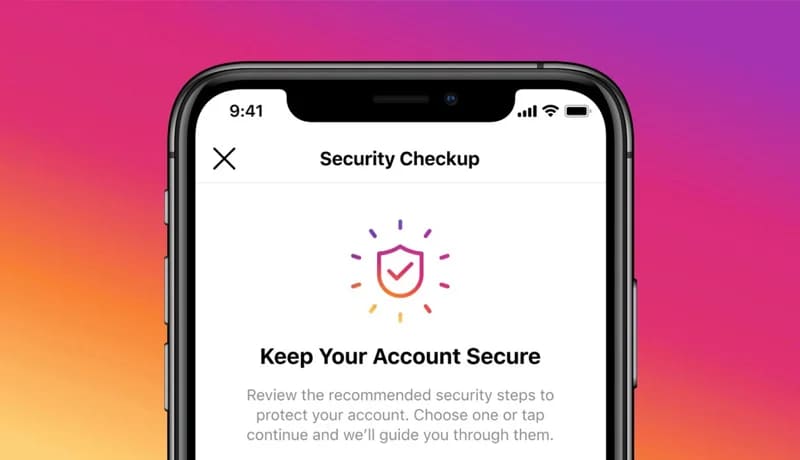
- Security Checkup: A feature that guides you through the steps needed to secure your account, including checking login activity and updating account recovery contact information.
- Two-Factor Authentication (2FA): Enables you to add an extra layer of security to your account by requiring a verification code sent to your phone or email.
- Account Recovery: Allows you to recover your account in case it's been compromised.
5. Be Cautious with Links and Messages
Beware of suspicious links and messages that may be phishing attempts. Avoid clicking on links or downloading attachments from unknown sources, as they may contain malware or lead to phishing sites.
6. Keep Your Account Information Up-to-Date
Ensure your account information, including your email address, phone number, and password, is up-to-date and accurate. Regularly review your account settings and update your information as needed.
Conclusion
Protecting your Instagram account from hackers online requires a combination of strong security practices, official Instagram tools, and expert techniques. By following the tips outlined above, you can significantly reduce the risk of your account being hacked or compromised. Remember, online security is an ongoing process that requires constant vigilance and attention.