Manual Setup VPN on Linux: A Step-by-Step Guide
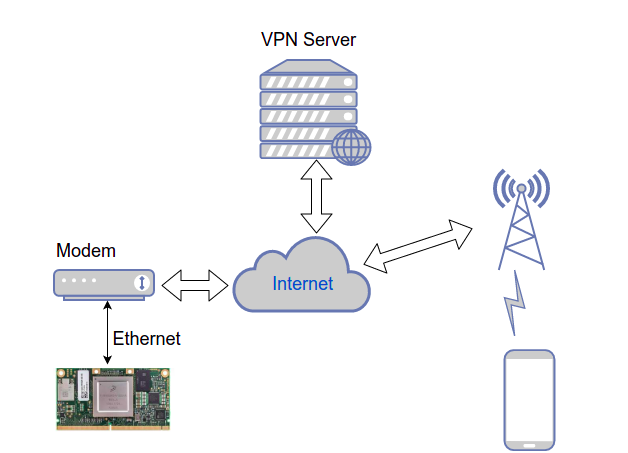
In today's digital age, online security and privacy have become increasingly important. A Virtual Private Network (VPN) is a powerful tool that helps protect your online identity and ensures secure internet access. In this article, we will explore the process of manual setup VPN on Linux using various methods and VPN protocols, including OpenVPN, PPTP, L2TP/IPsec, and IKEv2.
Why Manual Setup VPN on Linux?
Manual setup VPN on Linux offers more control over the configuration and allows for a deeper understanding of how your VPN works. By choosing protocols like WireGuard, securing config files, and following best practices (e.g., kill switches, no-logs providers), you can ensure a secure and private internet experience. Additionally, manual setup allows you to customize your VPN settings to meet your specific needs, providing flexibility and adaptability.
Understanding VPN Protocols
Before diving into the manual setup process, it's essential to understand the different VPN protocols available for Linux:
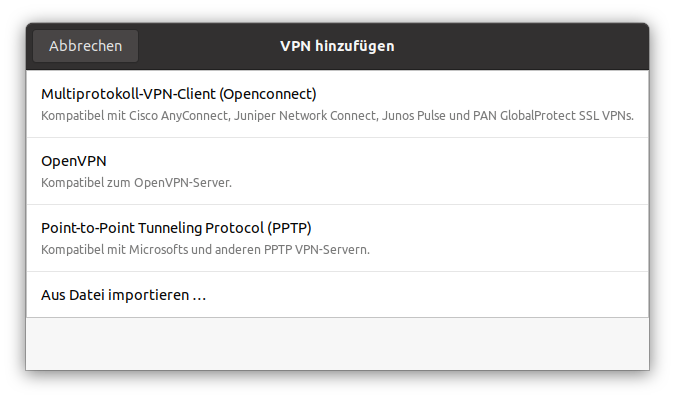
- OpenVPN: A widely used and reliable protocol that provides secure and fast connections.
- PPTP: A lightweight protocol that offers easy setup but is less secure than OpenVPN.
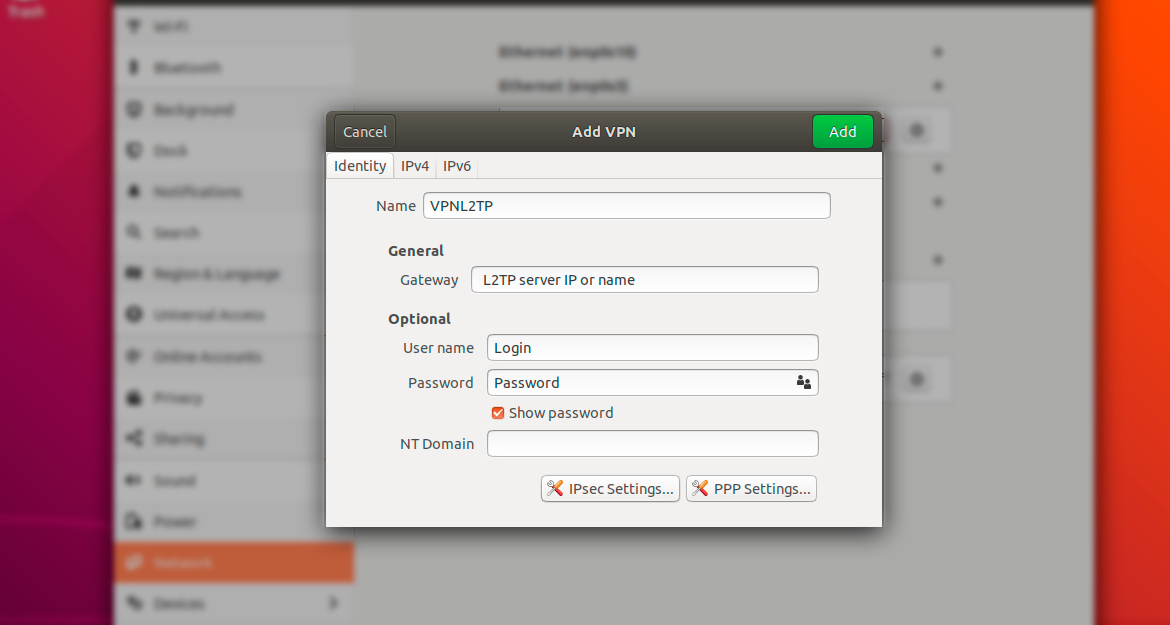
- L2TP/IPsec: A protocol that combines the speed of L2TP with the security of IPsec.
- IKEv2: A fast and secure protocol that uses the Internet Key Exchange (IKE) protocol to establish a VPN connection.
Manual Setup VPN on Linux using OpenVPN
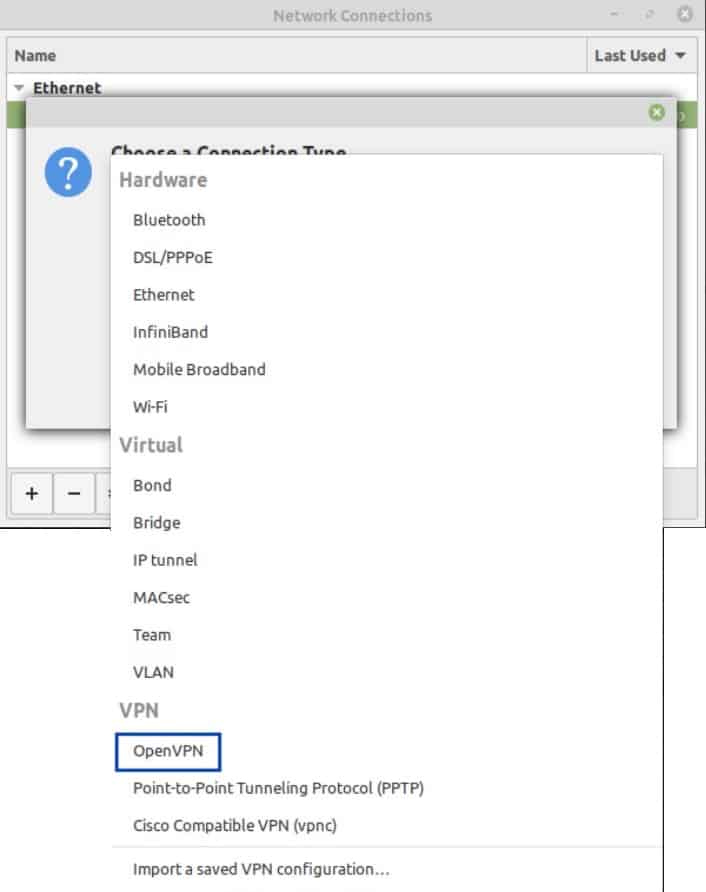
To manually setup OpenVPN on Linux, follow these steps:
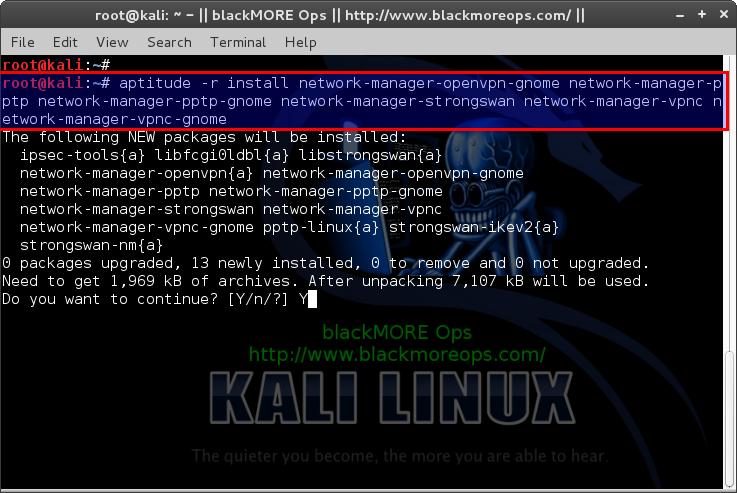
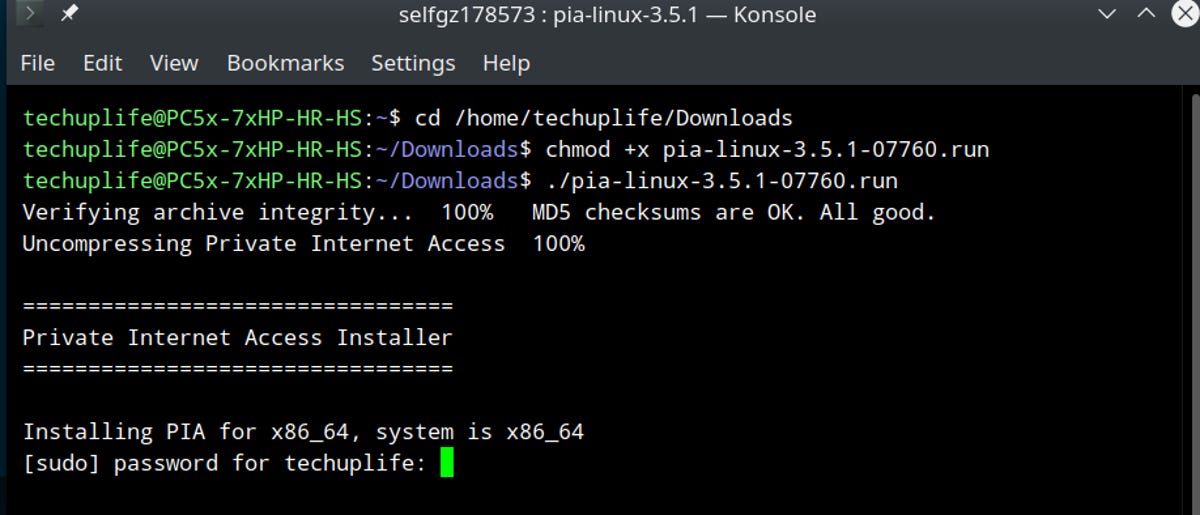
- Install OpenVPN: On Ubuntu-based distributions, you can install OpenVPN using the package manager: `sudo apt-get install openvpn`.
- Download configuration files: Obtain the OpenVPN configuration files from your VPN provider or website.
- Copy configuration files to OpenVPN directory: Copy the downloaded config files to the OpenVPN directory: `sudo cp /path/to/config/* /etc/openvpn/`.
- Edit the OpenVPN config file: Edit the OpenVPN config file to include your VPN provider's configuration details.
- Start OpenVPN: Start OpenVPN using the following command: `sudo systemctl start openvpn`.
Manual Setup VPN on Linux using WireGuard
WireGuard is a modern VPN protocol that offers fast and secure connections. To manually setup WireGuard on Linux, follow these steps:
- Install WireGuard: On Ubuntu-based distributions, you can install WireGuard using the package manager: `sudo apt-get install wireguard`.
- Generate public and private keys: Generate public and private keys for your WireGuard installation using the following commands: `wg genkey | tee private_key` and `wg genkey | tee public_key`.
- Create WireGuard config file: Create a WireGuard configuration file and enter your VPN provider's configuration details, including the public and private keys.
- Start WireGuard: Start WireGuard using the following command: `sudo systemctl start wireguard`.
Conclusion
Manual setup VPN on Linux provides a high degree of control and flexibility, allowing you to customize your VPN settings to meet your specific needs. By choosing protocols like WireGuard and securing config files, you can ensure a secure and private internet experience. Remember to follow best practices, such as using kill switches and no-logs providers, to maintain your online security and anonymity.
Frequently Asked Questions
Q: What is the best VPN protocol for Linux?
A: The best VPN protocol for Linux depends on your specific needs and preferences. OpenVPN is a widely used and reliable protocol, while WireGuard is a modern protocol that offers fast and secure connections.
Q: How do I troubleshoot VPN connectivity issues on Linux?
A: To troubleshoot VPN connectivity issues on Linux, try restarting the VPN service, checking the VPN logs, and ensuring that your firewall settings are configured correctly.
Q: How do I secure my VPN configuration files?
A: To secure your VPN configuration files, use strong passwords, enable encryption, and store your config files in a secure location.
Additional Resources
For more information on manual setup VPN on Linux, refer to the following resources:



![Setup WireGuard VPN on Ubuntu / Debian / Rocky Linux [Guide]](https://xv.imgix.net/photos/xv/linux-hero.png?auto=format%2Ccompress&cs=srgb&fit=max&w=740&q=60&s=d0d71f9ad44de6dc69233a092ab0b438 "Setup WireGuard VPN on Ubuntu / Debian / Rocky Linux [Guide]")
![Install Tailscale VPN on Rocky Linux / AlmaLinux [Guide]](https://www.siberoloji.com/images/linuxmint1.webp "Install Tailscale VPN on Rocky Linux / AlmaLinux [Guide]")

![Install Arch Linux with archinstall Guided Installer [2026]](https://cyberpanel.net/wp-content/uploads/2024/10/linux-VPN.png "Install Arch Linux with archinstall Guided Installer [2026]")