Learning Python with Selenium Library: A Comprehensive Guide
Are you looking to boost your testing and automation skills? Look no further than Learning Python with Selenium Library! In this article, we'll delve into the world of Selenium, a powerful open-source framework for automating web browsers, and explore how to harness its full potential in conjunction with Python, one of the most popular programming languages.
What is Selenium?
Selenium is an umbrella project that offers a range of tools and libraries designed to automate web browsers. It provides extensions to emulate user interaction with browsers, a distribution server for scaling browser allocation, and the infrastructure for implementations of the W3C WebDriver specification. This allows developers to write interchangeable code for all major web browsers.
Why Learn Selenium with Python?
When paired with Python, Selenium becomes an unbeatable combination for web testing and automation. Python's simplicity, readability, and versatility make it an ideal language for)this implementation, allowing us to create powerful and efficient automation scripts.
Choosing the Right Tools and Libraries
When selecting the right tools and libraries for our Selenium Python implementation, we have a wide range of options available. Some popular choices include:
- PyCharm IDE: A professional IDE that supports code completion, debugging, and testing.
- BeautifulSoup: A library for parsing HTML and XML documents, making it easier to extract and process web data.
- Web Scraping: A powerful technique for extracting and processing web data, which can be used in conjunction with Selenium.

Creating a Basic Selenium Script
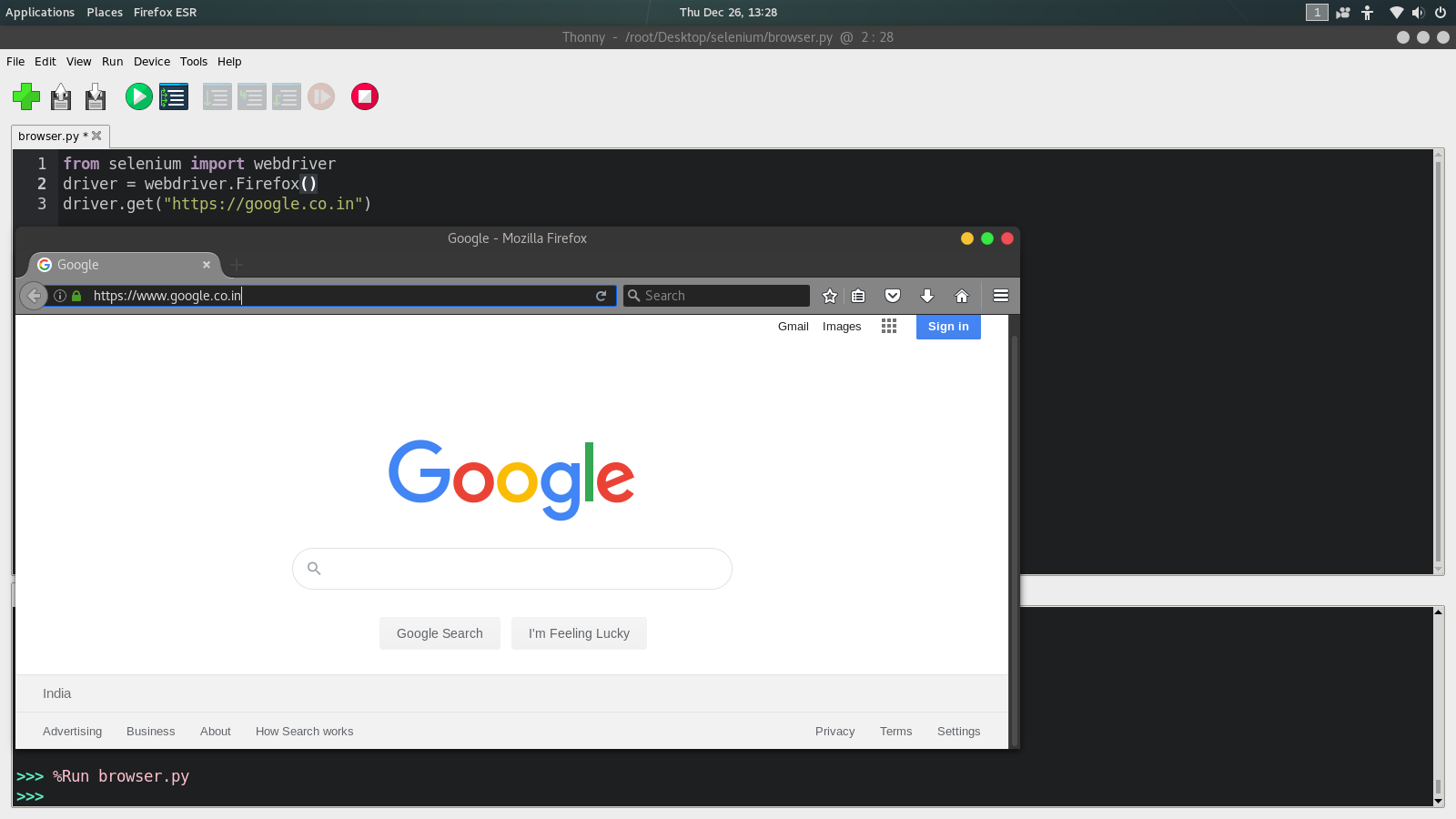
Now that we have our tools and libraries in place, let's create a basic Selenium script to get us started. We'll use the following code as a starting point:
```javascript # Import necessary libraries from selenium import webdriver from selenium.webdriver.common.by import By from selenium.webdriver.support.ui import WebDriverWait from selenium.webdriver.support import expected_conditions as EC # Create a new instance of the Chrome driver driver = webdriver.Chrome() # Navigate to the webpage driver.get("https://www.example.com") # Find the element by its ID element = WebDriverWait(driver, 10).until( EC.element_to_be_clickable((By.ID, "myId")) ) # Perform an action on the element element.click() # Close the browser driver.quit() ```Tips and Best Practices
When working with Selenium and Python, it's essential to keep the following tips and best practices in mind:
- Use a professional IDE to ensure efficient code completion and debugging.
- Keep your code organized to minimize duplication and improve maintainability.
- Use synchronization techniques to handle time-based delays and ensure accurate results.
- Use a Page Object Model to separate page-specific logic from the main script.
Conclusion
Learning Python with Selenium Library is a powerful combination that can unlock a wide range of automation and testing possibilities. By mastering the basics, tips, and best practices outlined in this article, you'll be well-equipped to tackle even the most complex web automation projects. Happy learning!





![Top Python Courses Online - Updated [March 2026] - Udemy](https://miro.medium.com/v2/resize:fit:1358/1*CpUGCCe5yYvflqwFZ1iRdQ.png "Top Python Courses Online - Updated [March 2026] - Udemy")
