LED Display Repair Techniques: A Comprehensive Guide
LED displays are an essential component in various industries, including entertainment, advertising, and surveillance. Despite their reliability, LED displays can malfunction due to various reasons such as electrical surges, physical damage, or wear and tear. In this article, we will delve into the world of LED display repair techniques, providing you with a comprehensive guide on how to troubleshoot and repair common issues.
Understanding the Basics of LED Display Repair
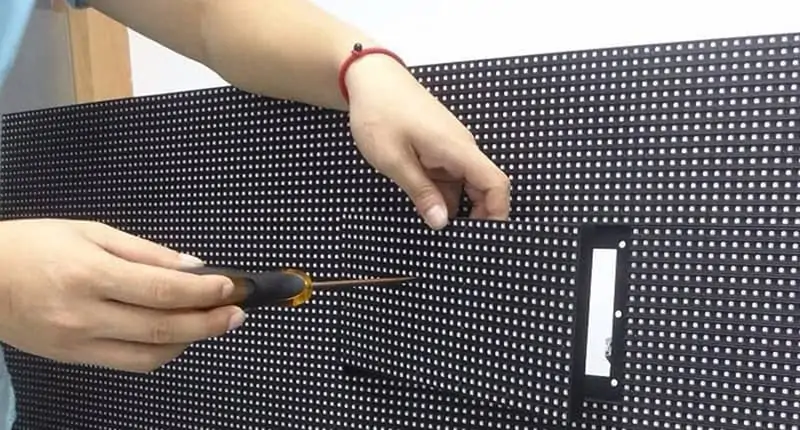
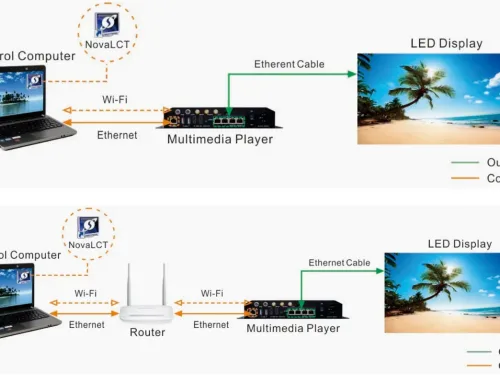
Before we dive into the repair techniques, it's essential to understand the basics of LED display repair. LED displays are made up of multiple LED modules spliced together, which can be a complex process to repair. The first step in repairing an LED display is to diagnose the issue, which requires knowledge of the display's architecture and the symptoms of common problems.
Common Problems with LED Displays
LED displays can experience various issues, including dead pixels, flickering, and distortion. Dead pixels occur when a single or multiple pixels are not illuminated, while flickering is characterized by a jerky or unstable display. Distortion occurs when the display's image is not accurately represented.
- Dead pixels: These are pixels that do not illuminate or are stuck in a certain color.
- Flickering: This occurs when the display's refresh rate is unstable or the backlight is not functioning correctly.
- Distortion: This occurs when the display's image is not accurately represented, often due to misalignment of the LED modules or damage to the display's controller board.
LED Display Repair Techniques
Repairing an LED display requires a combination of technical knowledge, patience, and attention to detail. The following are some essential repair techniques to master:
Diagnosing Problems
The first step in repairing an LED display is to diagnose the issue. This requires a comprehensive understanding of the display's architecture and the symptoms of common problems. Identify the symptoms of the problem you're trying to fix and analyze the display's behavior to narrow down the potential causes.
Tracing Faults

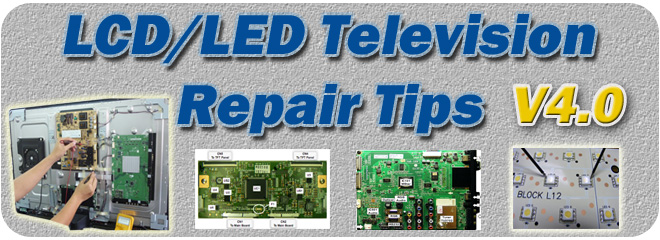
Once you have identified the problem, the next step is to trace the fault to its source. This involves inspecting the display's circuit board, searching for signs of damage or wear, and testing the display's components.
Replacing Faulty Components
After identifying and tracing the fault, the next step is to replace the faulty components. This may involve replacing individual LED modules, capacitors, or resistors. Be sure to follow proper replacement procedures to avoid damaging other components.
Calibrating the Display
After repairing or replacing faulty components, the final step is to calibrate the display. This involves adjusting the display's settings to optimize its performance and ensure accurate color representation.
Tools and Equipment Needed for LED Display Repair
Repairing an LED display requires a range of specialized tools and equipment. The following are some essential tools to have in your toolkit:
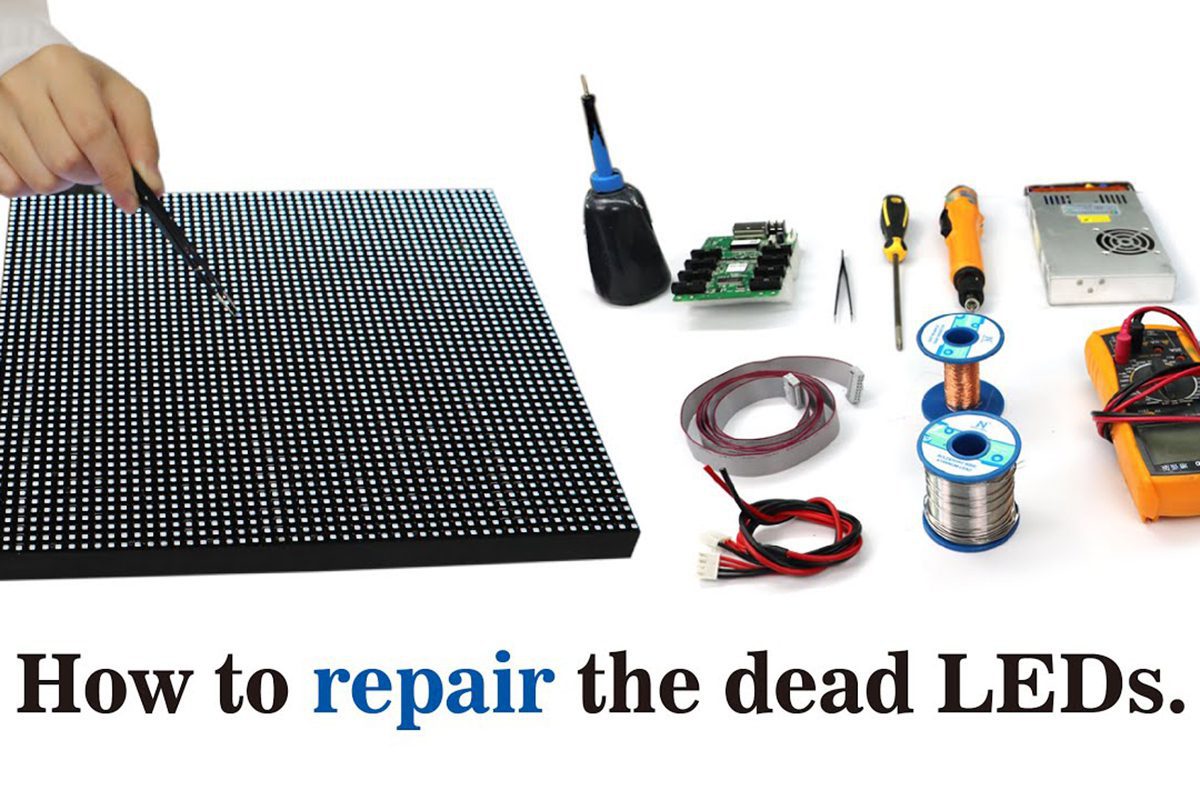
- LED display repair kit: This kit usually includes a set of specialized tools, such as a led module remover and a backlight adjuster.
- Multimeter: A multimeter is used to test the display's electrical components and diagnose faults.
- Soldering iron: A soldering iron is used to repair or replace faulty components.
- LED display controller board: This board controls the display's operation and is responsible for managing the LED modules.
- LED display backlight: This is the layer of LEDs that provides the display's backlight.
- LED display driver ICs: These are the integrated circuits that control the display's LED modules.
Conclusion
LED display repair is a complex process that requires technical knowledge and attention to detail. By mastering the techniques outlined in this article, you will be able to repair common problems with LED displays and extend their lifespan. Remember to always follow proper replacement procedures to avoid damaging other components and to ensure the display's optimal performance.