How to Keep Your Online Accounts Secure: A Comprehensive Guide
In today's digital age, online security is more crucial than ever. With the rise of cyber threats and data breaches, it's essential to protect your personal and financial information from falling into the wrong hands. In this article, we'll provide you with a comprehensive guide on how to keep your online accounts secure, including tips on password management, two-factor authentication, and staying vigilant against phishing scams.
Why Online Security Matters
With the increasing number of online transactions, identity theft, and cyber attacks, it's essential to prioritize online security. A single data breach or phishing scam can lead to financial losses, identity theft, and a loss of trust in online services. By following the tips outlined in this article, you can significantly reduce the risk of your online accounts being compromised.
Step 1: Choose Strong and Unique Passwords
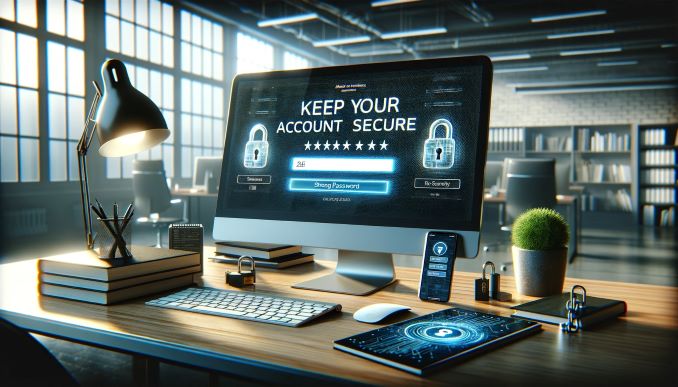
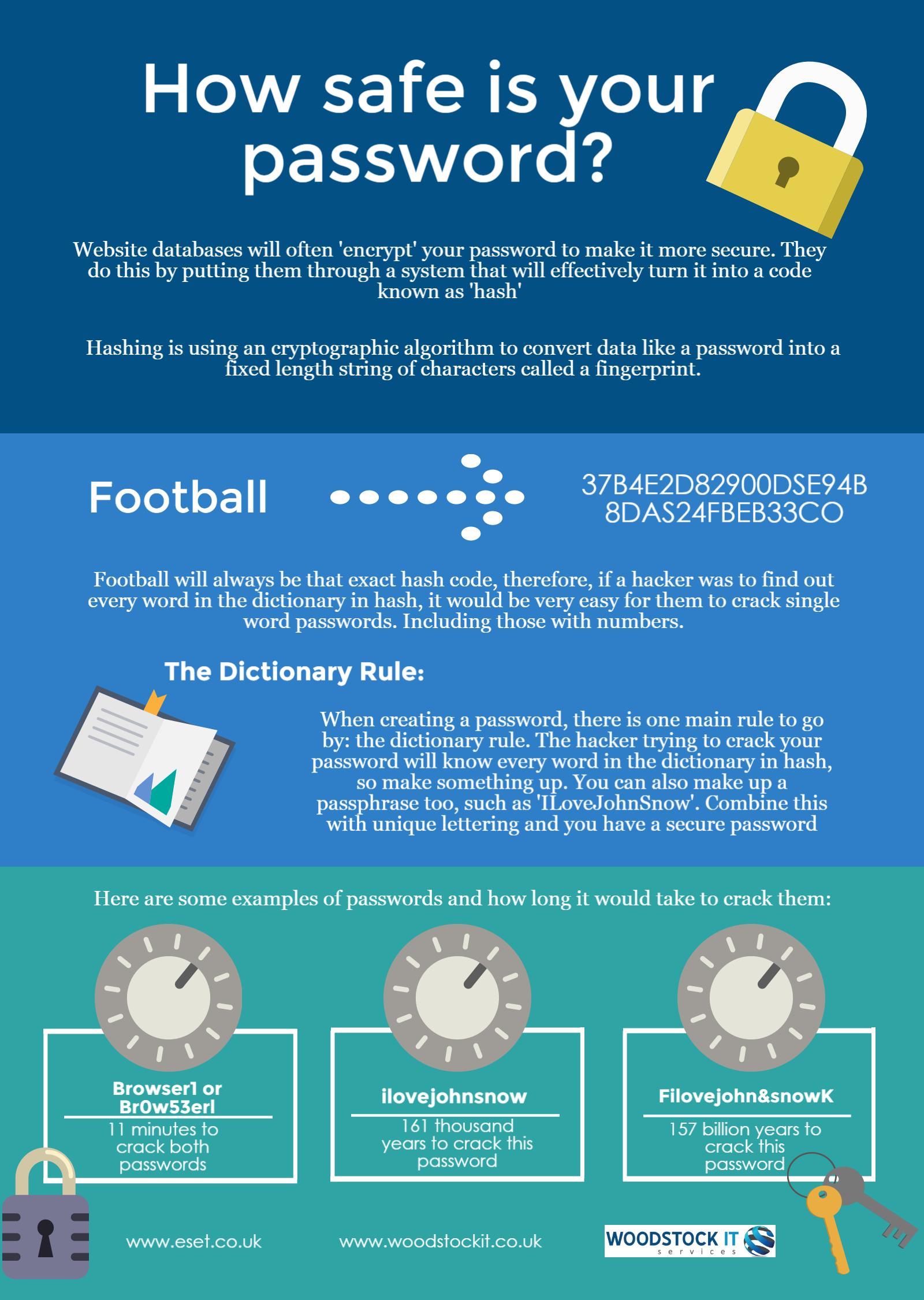
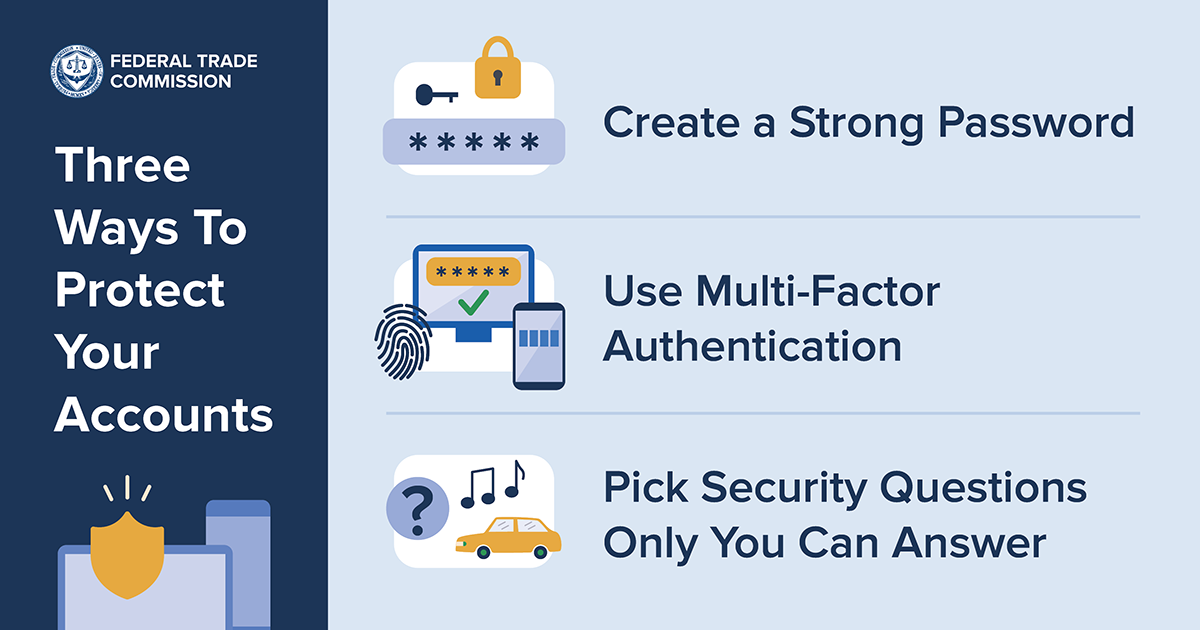
A strong password is the first line of defense against cyber attacks. Avoid using easily guessable information such as your name, birthdate, or common words. Instead, use a combination of uppercase and lowercase letters, numbers, and special characters. A password manager can help you generate and store complex passwords, making it easier to keep track of multiple login credentials.
Step 2: Enable Two-Factor Authentication (2FA)
Two-factor authentication adds an extra layer of security to your online accounts. This involves verifying your identity through a second factor, such as a fingerprint, face recognition, or a one-time password sent to your phone or email. Enable 2FA for all online accounts, including email, social media, and banking services.
Step 3: Be Vigilant Against Phishing Scams
Phishing scams are designed to trick you into revealing sensitive information, such as passwords or credit card numbers. Be cautious of emails or messages that ask for personal or financial information. Legitimate organizations will never ask for sensitive information via email or text message. Instead, they will direct you to their official website or contact you through a secure channel.
Step 4: Regularly Update Your Passwords
Update your passwords regularly, at least every 60 to 90 days, to prevent hackers from guessing or cracking your passwords. Use a password manager to generate and store new passwords, making it easier to keep track of multiple login credentials.
Step 5: Monitor Your Accounts for Suspicious Activity
Regularly monitor your online accounts for suspicious activity, such as unauthorized transactions or login attempts. Set up alerts and notifications to stay informed about any changes to your account activity. If you notice any suspicious activity, report it immediately to the relevant authorities.
Additional Tips for Online Security
- Use a reputable antivirus software to protect your device from malware and viruses.
- Keep your operating system, browser, and other software up-to-date with the latest security patches.
- Use a VPN (Virtual Private Network) to encrypt your internet traffic when using public Wi-Fi networks.
- Be cautious of public Wi-Fi networks, as they can be vulnerable to hacking and eavesdropping.
- Use two-factor authentication for all online accounts, including email, social media, and banking services.
Conclusion
Keeping your online accounts secure requires a combination of strong passwords, two-factor authentication, and vigilance against phishing scams. By following the tips outlined in this article, you can significantly reduce the risk of your online accounts being compromised. Remember, online security is an ongoing process that requires regular monitoring and maintenance. Stay ahead of cyber threats by staying informed and taking proactive steps to protect your personal and financial information.