Creating a Twitch Stream Account: A Step-by-Step Guide
Are you ready to join the world of live streaming on Twitch? Creating a Twitch stream account is the first step to becoming a part of the largest online community of gamers and content creators. In this article, we will walk you through the process of creating a Twitch stream account and provide you with the necessary information to get started.
Why Create a Twitch Stream Account?
Twitch is the world's leading video platform and community for gamers, with millions of active users and a vast library of content. By creating a Twitch stream account, you can interact with streamers and the community via chat, follow your favorite streamers to receive alerts when they go live, and broadcast to the Twitch community from your channel. Whether you're a gamer, artist, or musician, Twitch offers a platform to showcase your talents and connect with like-minded individuals.
Step 1: Sign Up for a Twitch Account
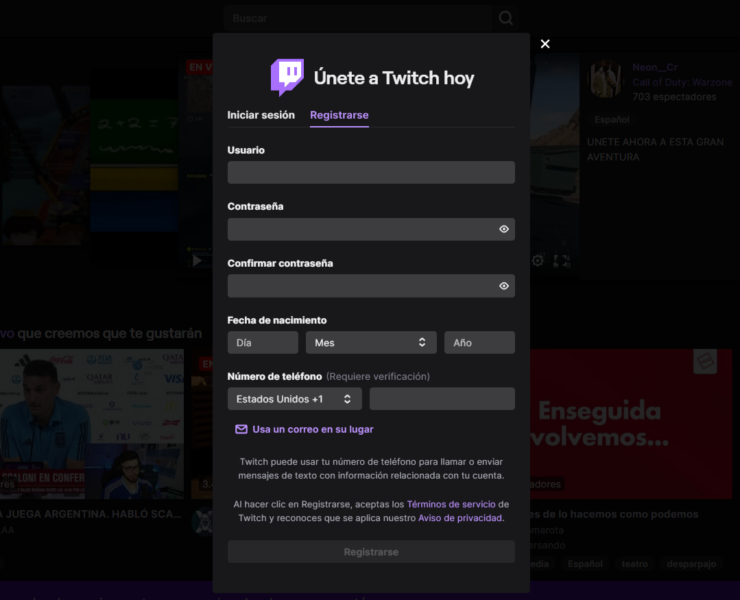
Creating a Twitch account is a straightforward process that can be completed in a few minutes. To sign up, follow these steps:
- Go to the Twitch website and click on the "Sign Up" button.
- Enter your email address, username, and password.
- Choose a username that is unique and memorable, as it will be your identity on the platform.
- Verify your email address by clicking on the link sent by Twitch.
Step 2: Set Up Your Profile
Once you have created your account, it's time to set up your profile. This includes adding a profile picture, bio, and other details that will help others get to know you.
- Upload a profile picture that represents you or your brand.
- Write a compelling bio that showcases your personality and what you're about.
- Add other details such as your location, age, and interests.
Step 3: Choose Your Stream Settings
:max_bytes(150000):strip_icc()/A1-StreamonTwitch-annotated-9e1f3d6544b7440a8d1d41d83ce2d776.jpg)
Before you start streaming, you need to set up your stream settings. This includes choosing your stream quality, bitrate, and other technical settings.
- Choose your stream quality: Twitch offers various stream quality options, including 1080p, 720p, and 480p.
- Set your bitrate: The bitrate determines the quality of your stream. A higher bitrate means a higher quality stream, but it also requires more bandwidth.
- Choose your audio settings: You can choose to use your computer's microphone or a separate audio device.
Step 4: Set Up Your Stream Equipment
To start streaming, you'll need a few pieces of equipment. This includes a computer, webcam, microphone, and internet connection.
- Choose a computer: You can use a desktop or laptop computer to stream on Twitch.
- Get a webcam: A good webcam is essential for high-quality video streaming.
- Invest in a microphone: A good microphone will help you capture high-quality audio.
- Get a stable internet connection: A fast and stable internet connection is necessary for smooth streaming.
Step 5: Start Streaming
Now that you have set up your account, profile, and equipment, it's time to start streaming. To start streaming, follow these steps:
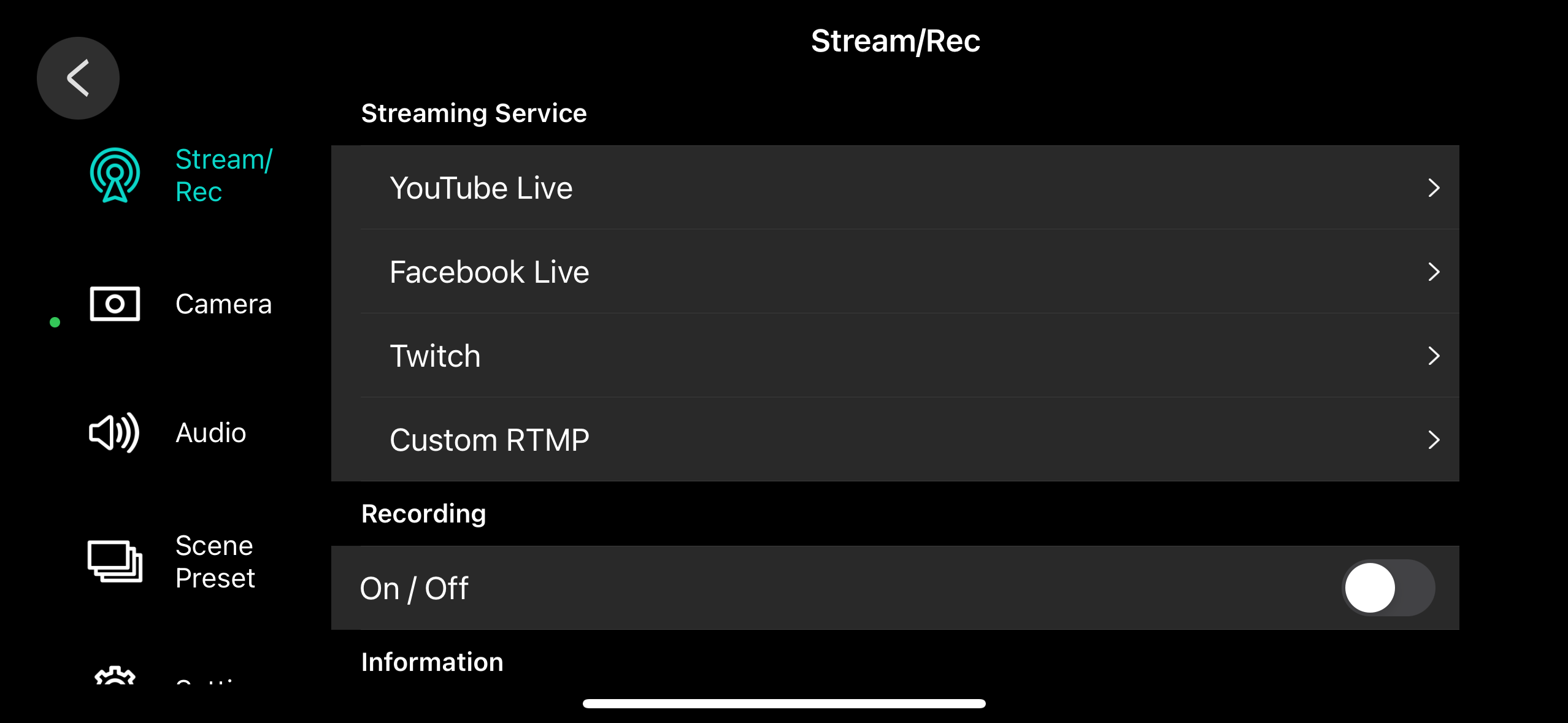
- Launch your streaming software: You can use OBS Studio, XSplit, or other software to stream on Twitch.
- Connect your stream key: Your stream key is a unique code that allows your software to connect to your Twitch account.
- Start streaming: Click the "Start Streaming" button to begin your stream.
Conclusion
Creating a Twitch stream account is the first step to becoming a part of the Twitch community. By following these steps, you can set up your account, profile, and equipment, and start streaming to a global audience. Remember to be patient, technical setup, and commitment to consistency are key to success on Twitch. Happy streaming!