Cordless Telephone Repair: Extending the Life of Your Wireless Handset
Cordless telephones have become an essential part of modern communication, offering users the freedom to move around while staying connected. However, like any electronic device, cordless phones can malfunction or stop working altogether. In this article, we'll delve into the world of cordless telephone repair, exploring common issues, troubleshooting tips, and repair options to help you extend the life of your wireless handset.
Understanding Cordless Phones
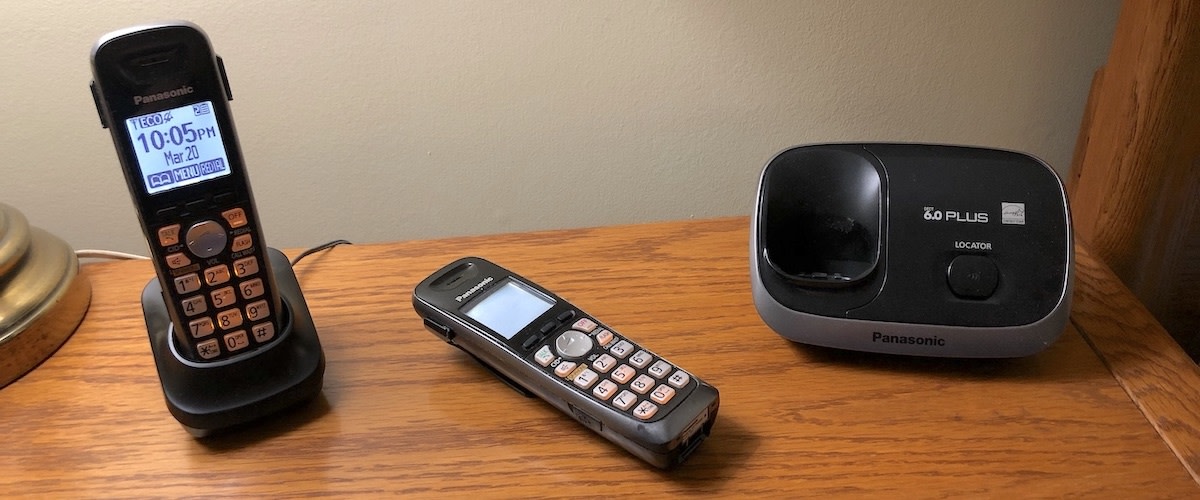
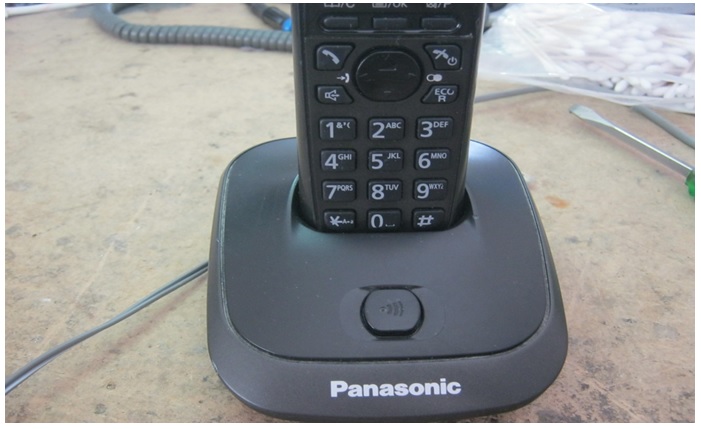
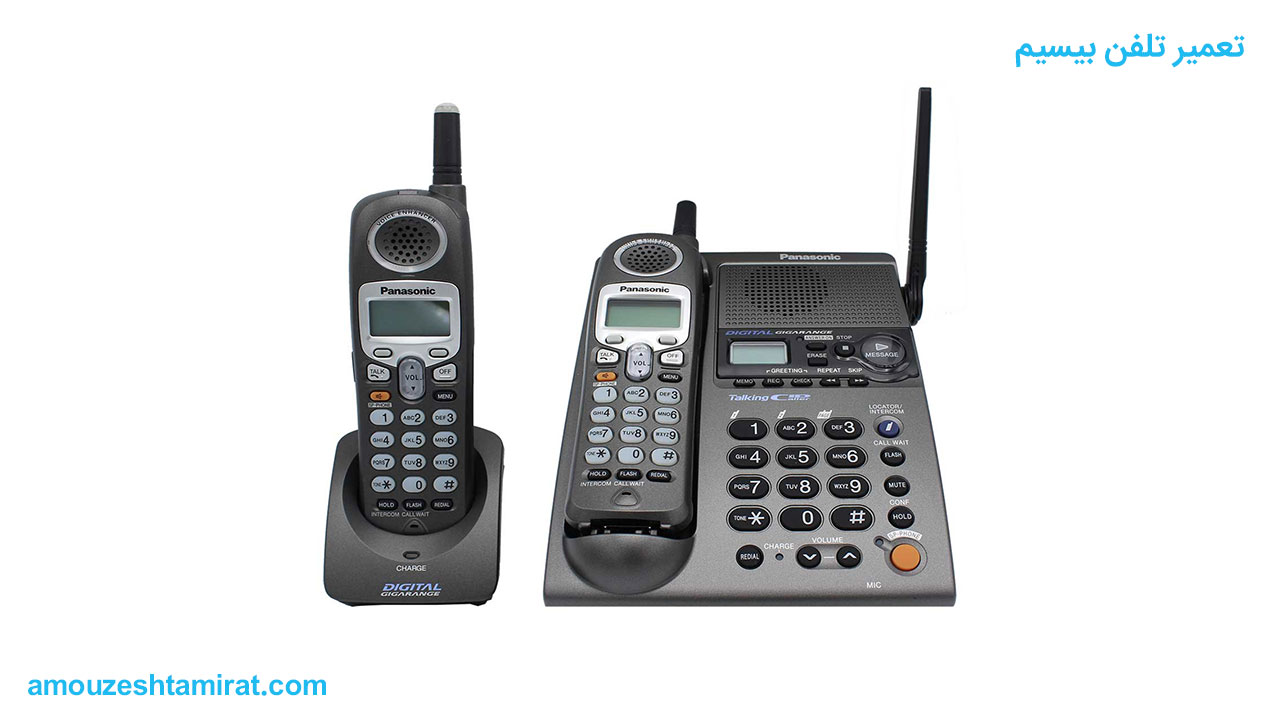
Cordless phones, also known as wireless phones or DECT phones, use radio signals to communicate between the handset and base unit. The base unit is typically connected to a phone line, while the handset is free to roam around the home or office. Except for the handset, cordless phones are essentially the same as traditional landline phones.
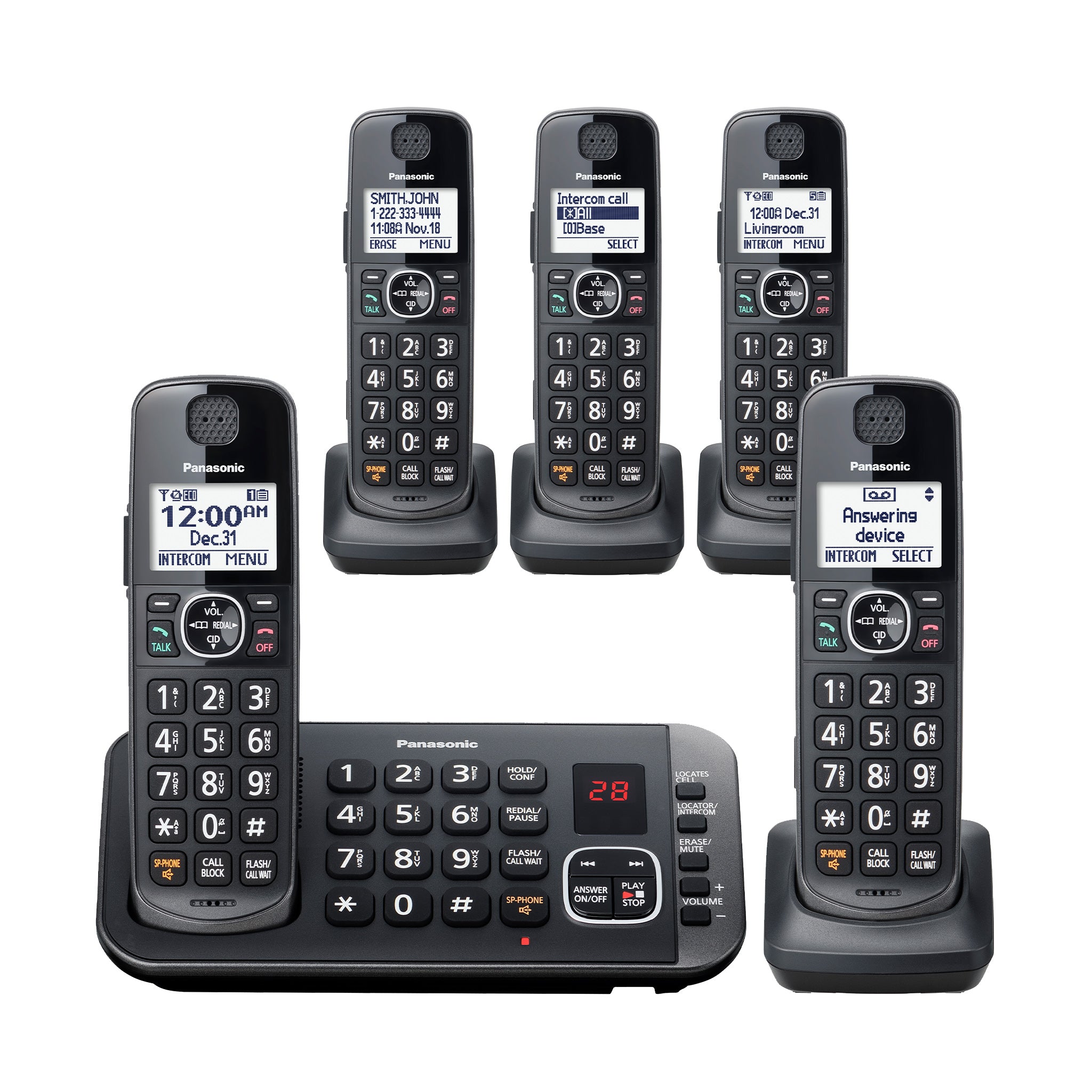
Not only have cordless phones become more popular due to their convenience and flexibility, but they've also become increasingly advanced, featuring features such as digital answering machines, caller ID, and even internet connectivity.
Identifying Common Issues
Before attempting to repair your cordless phone, it's essential to identify the problem. Some common issues include:
- Weak or no signal
- Interference from other electronic devices
- Dead keypad or speaker
- Charging issues
- Static or background noise
To troubleshoot these issues, try resetting the phone, moving the base unit and handset to a different location, or disconnecting other electronic devices in the vicinity.
Basic Repair and Maintenance
Regular maintenance can go a long way in extending the life of your cordless phone. Here are some basic repair and maintenance tips:
1. Clean the Handset and Base Unit
A gentle cleaning with a soft cloth and mild soap solution can help remove dirt, dust, and grime that may be affecting the phone's performance.
2. Replace the Battery

If your cordless phone uses rechargeable batteries, try swapping them out for a new set or recharging the old ones to see if it improves the phone's performance.
3. Check the Antenna
Adjust or replace the antenna to ensure it's securely attached and not damaged.
4. Consult the User Manual
Refer to the user manual or online resources for specific repair and maintenance instructions, as they may vary depending on the phone model.
Advanced Repair Options
For more complex issues or if you're not comfortable with basic repair and maintenance, consider the following advanced repair options:
- Replacing the Handset
- Replacing the Base Unit
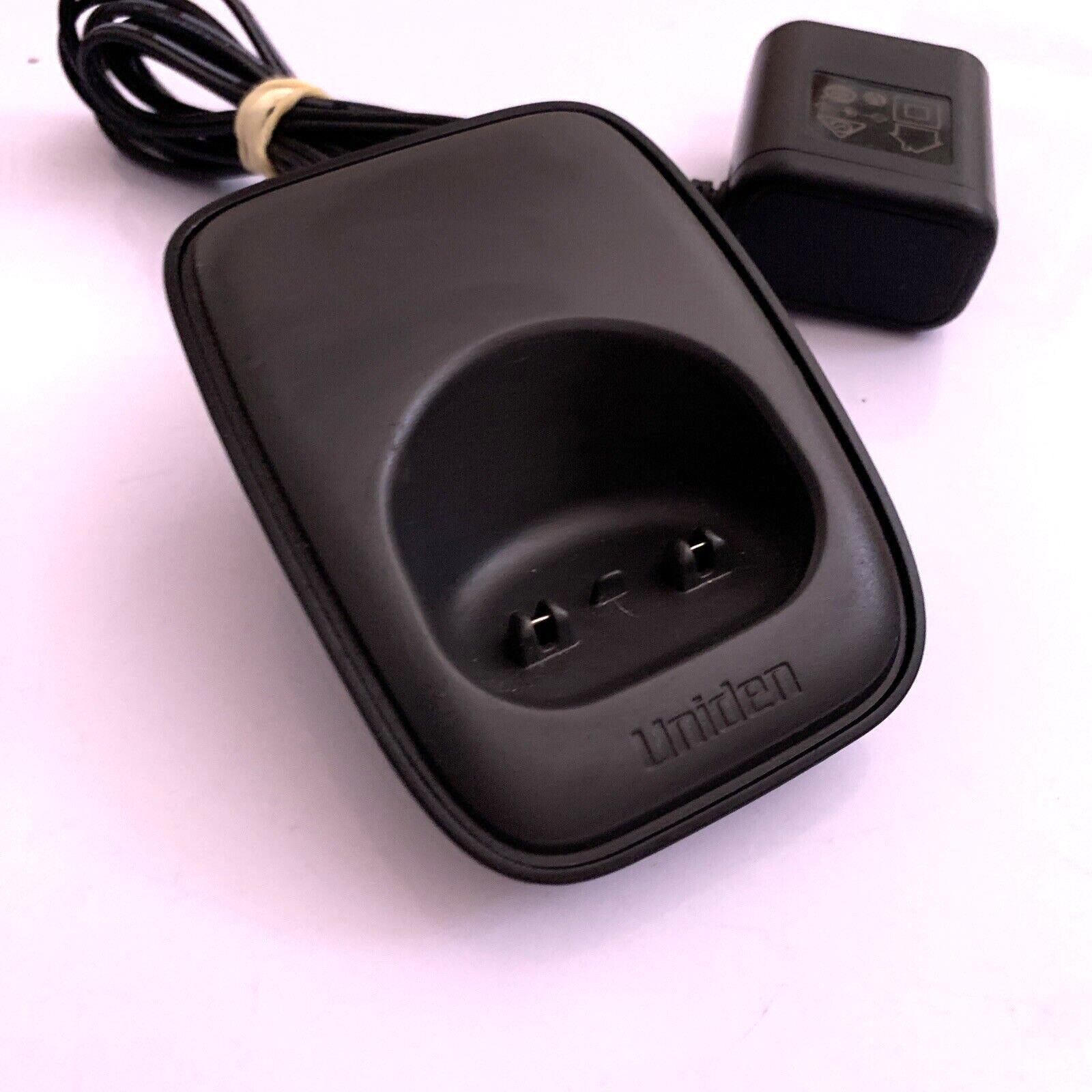
- Repairing or Replacing the Power Adapter
- Upgrading or Replacing the Antenna
When attempting advanced repairs, be sure to follow proper safety precautions, such as disconnecting power sources and taking ESD precautions to avoid damaging sensitive components.
DIY Repair Resources
There are many excellent DIY repair resources available online, including repair guides, video tutorials, and online forums. Some popular resources include:
With a little patience and the right information, you can successfully repair and maintain your cordless phone, extending its useful life and keeping you connected when you need it most.