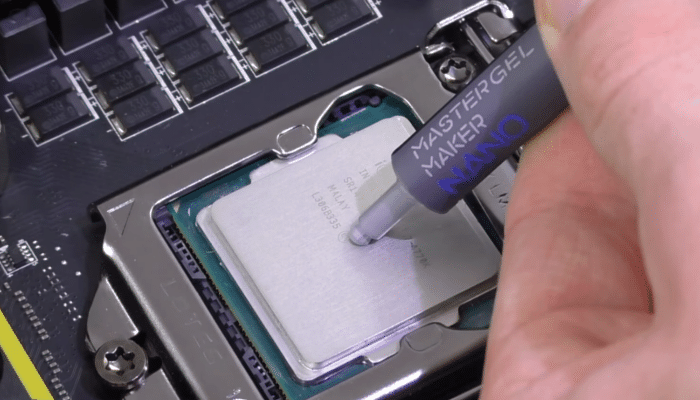
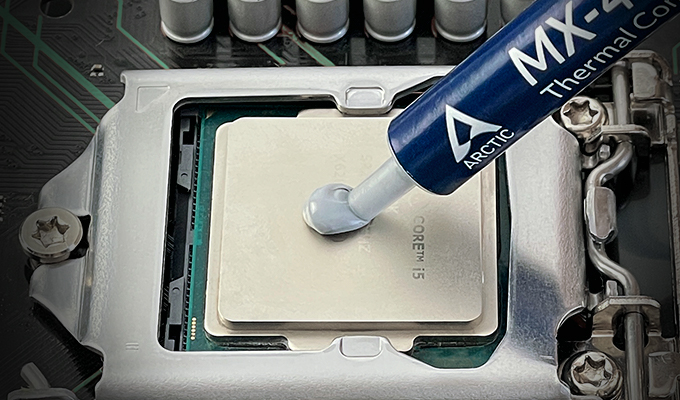
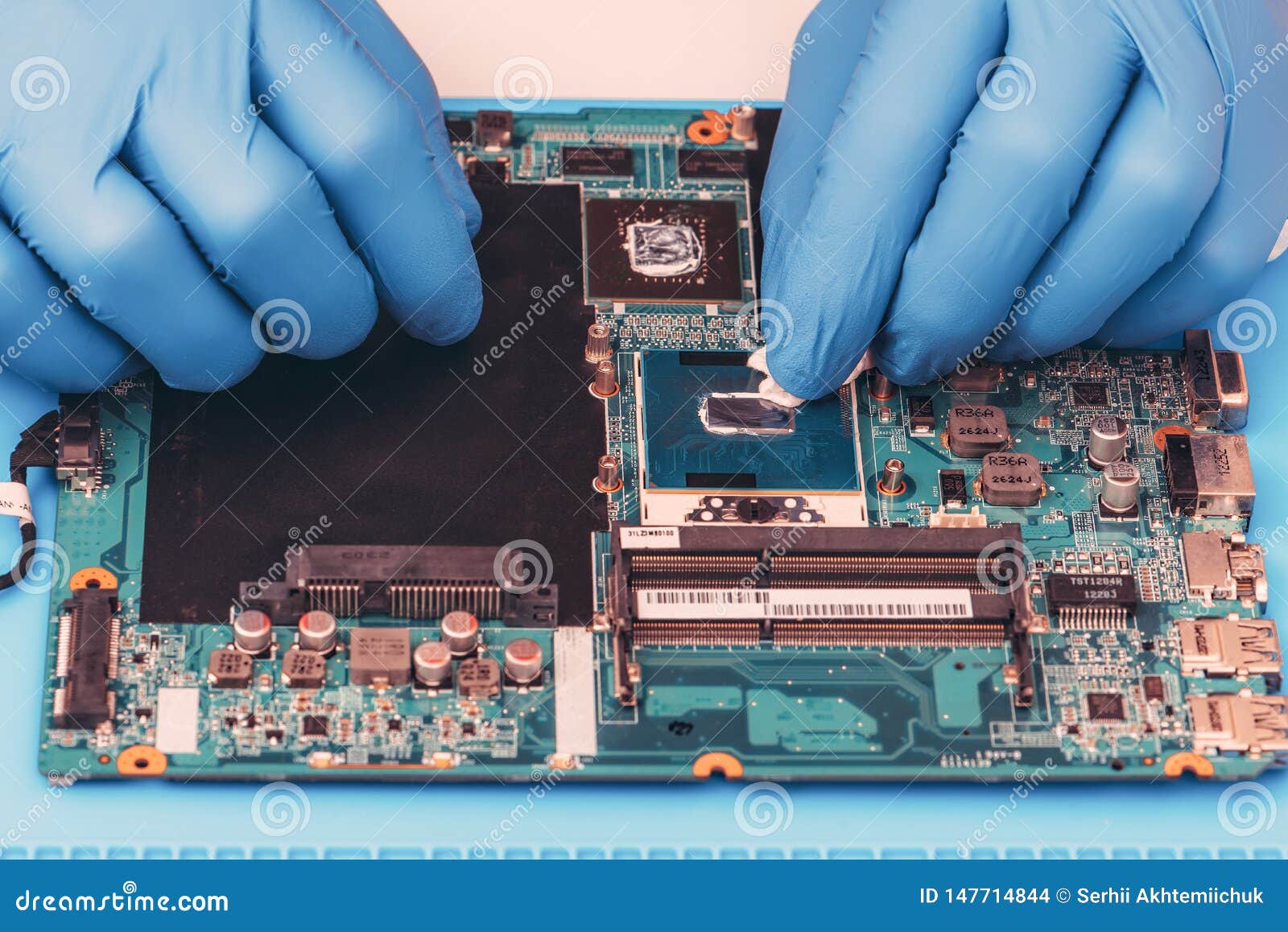
Understanding Thermal Paste Application: The Key to Optimal CPU Cooling
The performance and lifespan of your computer's central processing unit (CPU) depend on several factors, with thermal cooling being one of the most crucial. Thermal paste application is a critical step in ensuring the efficient transfer of heat from the CPU to the cooler, thereby preventing overheating and maintaining system stability. In this article, we will delve into the importance of thermal paste application, explore different types of thermal pastes, and provide a step-by-step guide on how to apply thermal paste for optimal CPU cooling.
The Role of Thermal Paste
Thermal paste, also known as thermal compound or thermal interface material (TIM), fills microscopic gaps between the CPU heat spreader and the heatsink. Its primary function is to enhance the thermal conductivity between the two surfaces, ensuring that the heat generated by the CPU is efficiently transferred to the cooler. Without proper thermal paste application, the CPU may overheat, leading to reduced performance, system crashes, and even permanent damage.
There are various types of thermal pastes available in the market, each with its unique characteristics and advantages. Some common types include:
- Arctic Silver 5: A highly conductive thermal paste with high thermal conductivity and excellent stability.
- Corsair TM30: A low-viscosity zinc oxide thermal material that's easy to apply and provides high thermal conductivity.
- Thermal Grizzly Kryonaut: An extreme high-performance thermal paste with extremely high thermal conductivity.
- Boyd's Thermal Interface Materials: Offers a range of thermal interface materials, including greases, adhesives, films, pads, and gap fillers.
Thermal Paste Application: Best Practices
The key to effective thermal paste application lies in the amount of paste used, its distribution, and the method of application. Here are some best practices to follow:
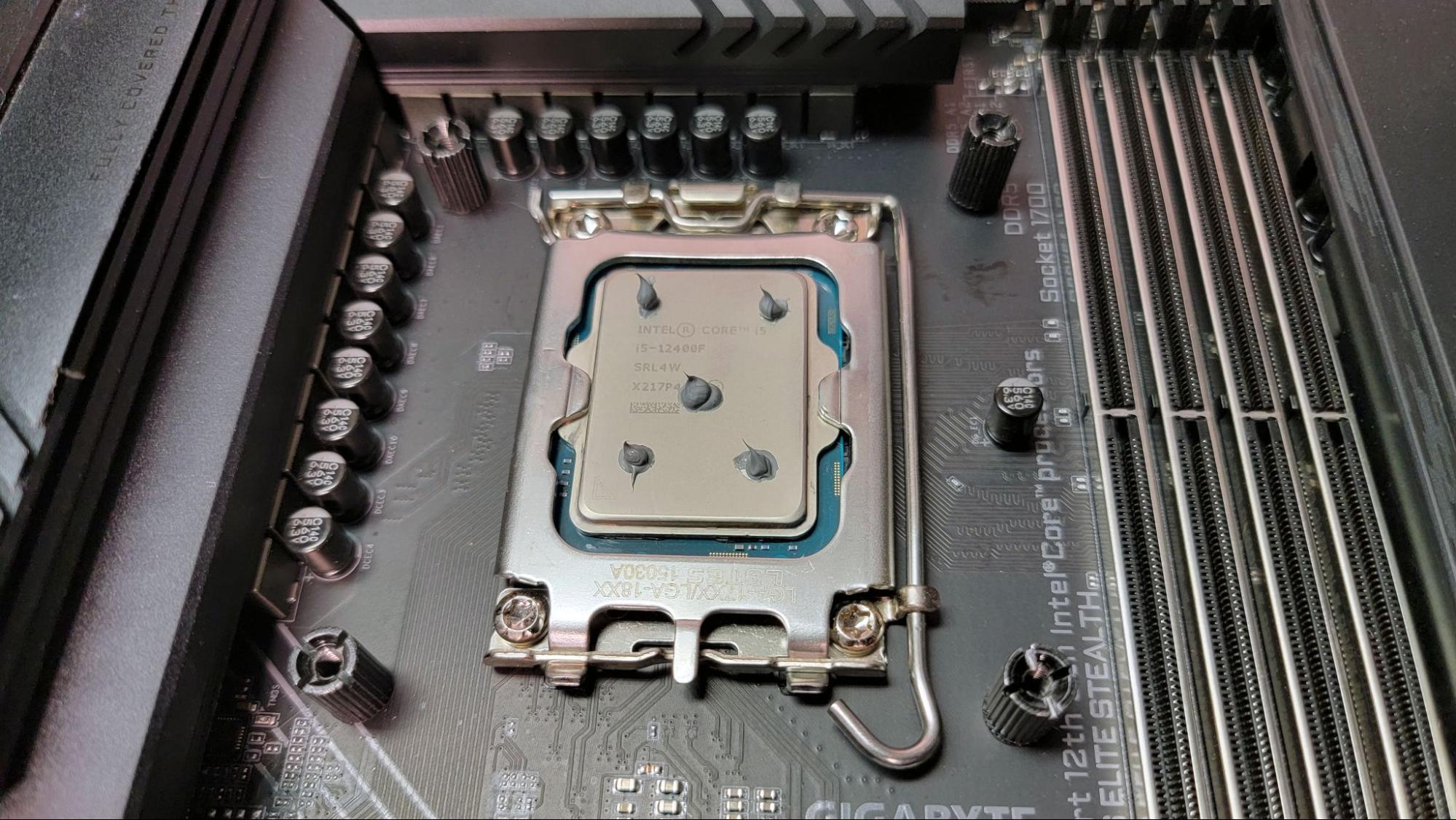
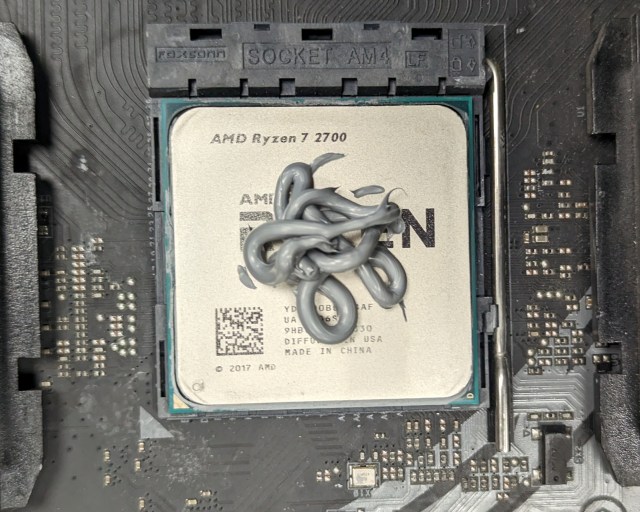
- Select the right amount of paste: Too little paste may lead to hot spots, while too much may cause the paste to spill out of the cooler's mounting holes.
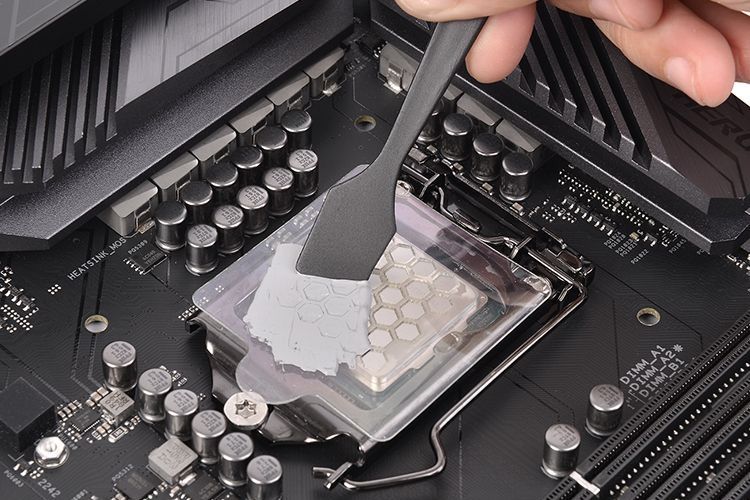
- Apply the paste in a circular motion: Use a credit card or a similar tool to spread the paste in a circular motion, ensuring even coverage.
- Avoid applying too much pressure: This can cause the paste to spread unevenly or even damage the CPU or cooler.
- Clean the CPU and cooler surfaces: Ensure both surfaces are free of dust, oil, and other contaminants before applying the thermal paste.
- Use a high-quality thermal paste: Choose a reputable brand that's specifically designed for CPU cooling.
Step-by-Step Guide to Thermal Paste Application
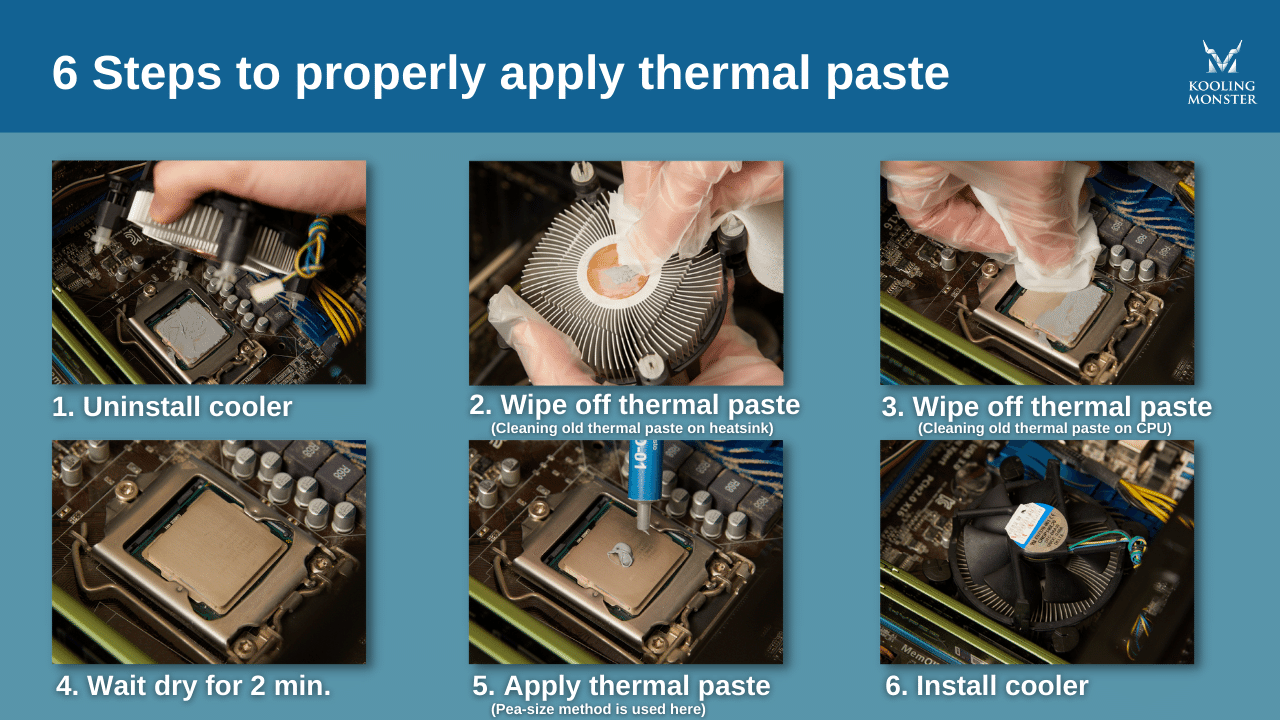
To ensure proper thermal paste application, follow these steps:
- Remove the cooler and CPU: Take out the cooler and CPU from the computer case.
- Clean the CPU and cooler surfaces: Use a cotton swab or a similar tool to clean both surfaces, ensuring they're free of dust, oil, and other contaminants.
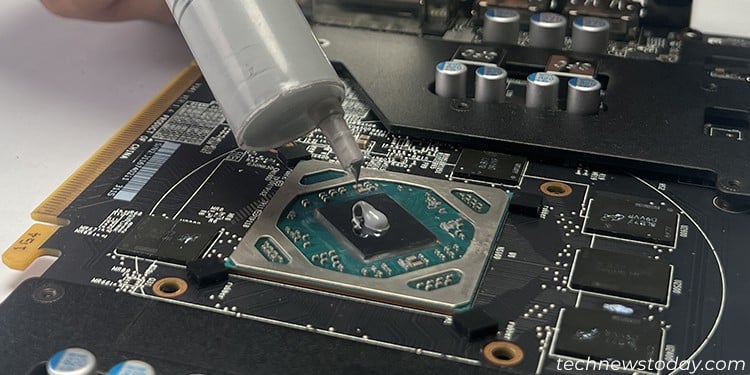
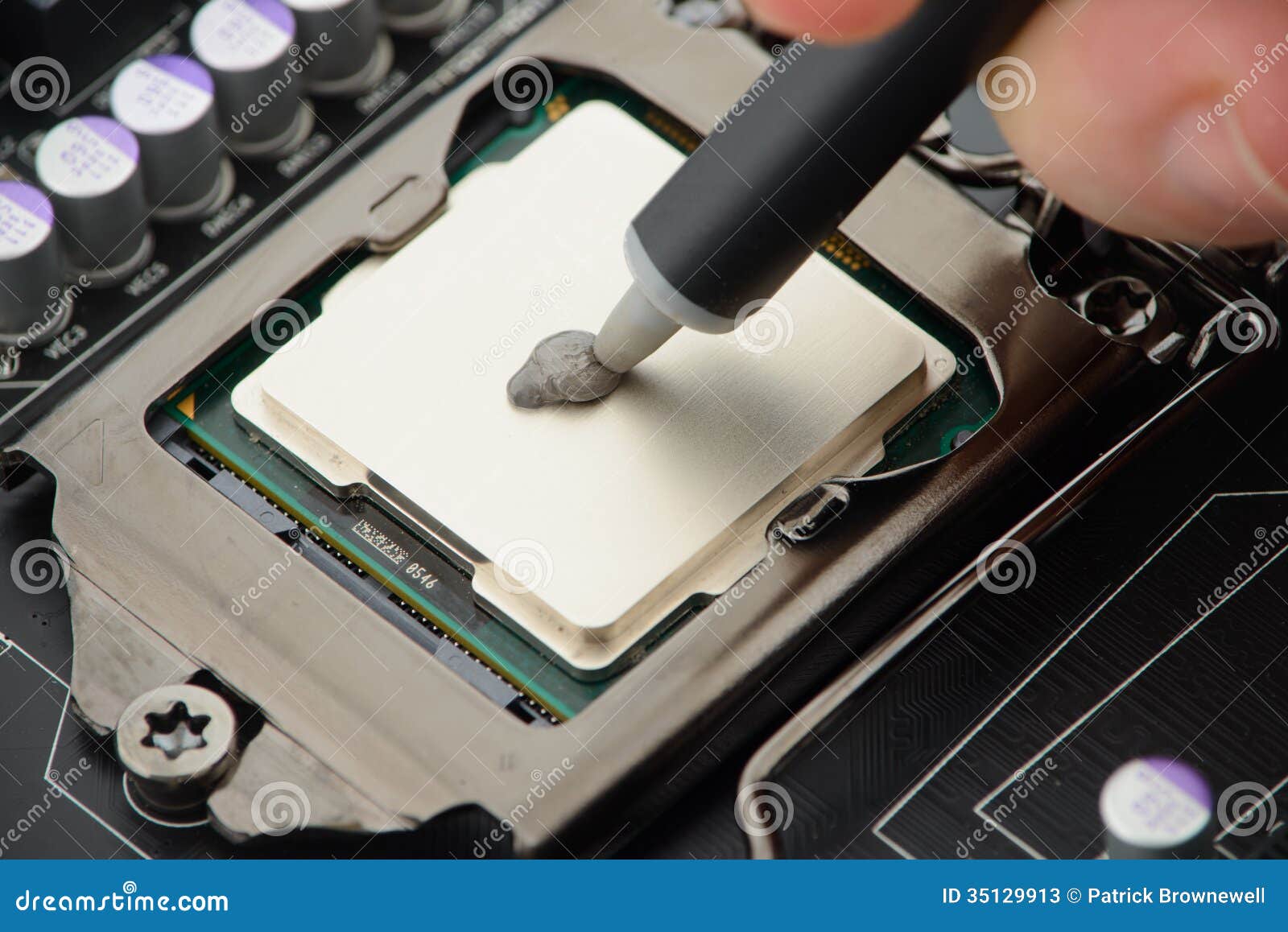
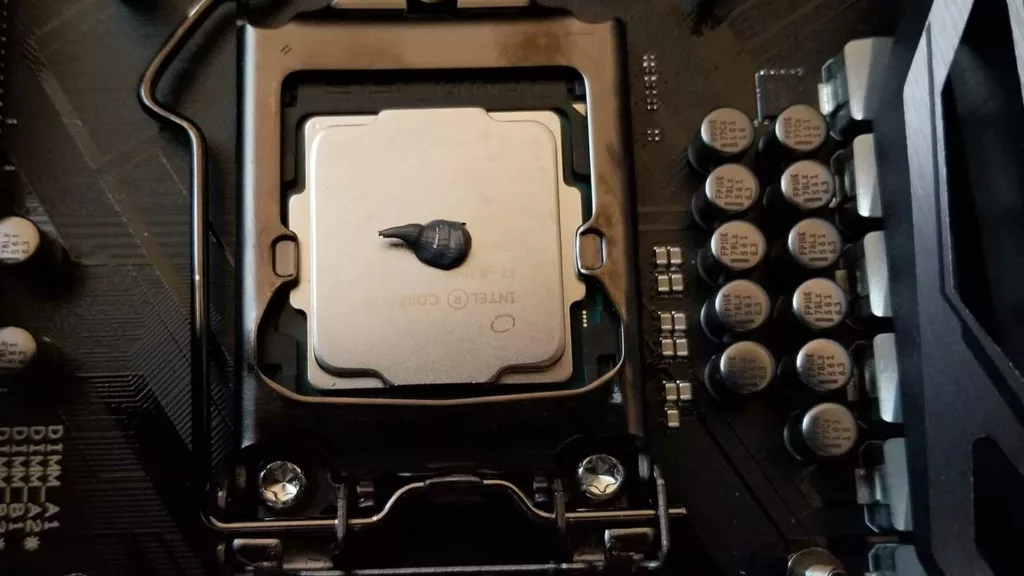
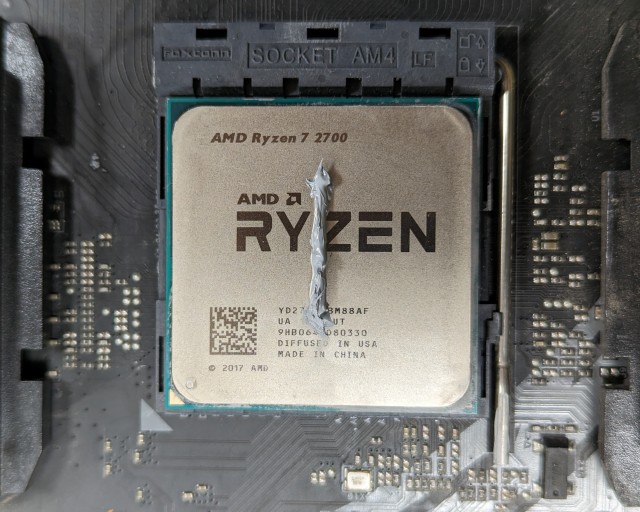
- Apply a small amount of thermal paste: Use a credit card or a similar tool to apply a small amount of thermal paste to the center of the CPU.
- Spread the paste in a circular motion: Use the credit card or similar tool to spread the paste in a circular motion, ensuring even coverage.
- Replace the cooler and CPU: Put back the cooler and CPU, ensuring they're securely fastened.
Conclusion
Thermal paste application is a critical step in ensuring the efficient transfer of heat from the CPU to the cooler. By following the best practices outlined above and using the right amount and type of thermal paste, you can ensure optimal CPU cooling and prevent overheating. Remember to clean the CPU and cooler surfaces, apply a small amount of thermal paste, and spread it evenly to achieve the best results.
Additional Tips and Resources
For more information on thermal paste application, check out the following resources:
- Arctic Silver 5 Thermal Paste
- Corsair TM30 Thermal Material
- Thermal Grizzly Kryonaut Thermal Paste
- Boyd's Thermal Interface Materials
- YouTube Video on Thermal Paste Application
Conclusion
By understanding the importance of thermal paste application and following the best practices outlined in this article, you can ensure optimal CPU cooling and prevent overheating. Remember to clean the CPU and cooler surfaces, apply a small amount of thermal paste, and spread it evenly to achieve the best results.