Prevent online targeted ads and regain control over your digital life
With the rise of the internet, online advertising has become a ubiquitous part of our daily lives. Targeted ads, in particular, have become a source of concern for many individuals. These ads seem to follow us everywhere we go online, making it difficult to escape their invasive presence. But do you know how to prevent online targeted ads and regain control over your digital life?
What are targeted ads?
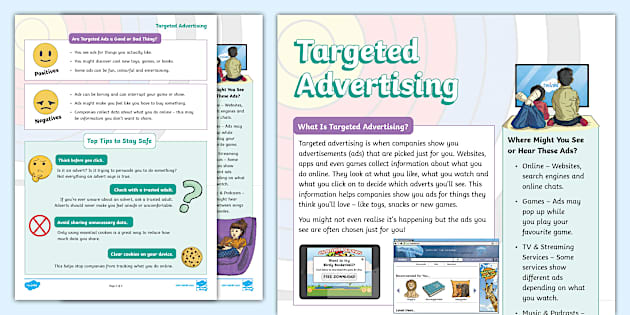
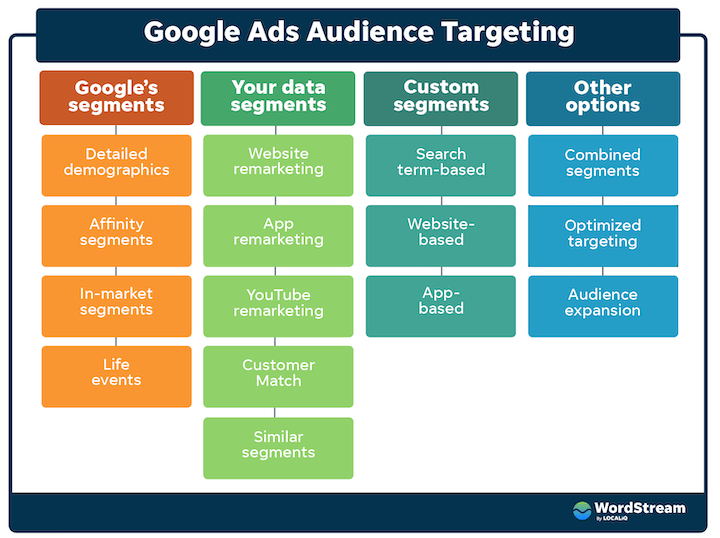
Targeted ads, also known as targeted marketing, are online ads that are specifically tailored to an individual's interests, frequent searches, geographical location, and other factors. This type of advertising is designed to be more effective by matching the ads with the user's online behavior and interests.
How do targeted ads work?
Targeted ads work by collecting data about your online behavior and interests through various means, including:
- Cookies: Small text files stored on your device to track your browsing history
- Tracking pixels: Invisible images on websites that collect data about your online behavior
- Fingerprinting: Collecting data about your device, browser, and online behavior
- Real-time bidding: Allowing advertisers to bid on ad space in real-time based on your online behavior
Machine learning and predictive analytics then use this data to create personalized ads that follow you across multiple devices and platforms.
Why should you prevent online targeted ads?

Targeted ads can be creepy and annoying, but they also have more serious implications. They can lead to:
- Privacy invasion: Collecting and storing your personal data without consent
- Tracking and profiling: Creating a detailed profile of your online behavior and interests
- Manipulation: Using personal data to manipulate your online behavior and purchasing decisions
How to prevent online targeted ads
There are several ways to prevent online targeted ads and regain control over your digital life:
- Use ad-blocking software or browser extensions: Tools like AdBlock, uBlock Origin, and Ghostery can block ads from appearing on your browser
- Clear your cookies and browsing history: Regularly deleting your cookies and browsing history can help prevent ad trackers from collecting your data
- Use a VPN: Virtual Private Network (VPN) can mask your IP address and location, making it difficult for advertisers to track you
- Set up private browsing: Many browsers have a private browsing mode that prevents data collection and tracking
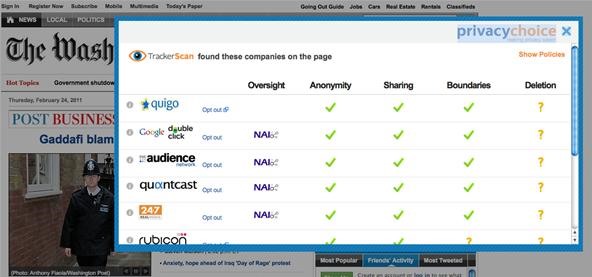
- Opt out of tracking: Some websites and ad networks allow you to opt out of tracking and data collection
Conclusion
Preventing online targeted ads requires awareness and action. By understanding how targeted ads work and taking steps to block them, you can regain control over your digital life and protect your personal data. Remember, it's your online life, take control of it.