Upgrading Your PC: A Comprehensive Guide to Motherboard Replacement and Upgrade
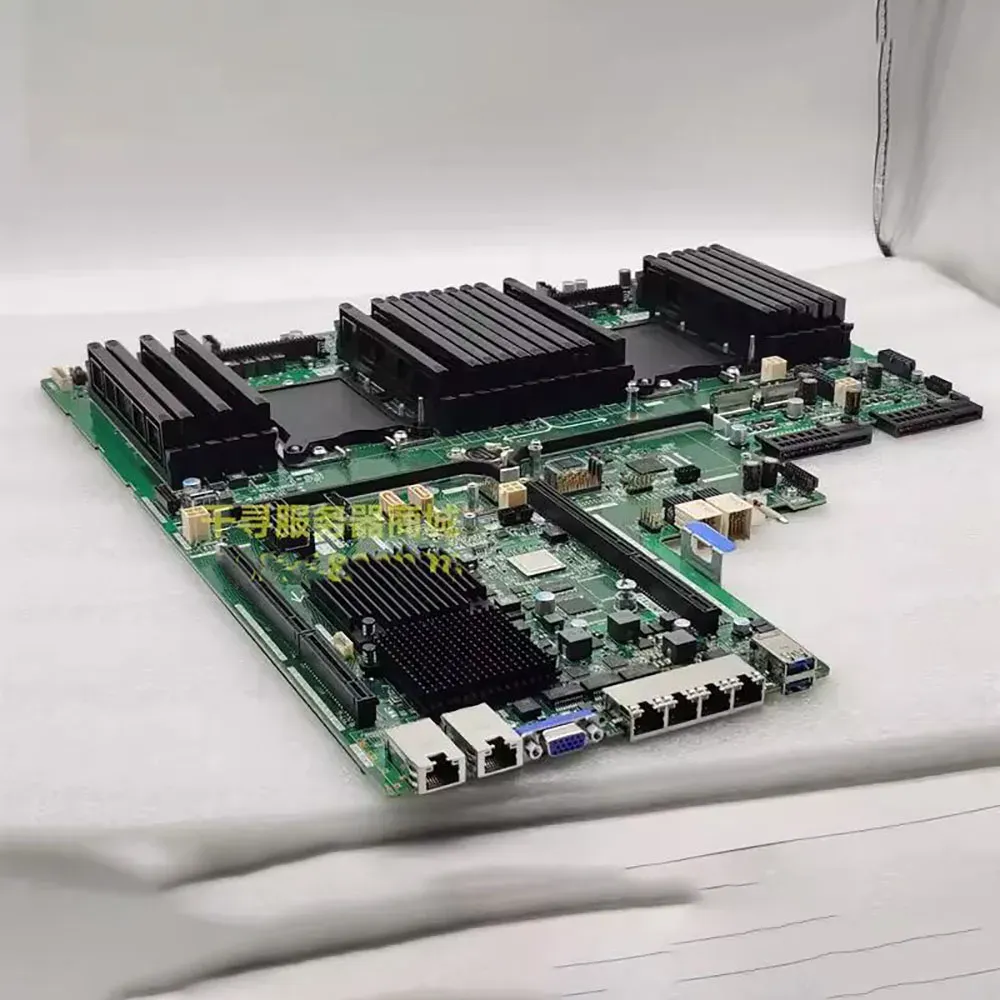
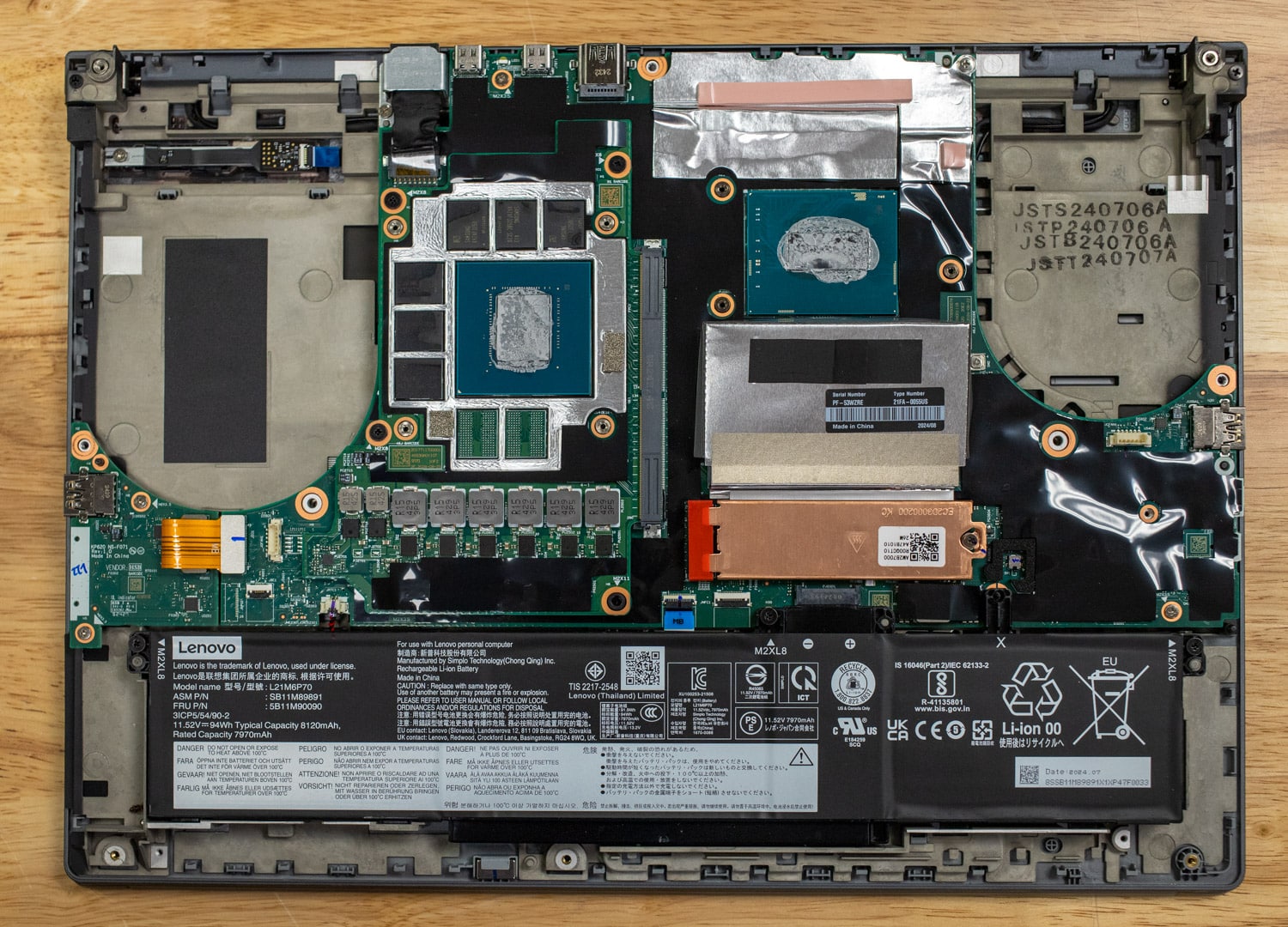
When it comes to upgrading your PC, there are several components that you can replace or upgrade to improve its performance. Among these, the motherboard plays a crucial role, as it connects all the hardware components together. In this article, we will guide you through the process of motherboard replacement and upgrade, helping you to make informed decisions and ensure a smooth upgrade process.
Understanding the Basics
Before you start, it's essential to understand that motherboard replacement and upgrade can be a complex process, especially if you are not familiar with computer hardware. However, with the right guidance and tools, you can successfully upgrade your motherboard and improve your PC's performance.
Should You Replace or Upgrade Your Motherboard?
Deciding whether to replace or upgrade your motherboard depends on several factors, including the state of your current motherboard, your PC's performance needs, and your budget. If your motherboard is malfunctioning, replacing it might be the best option. However, if you're looking to upgrade your PC's performance, you might be able to upgrade your motherboard instead.
Choosing the Right Components
When it comes to upgrading or replacing your motherboard, selecting the correct components is crucial. You'll need to match your new motherboard with the right CPU, RAM, and other hardware components. Failure to do so may result in compatibility issues and even damage to your PC.
Hardware Compatibility
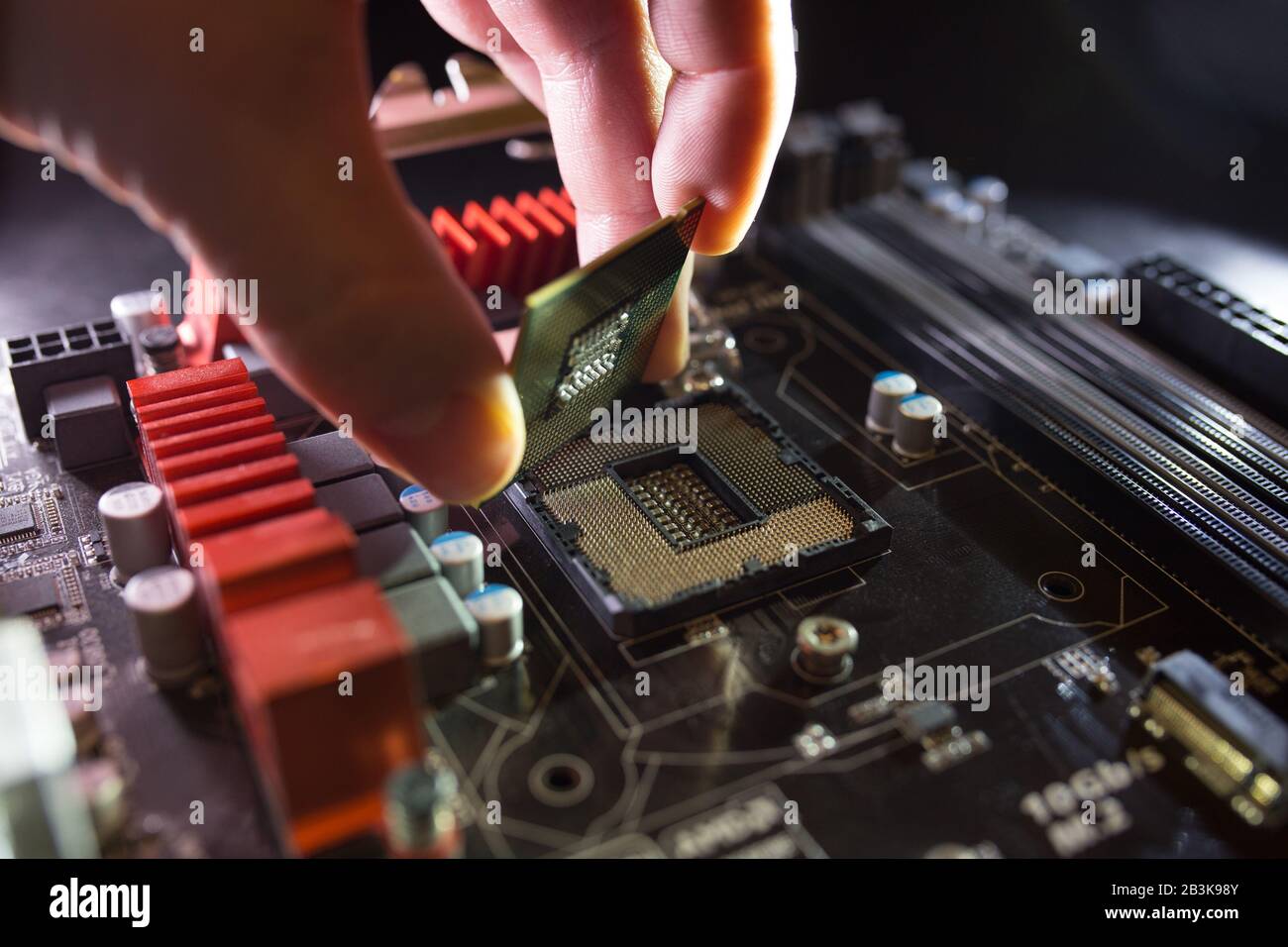
Before making a purchase, ensure that the CPU you choose is compatible with your motherboard. Different CPUs have different socket types, and you'll need to verify that they match. Additionally, your motherboard may not support the latest features or newer CPUs, so it's essential to check for compatibility before making a purchase.
Preparing for Motherboard Replacement and Upgrade
Research and Planning
Before starting the upgrade process, research and plan carefully to ensure that you've chosen the right components and have a clear understanding of the process. Read user reviews, check for compatibility, and consult online forums or tutorials to prepare yourself for the upgrade.
Backup Important Data
Before replacing or upgrading your motherboard, make sure to backup all your important data to an external hard drive or cloud storage. This will ensure that your data remains safe during the upgrade process.

Recommending the Right Motherboard
When choosing a motherboard, consider the following key factors:
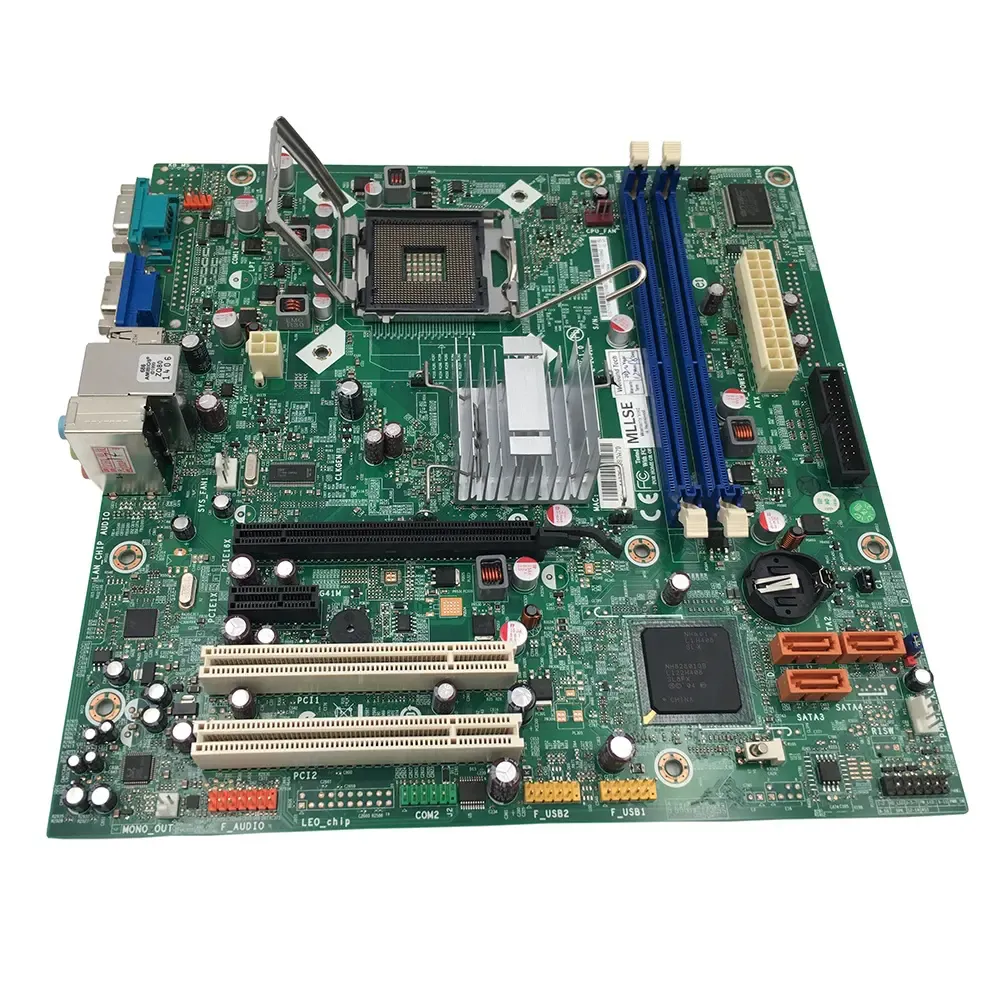
- Form factor: Ensure that the motherboard size matches your PC case.
- Socket type: Check that your CPU's socket type matches the motherboard's.
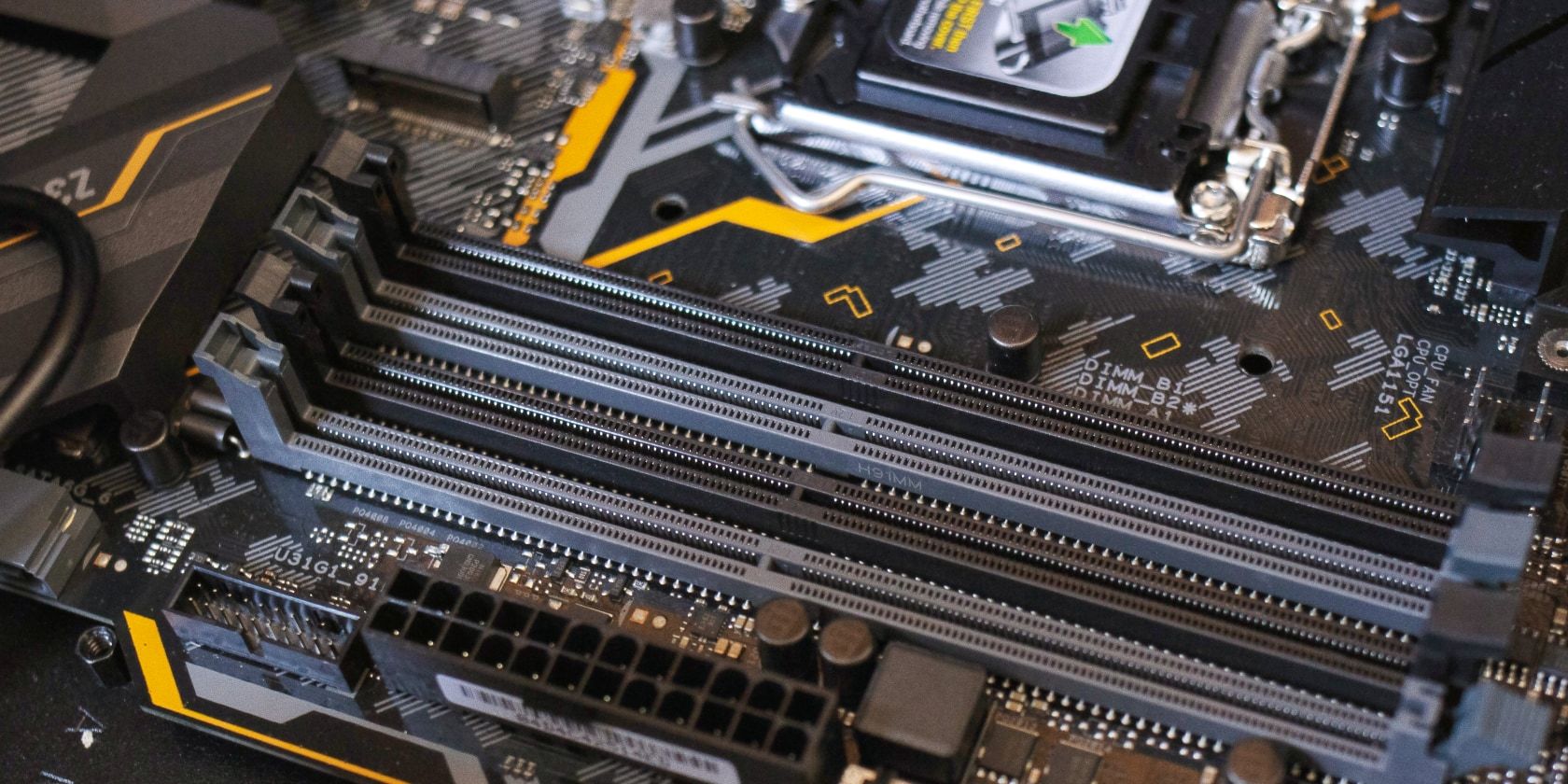
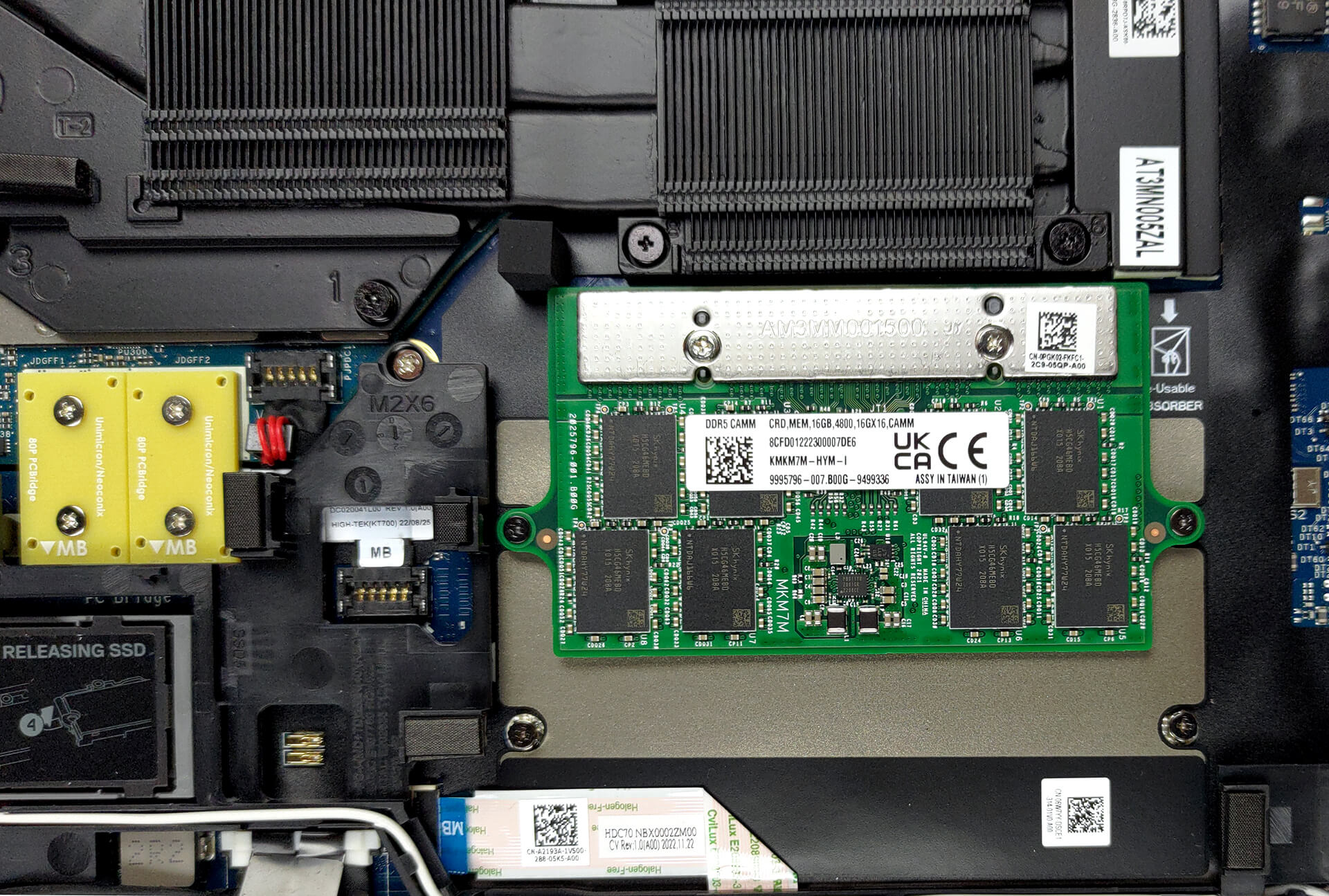
- RAM: Choose a motherboard that supports the maximum RAM you plan to use.
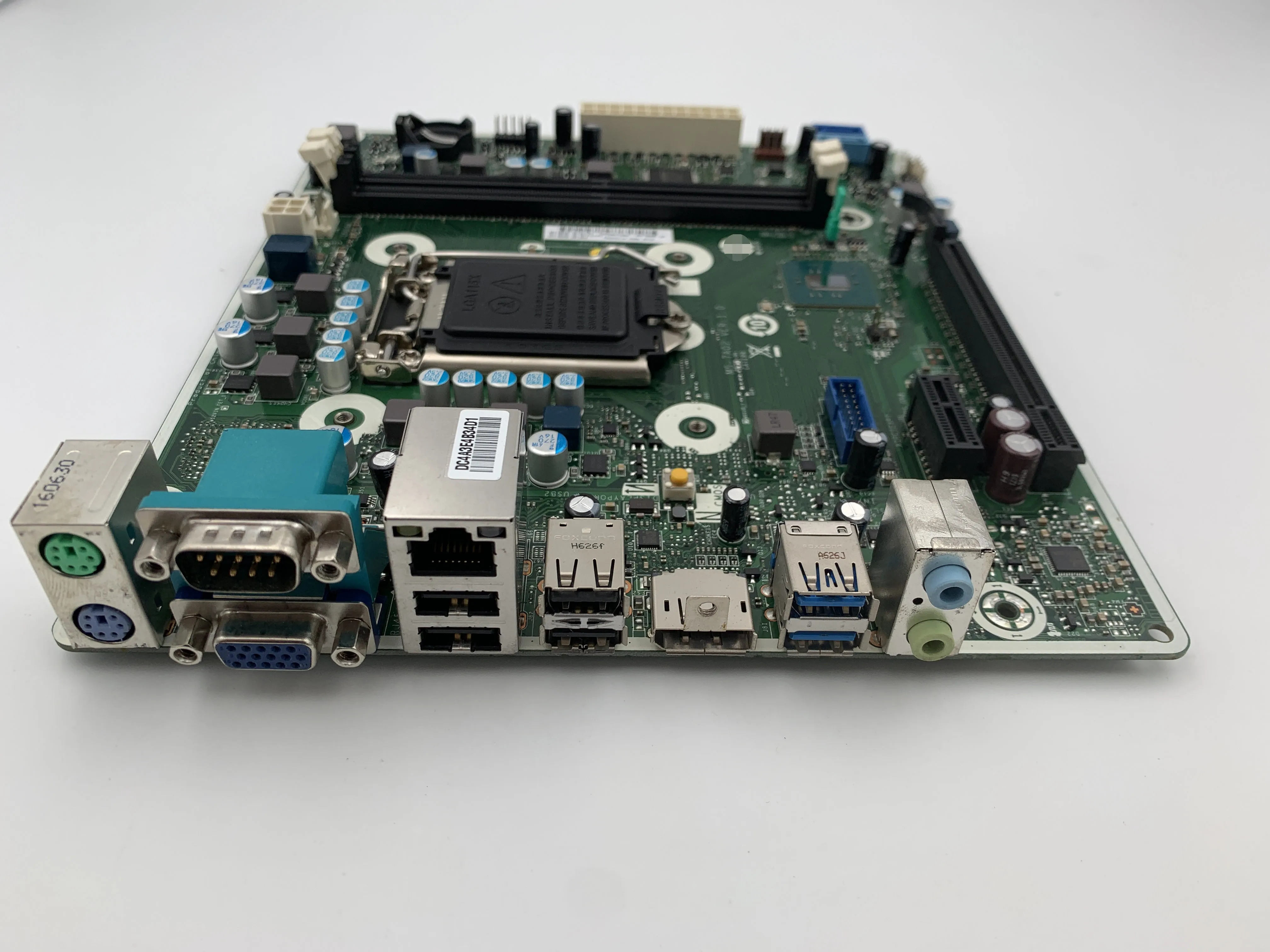
- Expansion slots: Verify that the motherboard includes the right number and type of expansion slots for your graphical and sound cards.
- Power supply: Consider the power supply requirements of your system and choose a motherboard that complements it.
Executing the Motherboard Upgrade
Removing the Old Motherboard
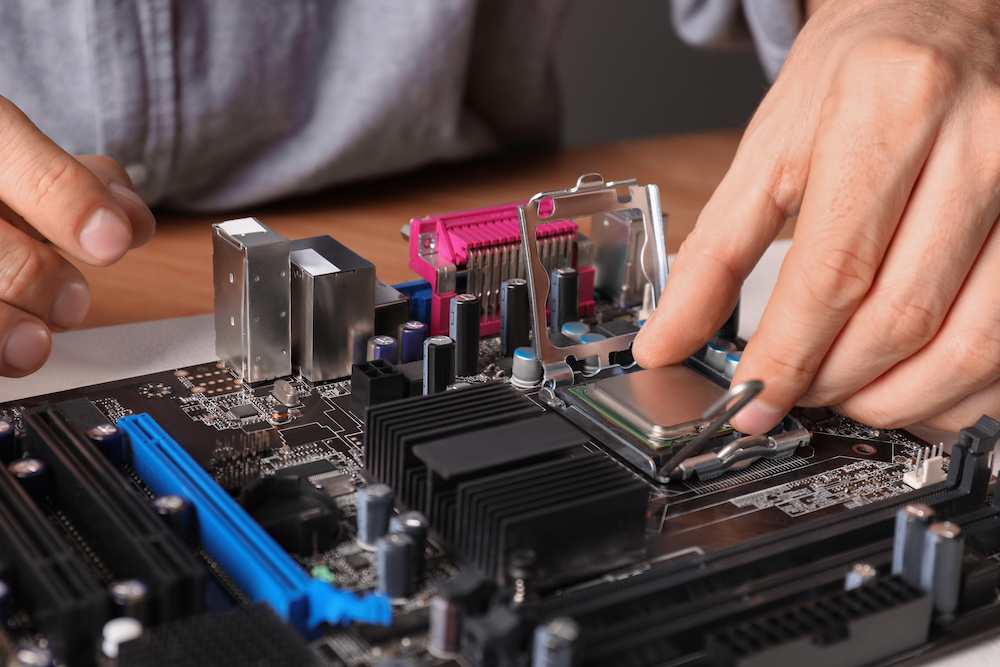
Starting to replace or upgrade your motherboard requires removing the old motherboard. This involves disconnecting cables, removing the motherboard stand-offs, and then gently prying the old motherboard out of its socket.
Installing the New Motherboard
Once the old motherboard is removed, carefully place the new motherboard on the socket and secure it using the stand-offs. Connect the necessary cables and installation adapters, and proceed with the next steps.
Connecting Components and Cables
After installing the new motherboard, connect the CPU, RAM, and other components. Double-check all cable connections and secure them to prevent any potential damage.
Powering On and Testing the New Motherboard
Turning On the PC
Once the new motherboard is installed, connect the power cord and other cables and turn on your PC. Enter the BIOS settings to update the firmware and install drivers for the new hardware.