Expert Guide to GoFundMe Non-Profit Organization Donor Management and Fundraising Strategies
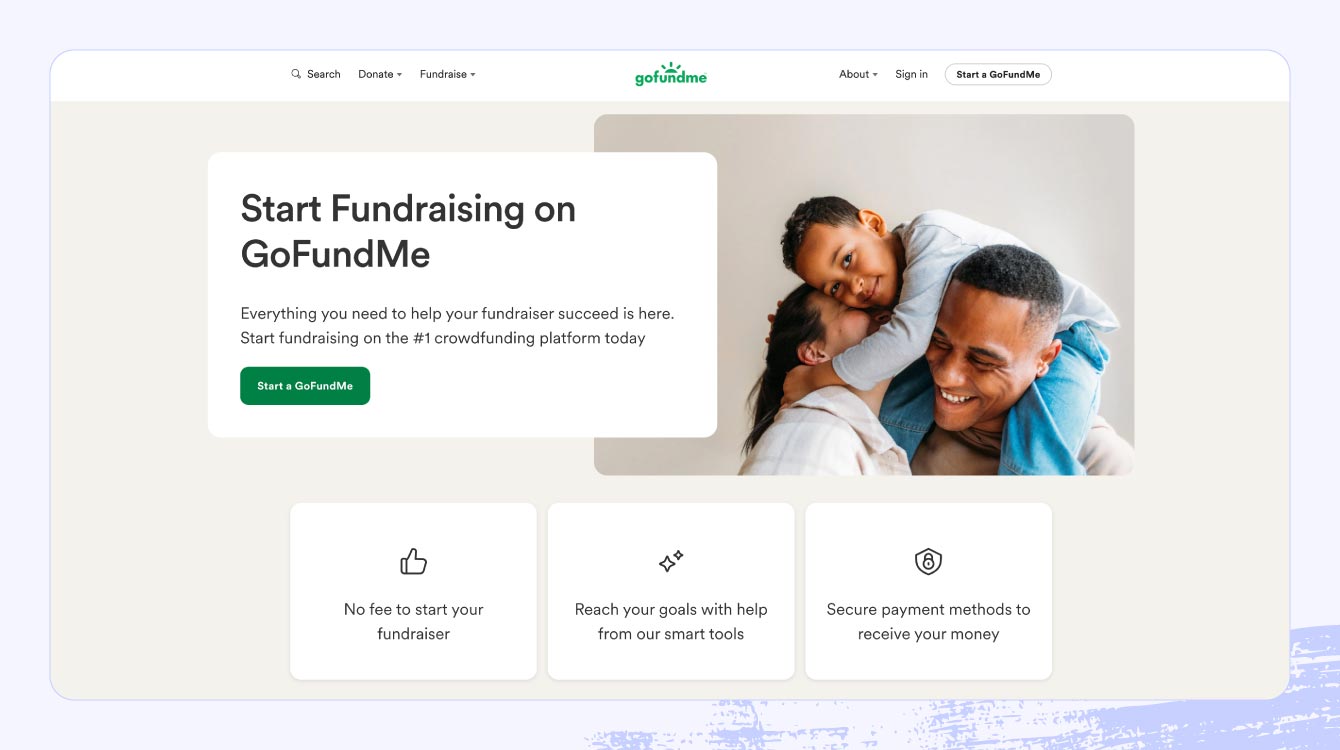
GoFundMe is a leading online fundraising platform that empowers individuals, groups, and non-profit organizations to raise money for personal causes, charitable projects, or organizational needs. In this article, we will discuss the importance of setting up a GoFundMe donation page for non-profit fundraising and provide a step-by-step guide on how to do it effectively.
What is GoFundMe?
GoFundMe is a crowdfunding platform that allows users to create fundraising campaigns for various causes, including medical expenses, education, personal emergencies, and charitable projects. With over 1.4 million non-profit donation pages created without consent, it's essential for non-profits to understand how to claim, remove, and protect their pages to maintain donor trust and SEO.
Benefits of Using GoFundMe for Non-Profit Fundraising
- 0% Platform Fee: GoFundMe offers a 0% platform fee for non-profit organizations, allowing them to keep more of the donations raised.
- Efficient Fundraising: GoFundMe provides a user-friendly platform for creating and managing fundraising campaigns, making it easier to reach fundraising goals.
- Increased Donor Engagement: GoFundMe's donation pages provide a secure and trusted space for donors to contribute, fostering a sense of community and encouraging repeat donations.
Step-by-Step Guide to Setting Up a GoFundMe Donation Page for Non-Profit Fundraising
To setup a GoFundMe donation page for non-profit fundraising, follow these steps:
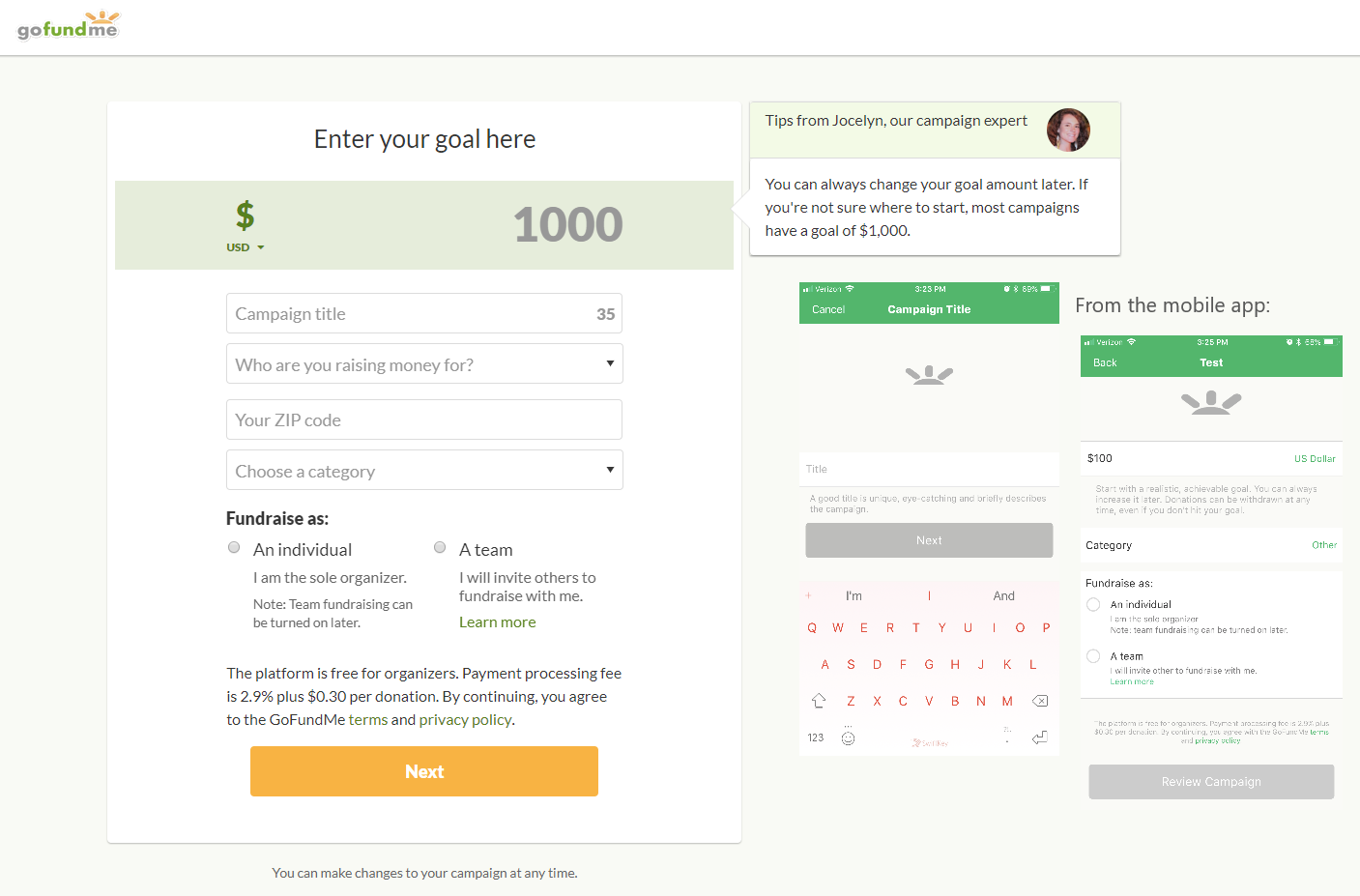
1. Create a GoFundMe Account
Start by creating a GoFundMe account, which is free for non-profit organizations. You can sign up using your email address, Facebook, or Google account.
2. Claim Your Non-Profit Page
GoFundMe has automatically created non-profit donation pages for many organizations. To claim your page, follow these steps:
a. Log in to your GoFundMe account and click on the "Fundraising" section.
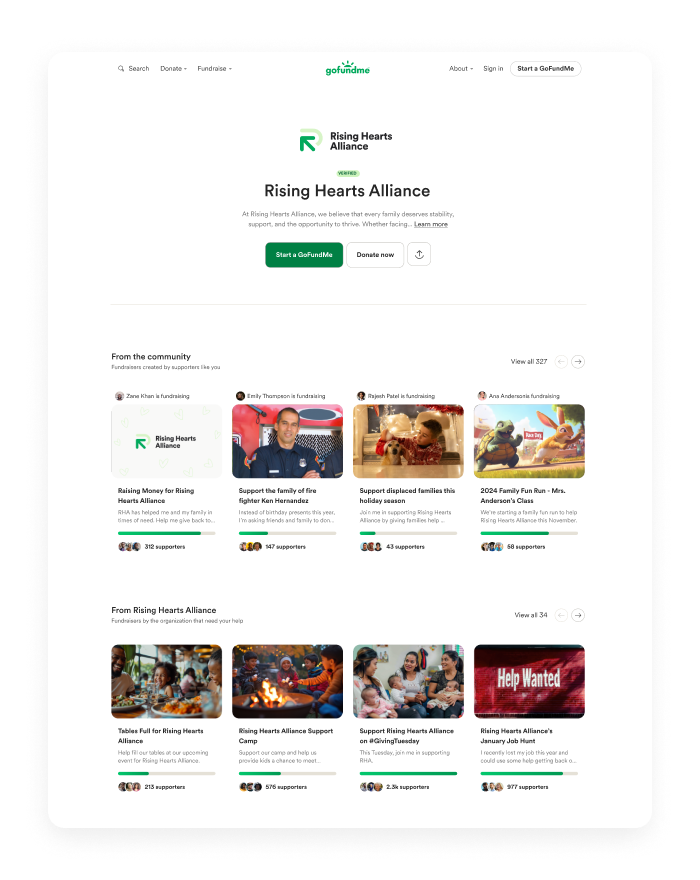
b. Search for your non-profit's name and identify the auto-created page.
c. Click on the page and follow the prompts to claim and customize your page.
3. Customize Your Donation Page
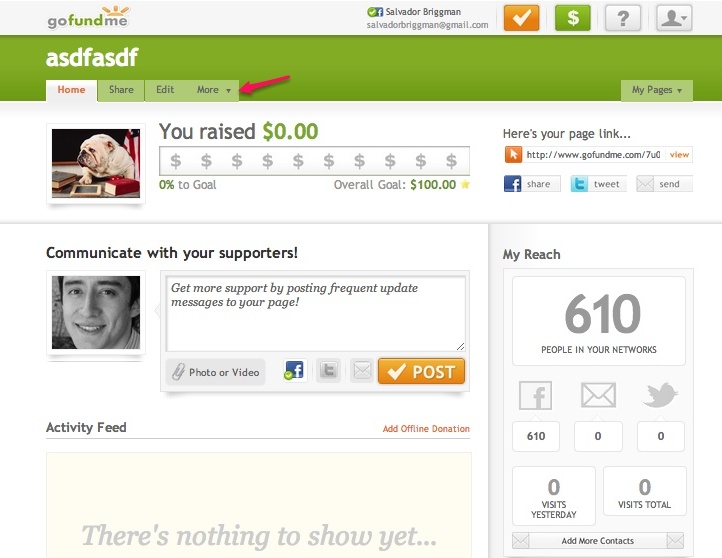
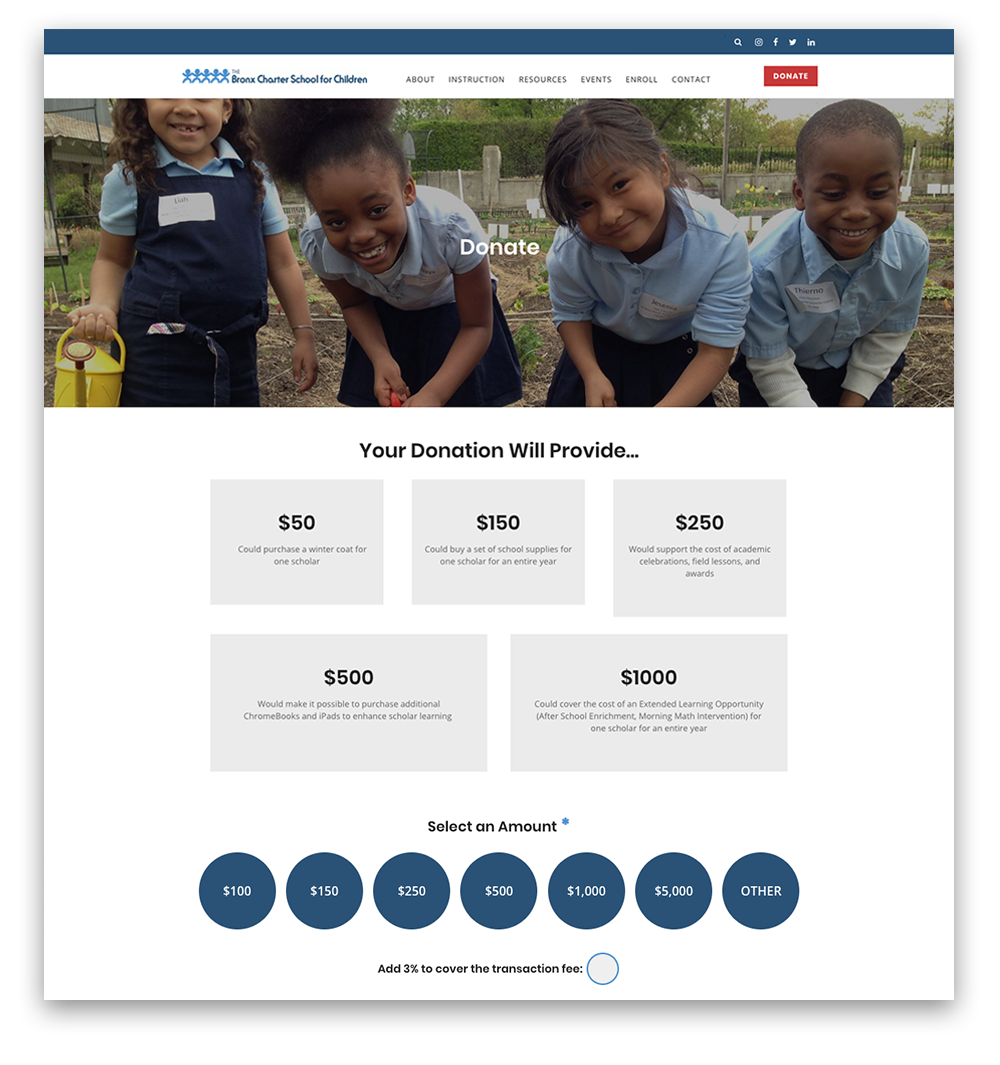
Once you've claimed your page, customize it to reflect your non-profit's brand and mission. You can add images, videos, and text to describe your cause and encourage donations.
4. Promote Your Page
Share your page on social media, email, and your website to reach a wider audience and encourage donations. You can also use GoFundMe's sharing tools to make it easy to share your page with supporters.
Tips for Maximizing Your GoFundMe Donation Page
Here are some tips to help you maximize your GoFundMe donation page and increase fundraising success:
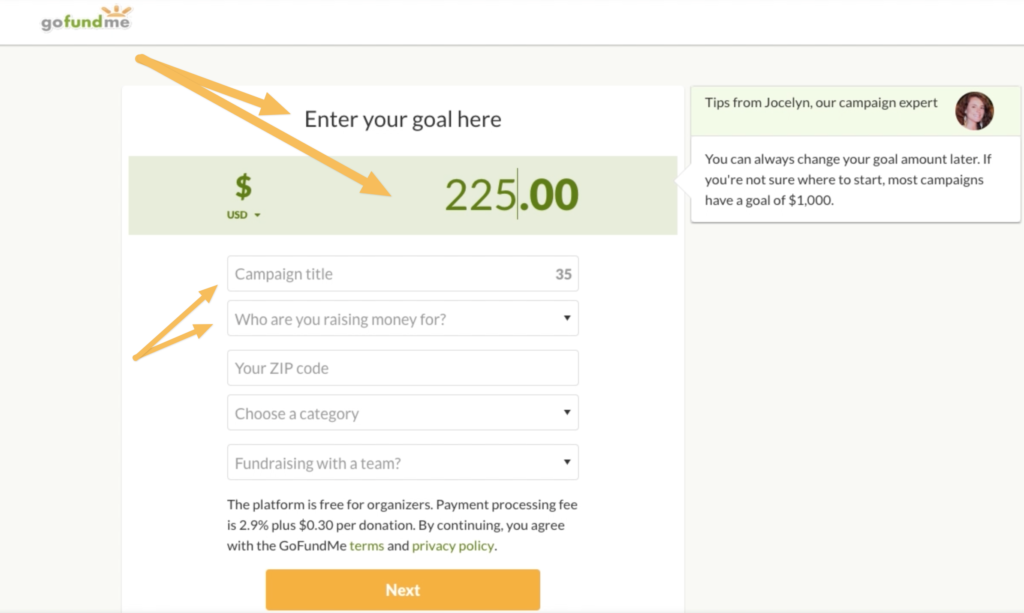
- Clearly Define Your Goal: Make sure to clearly define your fundraising goal and provide a sense of urgency to encourage donations.
- Engage with Your Donors: Respond to comments and messages from donors to build relationships and encourage repeat donations.
- Share Impact Stories: Share stories of how your non-profit is making a difference to inspire donations and build trust.
Conclusion
In conclusion, setting up a GoFundMe donation page for non-profit fundraising is a great way to reach a wider audience and increase fundraising success. By following these steps and tips, you can maximize your GoFundMe donation page and ensure that your non-profit achieves its fundraising goals.
Don't let unauthorized GoFundMe donation pages negatively impact your non-profit's fundraising efforts. Take control of your pages today and start raising more for your cause.