Create Voicemail on Google Voice
Are you looking for a reliable and innovative solution to manage your communication effectively? Look no further than Google Voice, a cutting-edge VoIP (Voice over Internet Protocol) service that offers the functionality of creating voicemail on Google Voice. With Google Voice, you can streamline your communication methods, increase the functionality of your digital services, and even receive phone calls when using other lines.
Benefits of Creating Voicemail on Google Voice
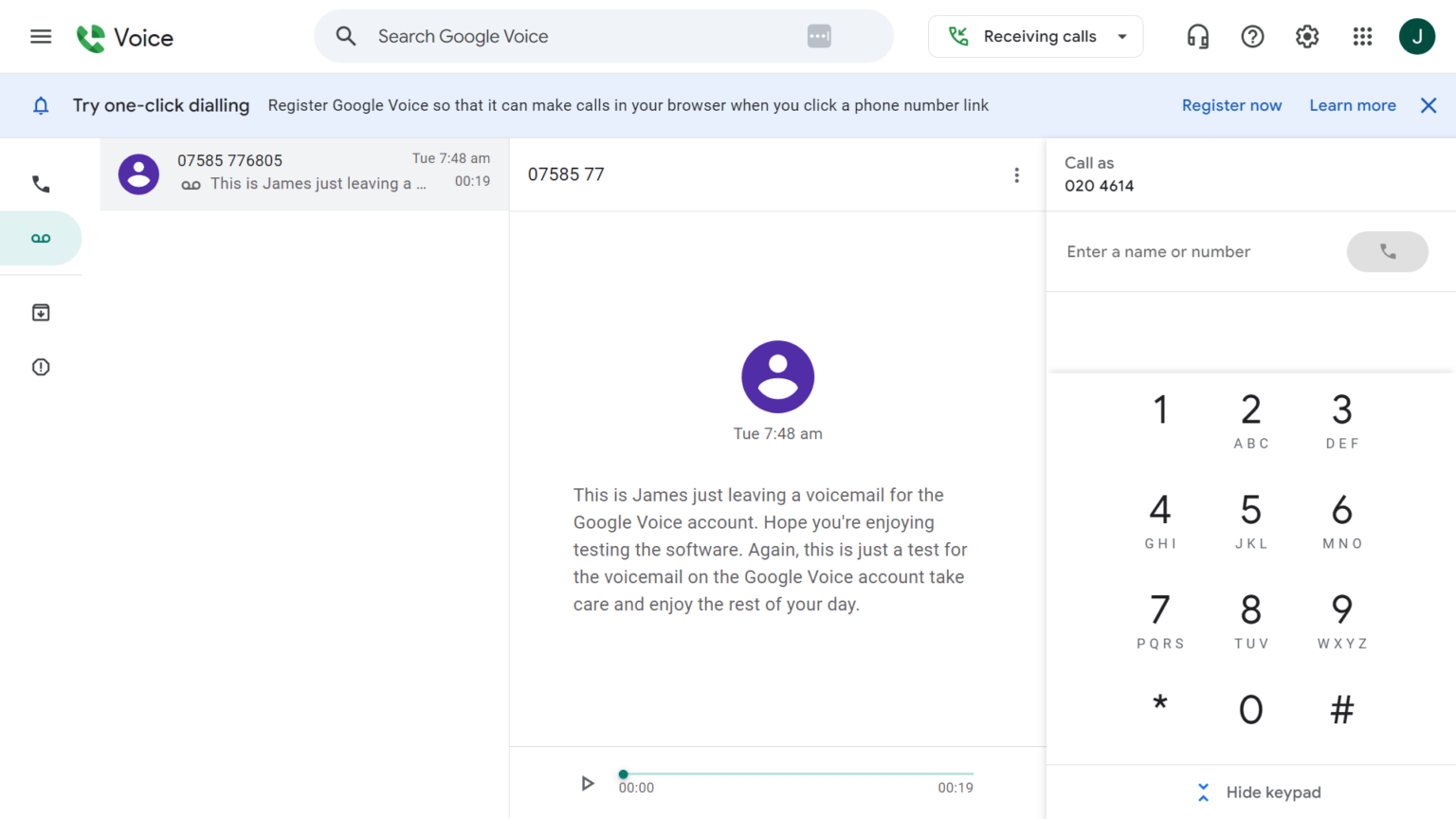
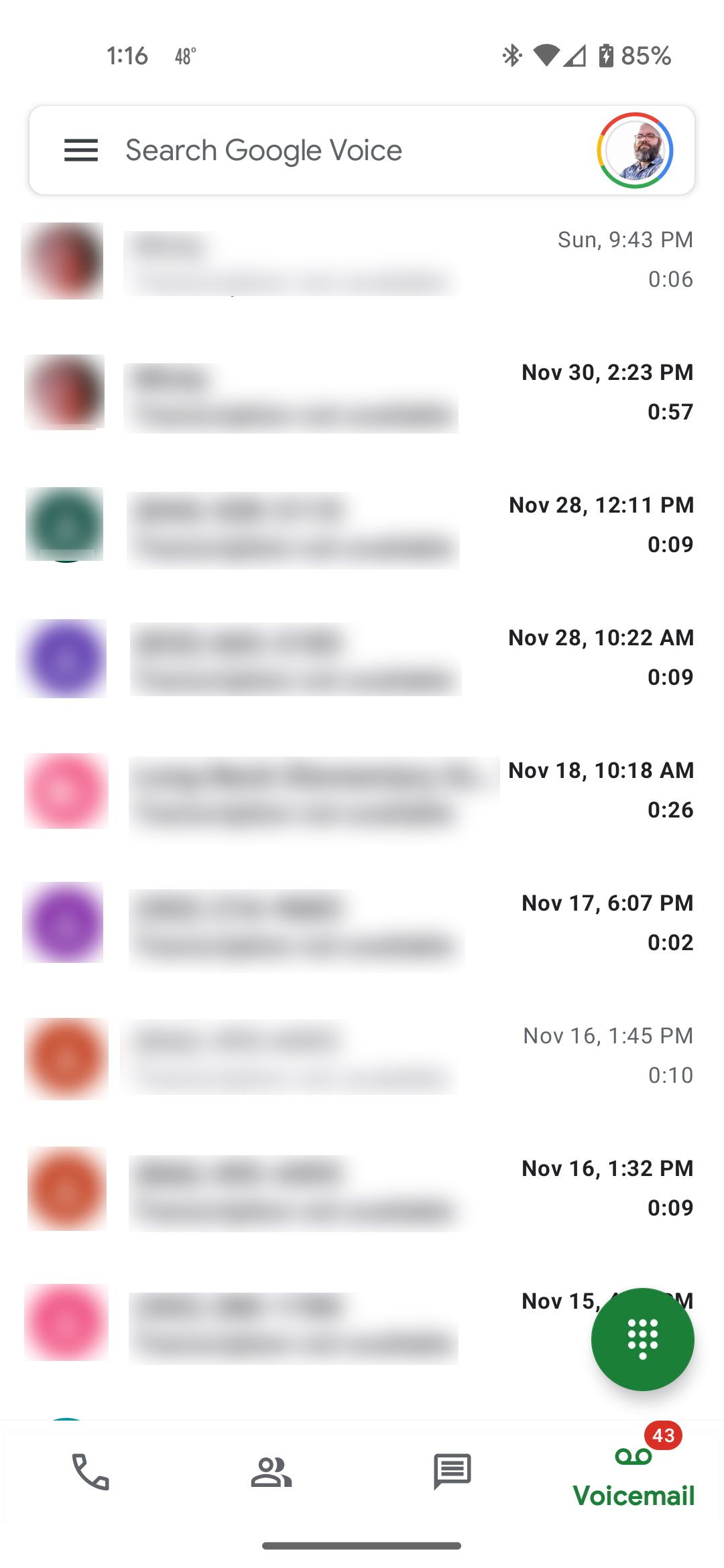
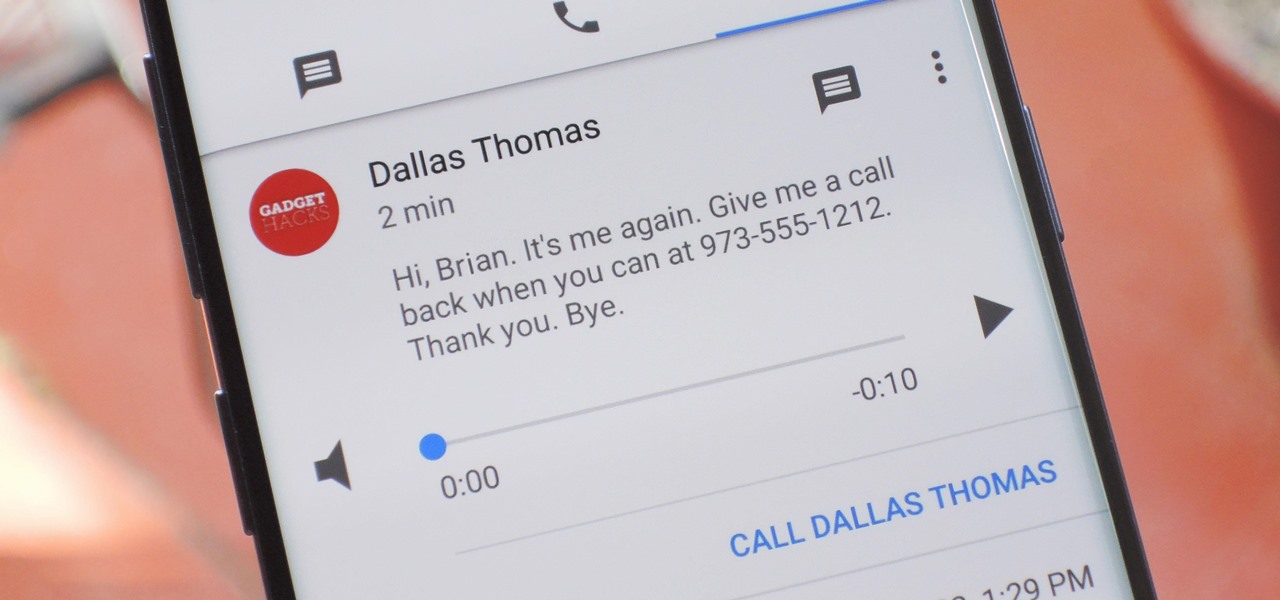
- Read voicemail transcripts in your inbox and search them like emails, making it easier to manage your communications.
- Personalize voicemail greetings, ensuring that your callers hear a warm and welcoming message.
- Make international calls at low rates, reducing your communication costs.
- Get protection from spam calls and messages, helping you stay safe from unwanted harassment.
- Block unwanted callers, giving you greater control over your voicemail and communication.
Setting Up Voicemail on Google Voice
Setting up voicemail on Google Voice is a straightforward process that can be completed in a few simple steps. Here's a step-by-step guide to help you get started: ### Step 1: Sign up for Google Voice
If you're new to Google Voice or have an existing account, sign up for a Google Voice account by visiting the Google Voice website. You will need to create a Google Account if you don't already have one.
### Step 2: Choose Your Google Voice Phone NumberOnce you've signed up for Google Voice, you can select a GoogleVoice phone number for calling, texting, and voicemail. This number will be associated with your Google Voice account.
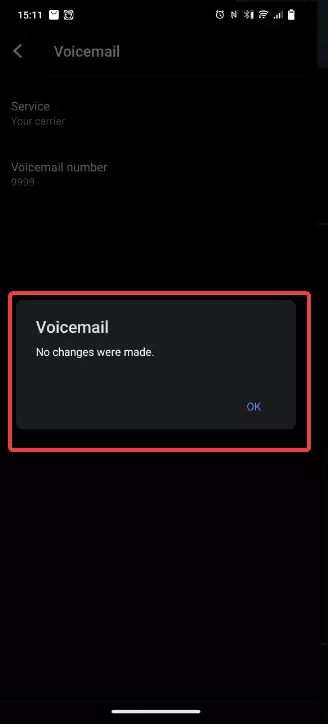
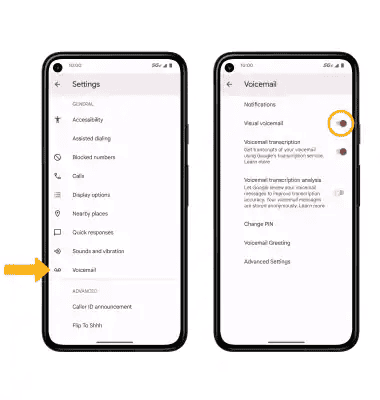
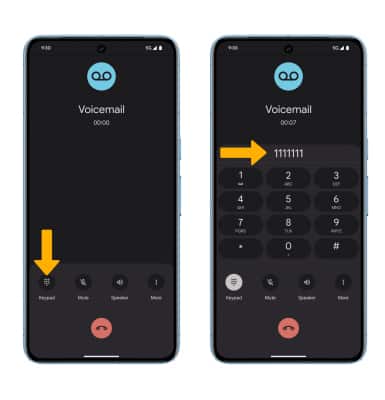
Next, you need to enable voicemail on Google Voice. You can do this by going to the Google Voice settings and enabling the voicemail feature. This will allow you to receive and manage voicemail messages on your Google Voice number.
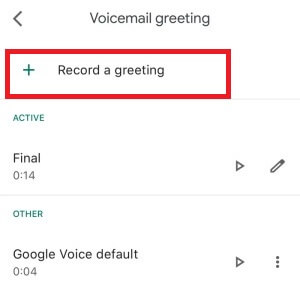
### Step 4: Record Your Voicemail GreetingWith voicemail enabled, you can now record your voicemail greeting. This greeting is what callers will hear when they leave a message for you. You can record up to 10 voicemail greetings and select the one you want callers to hear.
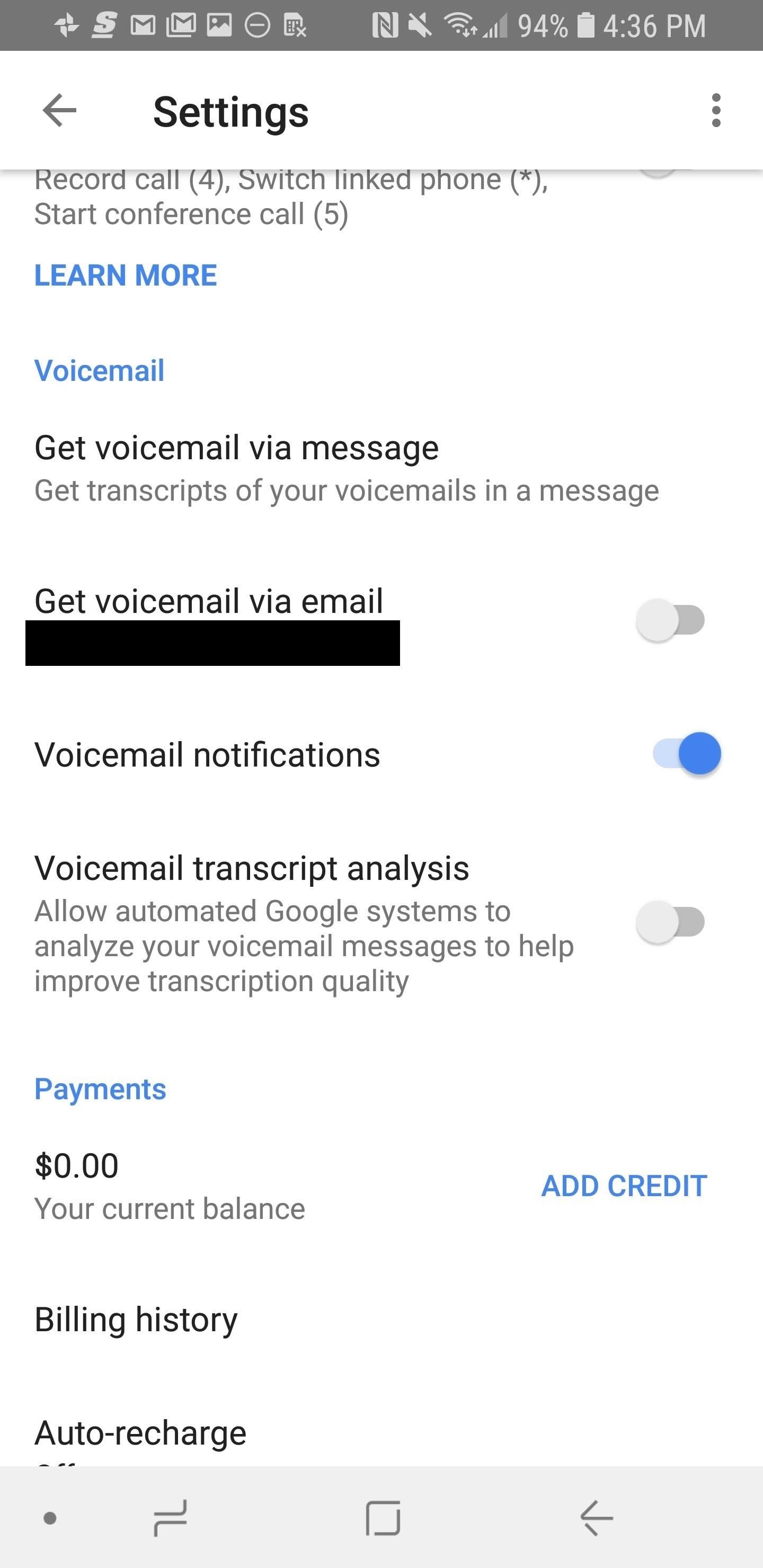
### Step 5: Configure Voicemail SettingsFinally, you can configure the voicemail settings to suit your needs. You can choose whether you want to receive voicemail notifications via email or text message, or whether you want voicemail to forward to your existing phone number.
Advanced Features of Google Voice Voicemail
Google Voice voicemail offers several advanced features that make it a powerful tool for managing your communication. These features include: * Spam Call Filtering: Google Voice voicemail comes with built-in spam call filtering, which helps block unwanted calls and saves you from unwanted harassment. * Call Forwarding: You can set up call forwarding to forward calls directly to your Google Voice voicemail, or to your existing phone number. * Custom Greetings: You can record and manage up to 10 voicemail greetings, allowing you to personalize your voicemail experience. * Transcriptions: Google Voice voicemail can transcribe voicemail messages, allowing you to read them in your inbox like emails.
Troubleshooting Common Issues with Google Voice Voicemail
While Google Voice voicemail is a reliable and innovative solution, you may encounter some common issues along the way. Here are some troubleshooting tips to help you overcome common issues: * Voicemail Not Working: If your Google Voice voicemail is not working, check your settings and ensure that voicemail is enabled. Also, check if your Google Voice number is active and functioning correctly. * Missing Voicemail Transcriptions: If you're missing voicemail transcriptions, check your voicemail settings to ensure that transcription is enabled. * Custom Greeting Issues: If you're experiencing issues with your custom voicemail greetings, try re-recording your greeting or checking your voicemail settings to ensure that it's set up correctly.




:max_bytes(150000):strip_icc()/001-what-is-voicemail-3426793-3486c641a7cd4847b503aae5951f12c2.jpg "Block Spam & Smarter Visual Voicemail | YouMail")